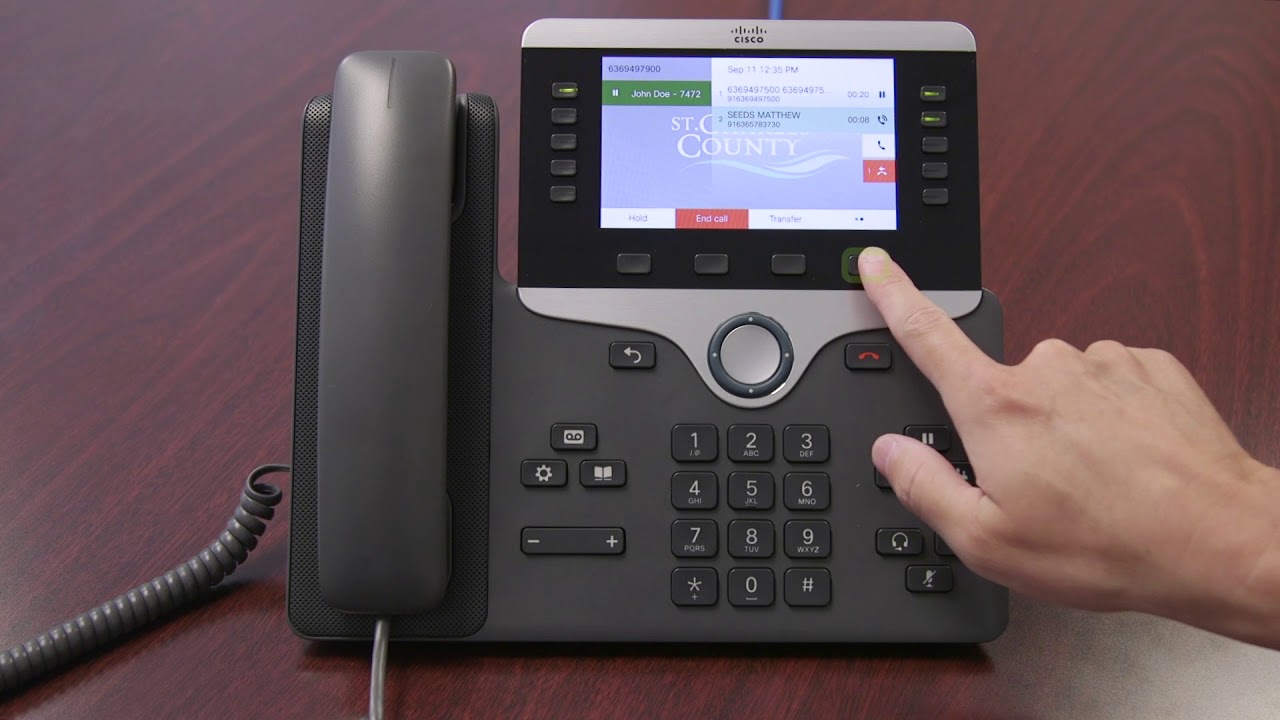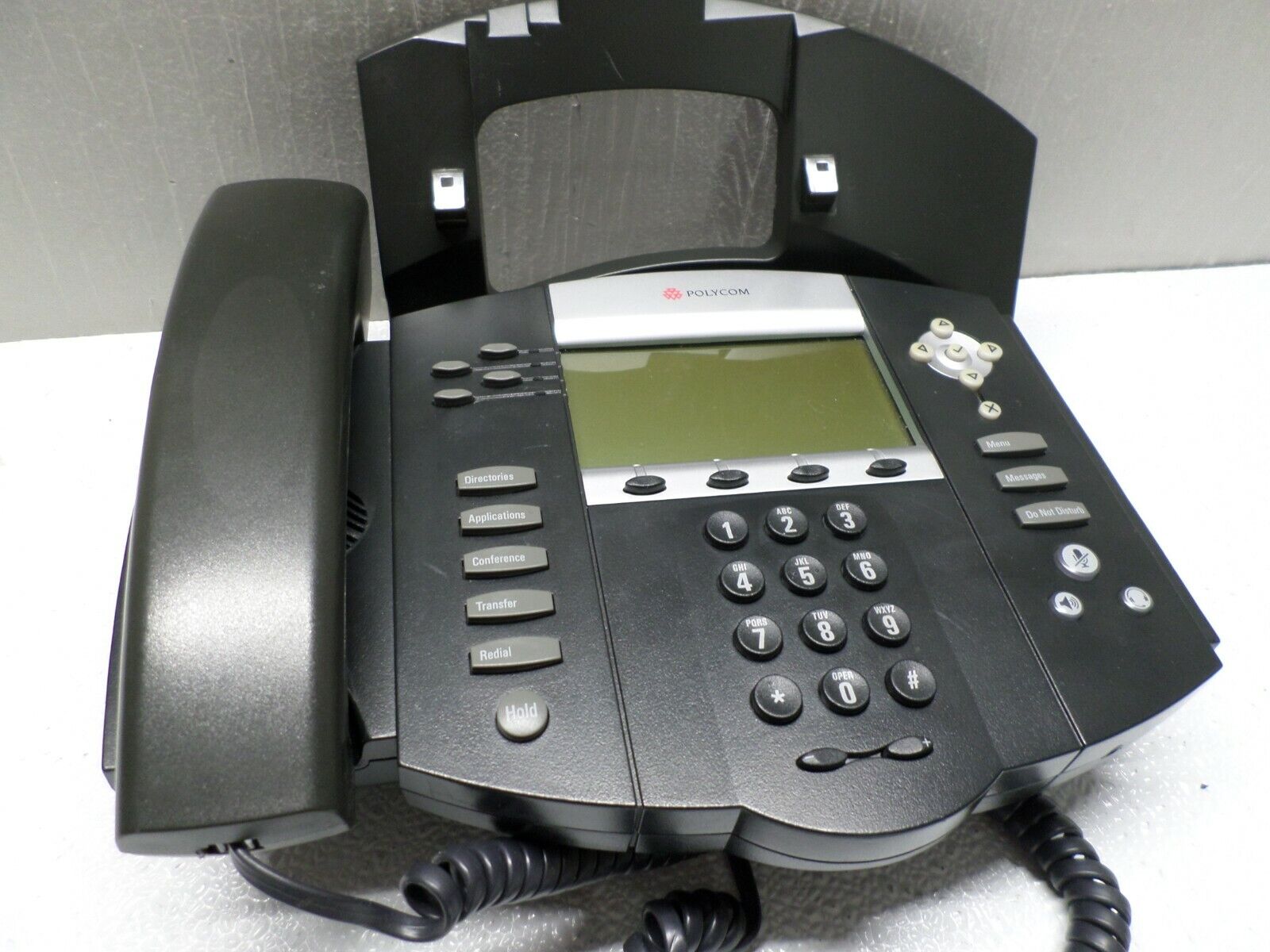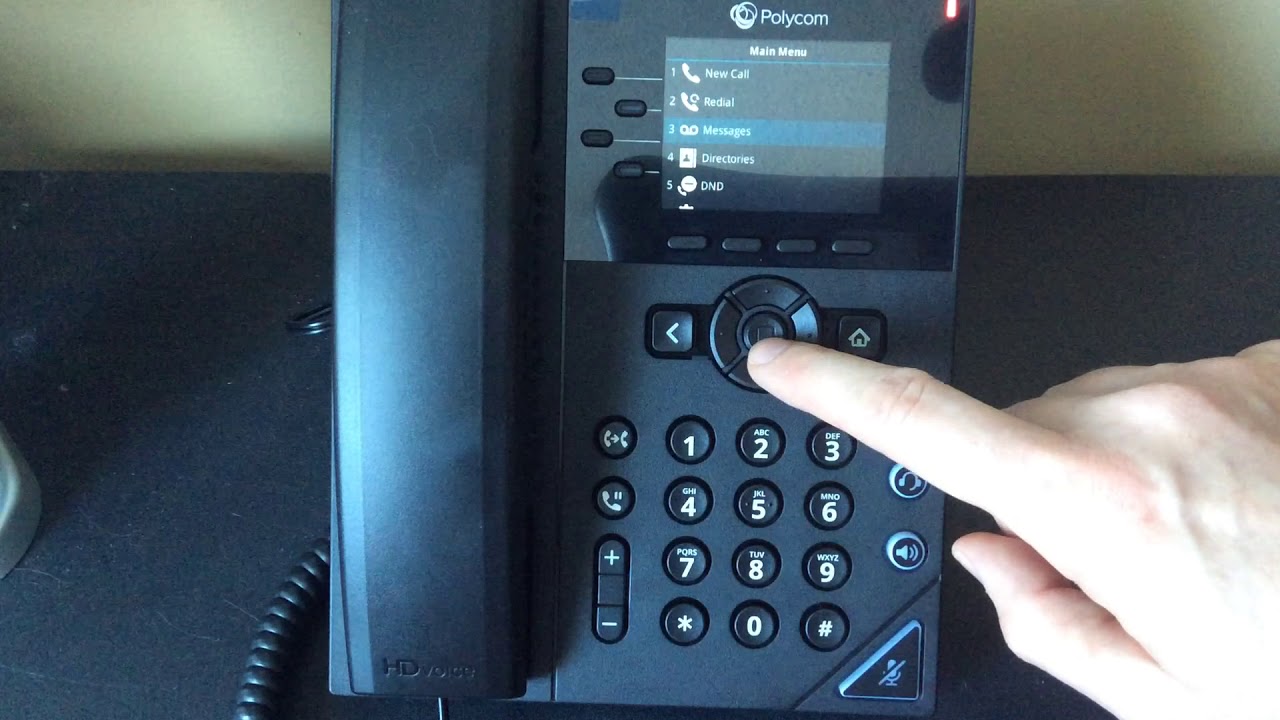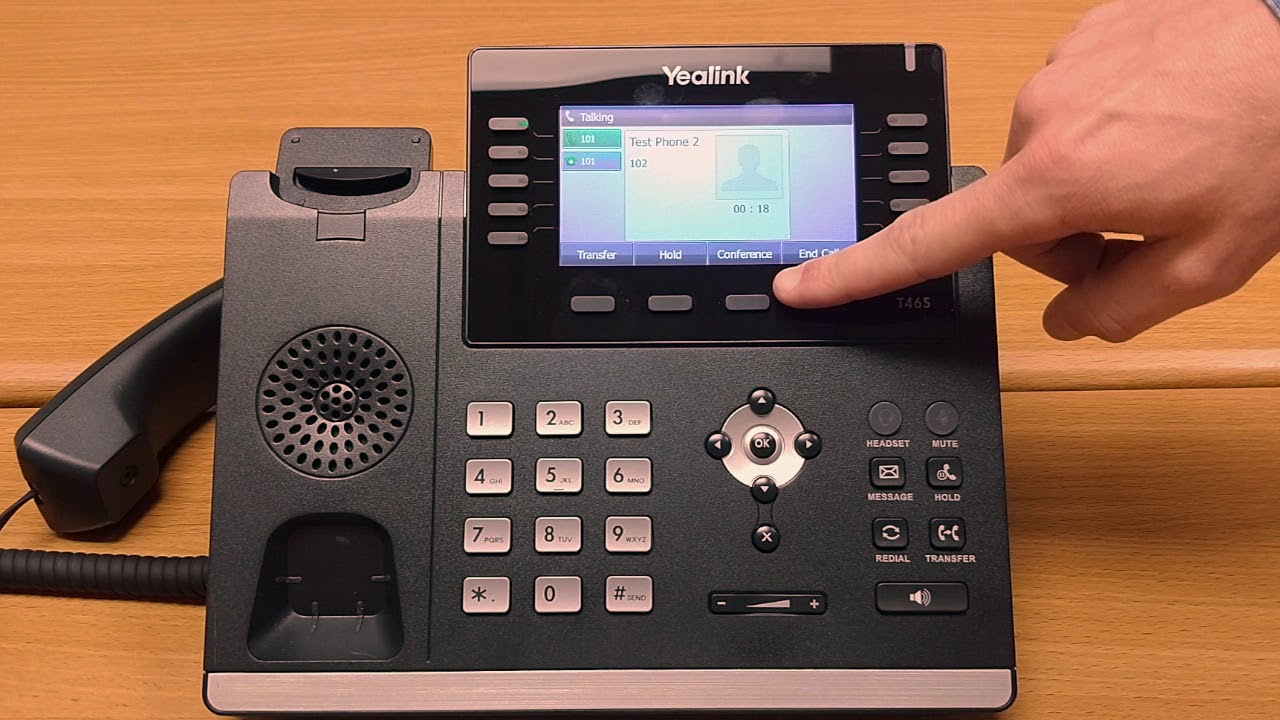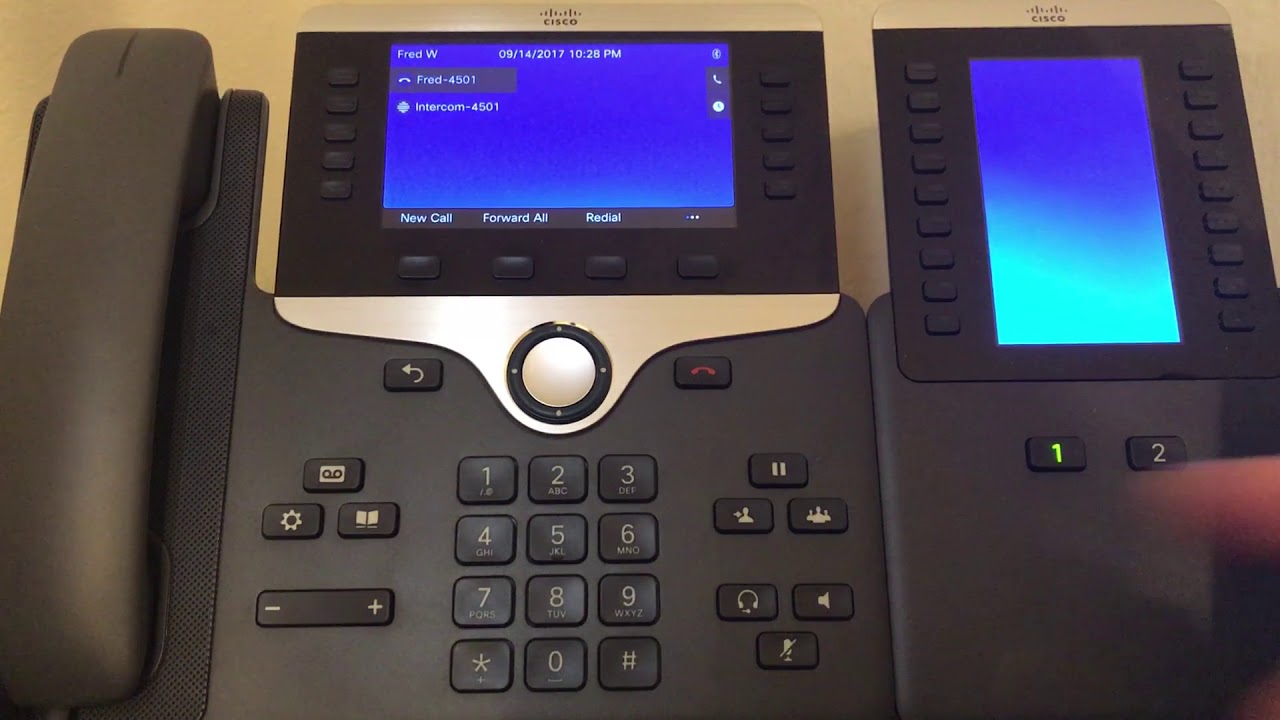
To use intercom on a Cisco phone, press the Intercom softkey or line key, wait for the alert tone, and speak your message. The recipient’s phone will auto-answer in whisper mode with mute activated, allowing them to hear you hands-free before they press Intercom to respond.
What is intercom on a Cisco phone and how does it work?
Intercom on a Cisco phone is a feature that lets you broadcast a one-way message or initiate a hands-free two-way conversation with a colleague. The call works in whisper mode: the caller speaks, and the recipient’s phone auto-answers with the microphone muted. The recipient hears the caller through the speakerphone, headset, or handset if active, and can press the Intercom button to enable two-way audio. This is an administrator-provisioned line, not a user-enabled setting. In Cisco Unified CM, intercom is configured as an intercom line that behaves like a line plus a speed dial, with a dedicated pair of intercom directory numbers on two phones. Cisco IOS/CME documentation says the intercom feature is implemented using specially configured speed-dial buttons or the intercom command in ephone-dn configuration mode.
Supported Cisco phone models for intercom
Intercom is supported on Cisco 7800 Series phones (except the 7811), the 9800 Series, and the 8875. The feature requires Cisco Unified Communications Manager Release 6.0 or later and Cisco Unified IP Phones firmware 8.3(1) or later. The Cisco IP Phone 7811 does not support intercom. On 9800 and 8875 models, the intercom number appears next to the Intercom icon, and on 9871 and 8875, configured speed-dial intercom numbers appear under All and Lines in full-screen mode.
How to initiate an intercom call on your Cisco phone
- Press the Intercom softkey or line key on your phone.
- Optionally enter the intercom code if required.
- Wait for the alert tone, then speak your message.
- Press Intercom again or End Call to hang up.
On Cisco 9800 and 8875 phones, select Intercom, speak after the alert tone, and select End call when finished. On 9811, 9841, 9851, and 9861 models, you can also press the line key to end the intercom call.
How to receive and respond to an intercom call
When someone sends an intercom call to your Cisco phone, the phone auto-answers with mute activated. You hear the caller through the speakerphone, headset, or handset. To respond and open two-way audio, press the active Intercom button on your phone. Until you do, your microphone remains muted, so the caller cannot hear you.
Troubleshooting common intercom issues
If intercom is not working on your Cisco phone, first confirm your model supports it, the 7811 does not. If a phone model does not support intercom, Cisco documents that it will not work on that model; for example, 7811 does not support intercom. If you hear the caller but they cannot hear you, remember that mute is activated by design on the receiving side; press Intercom to enable two-way audio. If calls are not connecting at all, the feature likely needs to be configured by your administrator in Cisco Unified Communications Manager as an intercom line. Intercom lines cannot be used in shared-line configurations. Cisco's residential release notes say intercom only worked within the residential dwelling and not to outside residences or common areas in that product release.
Frequently asked questions about Cisco phone intercom
Can intercom work with multiple phones at once?
Intercom is typically a one-to-one feature. Group intercom announcements are not standard on Cisco desk phones and require additional configuration or a different feature.
Can I customize intercom settings on my Cisco phone?
Intercom settings such as volume or ringtone may be adjustable on your phone, but the intercom line itself must be configured by your administrator in Cisco Unified Communications Manager.
Is intercom available on mobile devices or iPhones?
No. Cisco intercom is documented for Cisco Unified IP Phones and Cisco Webex desk phones only. It is not supported on Apple iOS or Google Android smart devices in the documented releases. Cisco's residential solution release notes say intercom was not supported on televisions, PCs, or Apple iOS/Google Android smart devices in that release.
Can I use intercom to forward a cell phone?
No. Intercom is a desk-phone feature that works between configured intercom lines on Cisco phones. It is not designed to forward a cell phone.
Can I use intercom if I use Wi-Fi calling on iPhone?
No. Intercom is not available on iPhones or through Wi-Fi calling. It is a desk-phone feature that requires a Cisco phone and a properly configured intercom line.
Can I use intercom to make a call on teams using phone number?
No. Intercom is a separate feature from Microsoft Teams calling. To make a call on teams using phone number, you would use the Teams dialer, not the Cisco phone intercom feature.
Related reading: How To Use Cisco Phone.