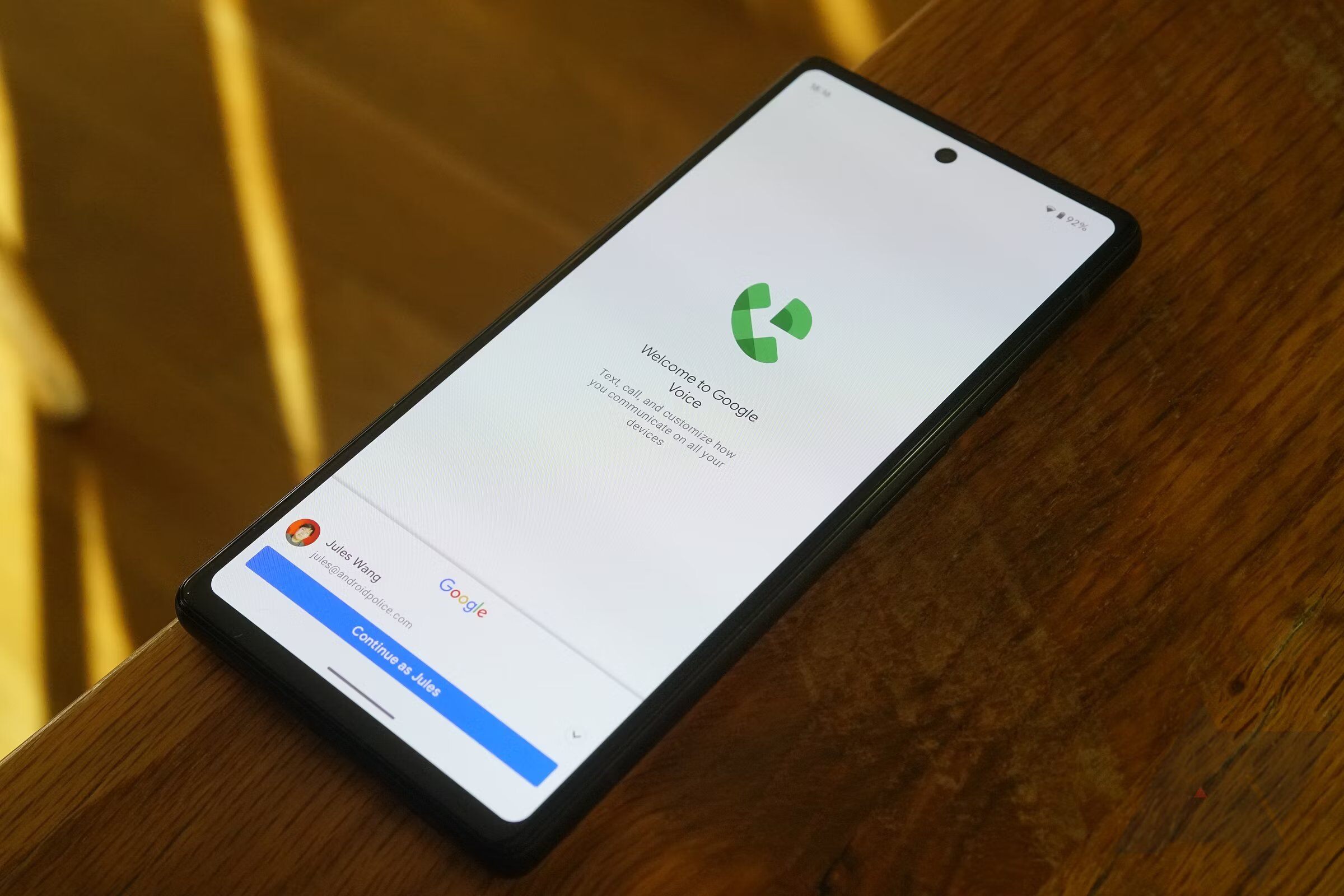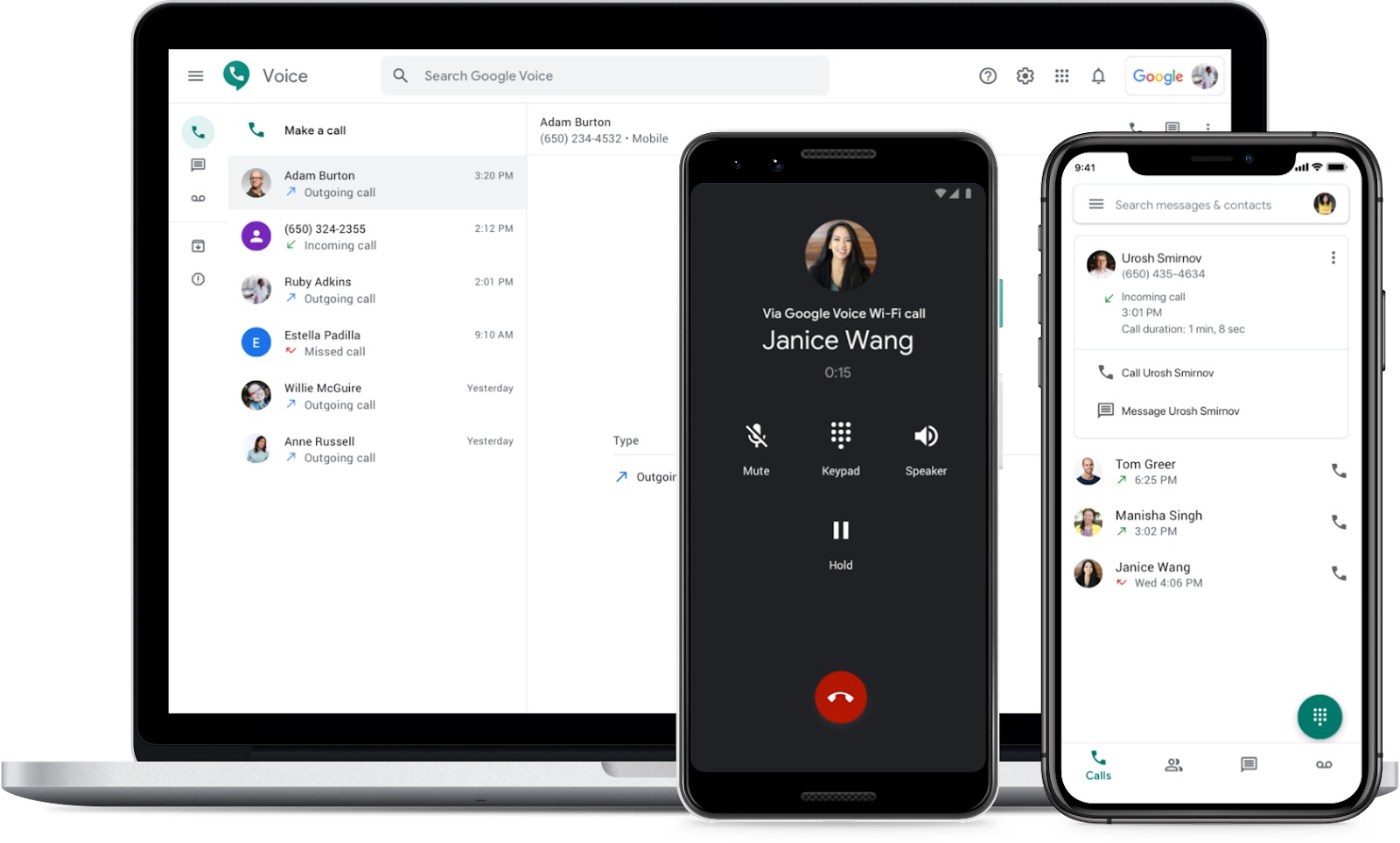
Google Voice is a phone service from Google that gives you a secondary phone number for calling, texting, and voicemail, all managed through the Voice app or a computer. Its core privacy benefit is that it keeps your real phone number hidden from anyone you call or text.
What is Google Voice?
Google Voice is a phone service from Google that lets you get a Google Voice number and use it to call, text, and handle voicemail in the Voice app or on a computer. It originated from GrandCentral, a phone management service Google acquired in 2009. The service uses Voice over Internet Protocol (VoIP) to provide a free secondary mobile number that ties together your cellular services for easy call forwarding. Instead of juggling different phone numbers, you can provide a Google Voice number and forward incoming calls to the numbers linked to it or to any device you prefer, including computers. Google keeps your linked numbers private, so no one can look up your Google Voice number and trace your real contact details.
How does Google Voice work?
Google Voice works over an internet connection. When someone calls your Google Voice number, the service can ring your linked devices and numbers, and you manage these settings under Devices and numbers in the app or Linked numbers on the web. You can control whether calls go to Google Voice voicemail by turning off device ringing and turning off forwarding to linked numbers. For outgoing calls, the app routes the call over the internet, and your Google Voice number appears on the recipient's caller ID instead of your original phone number.
How to set up Google Voice
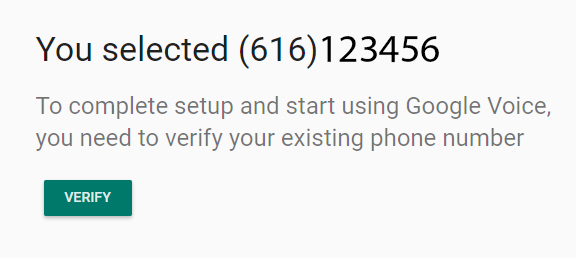
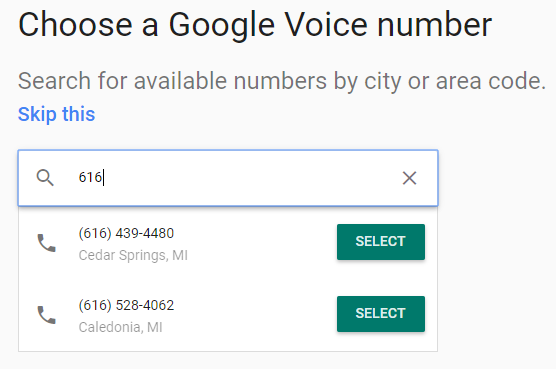
You can only link one phone number with a Google Voice number; a workaround exists using another virtual number like a Hushed or Skype number. You can search for a vanity number by typing your desired digits to check availability.

How to set up Google Voice on iPhone or iPad
- Download the Voice app from the App Store.
- Open the app and sign in with your Google account.
- Review the Terms of Service and Privacy Policy, then tap Accept.
- Choose a number by tapping Search, selecting a number, and following the on-screen instructions. You can search by city or area code. If numbers are not available in your area, try a nearby city or area code.
How to set up Google Voice on Android
Setup begins by downloading the Google Voice app and opening it.
How to set up Google Voice on a computer
- Go to Google Voice in your web browser.
- Click Settings in the top right.
- Under Account > Linked numbers, click New linked number.
- Enter the phone number you want to link.
- Verify the number: for a mobile number, click Send code; for a landline, click Verify by phone > Call.
- Enter the code you receive to finish setup.
How to link additional phone numbers to Google Voice
- Open the Voice app.
- Tap Menu > Settings.
- Under Account, tap Devices and numbers.
- Tap New linked number and enter the phone number.
- Verify the number: for a mobile number, tap Send code and the code is sent by text; for a landline, tap Verify by phone > Call and Google Voice calls the number with the code.
How to manage Google Voice notifications
On Android, open Voice, tap Menu > Settings. Under Messages and Calls, you can control notification settings for messages and missed calls. Options include viewing notifications in the status bar, selecting a ringtone, enabling vibration, and toggling lock screen notifications on or off.
How to use Google Voice
1. Sending Google Voice messages
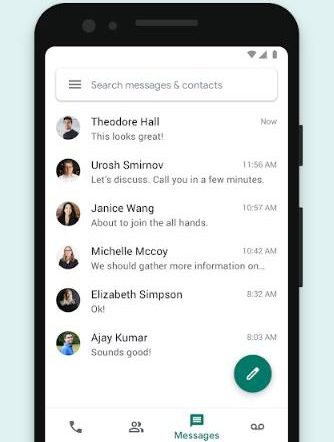
You can send unlimited messages to anyone with a U.S. or Canadian number at no cost. Google Voice and internet calling use your data connection, so your carrier does not charge unless Wi-Fi or mobile data is off. You can also send photos and GIFs, but messages with URL links or a large number of messages that do not receive replies may be blocked. Google Voice does not allow bulk messages with more than seven receivers to avoid spamming. Photos and GIFs sent via Google Voice must not exceed 2MB.
2. Placing phone calls on Google Voice
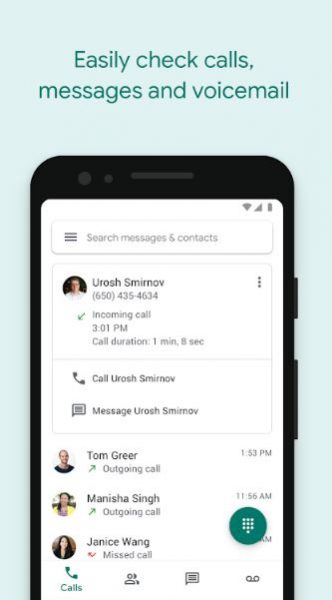
On iPhone and iPad, open the Voice app and use Dial if the number is not already a saved contact. Google Voice does not charge for calls made from the U.S. over the internet, and your Google Voice number shows in the caller ID instead of your original phone number. When there is no working internet connection, calls are placed using your carrier minutes, which may incur charges. You can call from a PC using the Chrome Hangout Plugin or Gmail.
3. Receiving incoming calls
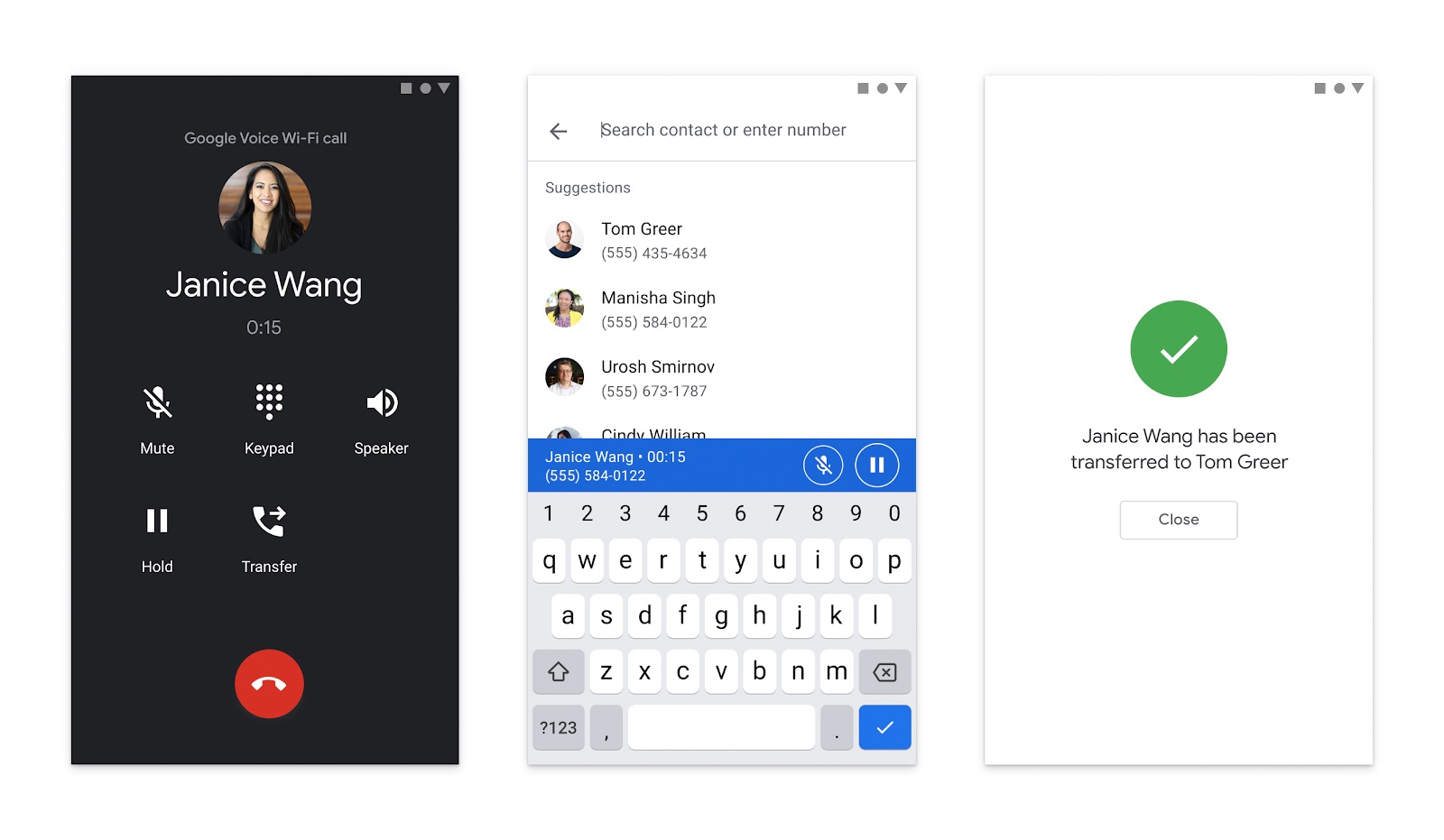
Incoming calls can be routed through devices and linked numbers managed in Settings > Devices and numbers on mobile or Settings > Linked numbers on computer. You can force calls to go to voicemail by turning off all devices under Calls > Incoming calls and turning off all linked numbers under Call forwarding on computer, or by removing all devices and linked numbers in the app under Settings > Devices and numbers. A call screening feature initiates when someone calls your Google Voice number for the first time; you can disable it under Settings > Screen calls. When answering a screened call, tap 1 to proceed with the call or tap 2 to send it to voicemail.
4. Google Voice notifications for messages and missed calls
Under Messages and Calls, you can toggle notification settings.
Setting Up Voicemail Greeting
You can set a personalized voicemail greeting for individual contacts via the contact's custom settings. Google Voice allows voicemail greetings of up to three minutes long, except on Safari.
Frequently Asked Questions
Can I use Google Voice without a smartphone?
Yes. You can use Google Voice on a computer through the website, and calls can be forwarded to any linked landline or mobile number, even if you do not have a smartphone.
Does Google Voice work for international calls?
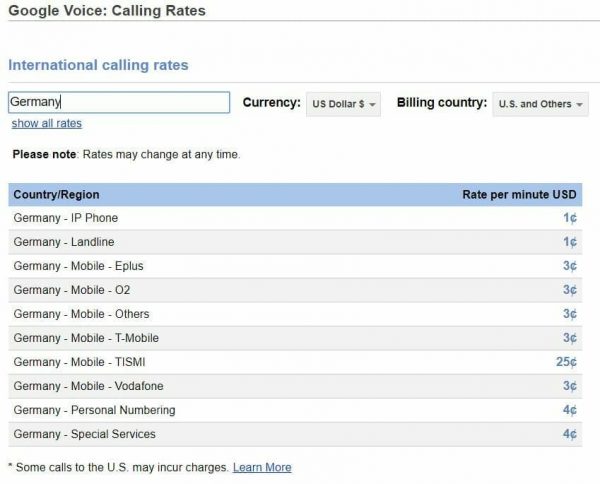
Google Voice allows you to call international destinations at competitive pricing. You need to add credits to your account for calls outside the U.S., and rates vary by country.
Can I keep my existing phone number with Google Voice?
Google Voice does not support porting your existing number to the service. You must choose a new Google Voice number during setup.
How many phone numbers can I link to one Google Voice account?
You can link up to six different landline or cellular phone numbers to your Google Voice account.
Related reading: How To Use Google Voice On Android.