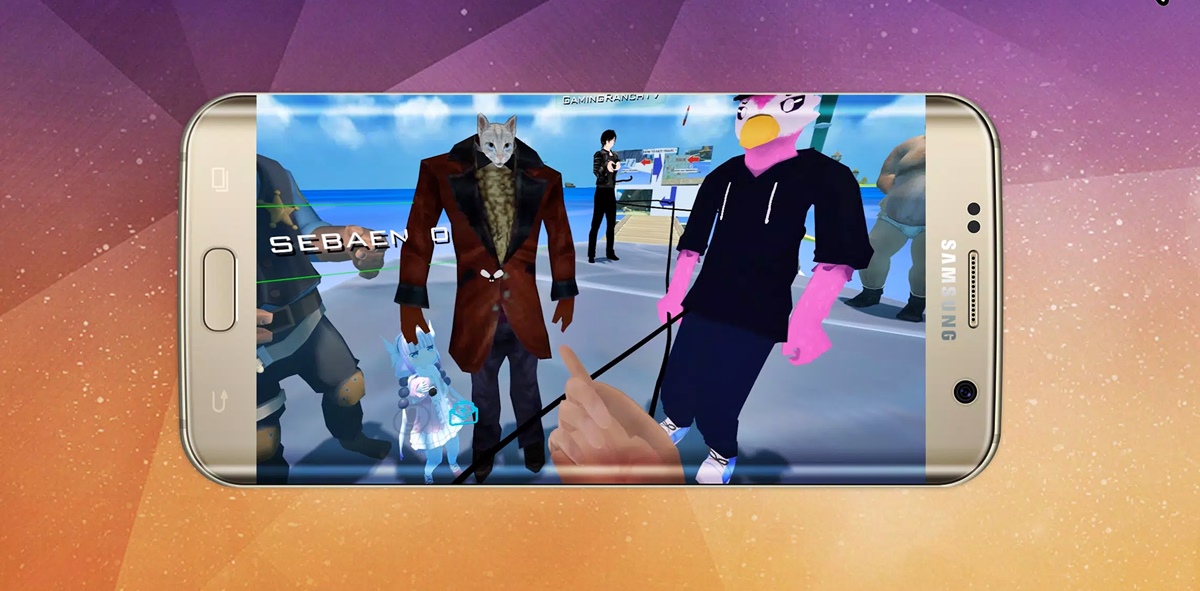
This tag collects articles about getting started and moving around in VRChat, with a focus on the hardware and software choices available to mobile and PC users. It is for anyone curious about the platform, whether they own a VR headset, a desktop computer, or only a phone. The guides here address practical questions about how to join the game, how to manage your social connections, and how to customize your experience.
The articles fall into a few clear groups. One set helps you figure out the gear and setup: you can learn how much full body tracking costs, how to get VRChat on your device, and how to play VRChat on a phone if you do not have a VR headset. Another group focuses on daily use and comfort, with guides on how to add friends, how to make a VRChat avatar, and how to fullscreen the app on a monitor. Each article gives straightforward steps for a specific task, from creating a custom avatar to expanding your view beyond the headset.
Whether you are trying to join a friend’s world for the first time or looking to upgrade your tracking setup, these pages offer direct help. They cover the basics of entry, the social tools you need to connect with others, and the display options that let you play without a headset.