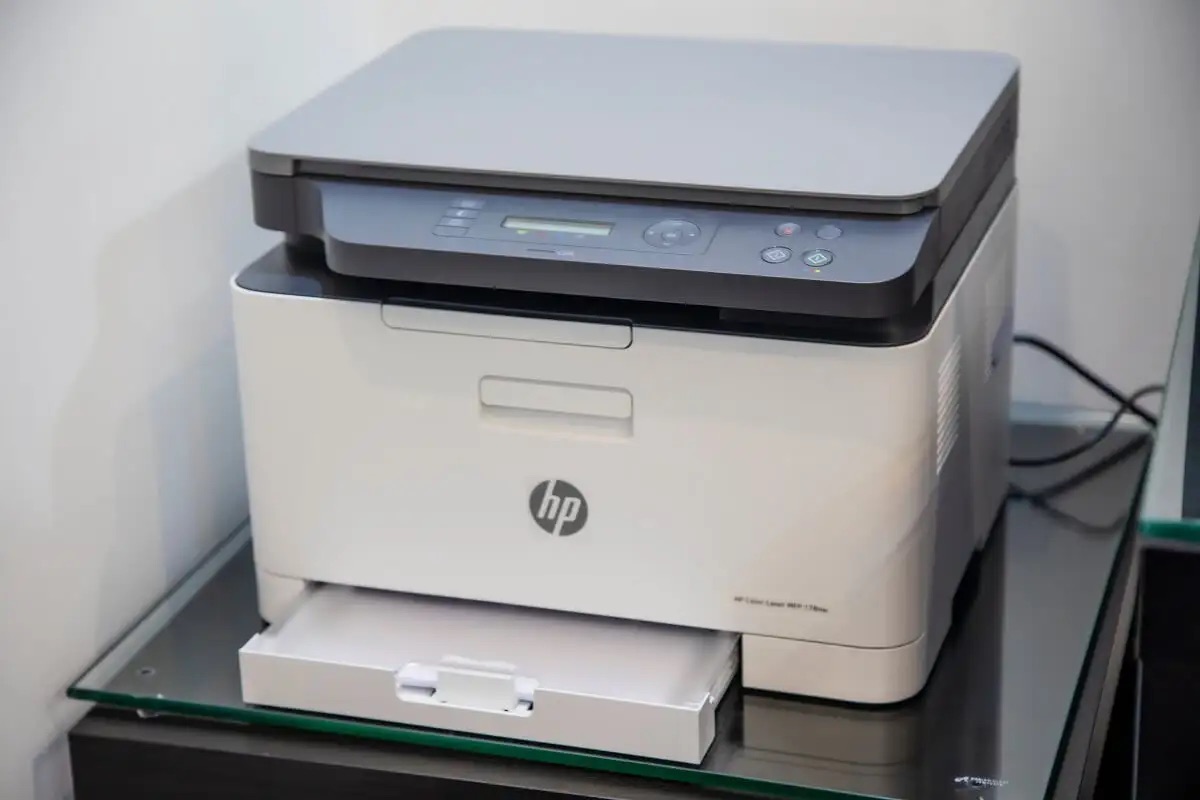
This tag collects step-by-step guides and troubleshooting advice for setting up wireless printers and network devices, aimed at anyone who needs to get a printer, a Hopper, or similar gear connected to their home or office Wi-Fi. Whether you are setting up a new device or fixing a connection that has stopped working, these articles focus on the practical steps to make the wireless link work.
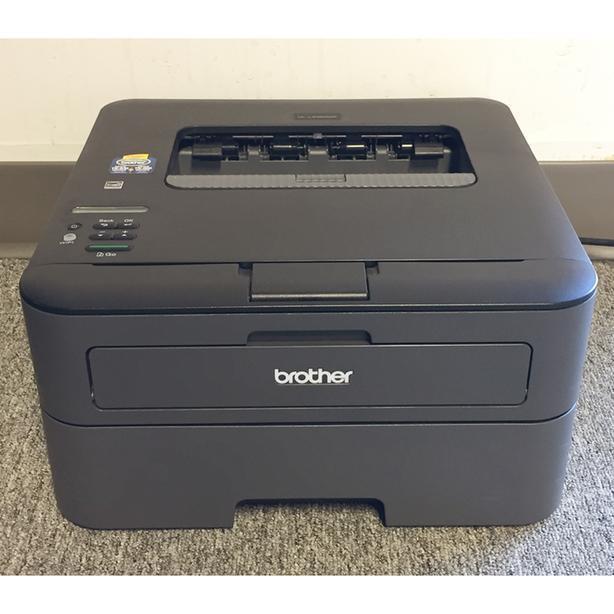
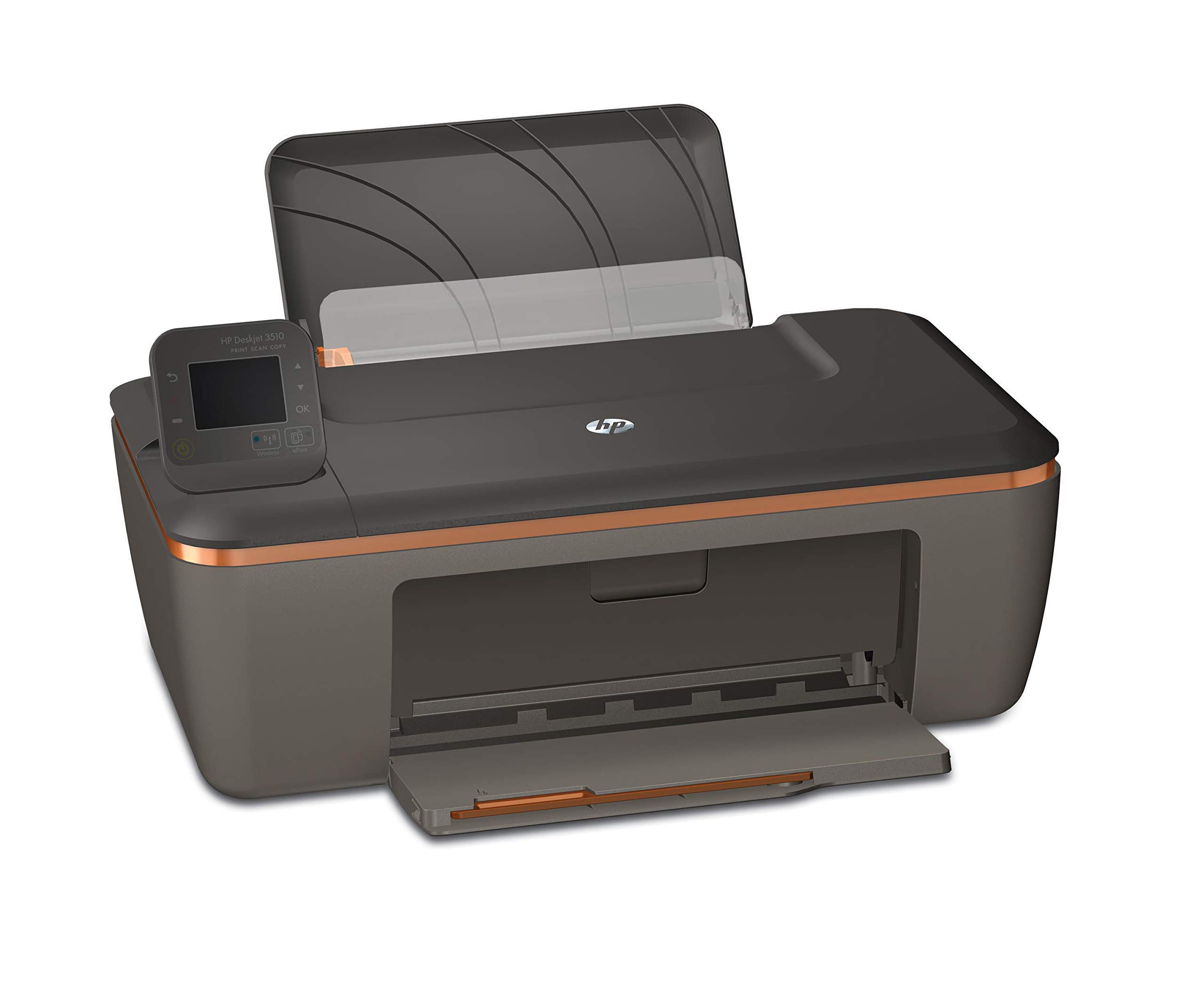
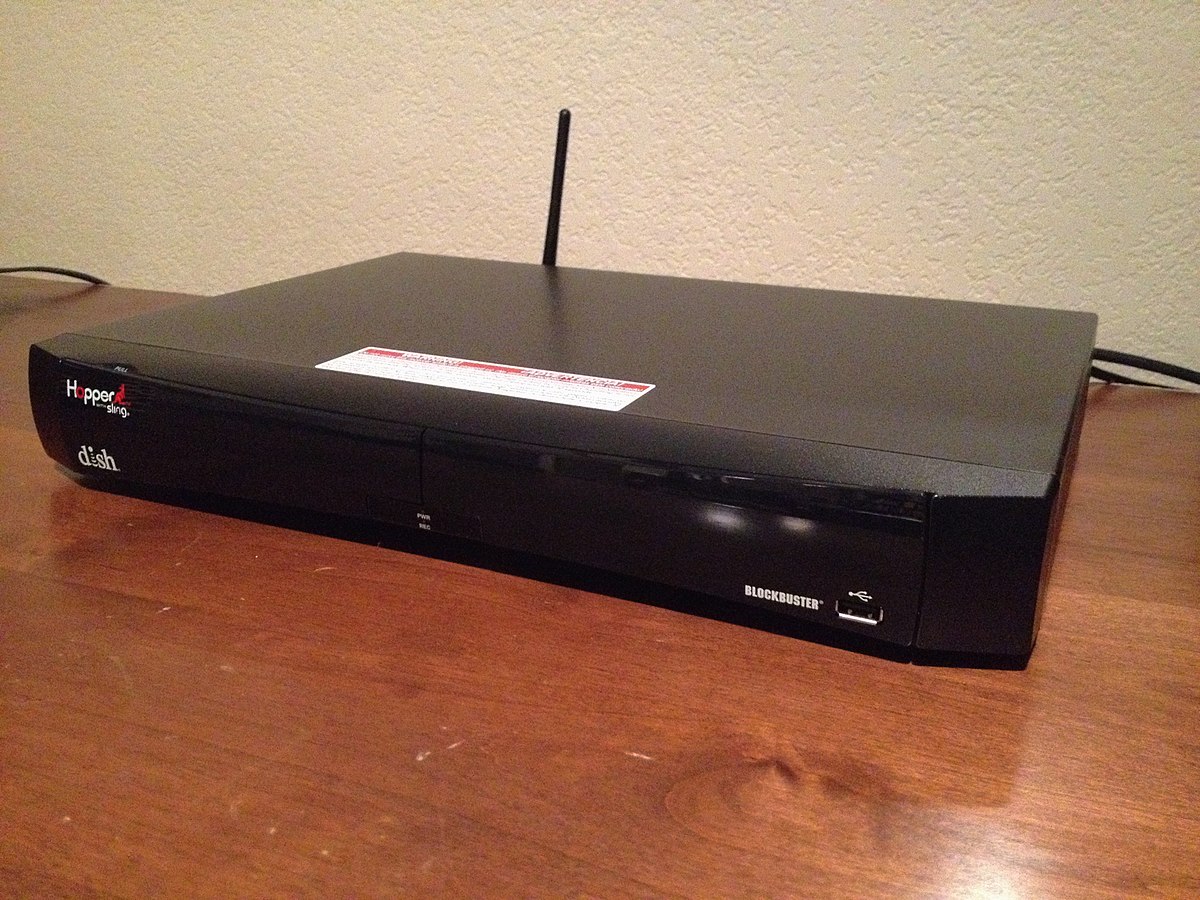
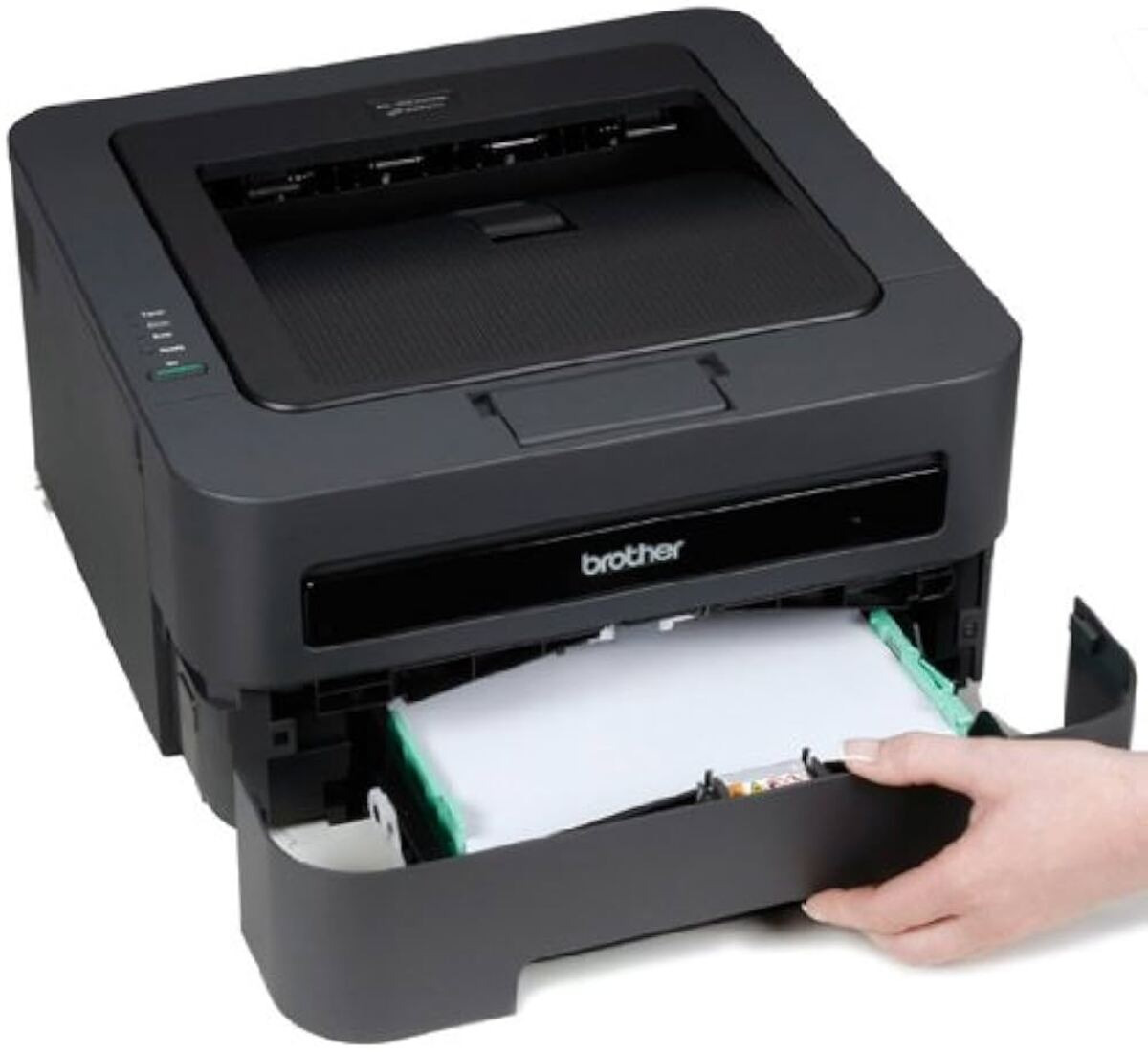
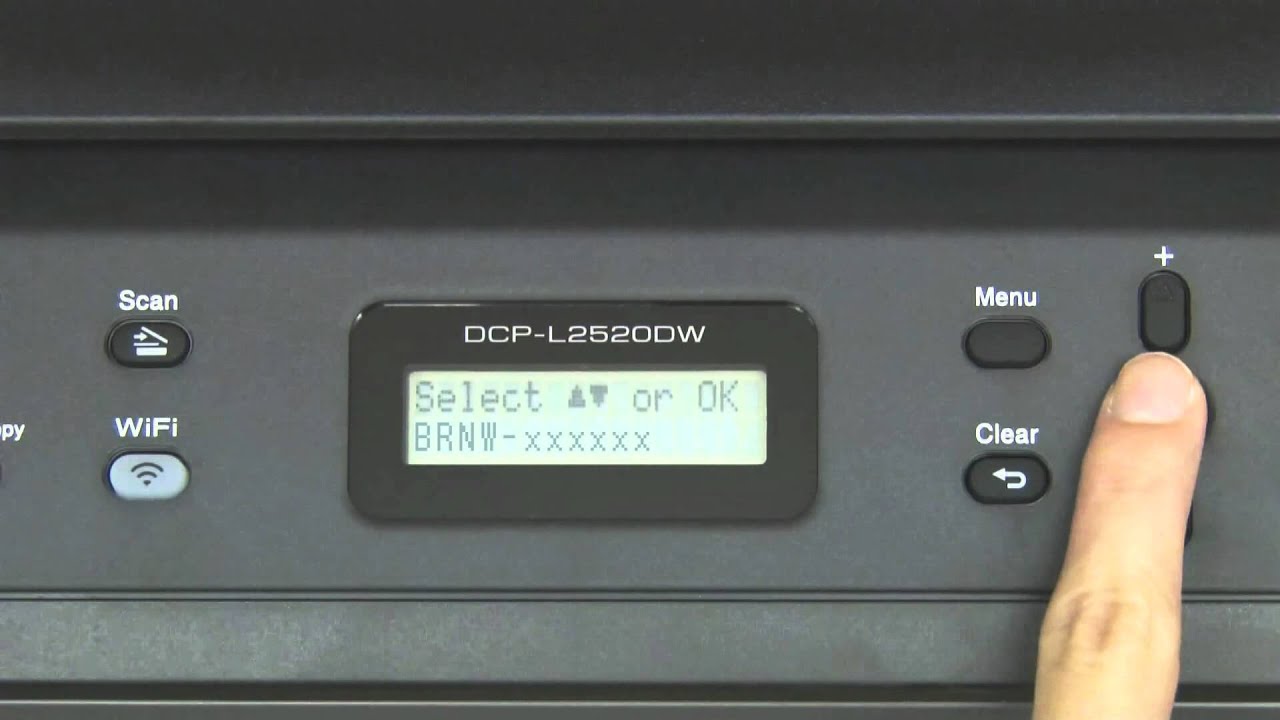
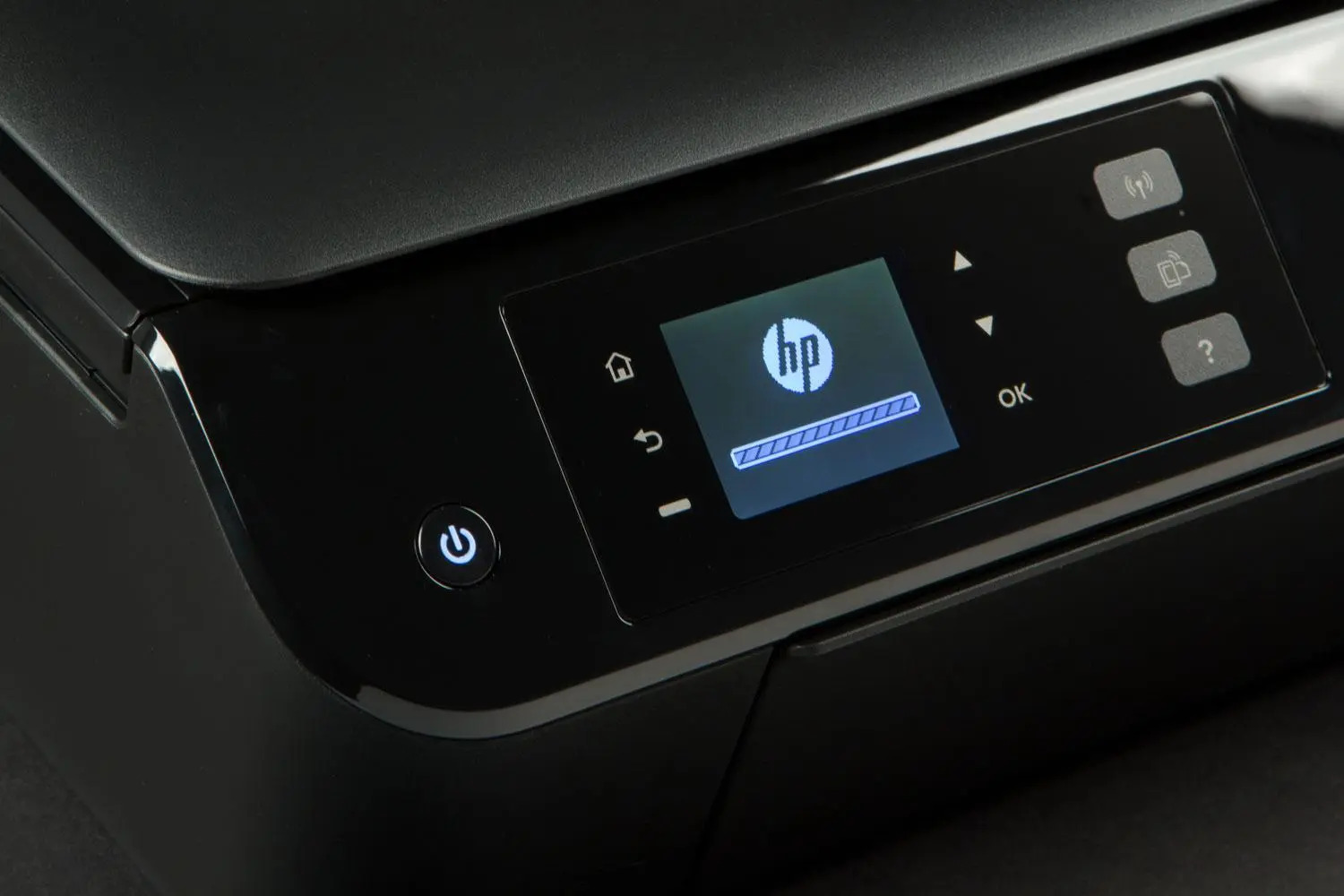
The articles address two main themes. One group covers the initial wireless setup process for specific models, such as the Brother HL L2360DW, the HP Envy 4500, and the HP Deskjet 3510. Another set of articles helps with ongoing network management, including how to change the Wi-Fi password on a Brother wireless printer. A final group tackles common problems, like the troubleshooting guide that helps resolve frequent wireless printer connection errors. For example, you can learn how to connect a Brother HL-2270DW to your network or how to get a Hopper linked to a wireless system.
These articles help you perform specific tasks: configure a printer for the first time, update its network credentials, and fix issues when a device refuses to connect. By following the model-specific instructions, you can save time and avoid guesswork when dealing with wireless setup and connection problems.