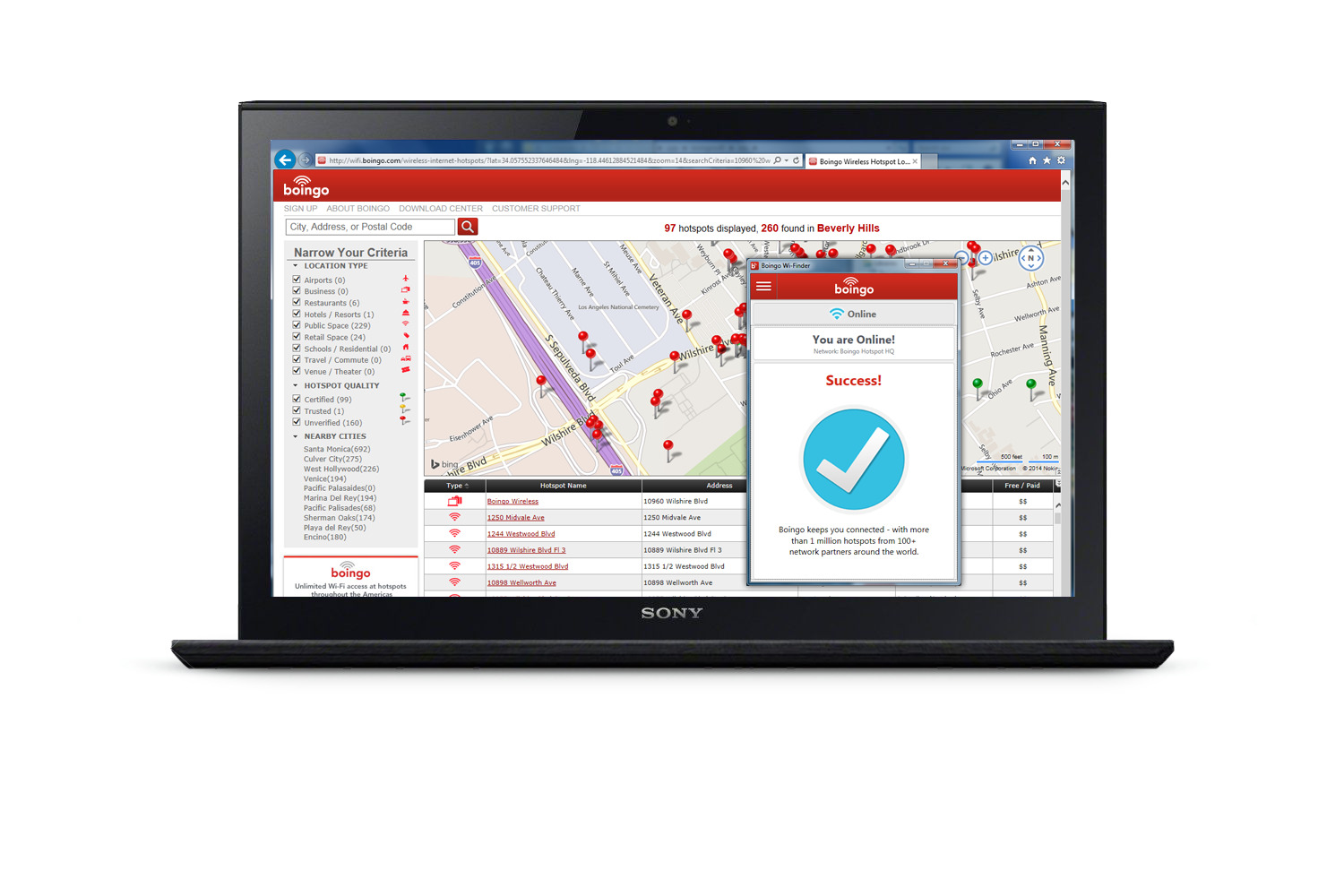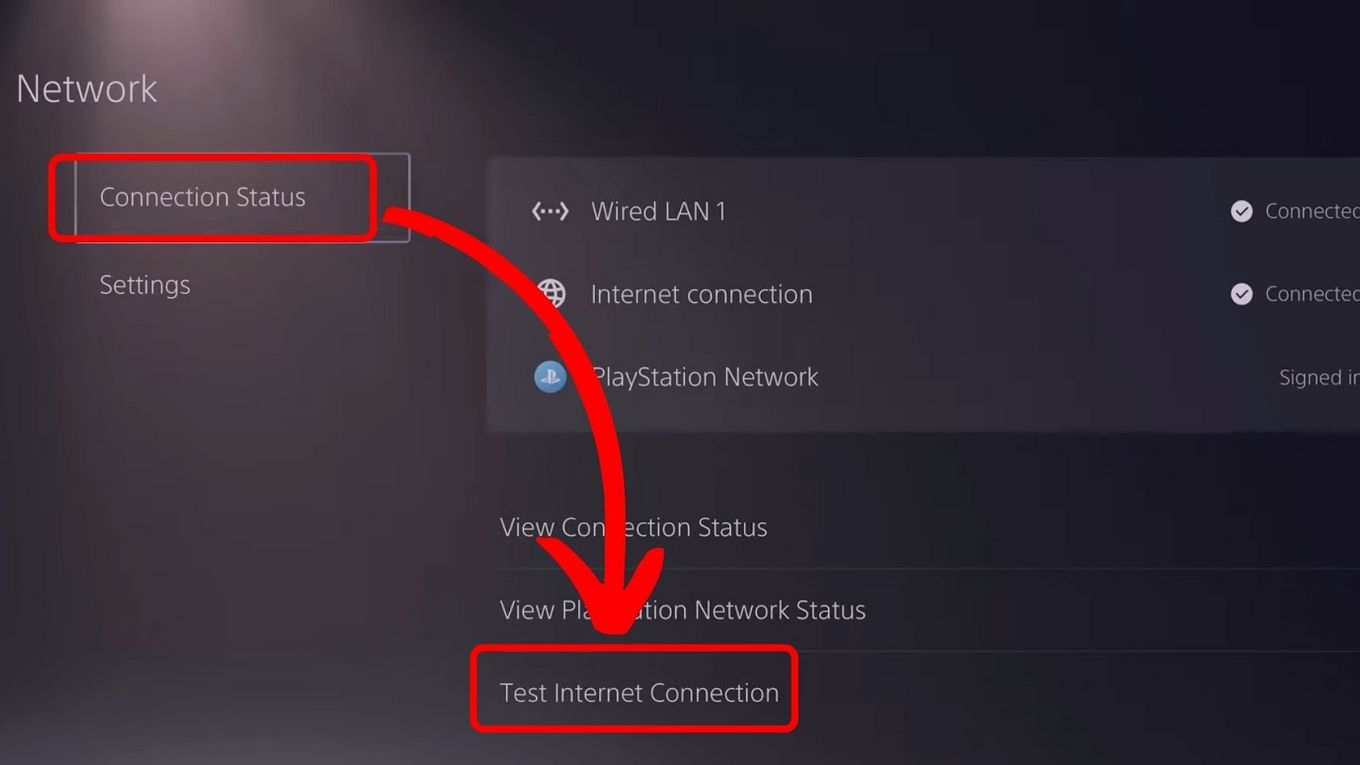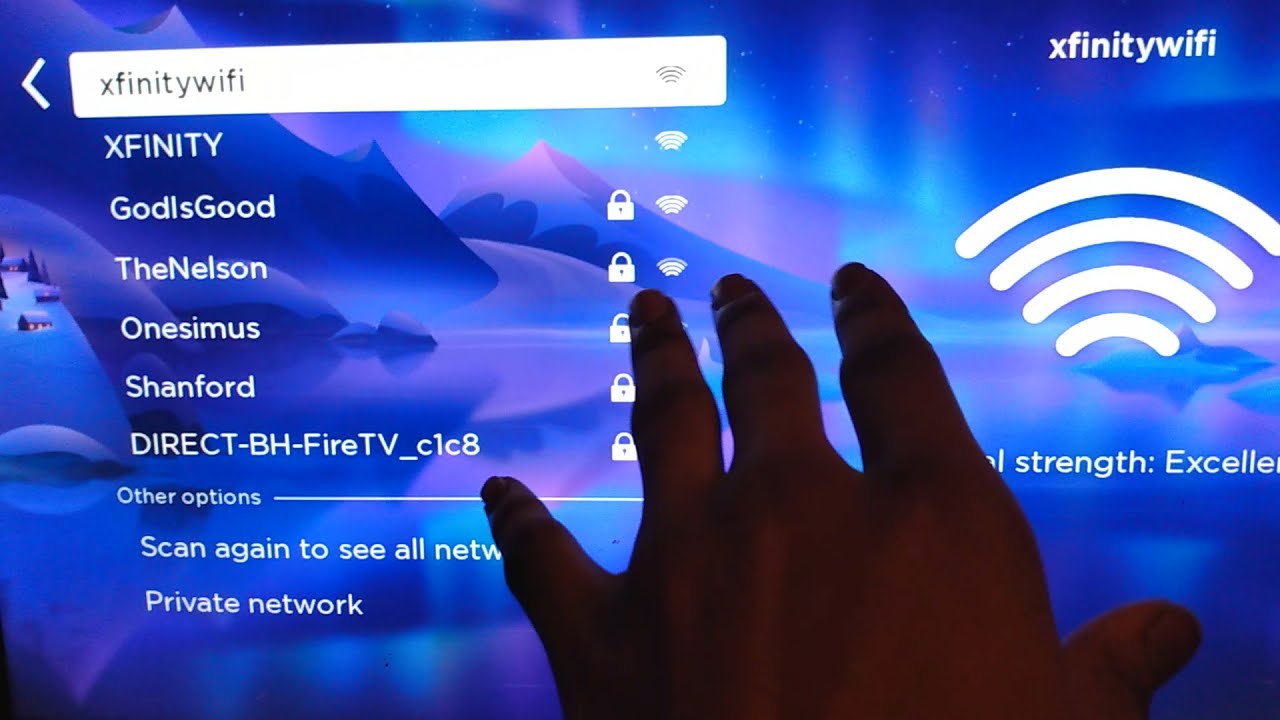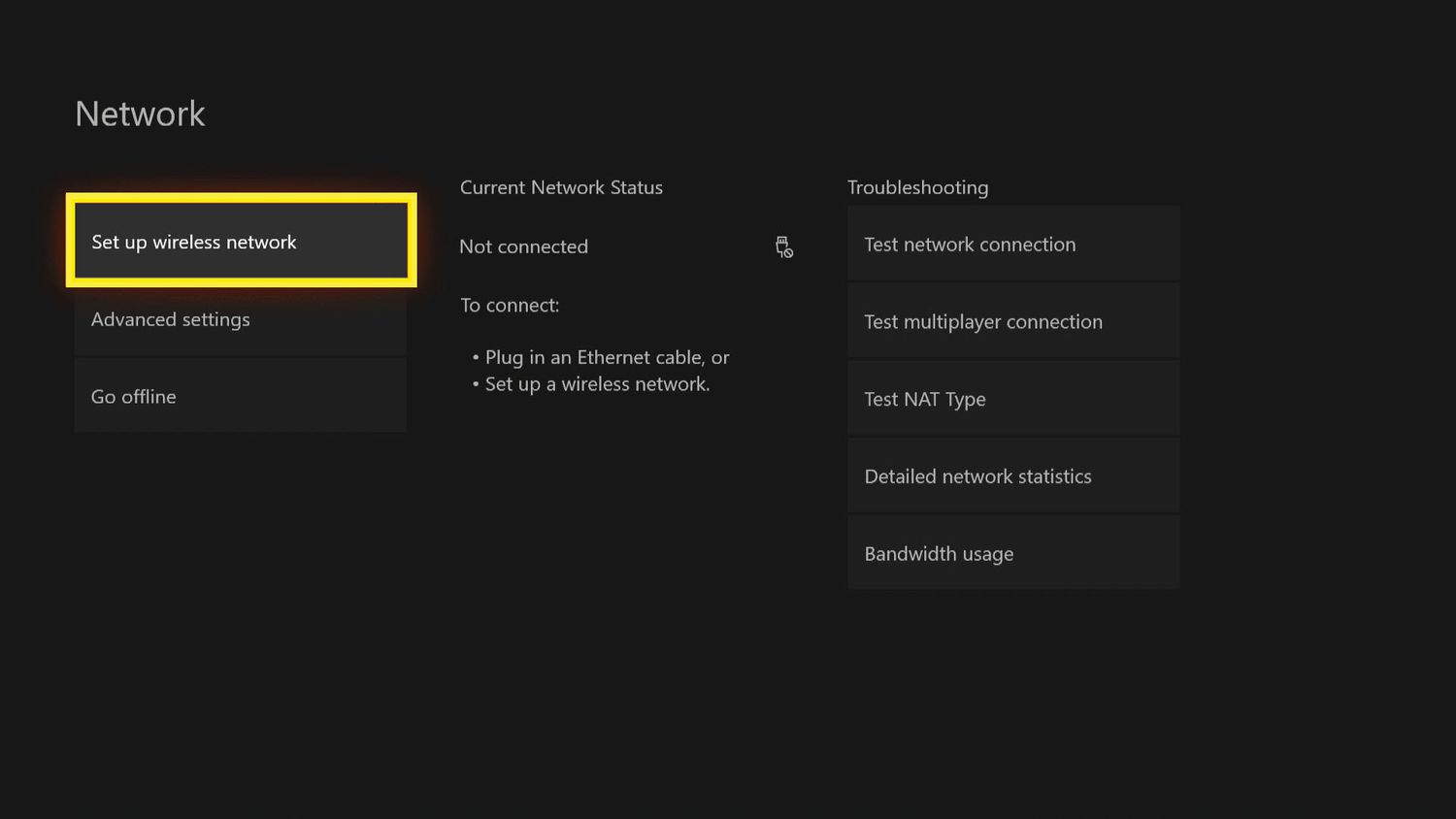
An internet portal is a web gateway that gives access to services, content, or network login pages. For most mobile users today, the clearest example of what a portal on the internet is comes from the captive Wi‑Fi portal you encounter on public networks.
What is a portal on the internet?
An internet portal acts as a single entry point to a collection of resources, applications, or authentication screens. While the term historically described large websites that aggregated news, email, and shopping, the most common modern encounter with a portal happens when your phone connects to a public network and immediately displays a login or terms-of-service page. That specific type of portal is called a captive Wi‑Fi portal. Internet portals can be specialized portals that focus on specific industries or niches. Examples of news portals include CNN, BBC, or Yahoo News. Examples of entertainment portals include Netflix, Hulu, Steam, or Xbox Live. Examples of shopping portals include Amazon or eBay. Examples of email portals include Gmail or Outlook. Examples of social media portals include Facebook, Twitter, or Instagram.
The captive Wi‑Fi portal: a real-world example
Captive portals are the login pages that appear when you try to use a public Wi‑Fi network at a hotel, airport, coffee shop, or library. Before you can reach the wider internet, the network intercepts your first request and presents a portal page where you must enter credentials, accept terms, or provide an email address. This is why you might see a screen asking you to log in or agree to conditions before your browser loads any other site.
How to access a captive portal on iPhone and iPad
Apple documents a straightforward method for reaching the captive portal login screen on an iPhone or iPad. Follow these steps:
- Open Settings > Wi‑Fi.
- Tap the network name and wait for the login screen to appear.
- If the login screen does not appear automatically, tap the info (i) button next to the network name, then tap Join Network.
Once the portal page loads, you can proceed with the required steps.
What to do on the login screen
The captive portal will ask for specific information before granting internet access. Depending on the network, you may need to enter a user name, password, or email address, or simply accept the terms and conditions. After you complete the required action, the portal authenticates your device and allows you to browse the web normally.
Documented limits and supported devices
Apple documents this captive portal flow only for iPhone and iPad. The support page does not list any model-specific differences, and it does not describe a way to turn off the captive portal behavior. If your device is an iPhone or iPad, the steps above apply regardless of the specific model.
What about Android and other devices?
If you are using an Android phone or a device from a specific carrier, you may need to check that manufacturer’s support materials or try the common approach of opening the Wi‑Fi settings, tapping the network, and waiting for the login page to appear. The same general principle applies across wireless networks and hotspots, but the exact on-screen steps can vary.
Frequently Asked Questions
Why does my iPhone not show the captive portal login screen?
Sometimes the portal page does not load automatically. Try turning Wi‑Fi off and on again, or tap the info (i) button next to the network name and select Join Network. If the page still does not appear, open Safari and try visiting any website; the portal may redirect you to the login page.
Is a captive portal the same as a regular website login?
No. A captive portal is a network-level intercept that blocks all internet traffic until you complete a specific action. A regular website login only restricts access to that site, not the entire internet connection.
Can I skip the captive portal on a public network?
No. The captive portal is enforced by the network hardware, so you must complete the required step before the network allows your device to send or receive data. There is no documented way to bypass it on an iPhone or iPad.
Do captive portals store my personal information?
Some portals collect an email address or other details for marketing or analytics. The network operator decides what data is stored and for how long. If you are concerned, check the network’s privacy policy or use a disposable email address when only an email is required.
Related reading: How To Connect To Boingo Wireless, How To Authenticate PS5 Hotel Wi-Fi With Phone, and How To Connect Xbox One To Xfinity Wi-Fi Hotspot.