Cellular is your phone’s mobile-data connection that lets you access the internet through your carrier’s network instead of Wi‑Fi. Understanding this is one of the essential mobile phone basics, as it controls whether your apps, streaming, and browsing use your data plan or a Wi‑Fi network.
What is cellular on your phone?
Cellular refers to the mobile-data connection that allows your smartphone to access the internet over your carrier’s cellular network. When cellular data is turned on, your phone uses radio waves to communicate with nearby cell towers, which relay your data to and from the internet. This is the same technology that enables voice calls and text messages, but for data it uses your mobile plan’s data allowance instead of a Wi‑Fi network.
How to turn cellular data on or off on iPhone
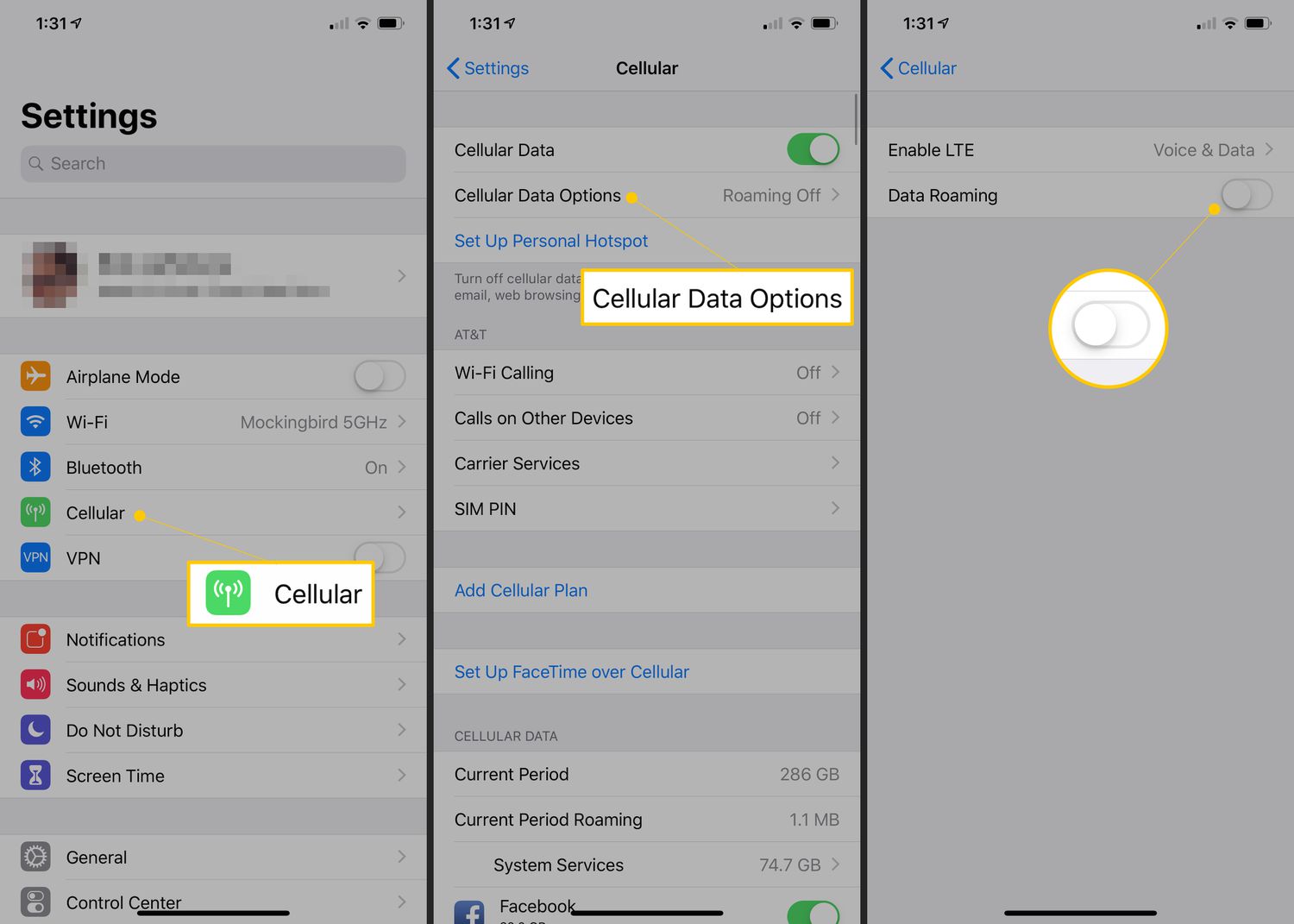
Apple documents cellular controls under Settings > Cellular. Follow these steps to manage your cellular data:
- Open Settings and tap Cellular.
- Turn the Cellular Data toggle on or off.
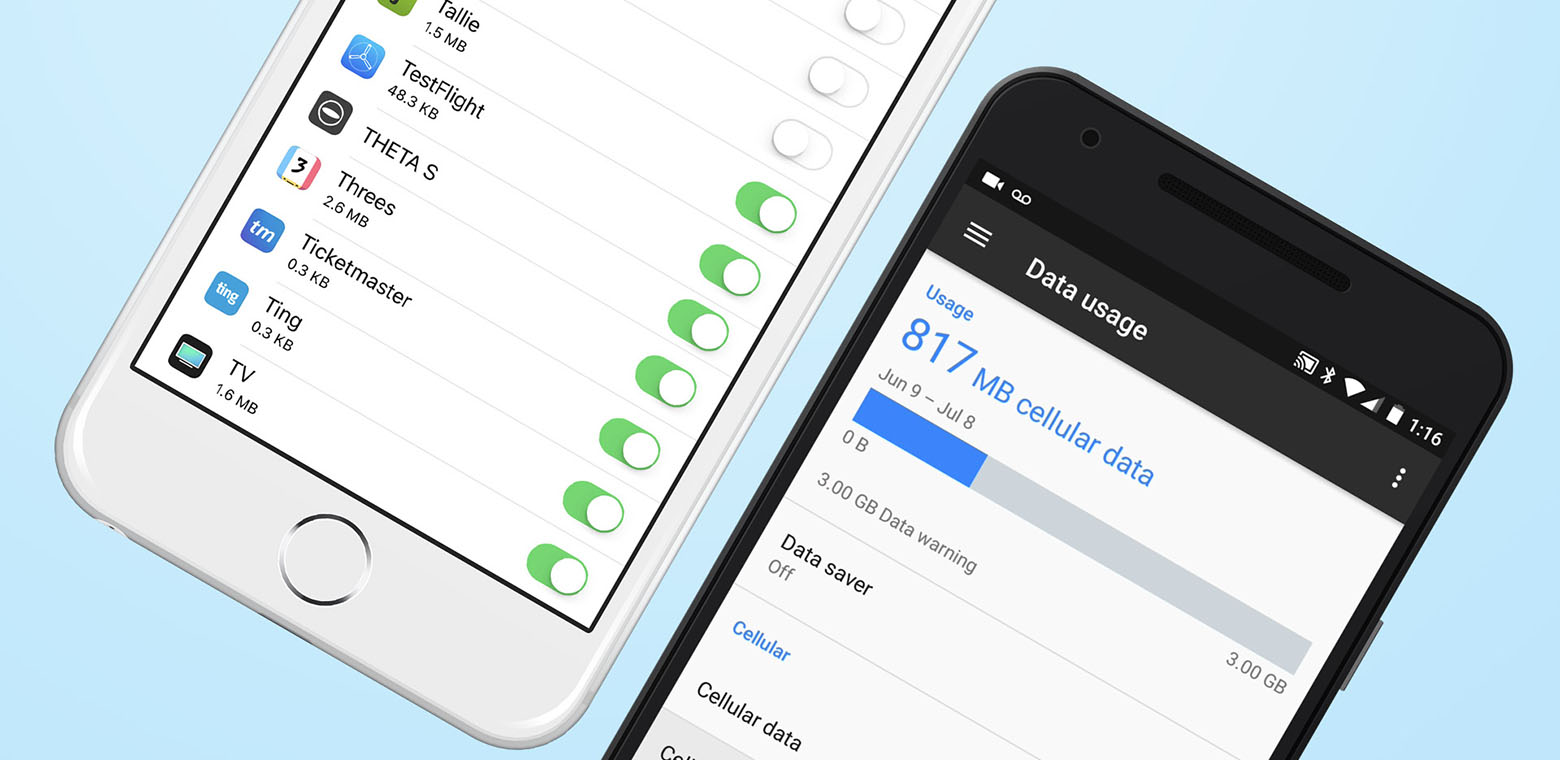
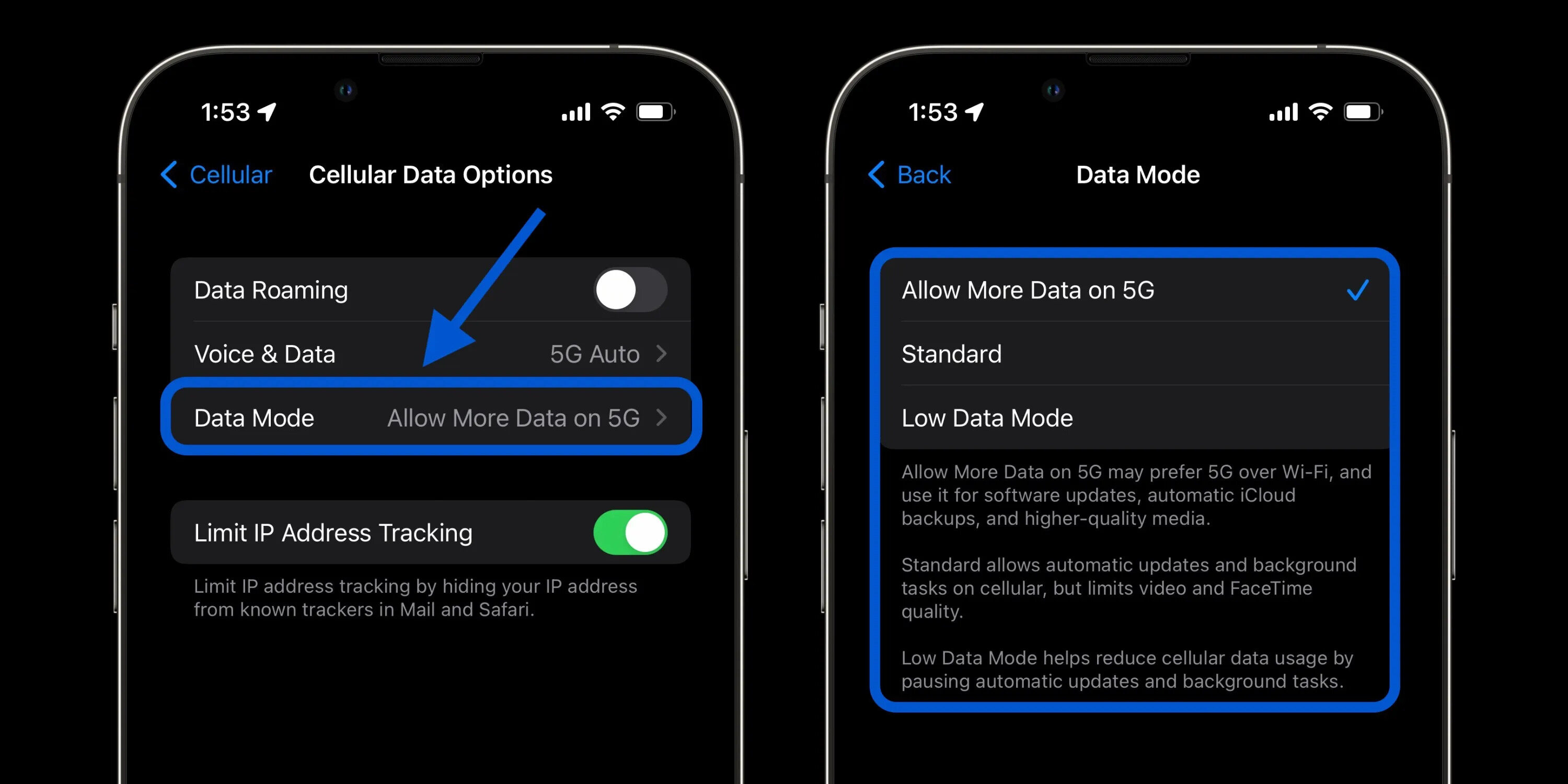
To manage roaming and network options, go to Settings > Cellular > Cellular Data Options. You can also control cellular data for individual apps: from Settings > Cellular, scroll to the app list and turn cellular data on or off for each app. To see how much data each app uses, view the list under the same screen; System Services data is shown there as well, but you cannot turn cellular data on or off for individual system services. If you want to reset usage statistics, scroll to the bottom of Settings > Cellular and tap Reset Statistics.
If your iPhone has multiple SIMs, Apple says to go to Settings > Cellular > Cellular Data to select which line uses cellular data.
How to turn cellular data on or off on Android
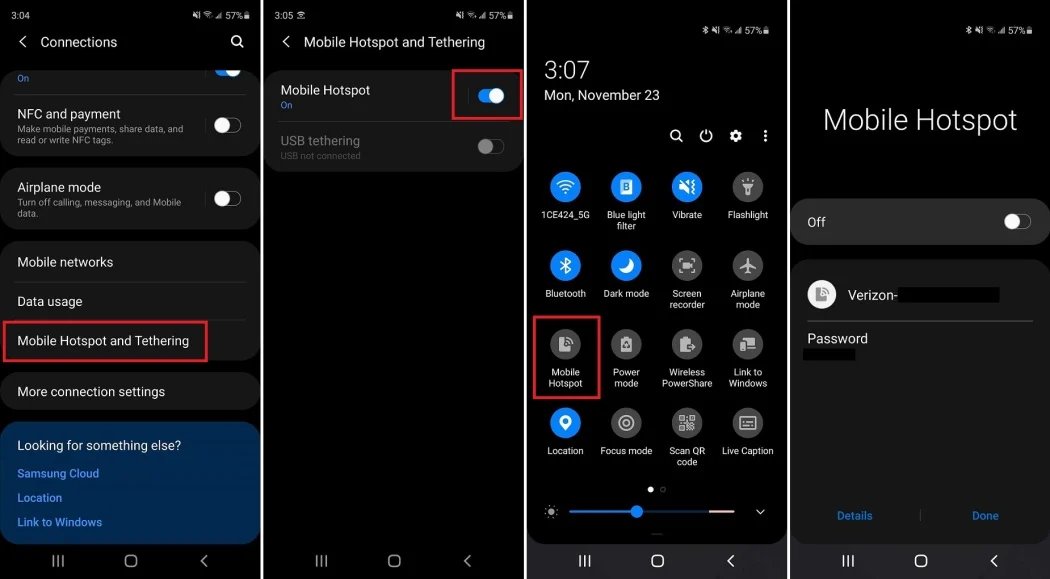
Google documents carrier and data controls under Settings > Network & internet > Internet or related carrier pages, depending on the device and service. Follow these steps:
- Open Settings and tap Network & internet.
- Tap Internet.
- Next to your carrier, tap Settings to manage mobile data and other controls. Google Fi's mobile-data troubleshooting page says to open Settings > Network & internet > Internet, then next to your carrier tap Settings. AT&T's support page says to make sure mobile data or cellular data is turned on. Google's Android help result for Samsung states that you can change network settings like automatic connections, metered access, proxy settings, and more.
For Google Fi users, mobile-data and usage controls are found in Settings > Cellular and also in Settings > Network & internet > Internet > carrier settings, depending on the task. To check data usage on Google Fi, open Settings > Cellular. For mobile-plan management, Google’s Android help page says to open Settings, then tap Google > Device plans.
What you should know about cellular limits
Simultaneous voice and data works on iPhone with 5G, LTE, 4G, and 3G on GSM cellular networks. Apple says other cellular networks do not support simultaneous voice and data unless the iPhone also has a Wi‑Fi connection. On an iPad, the settings may show Settings > Cellular Data instead of Settings > Cellular. If your device is enrolled in Mobile Device Management (MDM), the cellular-usage views can show extra categories like System Services and Corporate Accounts.
Frequently Asked Questions
Does turning off cellular data stop incoming calls?
No. Turning off cellular data only stops your phone from using the mobile network for internet access. You can still make and receive calls and texts over the cellular network.
Will I be charged for data while roaming if cellular data is off?
If cellular data is off, your phone will not use mobile data while roaming. However, some carriers may still charge for incoming calls or texts; check your carrier’s roaming policy.
What’s the difference between cellular data and mobile data?
There is no difference. “Cellular data” and “mobile data” are two names for the same thing: internet access through your carrier’s network instead of Wi‑Fi.
Can I use cellular data for one app and Wi‑Fi for another at the same time?
On iPhone, you can allow or block cellular data per app, but the phone typically uses one connection at a time. Android devices may vary; some allow simultaneous connections, but the system decides which network to use for each app.
Why does my phone show “Cellular Data” instead of “Cellular” in Settings?
This is normal on iPads and some other Apple devices. The setting works the same way, just tap it to turn cellular data on or off.
Related reading: In-Depth Guide: What Is Cellular Data & How Does It Work?.