This section of CellularNews is built for anyone who wants to get more out of their phone, whether you are setting up a new device, switching carriers, or troubleshooting a specific feature. The content is organized around the practical tasks that matter most to mobile users, from managing your account to mastering your device’s settings.
The main guides here focus on network and carrier services, helping you understand T-Mobile Network Coverage and Service Quality, navigate Boost Mobile Plans, Payments and Account Services, or figure out How Fast Is T-Mobile Home Internet. For those switching providers, the guide on How Do I Switch To Mint Mobile walks you through the process, while articles like How To Get T-Mobile Transfer PIN and How To Change My Number On T-Mobile help you protect your account and recover your own access when you need it. You will also find straightforward steps for How To Activate T-Mobile Netflix and explanations of What Is T-Mobile Protection 360.
Other articles in this section help you control your device and apps directly. You can learn how to set up a Discord Account and Server Setup, adjust Discord Audio and Sound Settings, or manage Vibration Settings on Your Phone. Guides like Navigating Home Screen and Apps, How To Turn On A Motorola Razr Flip Phone, and Updating iOS and Operating Systems give you clear steps for everyday use, while iPhone Models and Camera Specs helps you compare hardware. For security, the Privacy Screens and Screen Locking Methods guide shows you how to protect your screen, and articles like How To Close Waze On iPhone 11 and How To Search Discord Servers On Mobile cover common app-specific tasks.
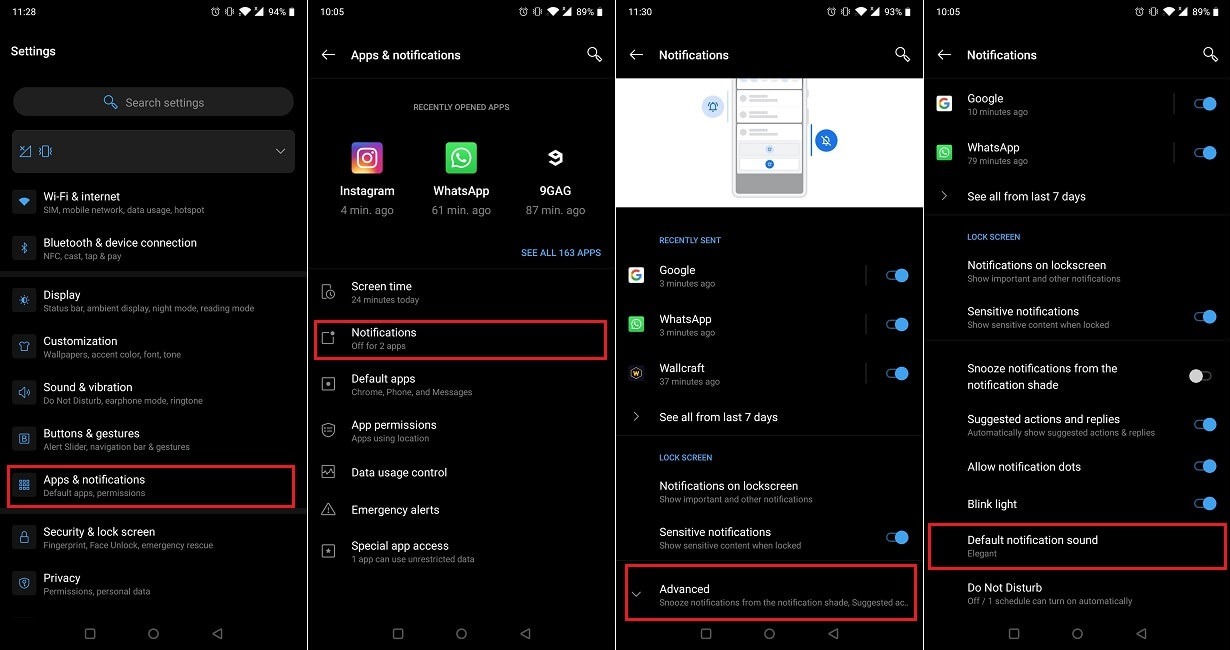
 Boost Mobile Plans, Payments and Account Services
 T-Mobile Network Coverage and Service Quality
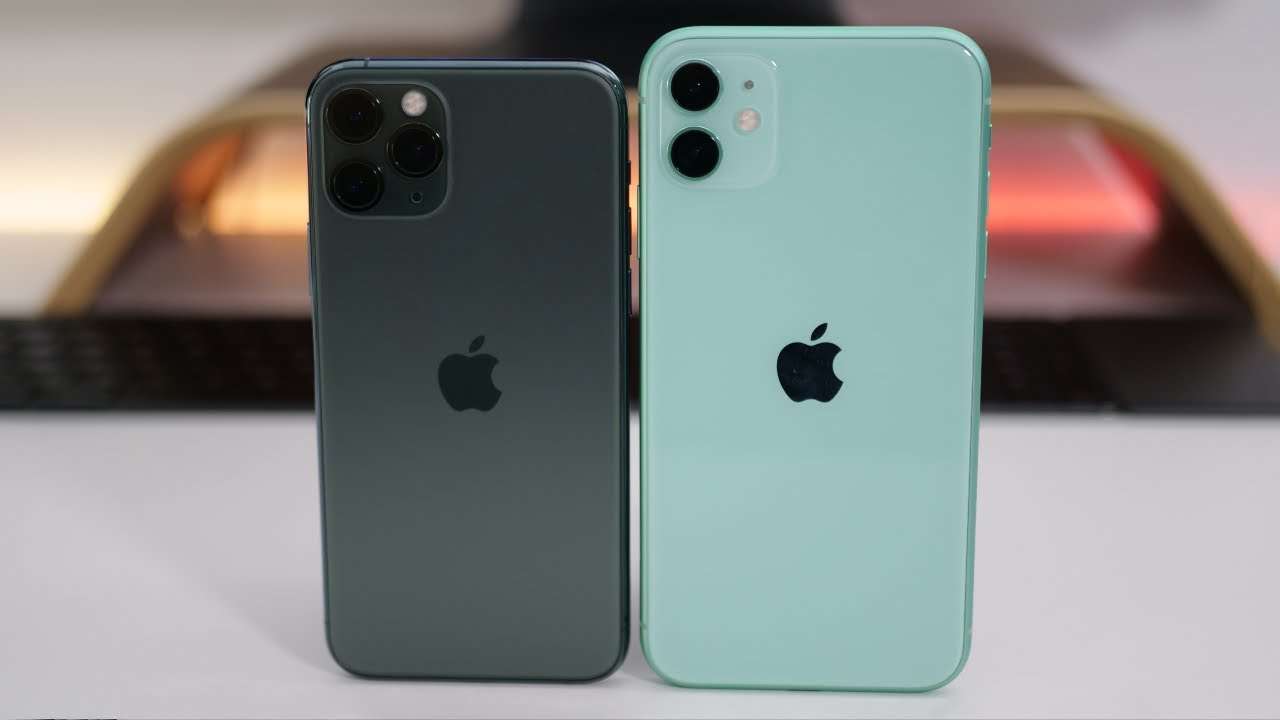 iPhone Models and Camera Specs
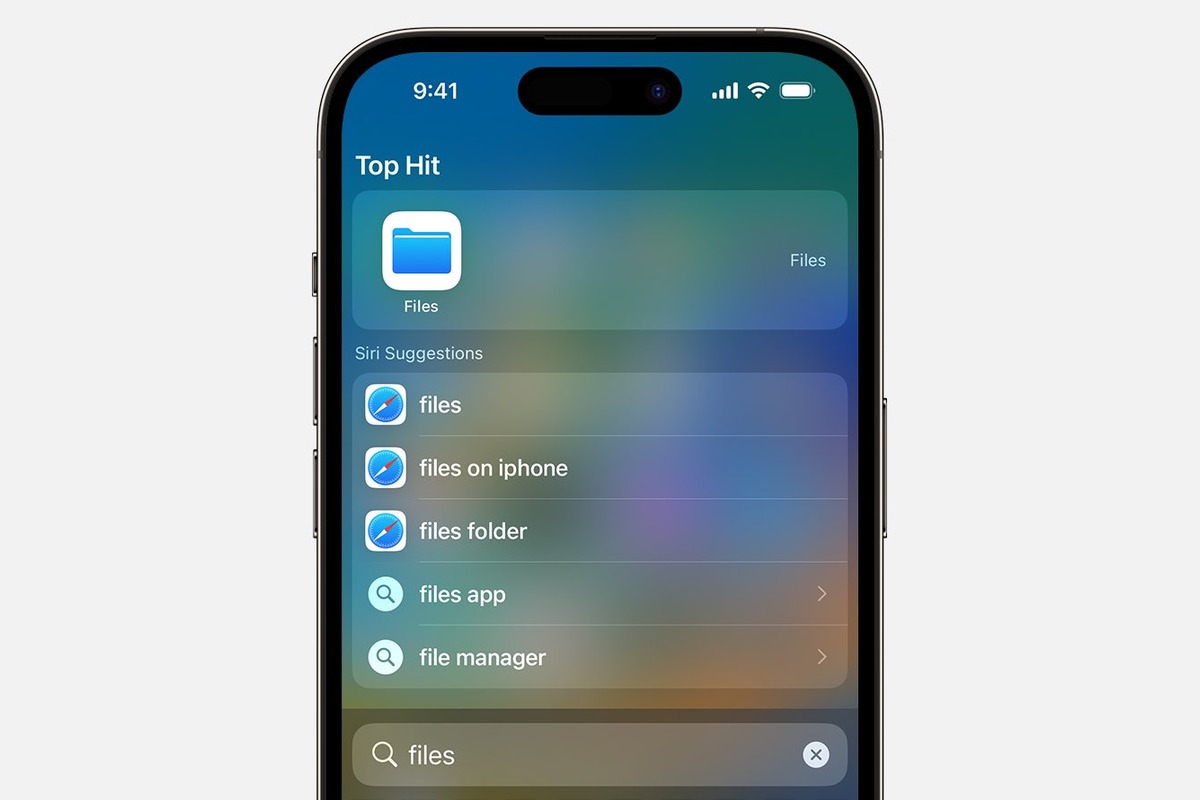 Navigating Home Screen and Apps
 Privacy Screens and Screen Locking Methods
 T-Mobile Billing, Insurance and Purchases Explained
 Discord Account and Server Setup
 Discord Audio and Sound Settings
 Mobile Check Deposit Guides and Timelines
 Updating iOS and Operating Systems

