Switching to Boost Mobile plans
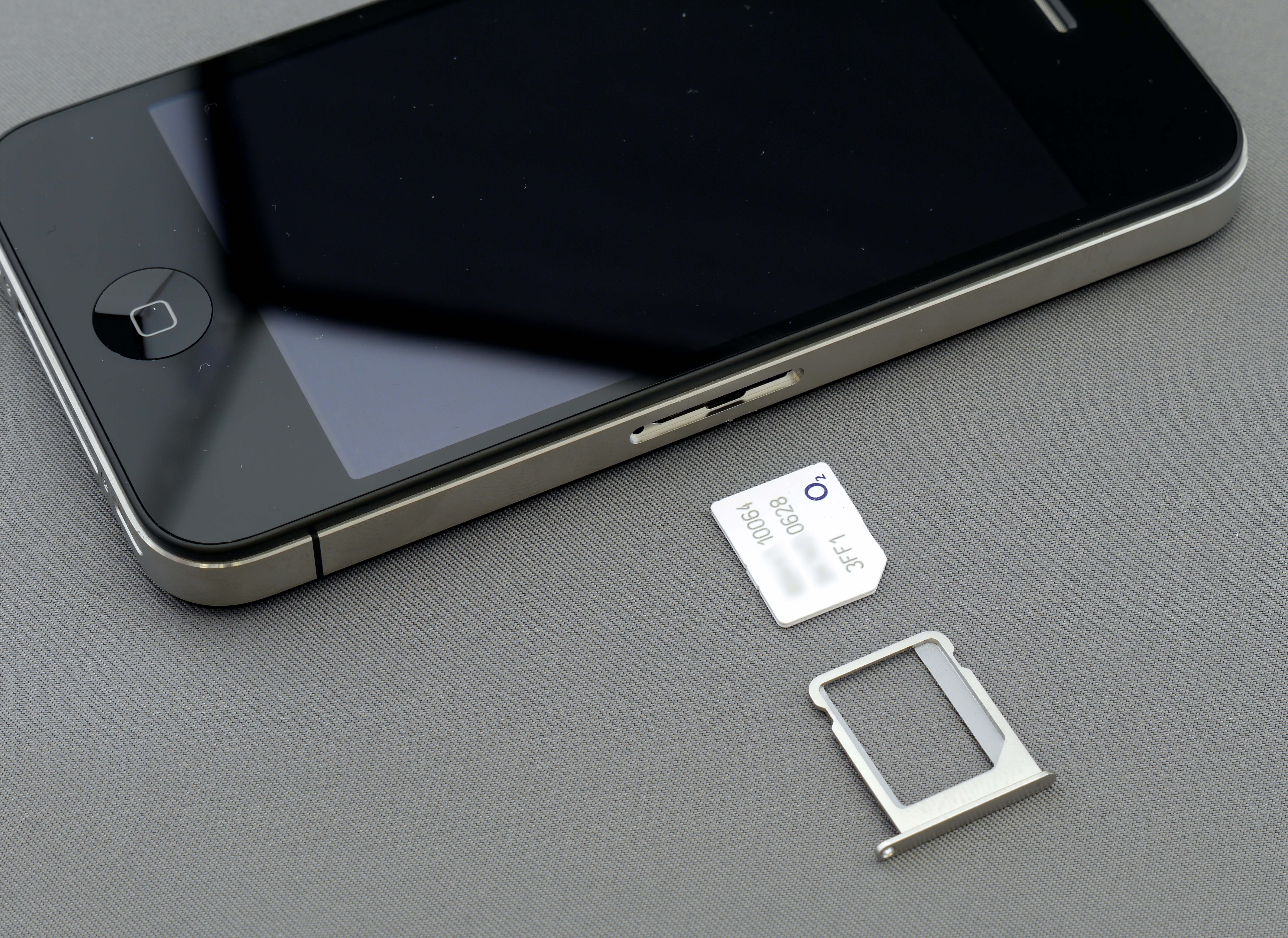
Before you make the move to new Boost Mobile plans, confirm your existing phone will actually work on the service. Boost Mobile tower usage depends on current network eligibility checks, so the same model that flies on one SIM might fail activation on another; never assume compatibility based on a friend’s experience. Head to the IMEI checker on the site, dial *#06# on Android, or look in Settings > About Phone to see if your device qualifies. The company supports many unlocked Android handsets from Samsung, Motorola, Nokia, and Celero, along with most unlocked Google Pixel phones and select U.S. iPhone 12 models and newer via eSIM.
To understand why network and device policies have shifted recently, you should read the article about Boost Mobile's current ownership, which sits under EchoStar Corporation rather than the older Dish structure you may read about elsewhere, and this shift influences which carrier does Boost Mobile use for your account. Your Boost Mobile service quality hinges on the network tied to your activation. If you bring your own device, the IMEI check will confirm which phones compatible with Boost Mobile SIMs can be activated. For those looking at Boost Mobile free phones when you switch, you will need to check the live promotions page to see current offer terms and eligible device lists.
Activating and setting up
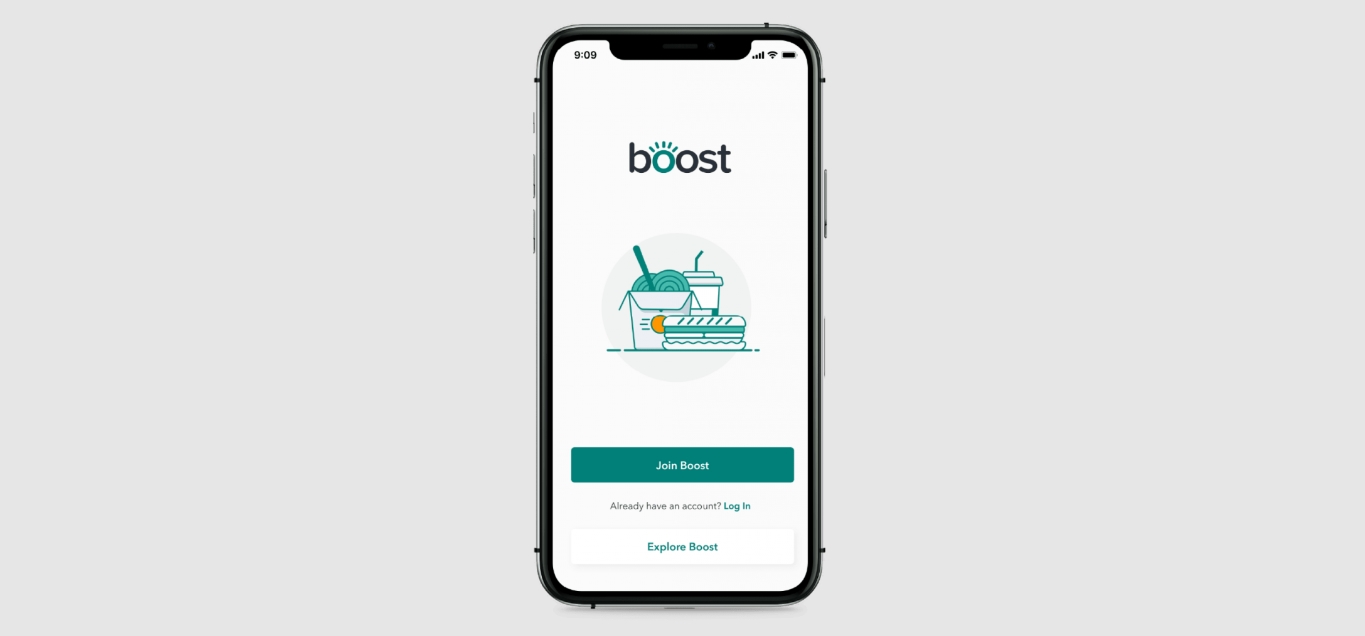
Getting your phone working starts at boostmobile.com/start, where you will need your device, a Boost SIM or eSIM, and your old carrier's account number, account owner's name, billing address, and number transfer PIN if you are keeping your old number. Before you sign up for Boost Mobile, confirm your device is compatible. If you already have an account, open the Boost Mobile app, sign in, select your line and view details, then choose Change phone to activate Boost Mobile on a replacement device without visiting a store.
Existing customers who want to add a line to Boost Mobile can do so by signing into their account dashboard, or by signing in to activate a new line on a new or existing account. When you order a new device with a fresh account, look for the Store-to-Door Setup & Activation option at checkout, which lets you schedule a delivery appointment, excluding national holidays. If you are wondering about Boost Mobile phone shipping time for standard orders, check the estimated date shown during checkout for the specific device you are buying.
Managing your account
Most day-to-day account work happens in the Boost Mobile app under the Settings icon at the top right, or on the web dashboard once you sign in. From either place you can see your billing and payment information, review your active plan details, and check your usage so far this cycle. If you need to update your plan, the web path is My Lines then Change Plan, while the app uses View Details then Change Plan.
The exact carrier your line runs on depends on the SIM card that was provisioned for your account. Before you spend time troubleshooting slow data or a weak signal, confirm which backbone your specific SIM is using, as many complaints about wrong-carrier performance trace back to this dual-SIM setup. For actions like a request to change number on Boost Mobile or to switch Boost Mobile phones, you may need to check your account options or reach a support agent for assistance.
The same holds true if you want to check call history on Boost Mobile or if you are trying to view text messages online on Boost Mobile. If you need to add minutes to Boost Mobile, you may be directed to a payment option rather than a menu inside the account settings.
Paying your bill
When you want to pay my Boost Mobile bill for free, the simplest route is to sign into your account dashboard on the website or open the Boost Mobile app, where you can see your due date and complete the payment without any extra processing fees. If your account is not set up on AutoPay, you also have the option to pay your Boost Mobile bill by phone by contacting Boost Customer Care directly, which is a convenient alternative when you need to make a payment without using the internet. Most people prefer to pay my Boost Mobile bill online, since the home dashboard immediately shows your present balance and billing information right after you sign in, letting you handle everything in one place. If you are already enrolled in automatic payments and need to stop Auto pay on Boost Mobile, you can manage that setting through your online account or the app by looking for the AutoPay toggle once you are signed in, giving you full control over when your payments are processed.
- pay your Boost Mobile bill by phone
- pay my Boost Mobile bill for free
- pay my Boost Mobile bill online
- stop Auto pay on Boost Mobile
Helping someone else pay
When you need to pay someone elses Boost Mobile bill as a guest, a published path is a phone call. Dial Boost Customer Care and use the automated system, which does not require you to log in or have your own account. Have the other person’s phone number and the exact amount you want to pay ready before you start, because the system will not disclose the account balance. If you skip the automated prompts and ask a live agent to process the payment instead, a convenience fee is added. No device menu path or guest-pay flow on the website or inside the Boost Mobile app is documented for it.
Getting more time or support
If your due date is approaching and you need a little breathing room, you can get an extension on Boost Mobile directly through the app or your online account. Look for the Request Payment Extension option, which adds five days of service so you can text, make calls, and use data, though a fee applies and a portion may be credited back if you pay in full by the new due date. If your plan normally includes more than 5GB of high-speed data, only up to 5GB from the monthly allotment can be used during the extension period. You can request it anytime during the billing cycle before the due date, or within fifteen days after suspension if your service has already been cut off.
For how Boost Mobile phone insurance work. To access that tech support online, you just log in with your mobile number and Boost PIN.
Since a trip to the store can save time on SIM swaps or account changes, knowing a rough Boost Mobile opening time helps you plan your morning. The company does not publish a single universal schedule for all retail locations, though Customer Care is available every day from 8 a.m. to midnight Eastern Time. For an individual store’s Boost Mobile closing time, you will need to look up that specific location, as hours vary from one shop to the next.
Leaving boost
If you are planning to leave and keep your number, do not cancel Boost Mobile first. Instead, start the transfer with your new carrier while your Boost service is still active, and the port itself will automatically deactivate a Boost Mobile phone line once it completes. To begin, you will need to get transfer pin from Boost Mobile for each line you are moving by calling Boost Customer Care. Give that unique PIN and your Boost account number to your new provider to port from Boost Mobile. Before you attempt to unlock Boost Mobile phone for use on another carrier, check your phone’s status against Boost Mobile's documented unlocking policy, as eligibility requirements are published on their support page.
Troubleshooting and device features
When your connection drops or speeds crawl, the first thing to check is which carrier your SIM actually runs on, because many complaints about what is wrong with Boost Mobile come down to expecting coverage from one provider while your line is provisioned on the other. Before you dig into settings, add hotspot capability in your account online, in the Boost Mobile app, or by contacting Boost Customer Care, and if you just added it, a quick restart lets the change take hold. On Android, download the Boost Config app to keep network settings up to date, though for any phone you can try turning mobile data off for a minute, then back on. Making your Boost Mobile hotspot work reliably often starts with those steps, plus the obvious checks that Airplane Mode and Do Not Disturb are off. When you are ready to switch devices, you can upgrade your phone with Boost Mobile by visiting My Account on the website to update your device. The dual-carrier setup affects which towers you can reach, so checking Boost Mobile network compatibility before you buy a used phone means making sure the phone is compatible with Boost's network and carrier-unlocked. Before you try to switch your Boost Mobile phone for use on another provider, remember that your device’s compatibility depends on which underlying carrier your s
Other services and guides
If you rely on a prepaid data-only device for backup internet, you can top up Vodafone dongle credit by following the provider's online or phone top-up process. When you are ready to leave your present home internet provider, remember to check the eligibility requirements before you switch to Spectrum Mobile. Once that is set, you provide the required porting information so Spectrum can port your number without you canceling your old service first.
Managing a move involves a different kind of logistics. Knowing how U-Haul mobile pickup work saves you a trip to the counter. After reserving equipment in the app and choosing the mobile option, you arrive before the scheduled pickup time and follow the app's prompts under your reservation details. Each of these processes sits outside your Boost account, but understanding the one critical step that trips people up keeps things moving without a second call to support.
Frequently Asked Questions
How do I find my Boost Mobile account number?
Your Boost Mobile account number is available when you sign into your account dashboard on the website or in the Boost Mobile app under billing and payment information. You will need this number and a transfer PIN when you port your number to a new carrier.
What is the Boost Mobile unlocking policy for iPhones?
Boost Mobile documents eligibility requirements for unlocking on their support page, which you should check against your phone's status before attempting to unlock. The device must be carrier-unlocked to work on another provider, and compatibility depends on which underlying carrier your SIM was provisioned for.
How do I set up eSIM on a Google Pixel with Boost Mobile?
Boost Mobile supports most unlocked Google Pixel phones and recommends verifying your specific device with the IMEI checker before switching. Once confirmed as compatible, you can activate using the eSIM option during setup at boostmobile.com/start or through the Boost Mobile app.
Readers comparing a separate eSIM can browse uPhone eSIM plans and verify destination coverage, data allowance, and validity before buying.
More eSIM resources: Browse our eSIM guides and troubleshooting resources for compatibility, setup, travel-data and account-safety advice.