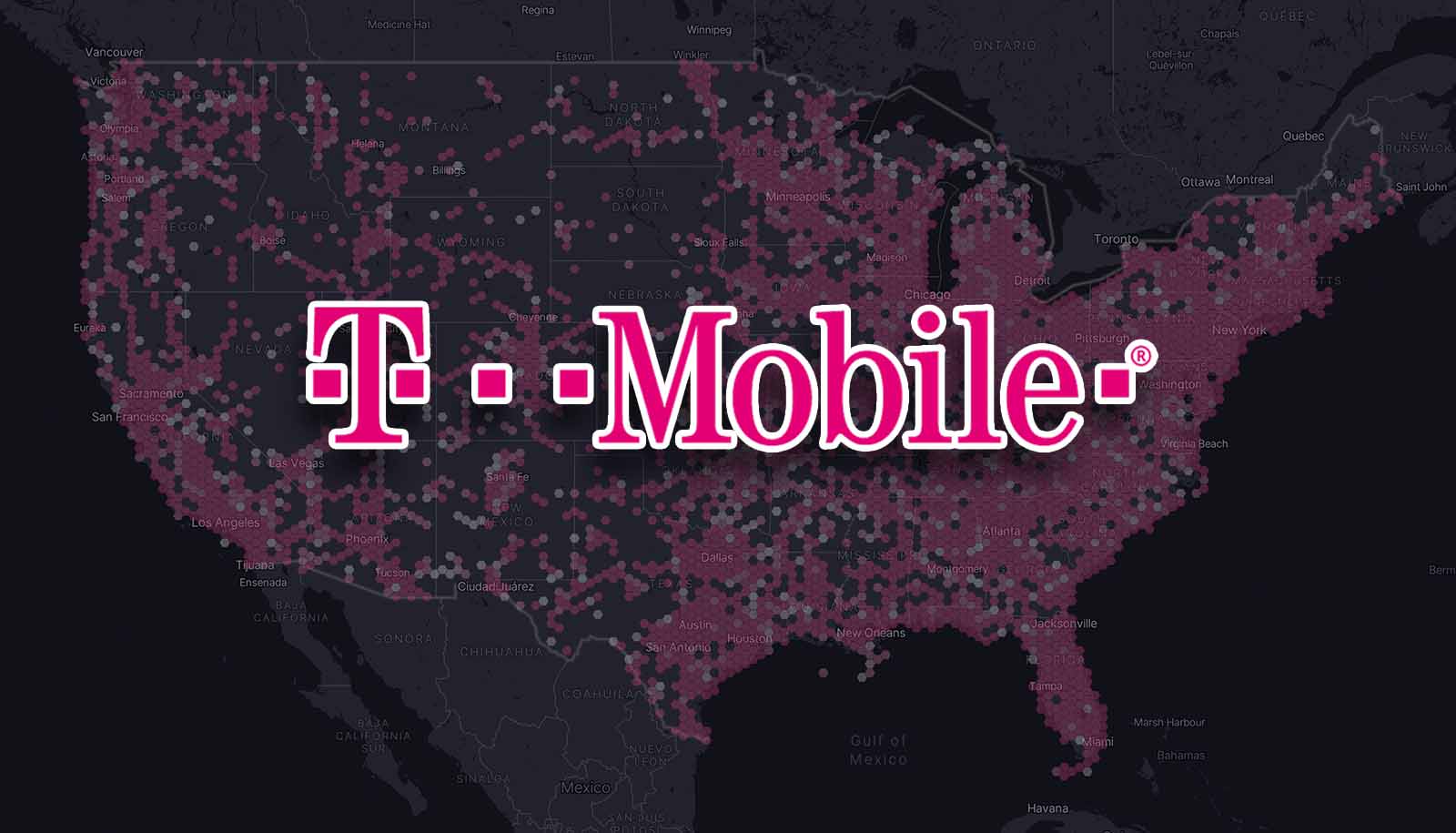
To find T-Mobile towers, the most direct method is to use T-Mobile's official coverage map, as the carrier does not provide a consumer-facing tool that pinpoints exact tower locations. This map lets you check where service is available and assess signal strength in any specific area, helping you determine if you need to improve mobile reception before traveling or switching carriers.
Can you find T-Mobile towers?
The official method for checking where service is available is the coverage map, which shows coverage areas and signal strength rather than exact tower coordinates. This approach aligns with how the carrier manages its T-Mobile network and coverage information for customers.
Use T-Mobile's coverage map to check service
To check service availability using the official map, follow these steps from a computer or mobile device:
- Open T-Mobile's 5G and 4G LTE coverage map.
- Enter your address, zip code, or a landmark.
- Select Enter or choose a suggestion from the drop-down list.
- View the coverage shown for that area.
- Select and hold to drag the map to explore surrounding locations.
- Select a specific location to open a pop-up with detailed coverage information.
- Use the + and - icons to zoom in or out, or pinch to zoom on a mobile device.
Check the prepaid coverage map for signal strength
T-Mobile's prepaid coverage map provides an alternative documented source that also lets you check signal strength. You can use it by entering an address or zip code, and the map will show whether a location has coverage and what the signal strength looks like. This is particularly useful for evaluating T-Mobile service quality before committing to a plan or traveling to a new area.
What the coverage map does not show
The coverage map does not display exact tower pinpoints. It documents coverage areas and signal strength, not the specific locations of cell towers. No special iPhone or Android menus exist within T-Mobile's documented support pages for finding towers; the only supported method is the coverage map itself, which works from any computer or mobile device. For those wondering about T-Mobile's network tower provider, the map focuses on coverage outcomes rather than infrastructure details. Third-party websites and apps such as CellMapper, OpenSignal, and community forums like Reddit and HowardForums can provide crowd-sourced tower locations and signal data. Mobile apps like Speedtest by Ookla and Network Cell Info can be used for real-time network testing and signal strength assessments. T-Mobile's network includes small cells and distributed antenna systems (DAS) in densely populated areas like malls and stadiums to bolster capacity.
Frequently Asked Questions
Can I see exact tower locations from T-Mobile's official support pages?
No. T-Mobile's documented support pages provide coverage lookup by address and map location, but they do not include exact tower coordinates or a tower-finding tool.
Does T-Mobile officially support third-party apps for finding towers?
No official T-Mobile page documents using third-party tower-locator websites or apps for this purpose. Any third-party tools are external and not supported by T-Mobile.
Are there any device requirements for using the coverage map?
No device requirements or operating system versions are documented in T-Mobile's support pages. The coverage map works from any computer or mobile device with internet access.
Does the coverage map show signal strength or just coverage areas?
The map shows both. T-Mobile's support page documents coverage details in the selected area, and the prepaid map page specifically states it can be used to check signal strength.
Can I request a new tower be installed in my area?
T-Mobile welcomes suggestions for potential tower locations through its official channels, but the company evaluates feasibility based on network expansion plans and coverage needs, with no guaranteed outcome.
What factors should I consider when assessing T-Mobile tower locations?
Proximity to residence/workplace, obstacles affecting signal, overall network coverage.