GPRS on a mobile phone stands for General Packet Radio Service, a 2G packet-data service on GSM networks. When you see the GPRS icon in your status bar today, it means your phone is connected to a legacy mobile data network that is much slower than modern 3G, 4G, or 5G connections.
What is GPRS on a mobile phone?
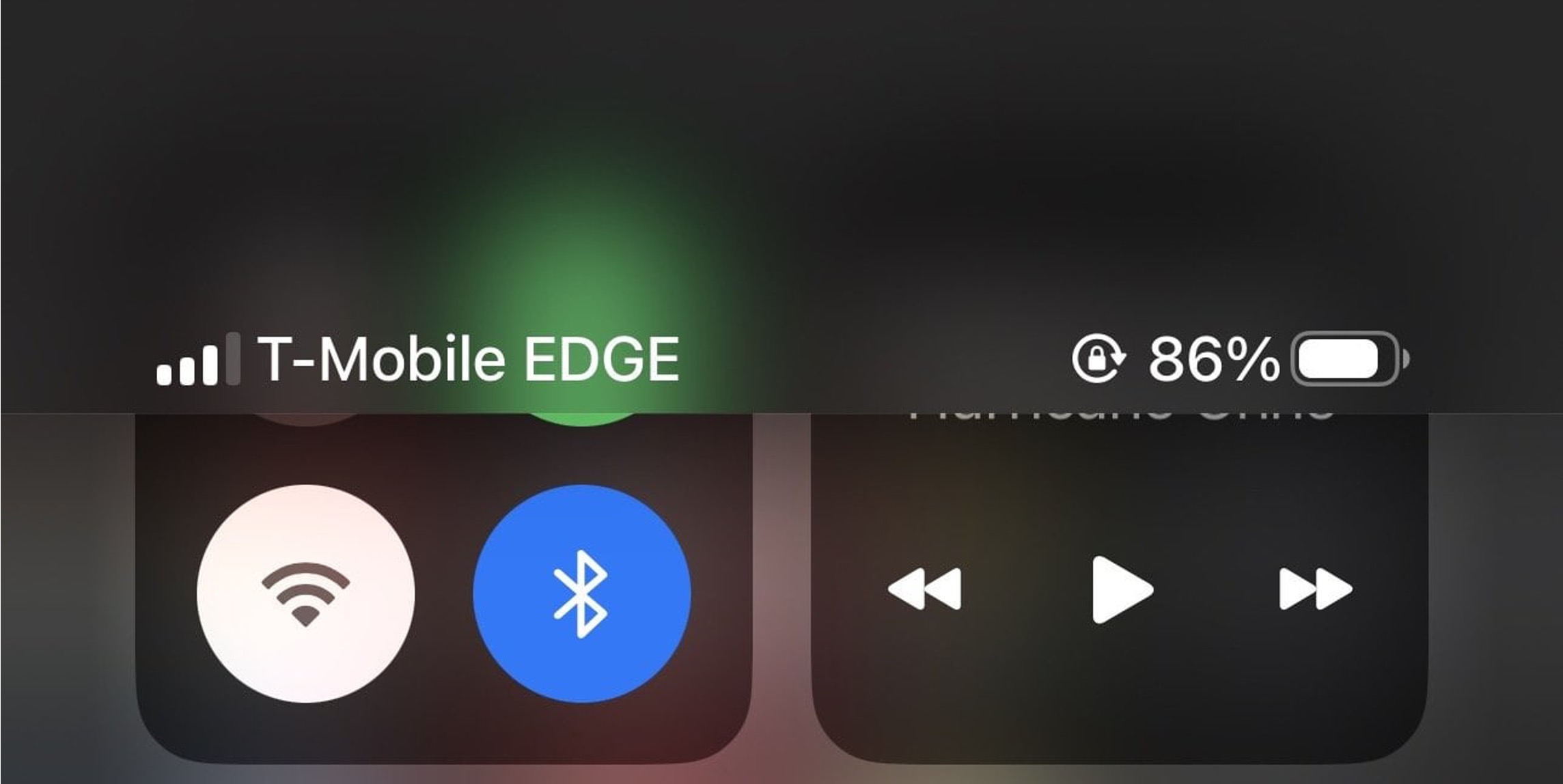
GPRS is a mobile data technology that was introduced as an upgrade to traditional GSM networks. It works by breaking data into small packets for transmission, allowing your phone to stay "always on" to the internet without needing to re-establish a connection for each data transfer. On modern smartphones, seeing the GPRS icon means your device has automatically fallen back to this older 2G network because it cannot find a faster connection. Apple groups GPRS with EDGE in its GSM behavior notes, treating both as legacy network states rather than settings you can turn on directly.
Why does my phone show GPRS?
Your phone displays the GPRS icon for a few common reasons. The most frequent cause is poor signal strength, where your device cannot lock onto a stronger LTE or 5G signal. You may also be in a rural area where newer network infrastructure is unavailable. The GPRS connection is an automatic fallback built into your phone's radio system, you did not enable it manually, and there is no setting to choose GPRS specifically. Your phone simply uses the best available network, and when that network is a 2G GPRS connection, the icon appears.
How GPRS affects calls and data
GPRS has a critical limitation regarding voice and data that directly affects your phone use. On a GPRS or EDGE connection, incoming calls may go directly to voicemail while data transfers are active. If you do answer a call during a GPRS data session, your data transfer is paused until the call ends. This happens because GSM networks cannot handle voice and packet data simultaneously on the same channel the way modern networks do. So if you are using a messaging app or loading a webpage on GPRS and someone calls, you may miss the call entirely, or your data will stop until you hang up.
Can I turn off GPRS on my phone?
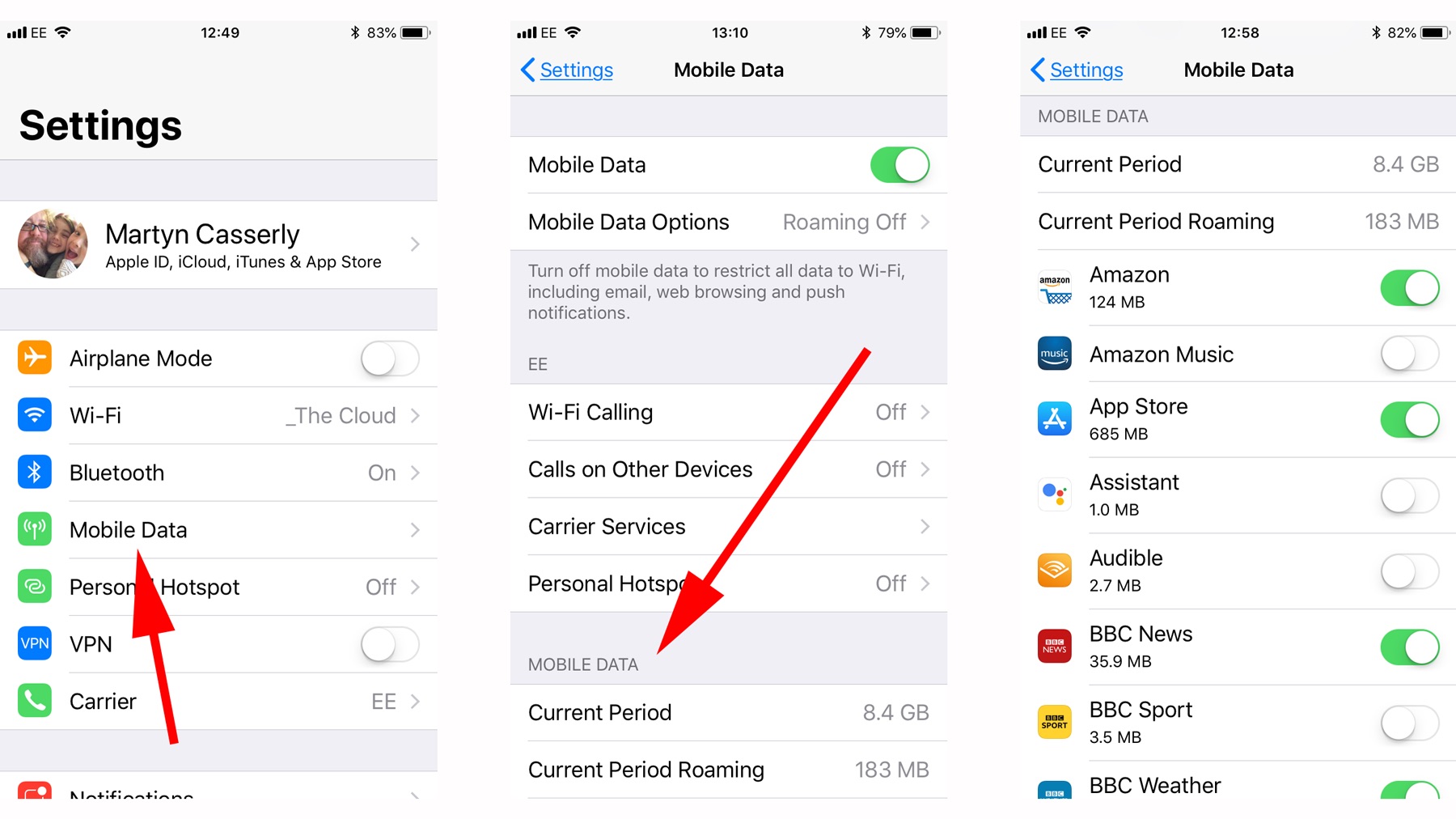
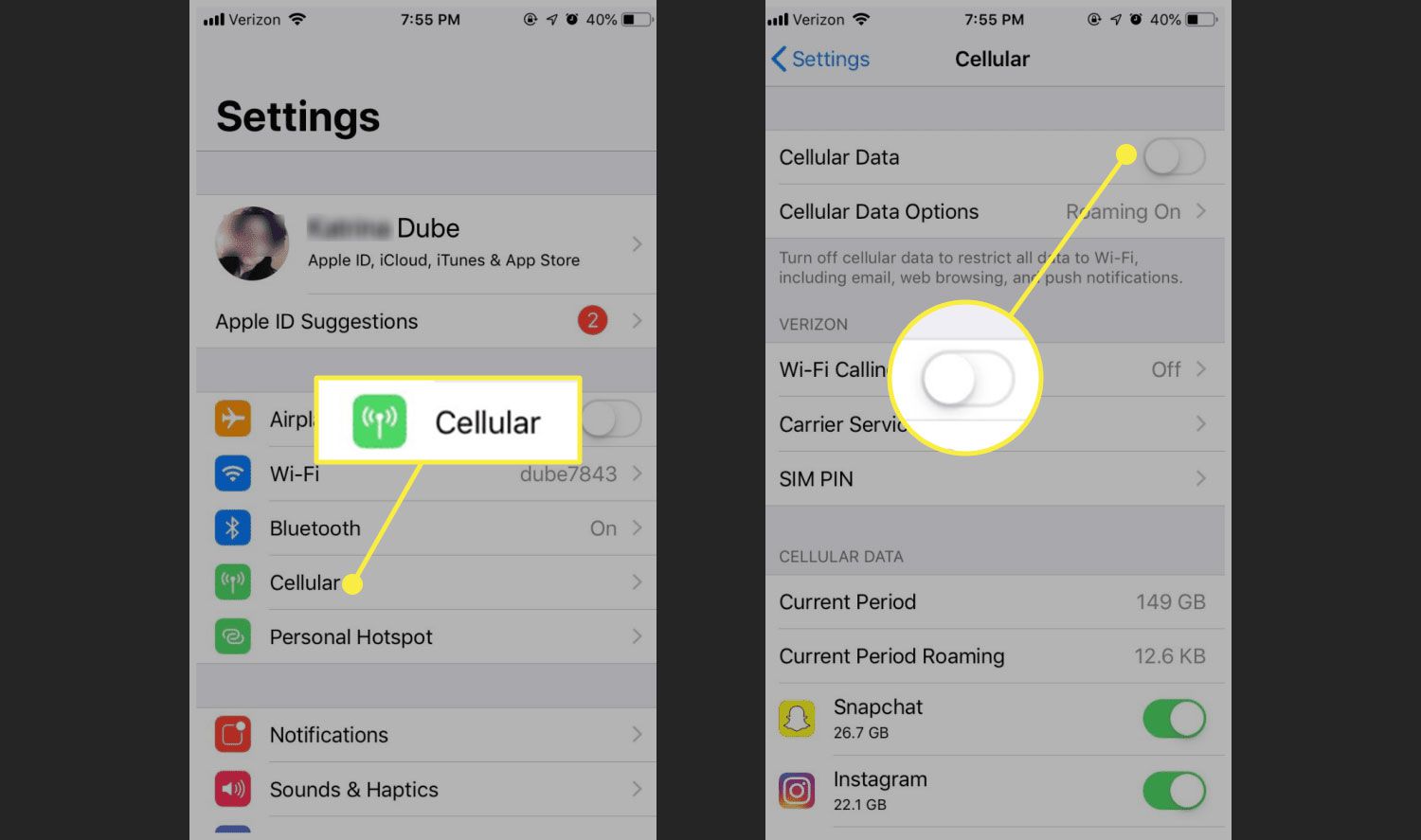
There is no GPRS-specific toggle on any modern phone. To prevent your phone from using GPRS, you must turn off cellular data entirely. On an iPhone, the only documented path is Settings > Cellular > Cellular Data. On a Samsung Android phone, the documented control is Apps > Settings > More settings > Mobile networks > Use packet data. On some Samsung firmware versions, the data toggle may appear under Data Usage instead of More settings. Turning off cellular data is the only way to stop the GPRS connection, because your phone will still fall back to GPRS for data if you leave data on and have no better network available. Understanding this is part of basic mobile phone basics and how they work.
Is GPRS still usable today?
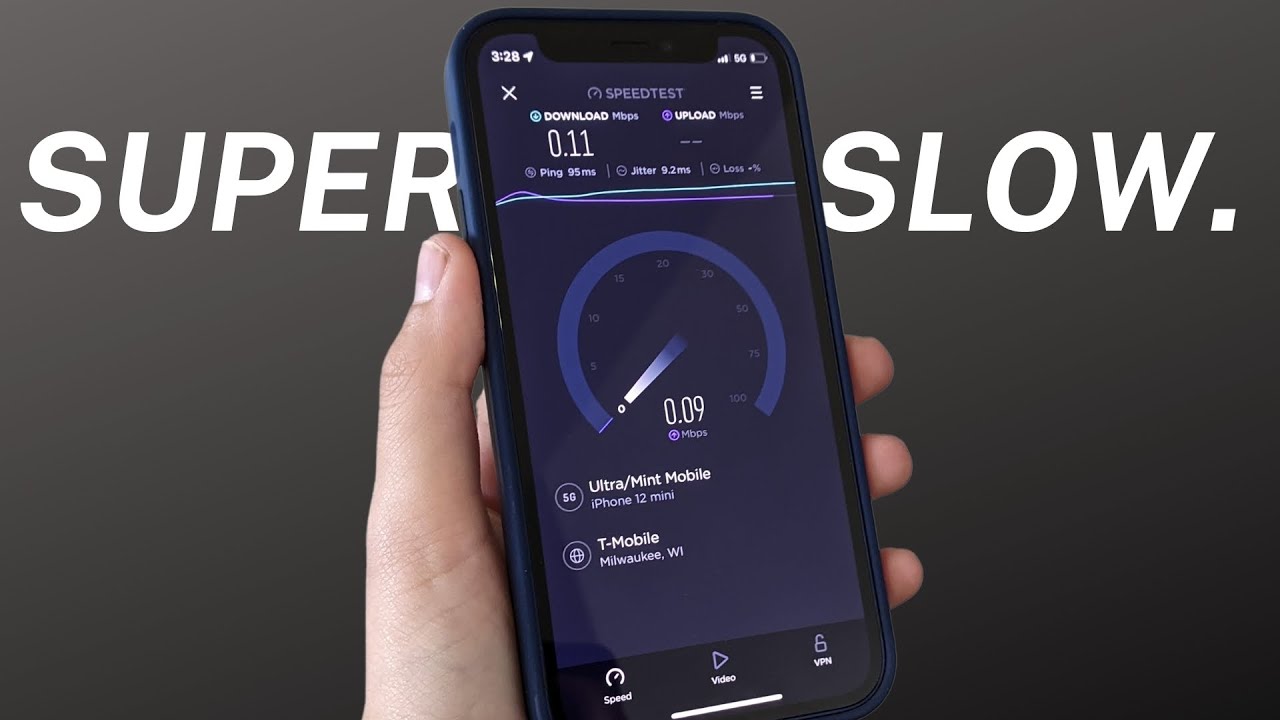
GPRS is technically still usable, but its speeds are extremely slow by modern standards. You can send and receive text-based emails and use basic messaging apps, but loading a modern website with images or streaming any audio or video will be painfully slow or fail entirely. Many carriers have begun shutting down their 2G networks, making GPRS increasingly rare. In areas where it still exists, it serves only as a last-resort connection when no faster network is available. For practical purposes, GPRS is not a viable option for everyday internet use on a smartphone.
Frequently Asked Questions
Does GPRS use my data plan?
Yes, GPRS consumes data from your cellular data plan just like any other mobile data connection. Your carrier bills data used over GPRS the same as data used over 4G or 5G, though the experience will be much slower.
Can I send MMS over GPRS?
Yes, you can send and receive MMS messages over a GPRS connection. However, depending on the file size of the photo or video, the transfer may take significantly longer than on a faster network.
Why does my phone show GPRS instead of EDGE?
EDGE is a faster evolution of GPRS. If your phone shows GPRS instead of EDGE, it means the network in your area only supports the slower GPRS variant, or your phone's signal is too weak to negotiate the EDGE connection.
Will GPRS work if I have no SIM card?
No, GPRS requires an active SIM card with a data plan from a carrier that supports GSM networks. Without a SIM card, your phone cannot authenticate to any cellular network, including GPRS.
Related reading: What Network Does Tello Mobile Use and What Is A Mobile Top-Up.