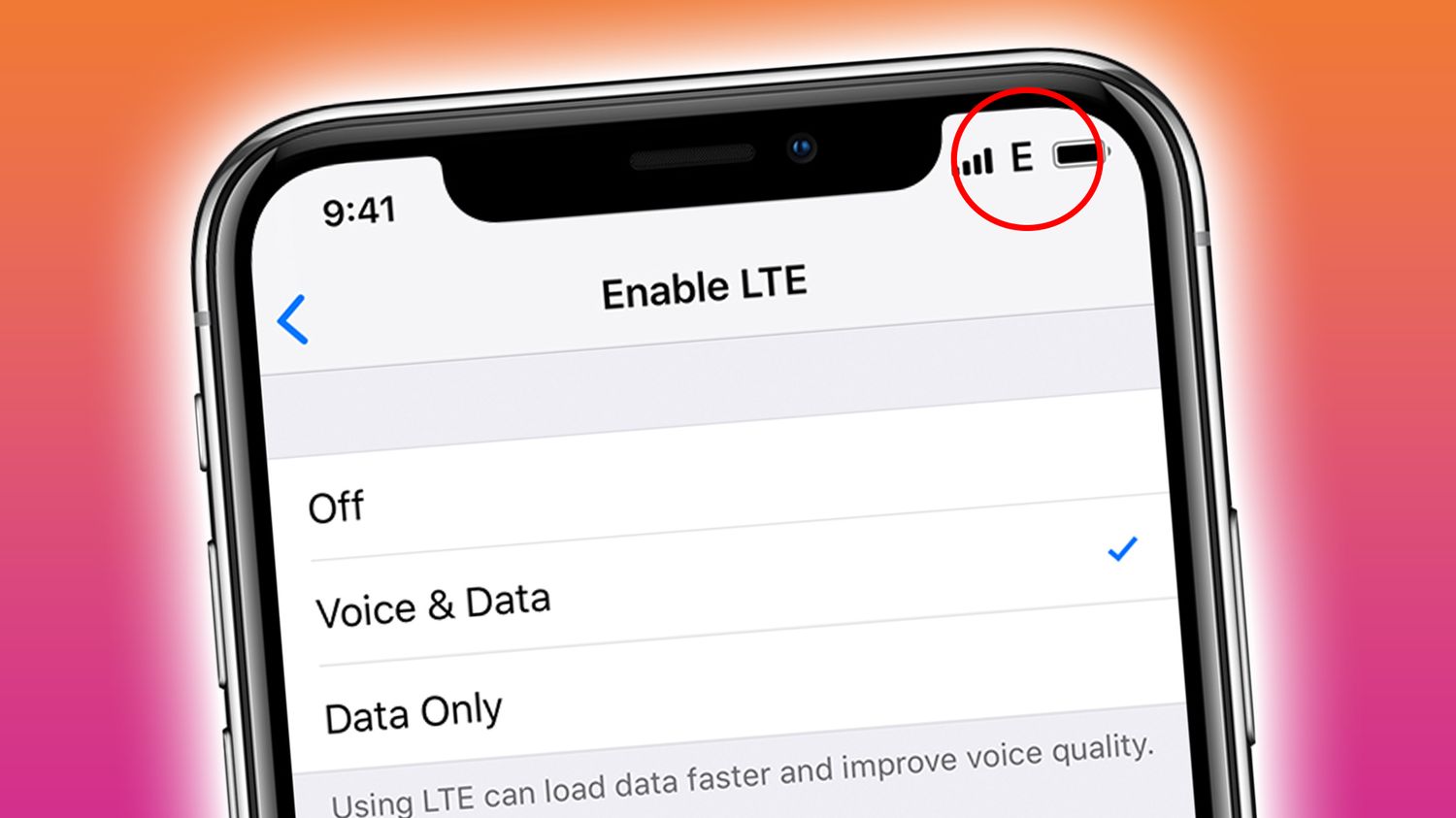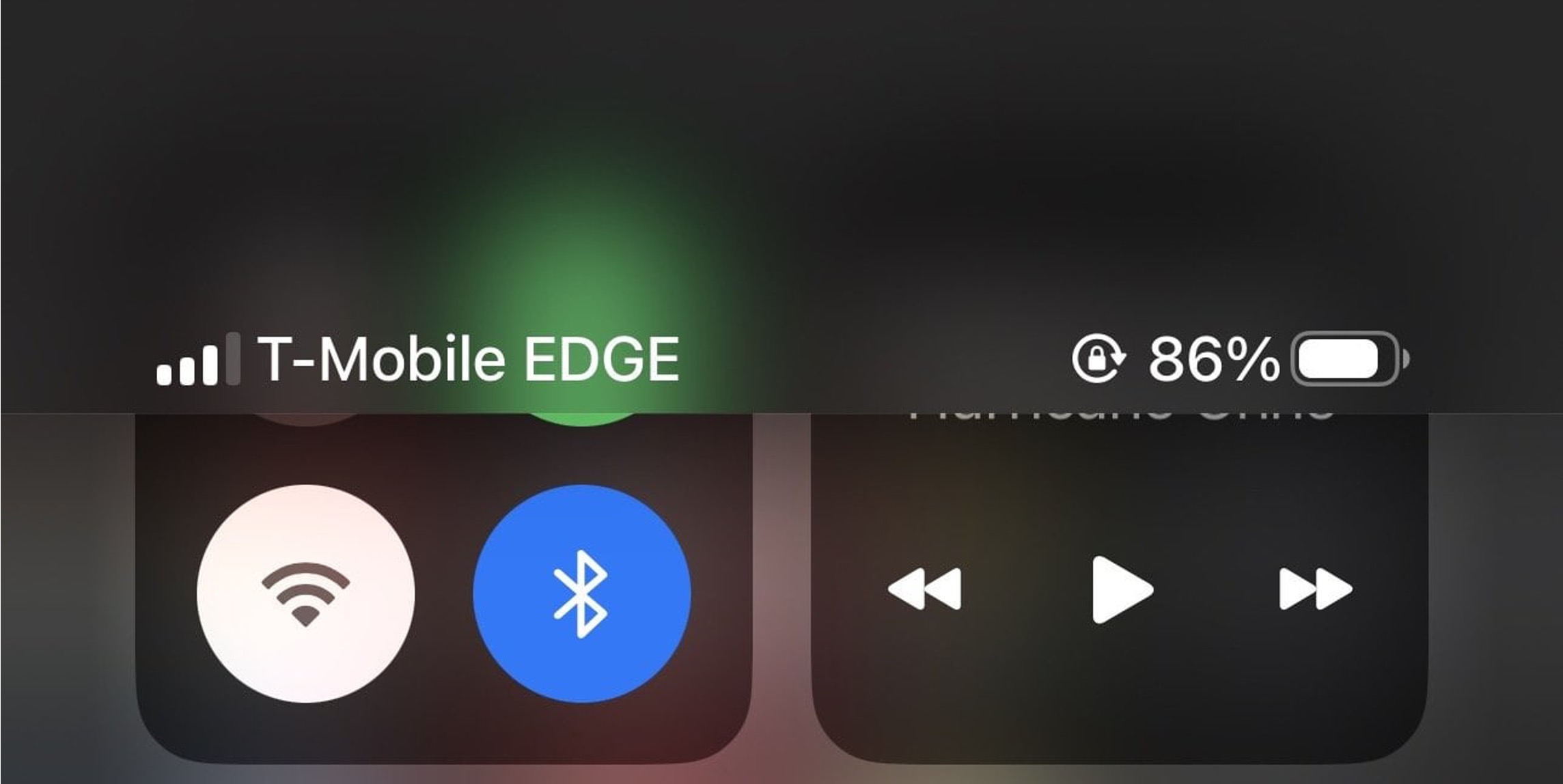
T-Mobile EDGE, which stands for Enhanced Data rates for GSM Evolution, is a 2G data fallback that appears automatically on your phone when faster T-Mobile coverage like LTE or 5G is unavailable, it is not a separate plan or feature you can choose. If you see "T-Mobile EDGE" on your screen, your device has switched to this older technology because it cannot connect to a stronger signal, and understanding what is T-Mobile Edge Network means you can troubleshoot the issue and get back to faster data.
What is T-Mobile Edge Network?
EDGE is an older 2G data mode that T-Mobile uses as a fallback when your phone cannot reach faster cellular service. It is grouped with 2G and GPRS in T-Mobile's official support materials, meaning it behaves the same way, providing basic connectivity only when LTE or 5G is out of range. This is not something you subscribe to or toggle on; it happens automatically based on network conditions. EDGE operates on 850 MHz and 1900 MHz frequency bands, allowing for wider coverage and better building penetration compared to higher frequency bands used by newer technologies. EDGE employs 8-PSK (Phase Shift Keying) modulation technique for data transmission. EDGE network infrastructure comprises base transceiver stations (BTS), base station controllers (BSC), and mobile switching centers (MSC). EDGE provides seamless roaming capabilities due to compatibility with international GSM standards.
Why your phone shows T-Mobile EDGE
Your phone displays T-Mobile EDGE for one of two reasons. The first is that you are in an area without LTE or 5G coverage, so the device automatically falls back to 2G/EDGE as a last resort. The second is that your device settings are preventing connection to faster networks, for example, if the network mode is manually set to 2G only. This is an automatic fallback behavior, not a user-selected feature.
What you can and cannot do on EDGE
T-Mobile documents a key limitation: on 2G/GPRS/EDGE, you cannot use calling and data simultaneously during a call. Typical data transfer rates on EDGE range from 80-240 kilobits per second (Kbps). Basic browsing and email may work, but T-Mobile does not publish specific speed guarantees for EDGE. Higher latency on EDGE can impact real-time applications like online gaming and video calls by introducing noticeable delays. For data-intensive apps like video streaming or online gaming, EDGE will likely be too slow to function properly. EDGE is incompatible with advanced applications like augmented reality (AR), virtual reality (VR), and high-definition video streaming. Network congestion during peak usage periods can degrade EDGE performance in densely populated areas. If you are comparing this to other services, note that T-Mobile Home Internet speed limits are unrelated, EDGE is a mobile fallback, not a home internet product.
How to fix it: Android
If your Android phone is stuck on EDGE, follow these exact T-Mobile troubleshooting steps:
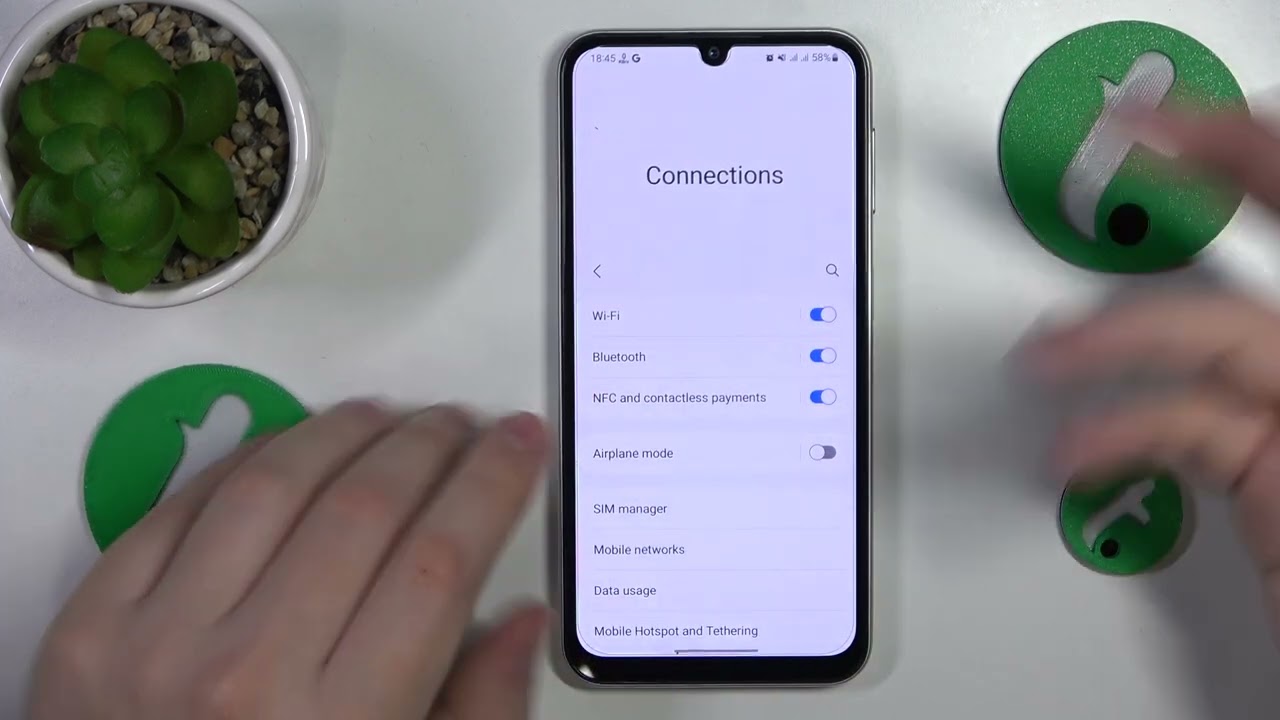
- Set Network Mode to 2G/3G/4G/LTE or Auto in your device settings.
- Reset the device APNs to default.
- Turn on data connection or packet data settings.
- Turn off Data Usage Limit or Data Limit if it is enabled.
These steps force your phone to search for faster networks rather than staying on the 2G fallback.
How to fix it: iPhone
For iPhones, T-Mobile's exact troubleshooting step is to go to Settings > General > Reset > Reset Network Settings. This clears saved Wi-Fi networks, Bluetooth pairings, and cellular settings, which can resolve persistent EDGE connection issues by forcing the device to re-establish a fresh connection to T-Mobile's network.
Frequently Asked Questions
Is T-Mobile EDGE still supported?
Yes, T-Mobile continues to support EDGE as a fallback network, though the company focuses its investment on expanding LTE and 5G coverage. EDGE remains active in areas where newer technologies are not yet available. As the industry shifts away from 2G, reduced support and investment may lead to diminishing EDGE coverage and reliability over time.
Will my device automatically switch off EDGE when LTE or 5G is available?
Yes, devices are designed to automatically switch to faster networks when they come into range. If you remain stuck on EDGE, the issue is likely a coverage gap or a device setting that needs adjustment.
Does EDGE work for data-intensive apps like video streaming?
No, EDGE is too slow for video streaming, online gaming, or large file downloads. It is suitable only for basic tasks like text-based email, messaging apps, and simple web browsing.
Is there a separate T-Mobile EDGE plan or toggle?
No. T-Mobile does not offer a separate EDGE plan, pricing, or a dedicated app setting for EDGE. It is a network fallback that activates automatically when faster coverage is unavailable.