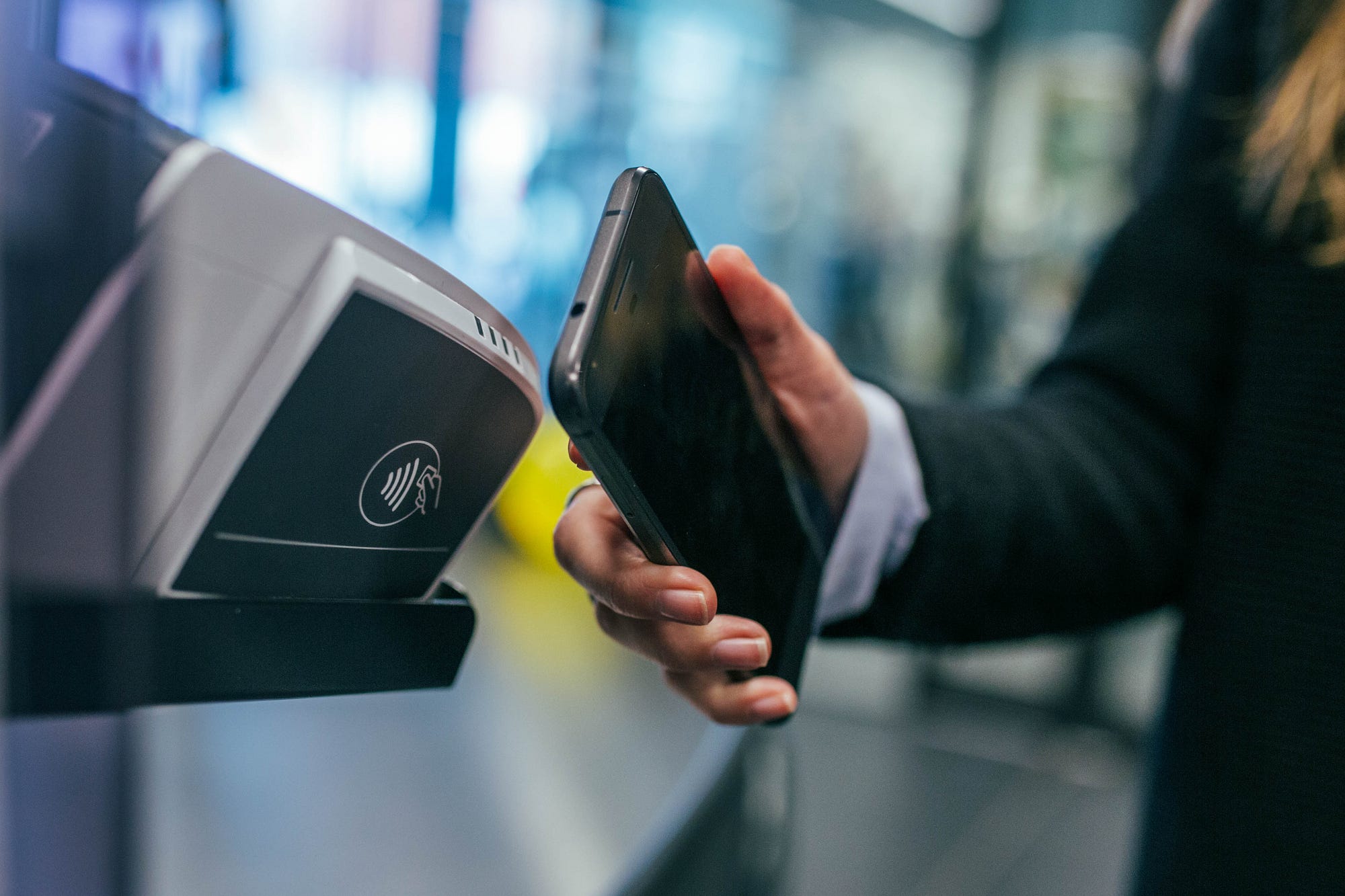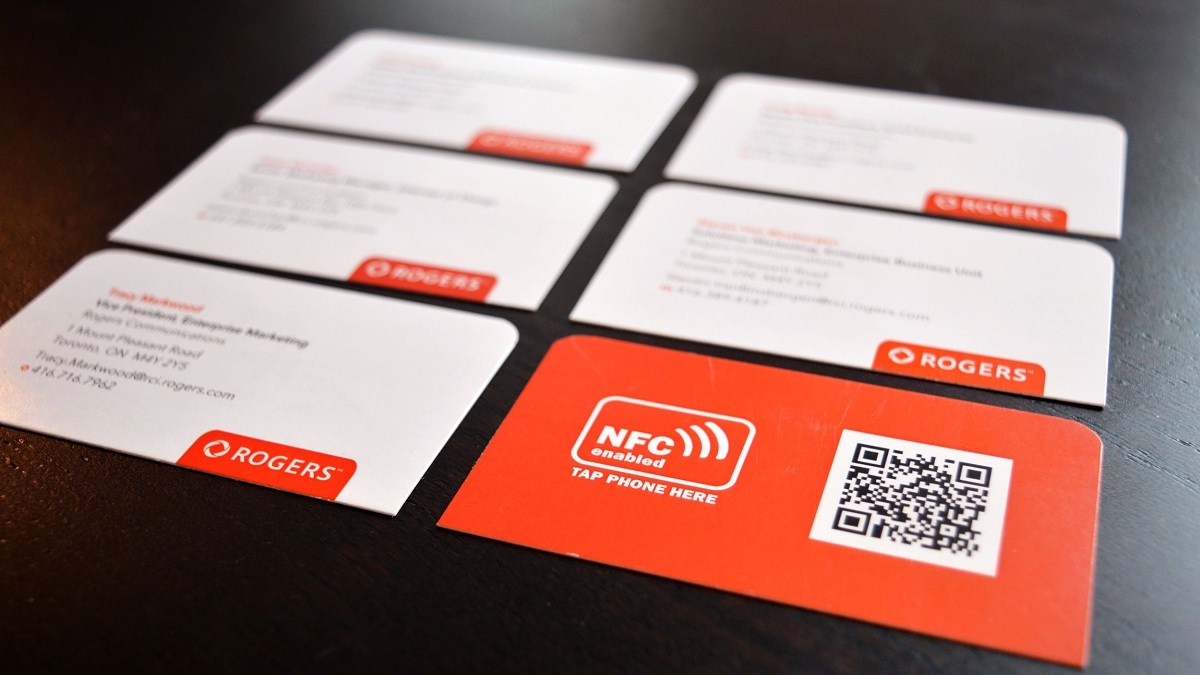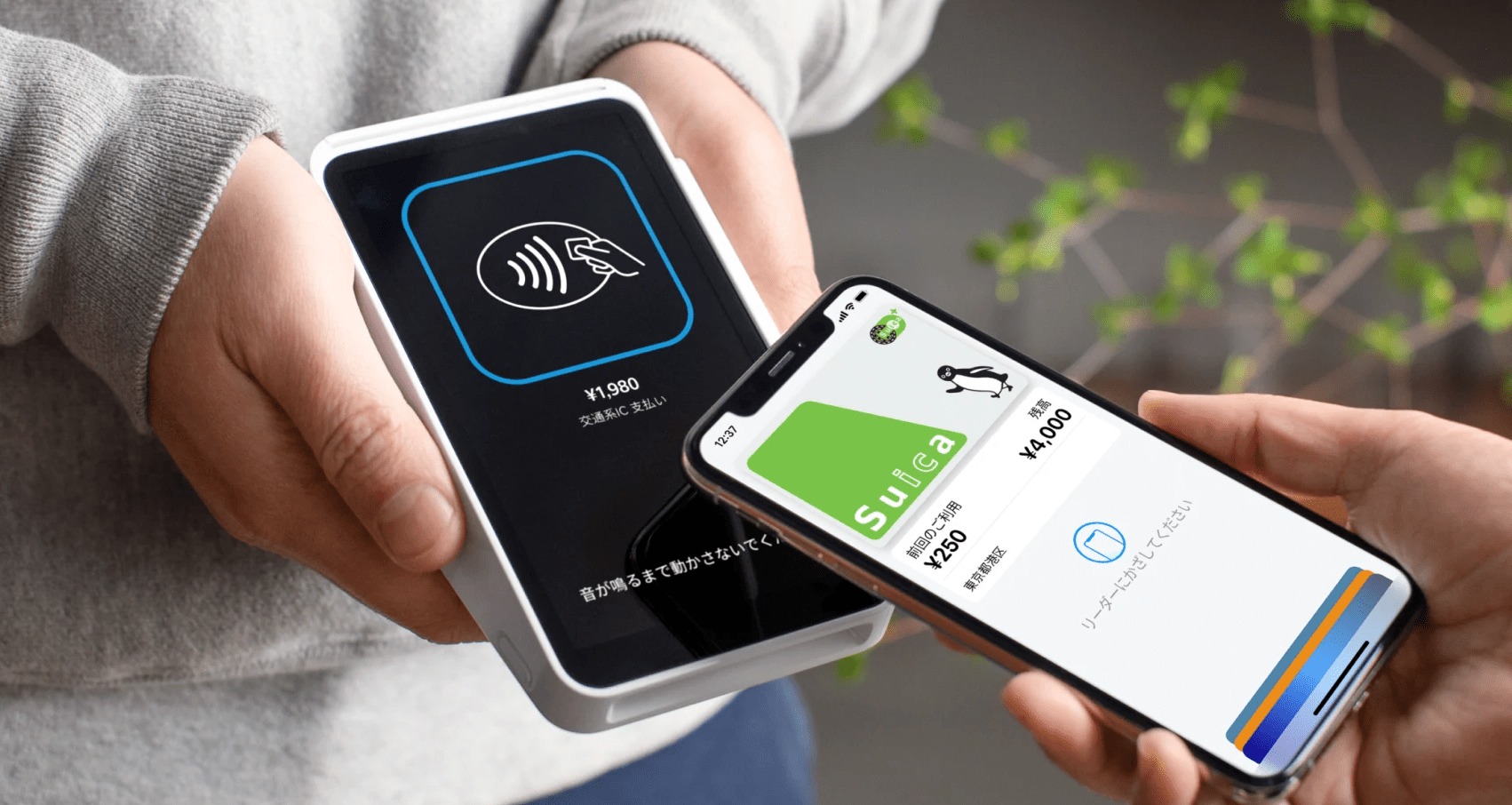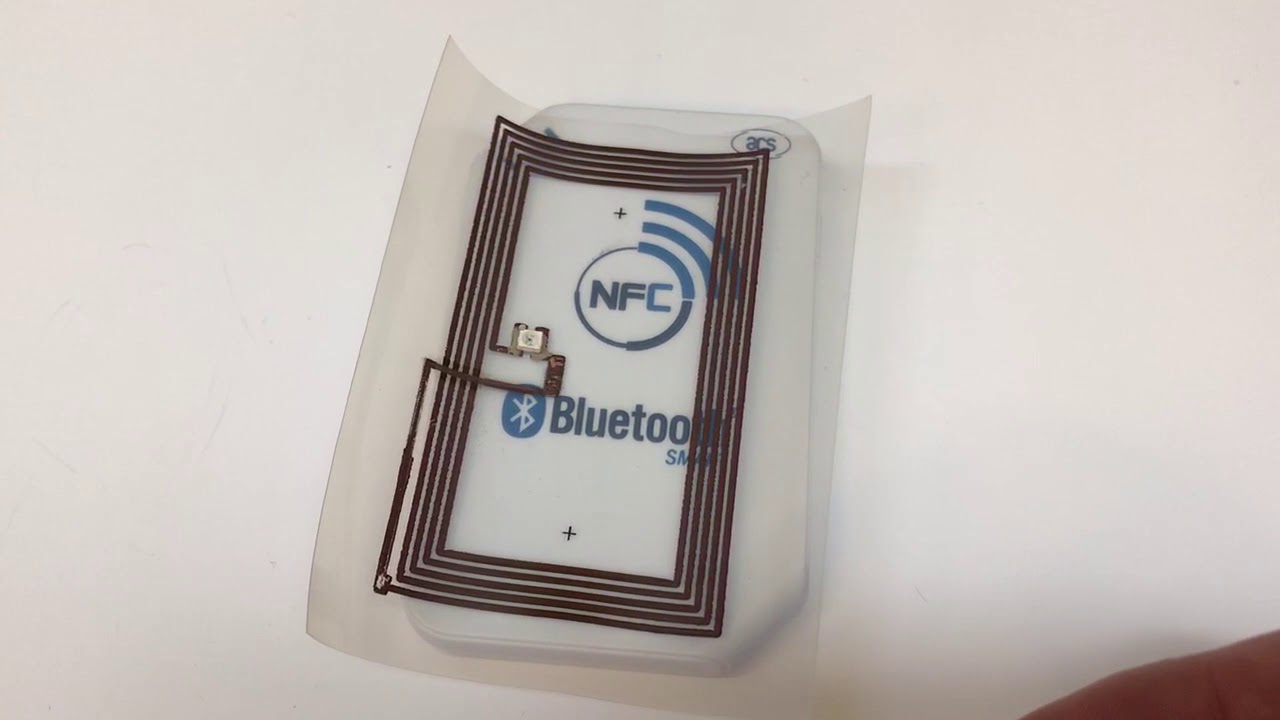
The NFC antenna is the built-in phone hardware that enables Near Field Communication, allowing supported devices to exchange data wirelessly over short distances. This component is what powers contactless payments and NFC tag reading on both iPhone and Android phones, and it is integrated into the device rather than exposed as a separate user setting.
What is the NFC antenna?
The NFC antenna is the physical component inside a phone that generates and detects the radio frequency signals required for Near Field Communication. It consists of a coil, capacitor, matching network, and shielding elements. It operates at 13.56 MHz and uses electromagnetic field induction to establish a connection between two devices when they are brought close together. Loop antennas are commonly used in NFC devices and can be integrated into smartphones, tablets, and wearables. PCB antennas are printed directly on circuit boards for space-limited devices like smart cards and access control systems. Microstrip antennas are made by etching conductive patterns onto substrates and used in NFC tags and smart labels. Flex antennas use flexible substrates for wearable devices like smartwatches and fitness trackers. Folded dipole antennas offer longer communication range and are used in NFC readers. The antenna is not something you activate separately; it is built into supported phones and works automatically when you use features like contactless payments or tag reading.
Which iPhones have an NFC antenna?
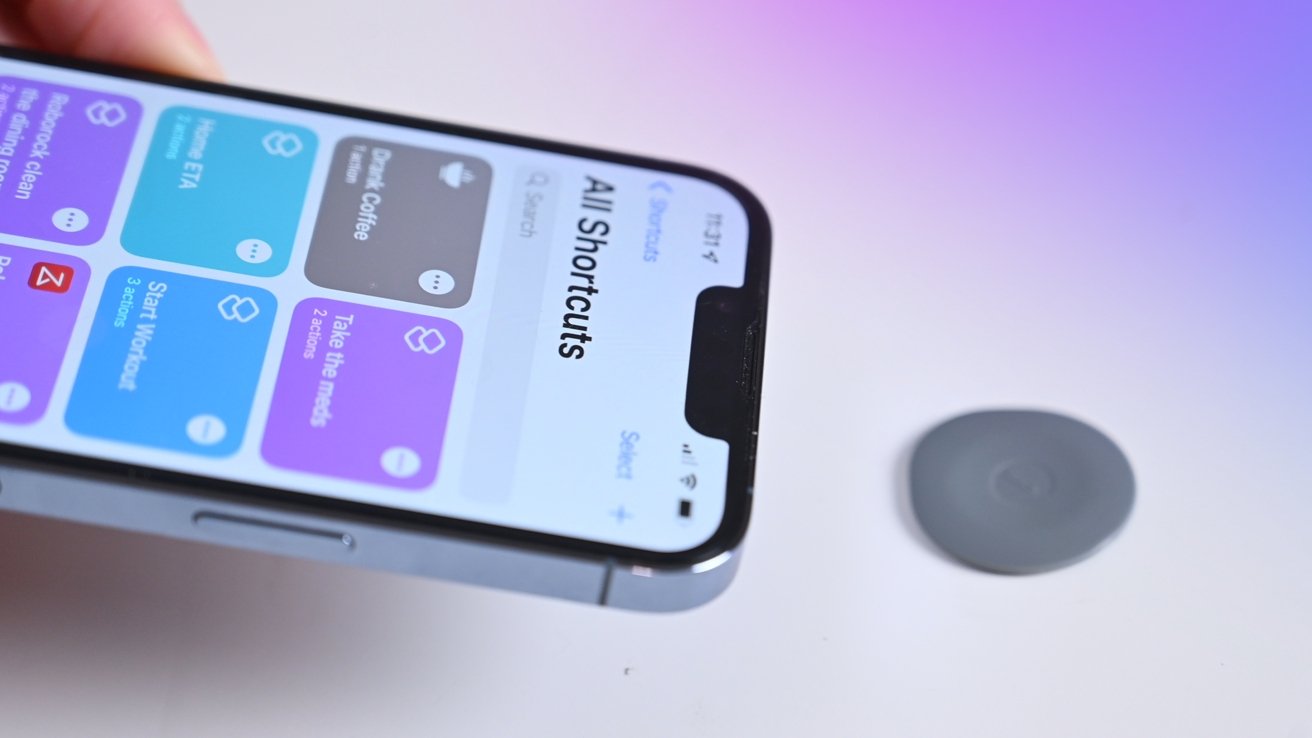
Apple lists specific iPhone models that support NFC Tag Reader. The following models automatically support NFC tag reading: iPhone SE (2nd generation and later), iPhone XR, iPhone XS, iPhone XS Max, iPhone 11, iPhone 11 Pro, iPhone 11 Pro Max, iPhone 12 mini, iPhone 12, iPhone 12 Pro, iPhone 12 Pro Max, iPhone 13 mini, iPhone 13, iPhone 13 Pro, and iPhone 13 Pro Max. On iPhone 7, iPhone 7 Plus, iPhone 8, iPhone 8 Plus, and iPhone X, you must turn on NFC Tag Reader through Control Center. Older iPhone models are not listed on Apple’s support page for NFC Tag Reader.
Where is the NFC setting on iPhone?
On newer iPhone models (iPhone SE 2nd generation and later, XR, XS, XS Max, 11 series, 12 series, and 13 series), NFC Tag Reader works automatically when you hold the phone near a tag. On iPhone 7 through iPhone X, you need to open Control Center and tap the NFC Tag Reader toggle. Apple’s support documentation does not list a broader Settings path for NFC Tag Reader.
Which Samsung Galaxy phones have NFC?
Samsung documents NFC as a phone setting on supported Galaxy phones. The setting is found under Settings > Connections > NFC and contactless payments. Compatibility varies by model and region, so not every Galaxy phone includes NFC. To check, open the Connections menu and look for the NFC option.
How the NFC antenna works
The NFC antenna works through short-range electromagnetic communication at 13.56 MHz. When two NFC-enabled devices are brought close together, their antennas create an electromagnetic field that allows data exchange. The range is limited to a few centimeters, which helps keep transactions secure. On newer iPhones, tag reading happens automatically; on supported older iPhones, you activate it from Control Center. On Samsung Galaxy phones, you enable NFC from the Connections menu before use.
Common uses for the NFC antenna
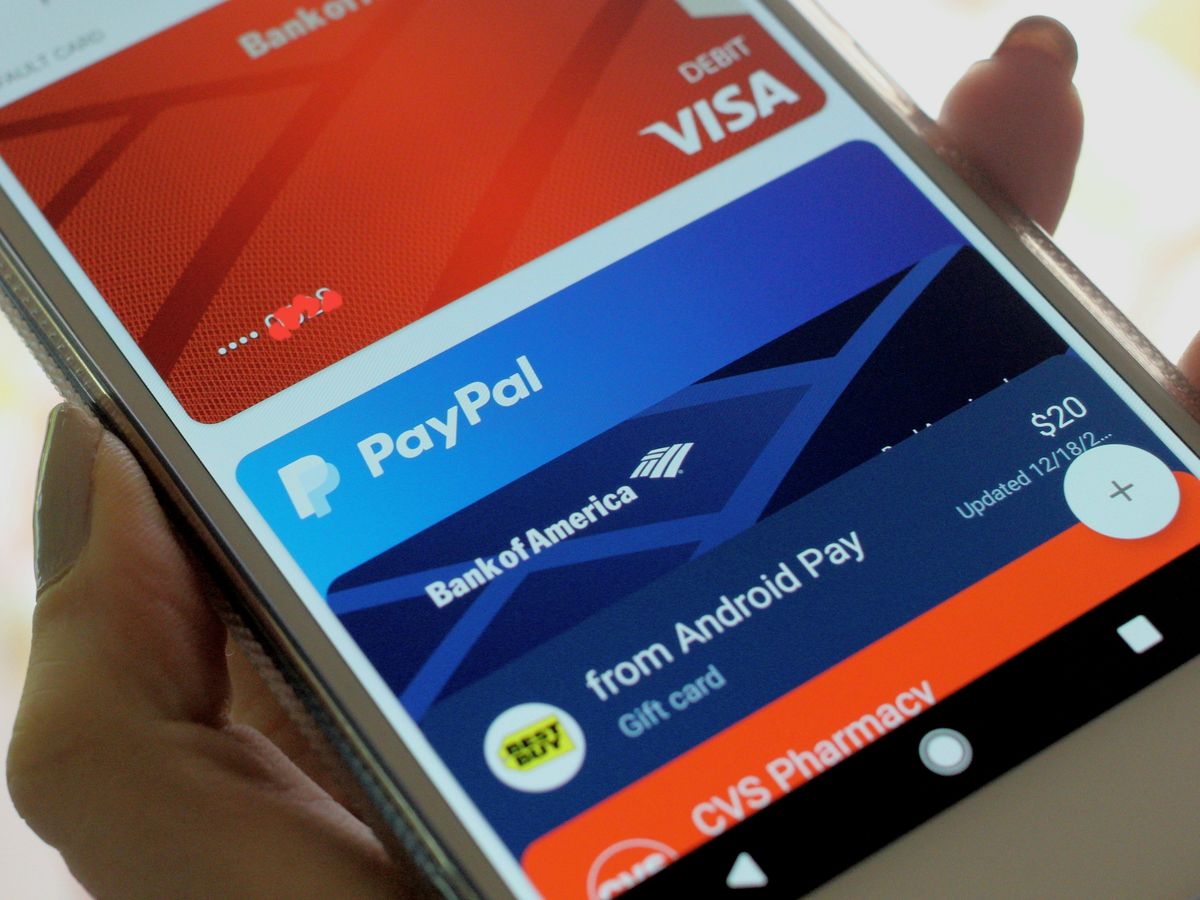
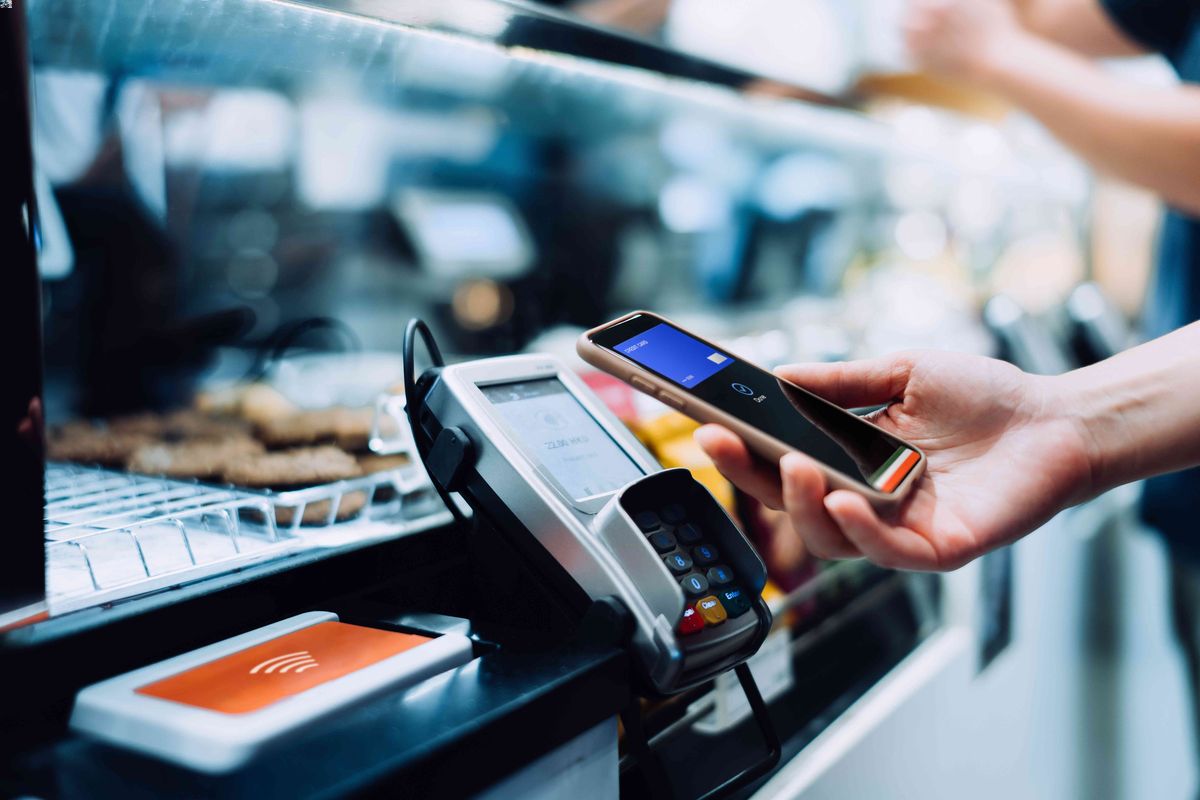
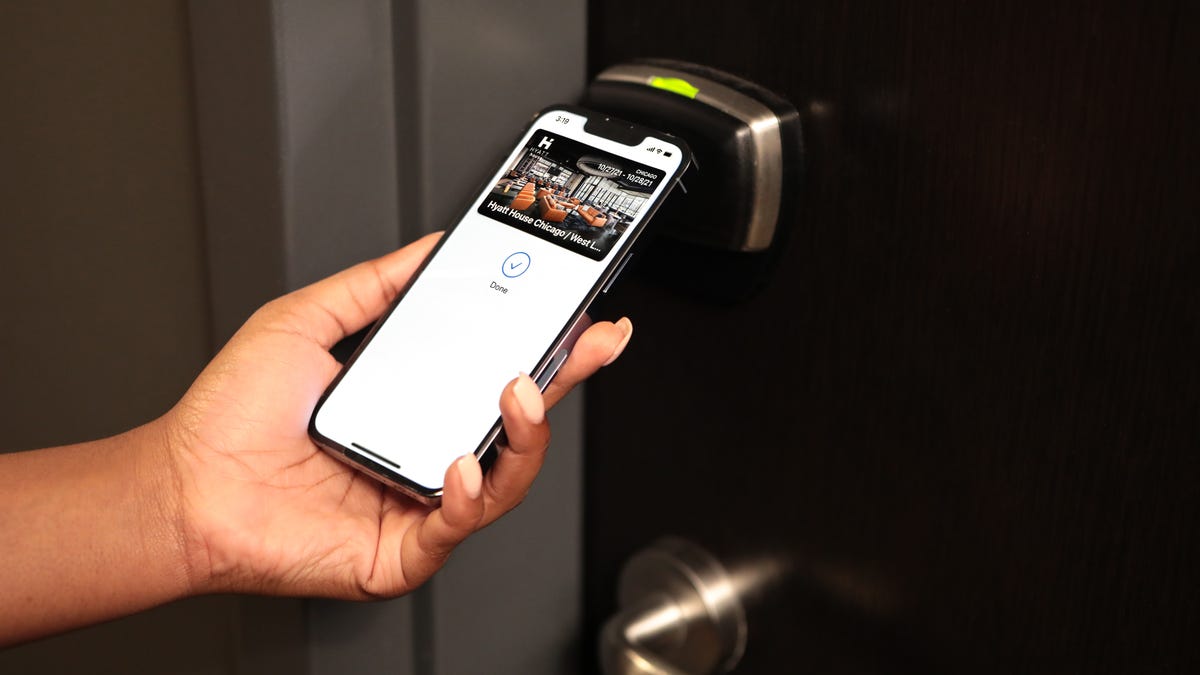
The most common uses include contactless payments through digital wallets, reading NFC tags, and file transfers between devices. The NFC antenna enables access control systems like door locks in office buildings or hotels. It is used in transportation and ticketing systems for fare payment and gate access. The NFC antenna enables smart home control by tapping devices on NFC tags or readers. It is used in healthcare for patient identification and medical equipment tracking. The NFC antenna enables data transfer and sharing between devices without internet connectivity. Apple documents NFC Tag Reader support on iPhone for reading NFC tags, while Samsung documents NFC and contactless payments in the Connections menu on Galaxy phones. These uses are grounded in official Apple and Samsung support documentation.
Frequently Asked Questions
Is NFC on every phone?
No. Apple lists only specific iPhone models for NFC Tag Reader, and Samsung documents NFC settings on supported Galaxy phones, meaning model support matters. Not all phones include NFC hardware.
Where is the NFC setting on iPhone?
Where is the NFC setting on Samsung Galaxy?
Open Settings > Connections > NFC and contactless payments. This is where you enable and use NFC on supported Galaxy phones.
Can the antenna be turned off separately?
They document the NFC feature or tag reader behavior instead, meaning you turn off NFC itself rather than the antenna component.
For the wider topic, see NFC tags and readers explained.