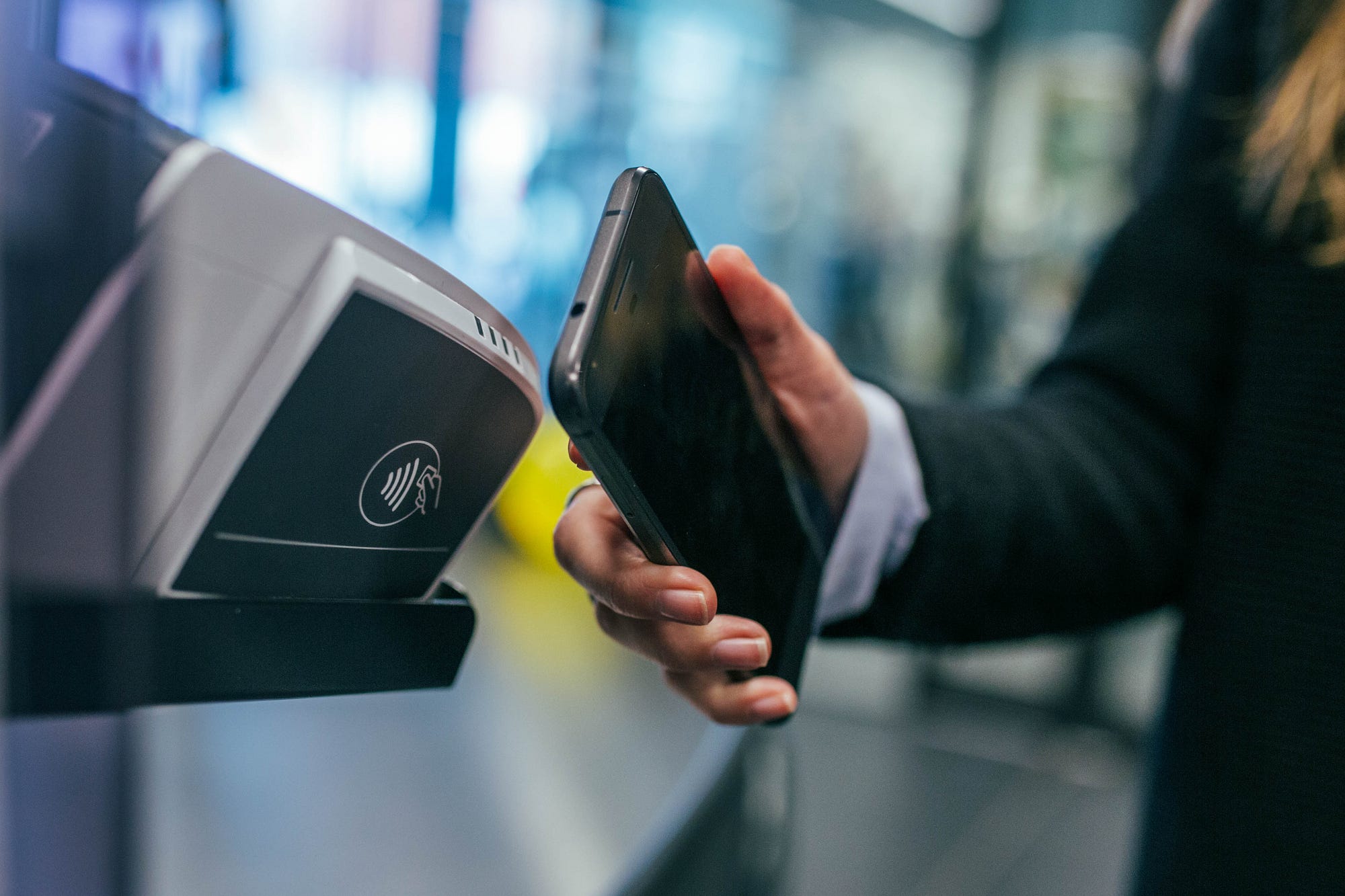
NFC devices are phones or other hardware with near field communication chips that let them read tags, make contactless payments, and exchange data over very short range. Understanding what NFC devices are helps you use your phone for quick tap-to-pay transactions, read smart tags to trigger actions, and share information without cables or pairing.
What are NFC devices?
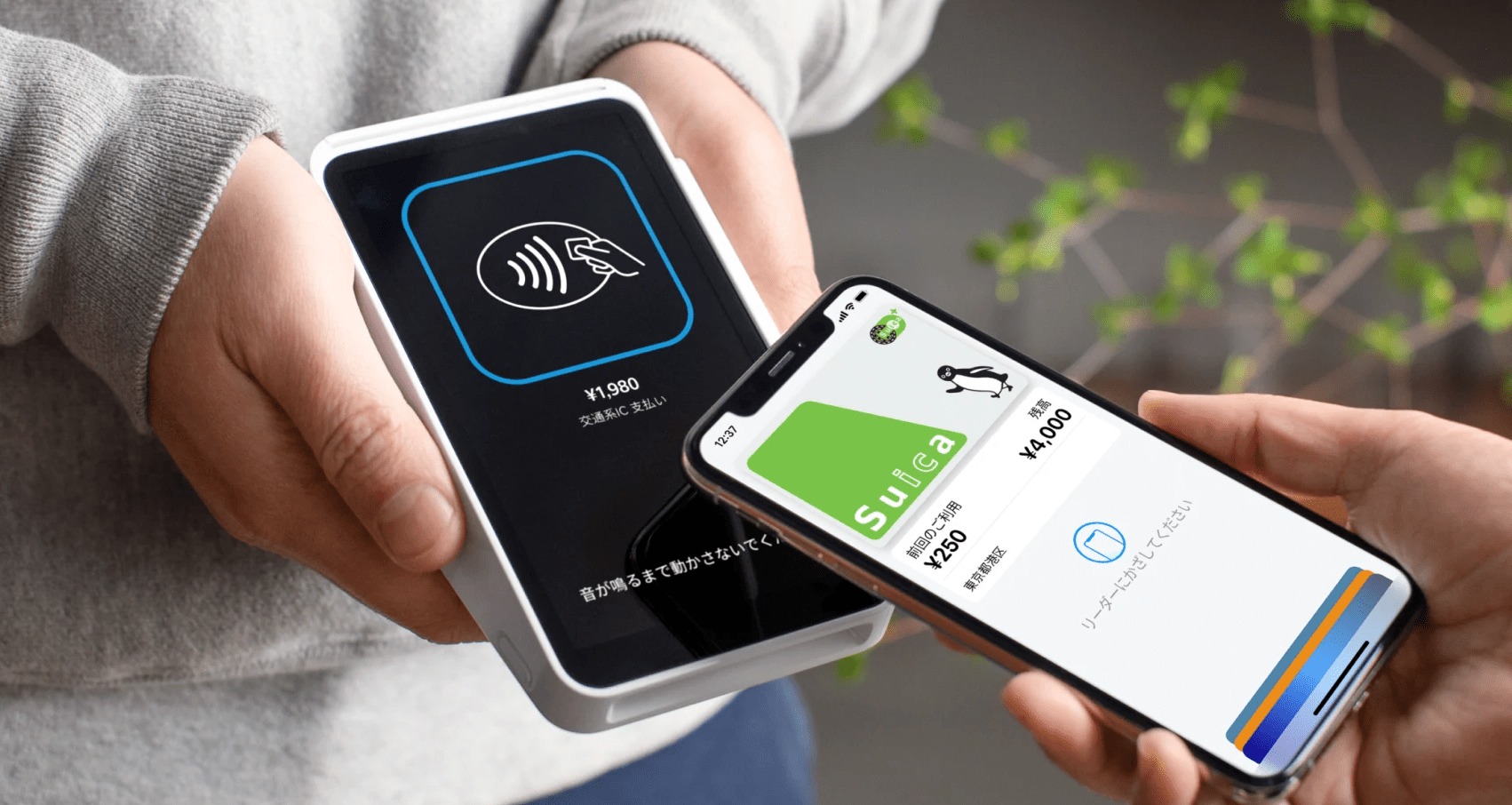
NFC stands for near field communication. NFC devices can operate in reader mode and card emulation mode, where card emulation lets the device behave like a contactless card for payments or access. Apple’s iPhone user guide says supported iPhones can automatically support NFC Tag Reader, and older models can use it from Control Center. Apple also says its NFC & SE Platform supports secure contactless transactions in compatible iOS apps for payments, transit, badges, keys, loyalty, and tickets.
Which iPhones have NFC?
Apple documents these iPhone models that automatically support NFC Tag Reader: iPhone SE (2nd generation and later), iPhone XR, iPhone XS, iPhone XS Max, iPhone 11, iPhone 11 Pro, iPhone 11 Pro Max, iPhone 12 mini, iPhone 12, iPhone 12 Pro, iPhone 12 Pro Max, iPhone 13 mini, iPhone 13, iPhone 13 Pro, and iPhone 13 Pro Max. On iPhone 7, iPhone 7 Plus, iPhone 8, iPhone 8 Plus, and iPhone X, NFC Tag Reader must be turned on in Control Center.
Which Android phones have NFC?
Google’s Android NFC documentation identifies NFC tag reading and writing as part of Android-powered devices, but does not give a universal Settings path, supported model list, or device/version limit. Samsung provides a documented path: Settings > Connections > NFC and contactless payments. Samsung’s support pages list Samsung Galaxy Fold and Samsung Galaxy S25 Ultra among supported devices. Another Samsung support page in Brazilian Portuguese shows the same menu wording: tap “Conexões” and look for “NFC e Pagamentos sem contato.”
How NFC works on phones
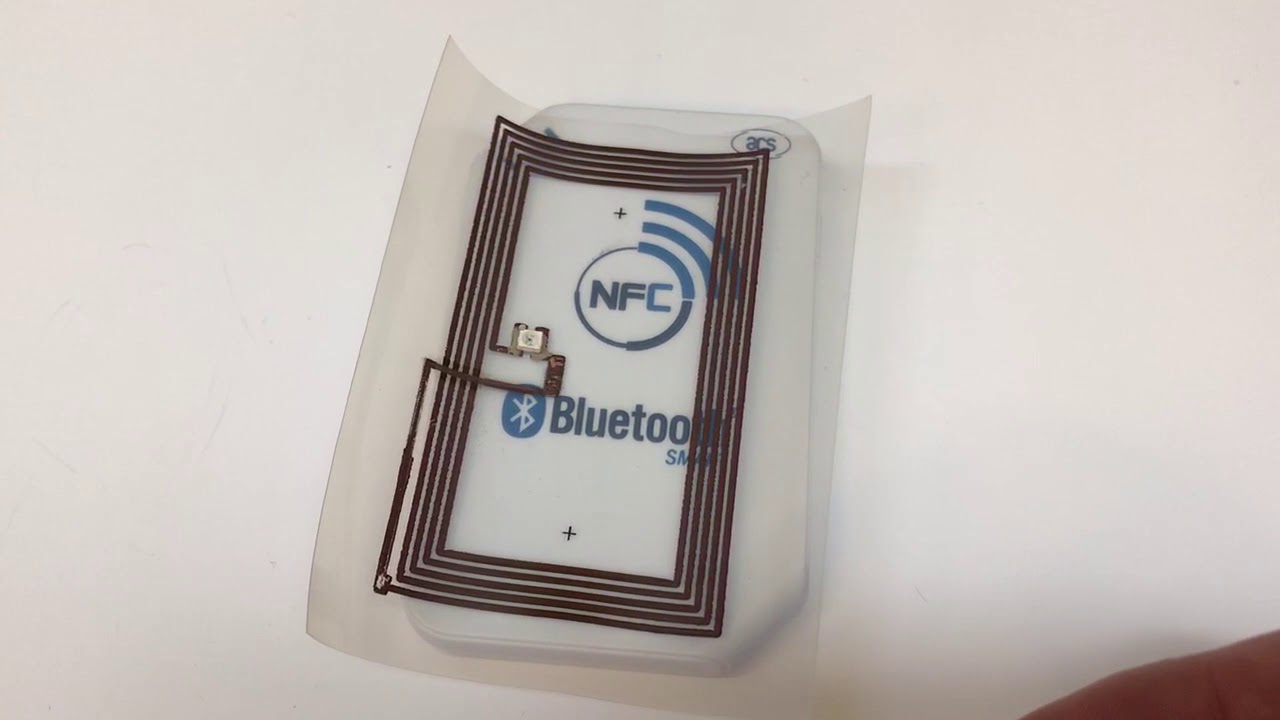
NFC operates at a frequency of 13.56 MHz. NFC supports three modes of operation: Reader/Writer Mode, P2P (Peer-to-Peer) Mode, and Card Emulation Mode. In P2P mode, two NFC devices can exchange data directly without an intermediary reader. Android’s developer documentation says NFC tags commonly use NDEF as the main format for reading and writing data. That means an NFC device can detect a nearby tag and exchange a small amount of data when the device is brought close to the tag. This is the core of how NFC works, with NFC tags and readers explained as a system where the phone acts as the reader and the tag responds with stored information.
What can you do with NFC?
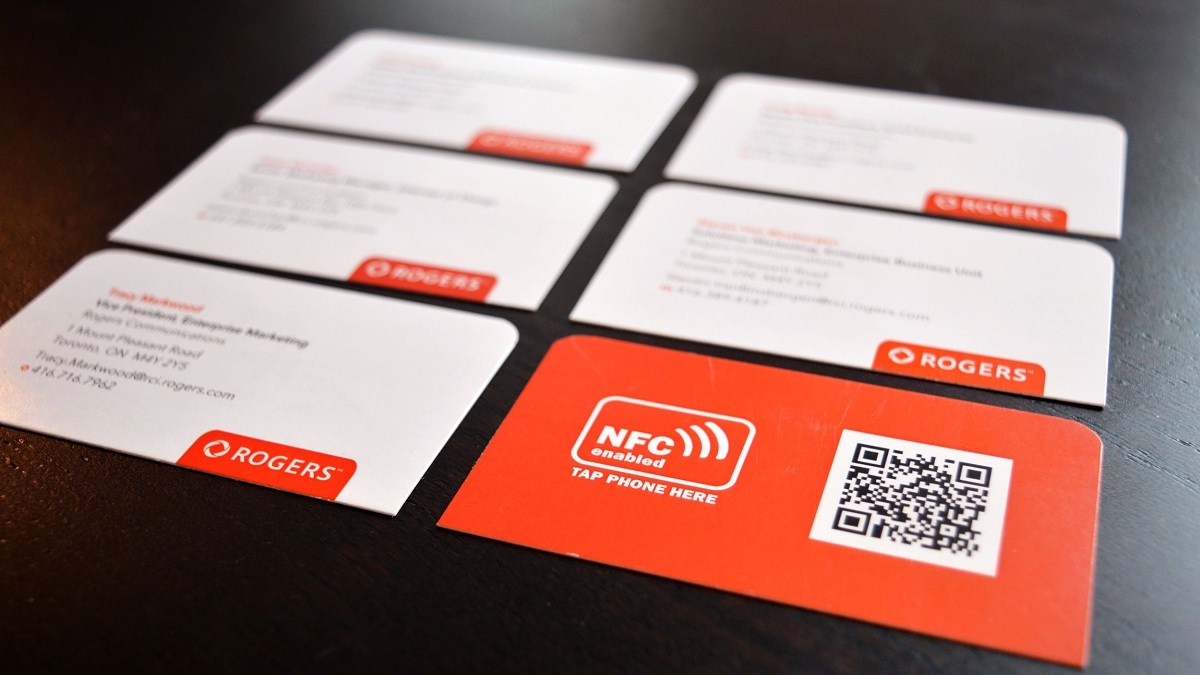
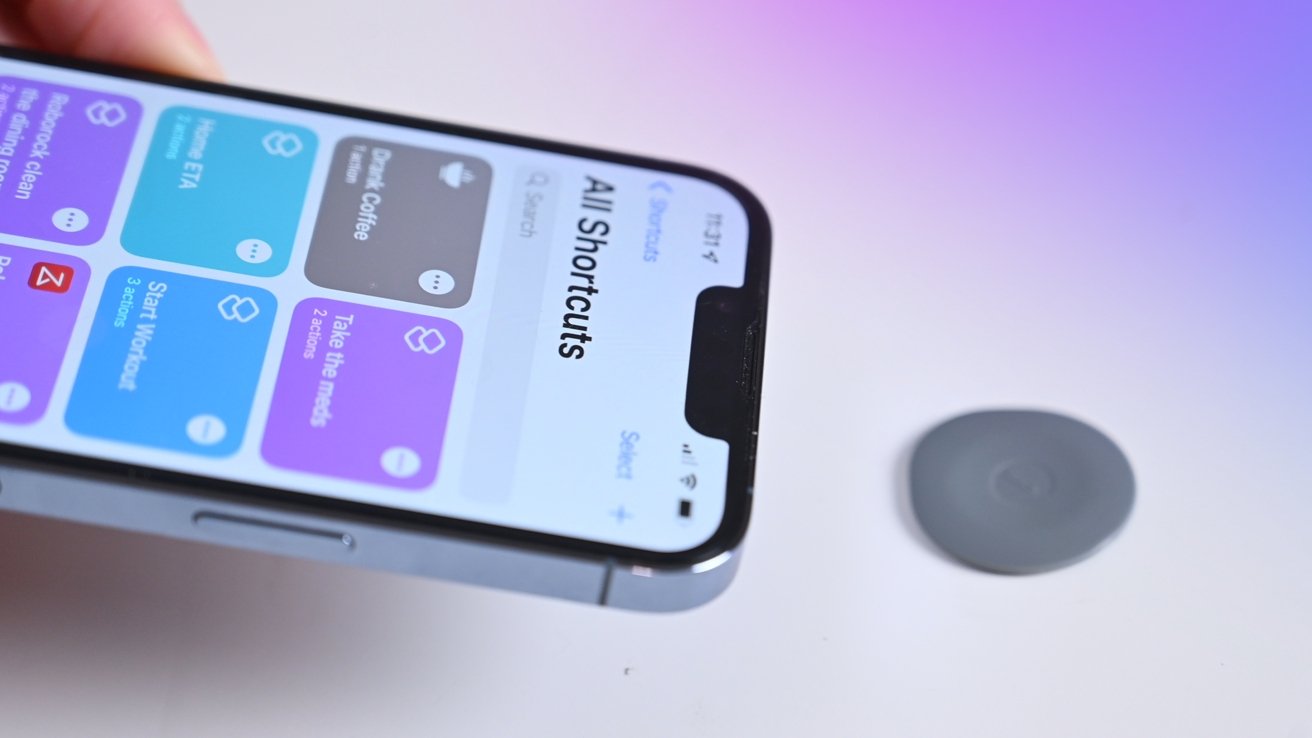
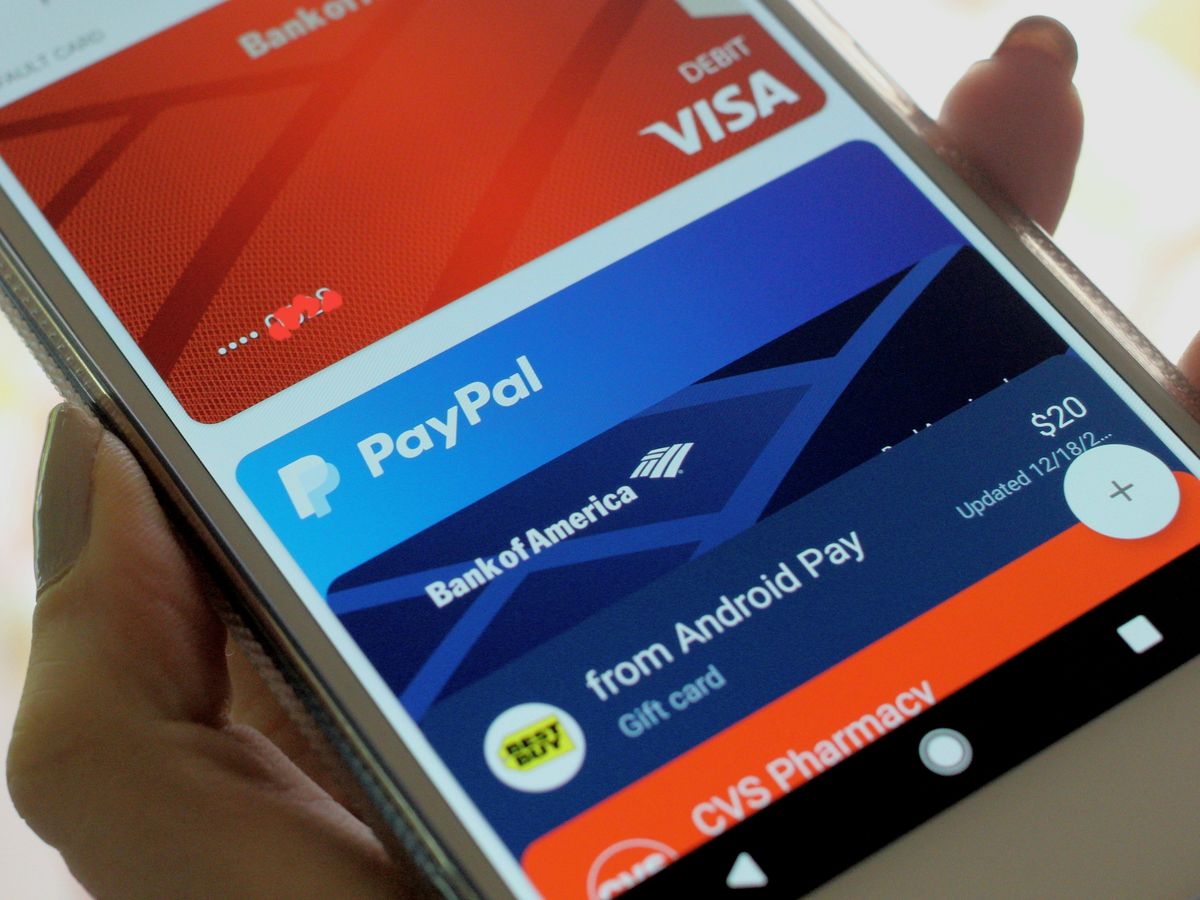
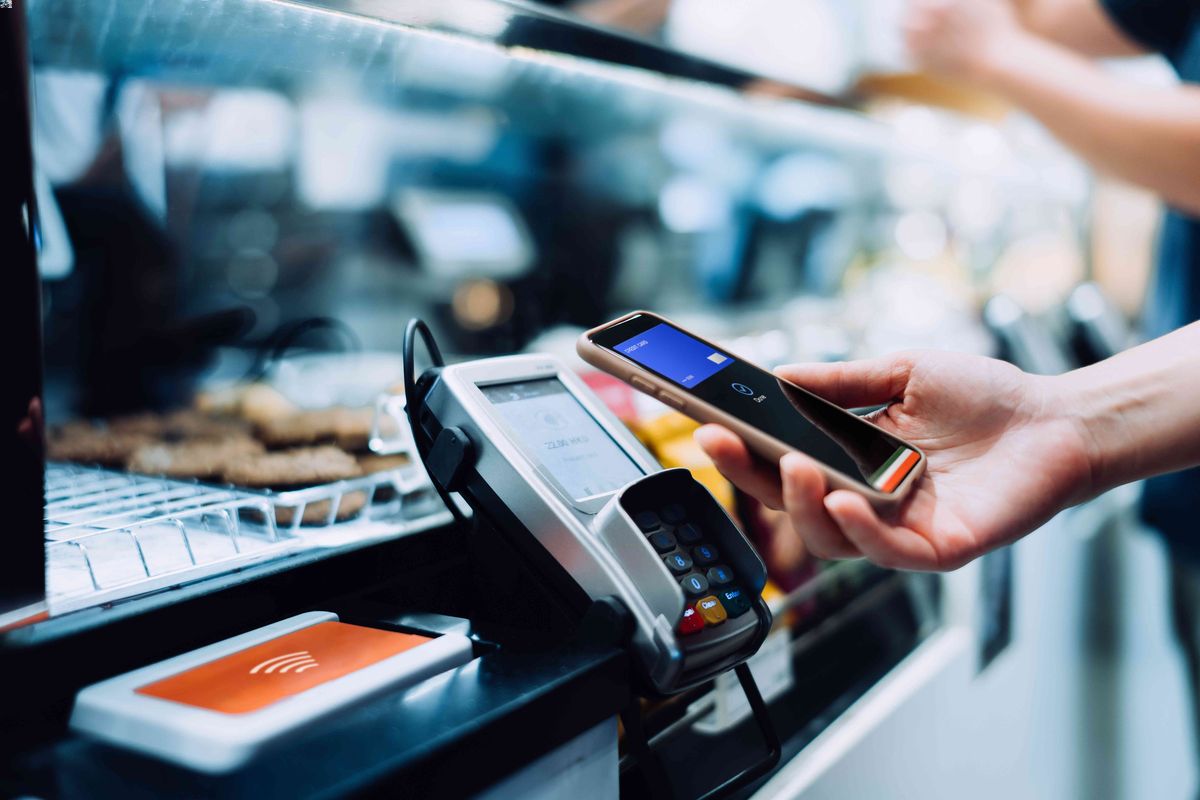
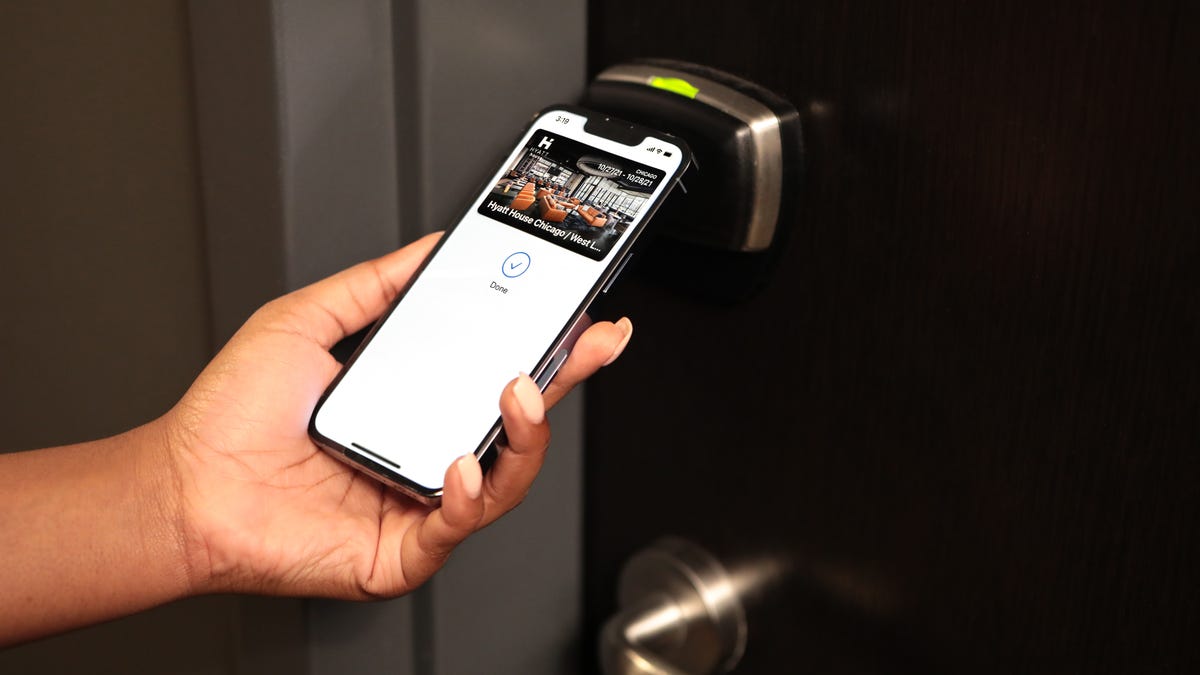
NFC tags can be embedded in physical objects like posters or business cards for users to tap and access content or trigger actions. NFC can be used for healthcare applications such as patient identification, tracking medical records, and monitoring medication compliance via wristbands or cards. NFC enables smart home integration where tapping an NFC-enabled phone can adjust lighting, temperature, or security settings. Apple documents these iPhone NFC uses: Apple Pay, App Clips, AirTag, Shortcuts, NameDrop, and secure contactless transactions such as in-store payments, car keys, transit, corporate badges, student ID, home keys, hotel keys, loyalty and rewards, and event tickets. Android’s developer docs document NFC tag reading and writing with NDEF tags. Samsung’s support pages document NFC for contactless payments and NFC switching in phone settings.
Frequently Asked Questions
What is an NFC device?
A device with NFC hardware that can communicate at close range with tags or payment terminals, typically within a few centimeters.
Which iPhones support NFC Tag Reader automatically?
iPhone SE (2nd generation and later), iPhone XR, iPhone XS/XS Max, and iPhone 11 through iPhone 13 Pro Max models listed by Apple support automatic NFC Tag Reader without needing to open Control Center.
Which iPhones need Control Center for NFC?
How do I turn on NFC on a Samsung phone?
Open Settings, tap Connections, then tap NFC and contactless payments to enable or disable the feature.
What can I use NFC for on my phone?
You can make contactless payments, read NFC tags to open websites or launch apps, share data between devices, and use secure features like transit cards, hotel keys, and digital IDs.