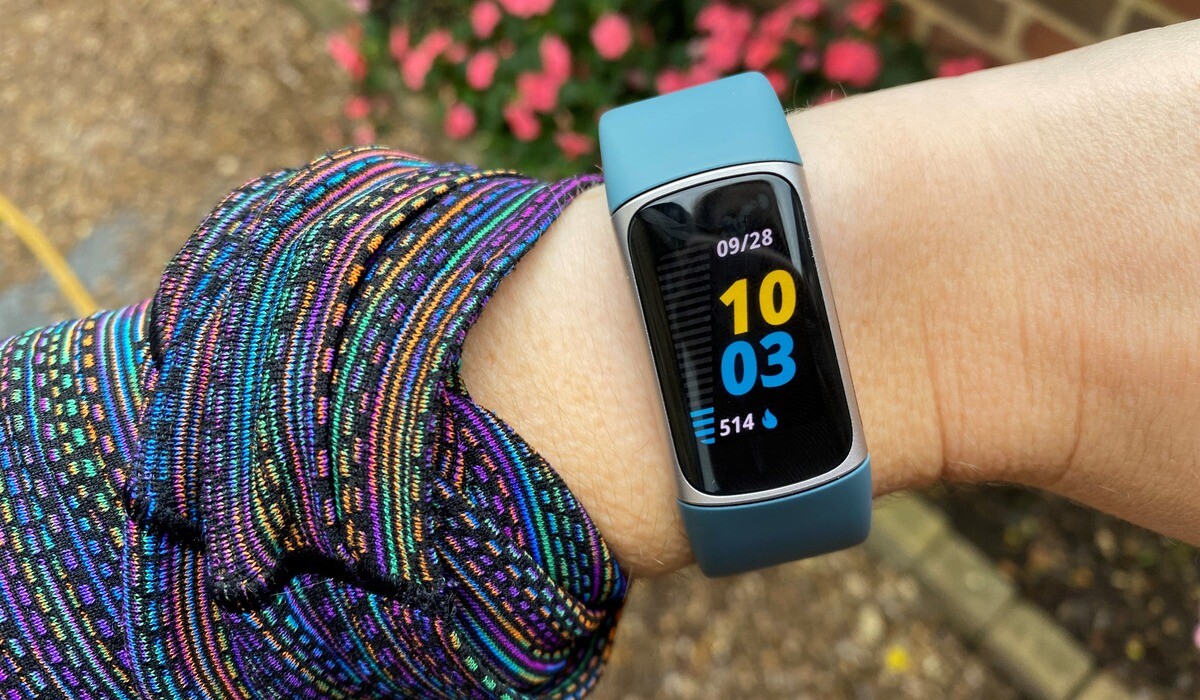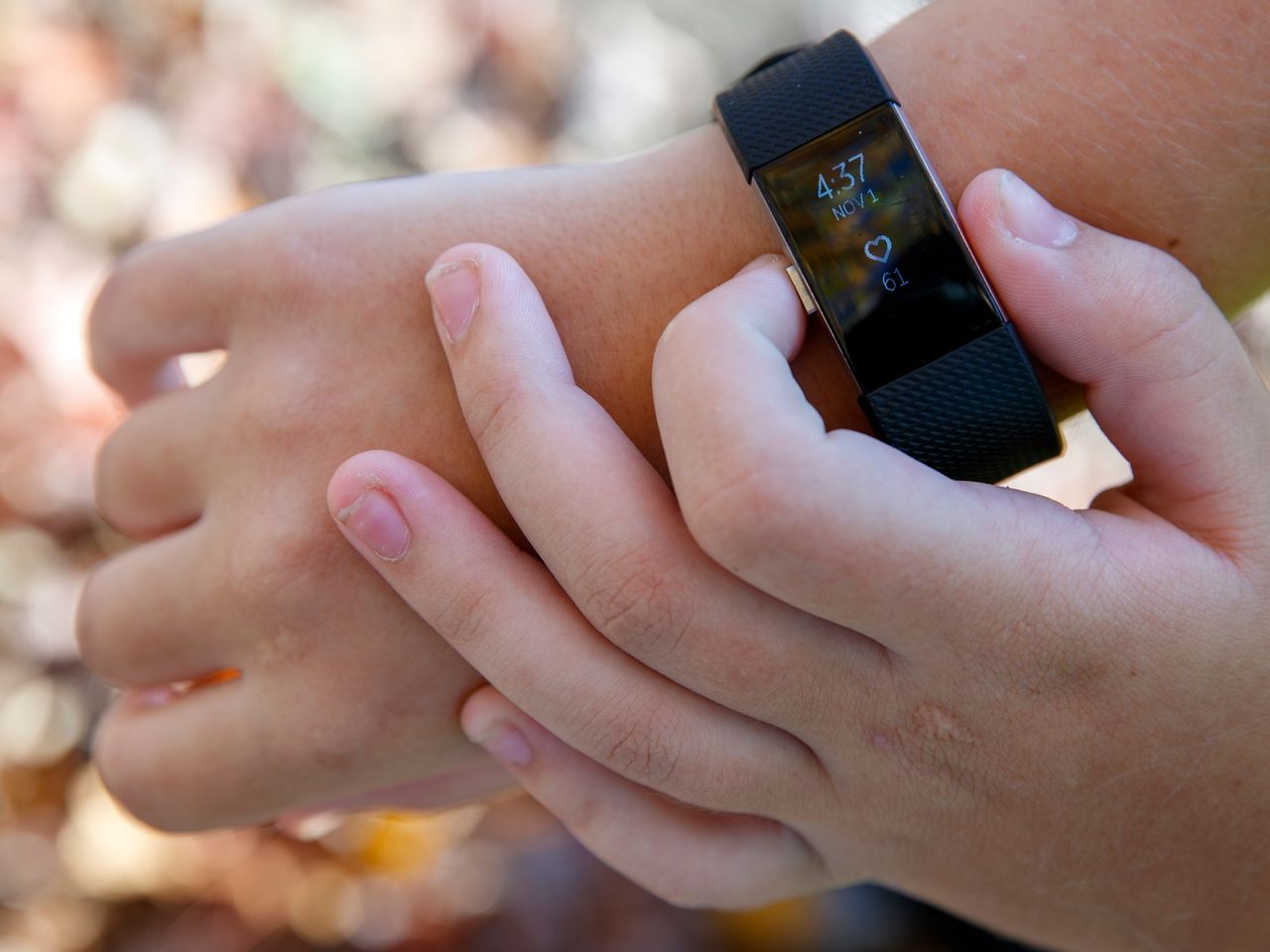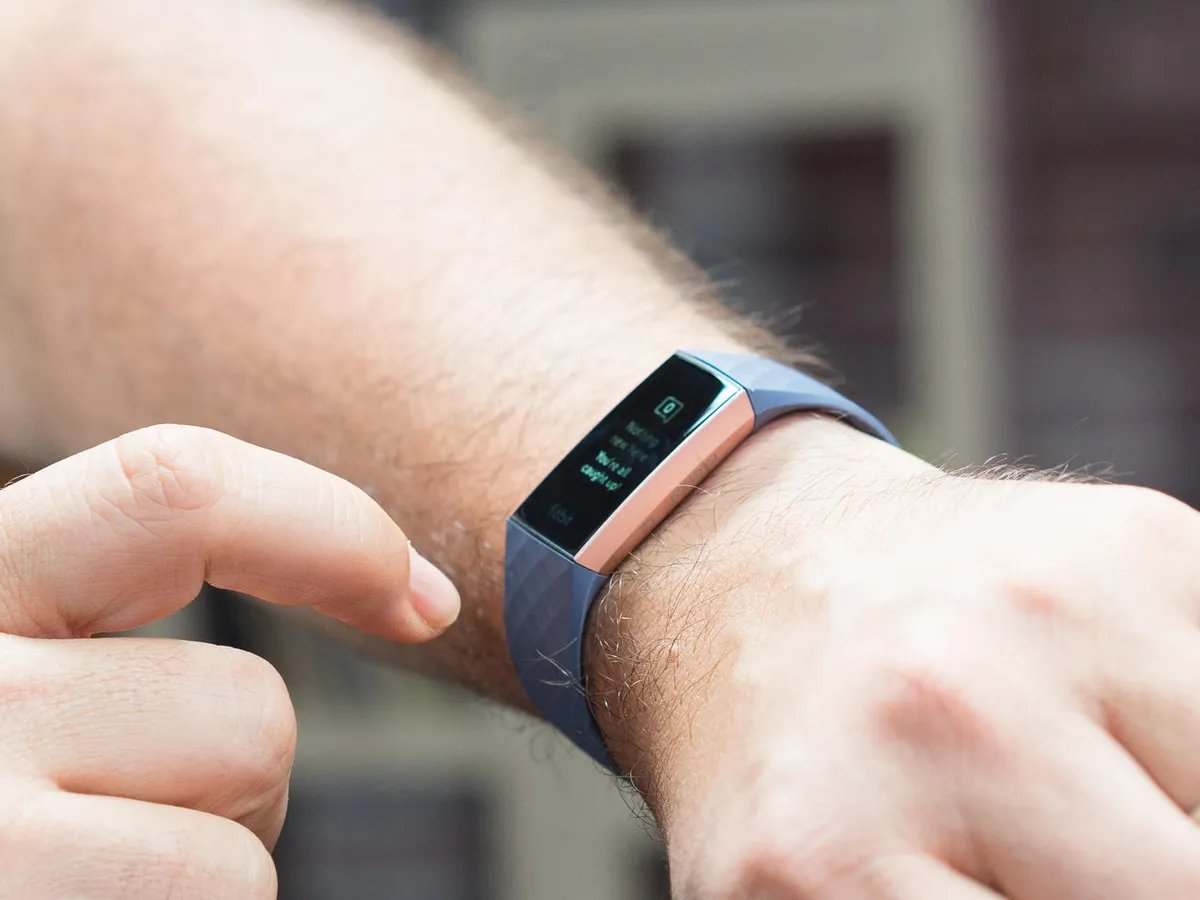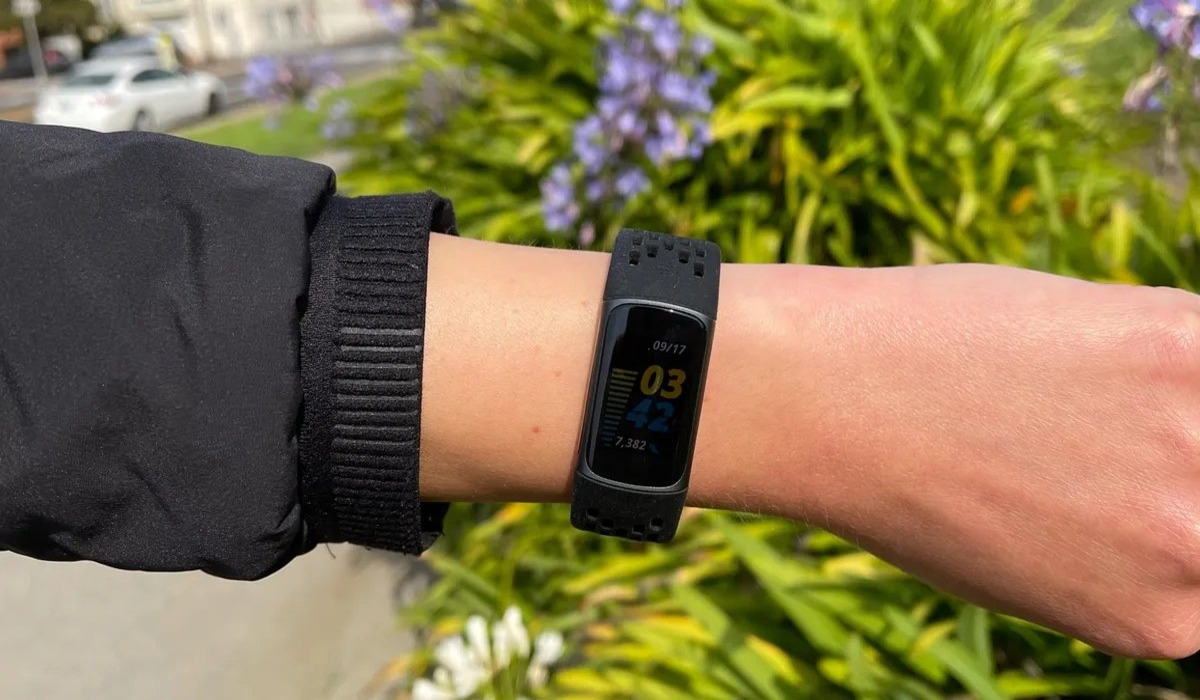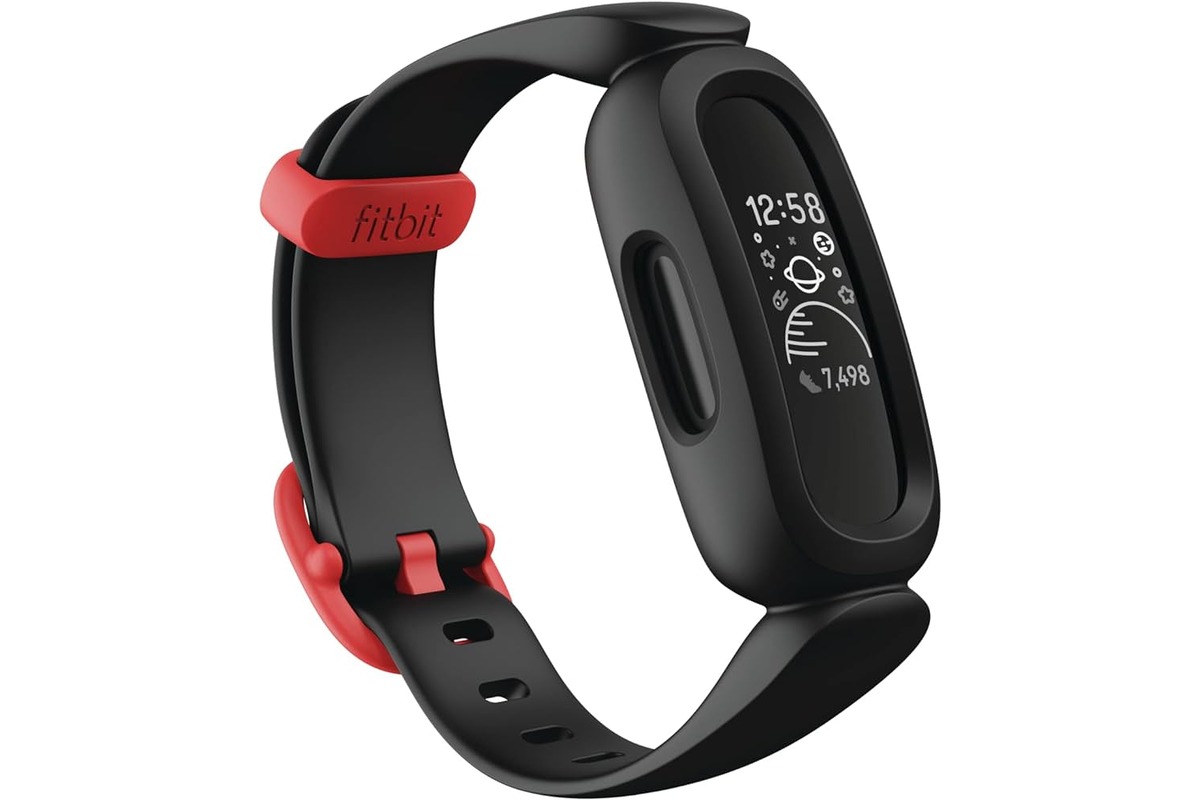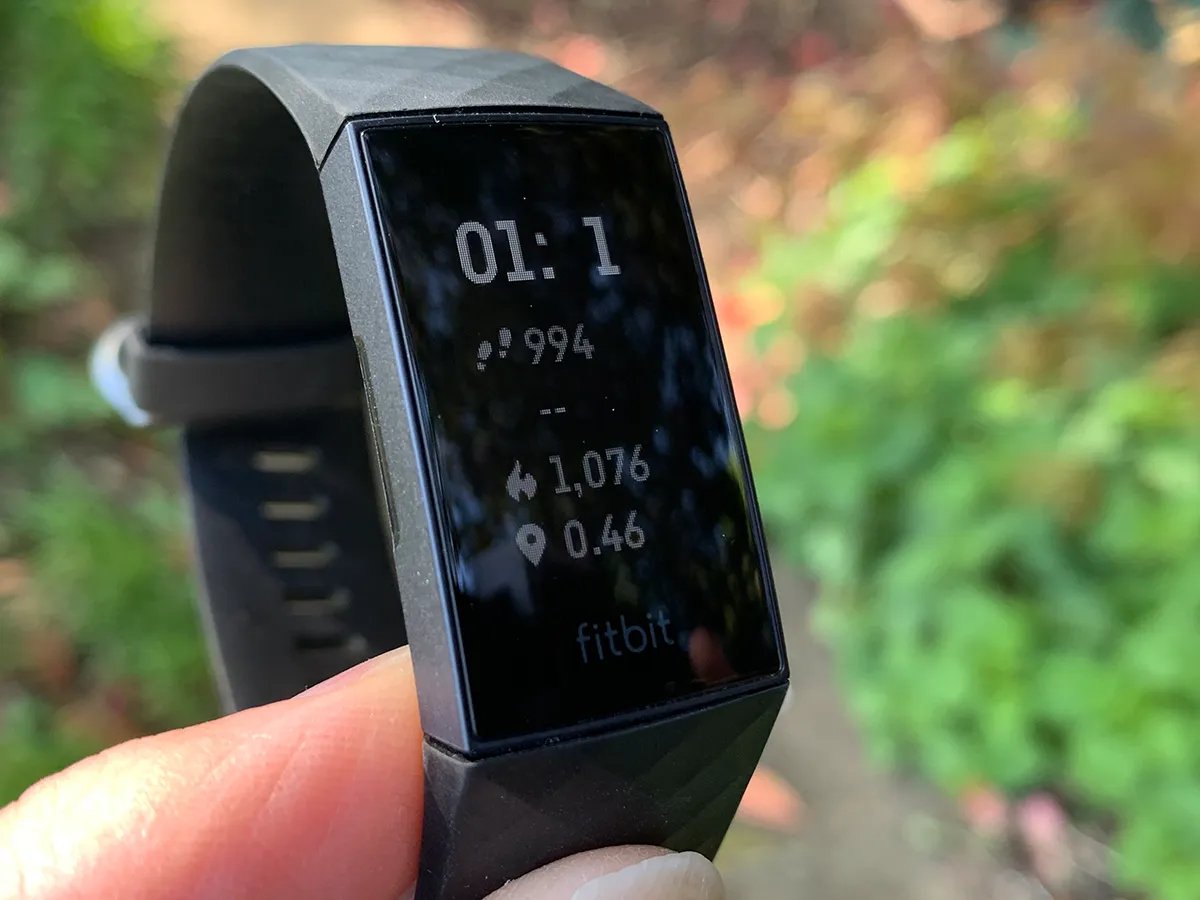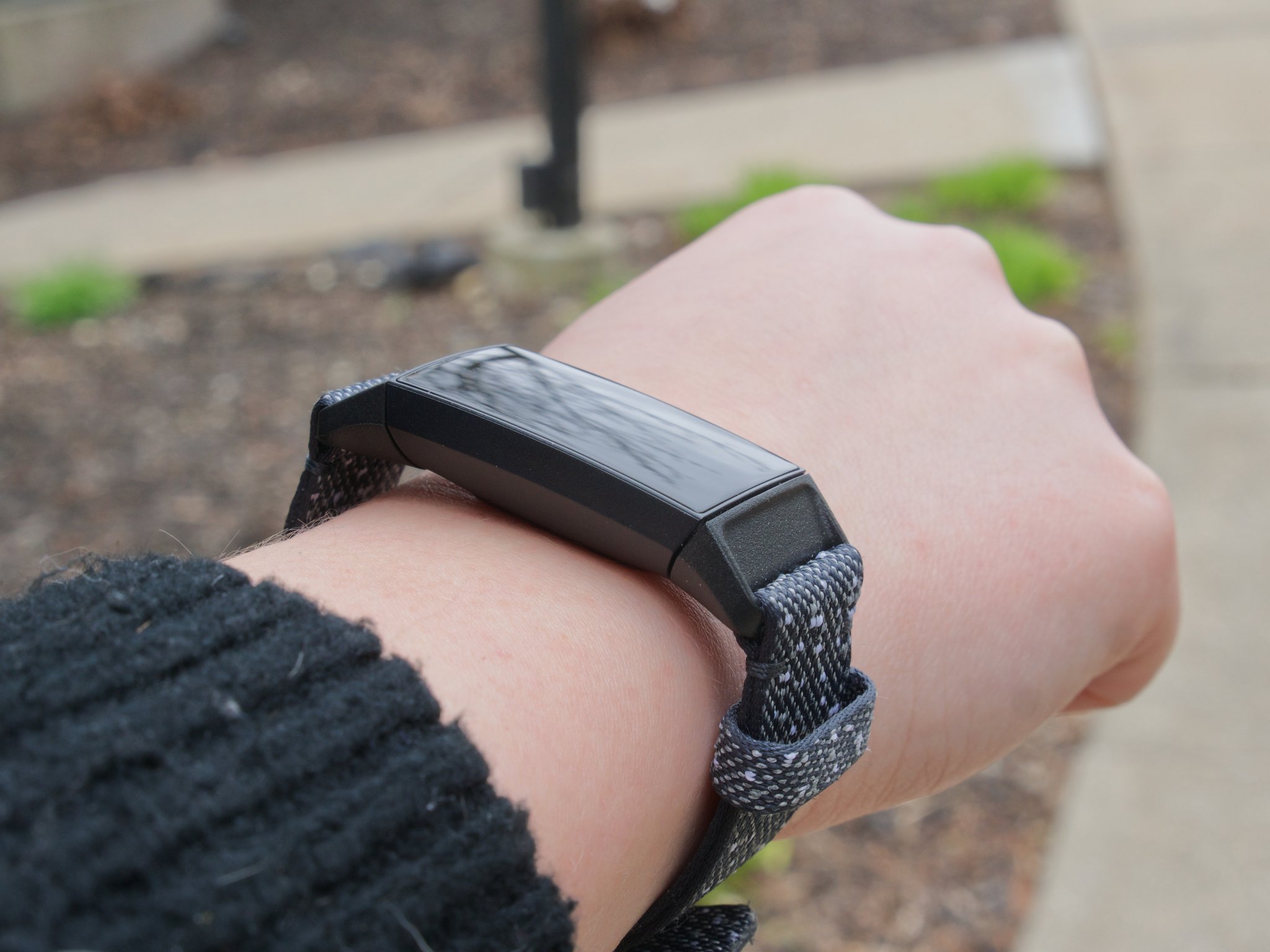
Yes, it matters which wrist you wear your Fitbit on, but only because the device's software setting must match the actual wrist you choose for accuracy to hold. The key to getting reliable step and activity data is not the wrist itself, but making sure the Wrist Preference in your app is set to Dominant or Non-dominant to match where you wear it.
Does it matter which wrist you wear your Fitbit on?
Accuracy depends entirely on the software setting matching the wrist you wear the device on, not on any inherent property of the wrist itself. Fitbit defines the dominant hand as the one you use for most day-to-day activities such as writing or throwing a ball; some manuals also specify writing and eating or brushing your teeth. The non-dominant wrist is the other one. If you wear the device on your dominant wrist, you must change the setting to Dominant. If you wear it on your other wrist, leave the setting as Non-dominant. The default setting for several models is Non-dominant.
What Fitbit means by 'dominant' and 'non-dominant' wrist
Fitbit's official definition identifies the dominant hand as the one you use for tasks like writing, eating, or brushing your teeth. The non-dominant hand is the one you use less frequently for these activities. This distinction is critical because the device's sensitivity algorithms adjust based on which wrist you select in the settings. Wearing the device on your dominant wrist without changing the setting can lead to reduced step and activity accuracy. Several of those manuals say the default Wrist setting is Non-dominant, including Flex 2, Inspire, Charge 3, Ace 3, Versa Lite Edition, and Luxe.
How to change your Fitbit's wrist setting for accuracy
To ensure your Fitbit tracks accurately, follow these steps to update the Wrist Preference setting in either the Google Health app or the classic Fitbit app. The default is usually Non-dominant, so change it only if you wear the device on your dominant wrist.
- In the Google Health app: open the app, tap Connections at the top left, then tap your device, tap Device preferences, then Wrist preference, then select Dominant or Non-dominant.
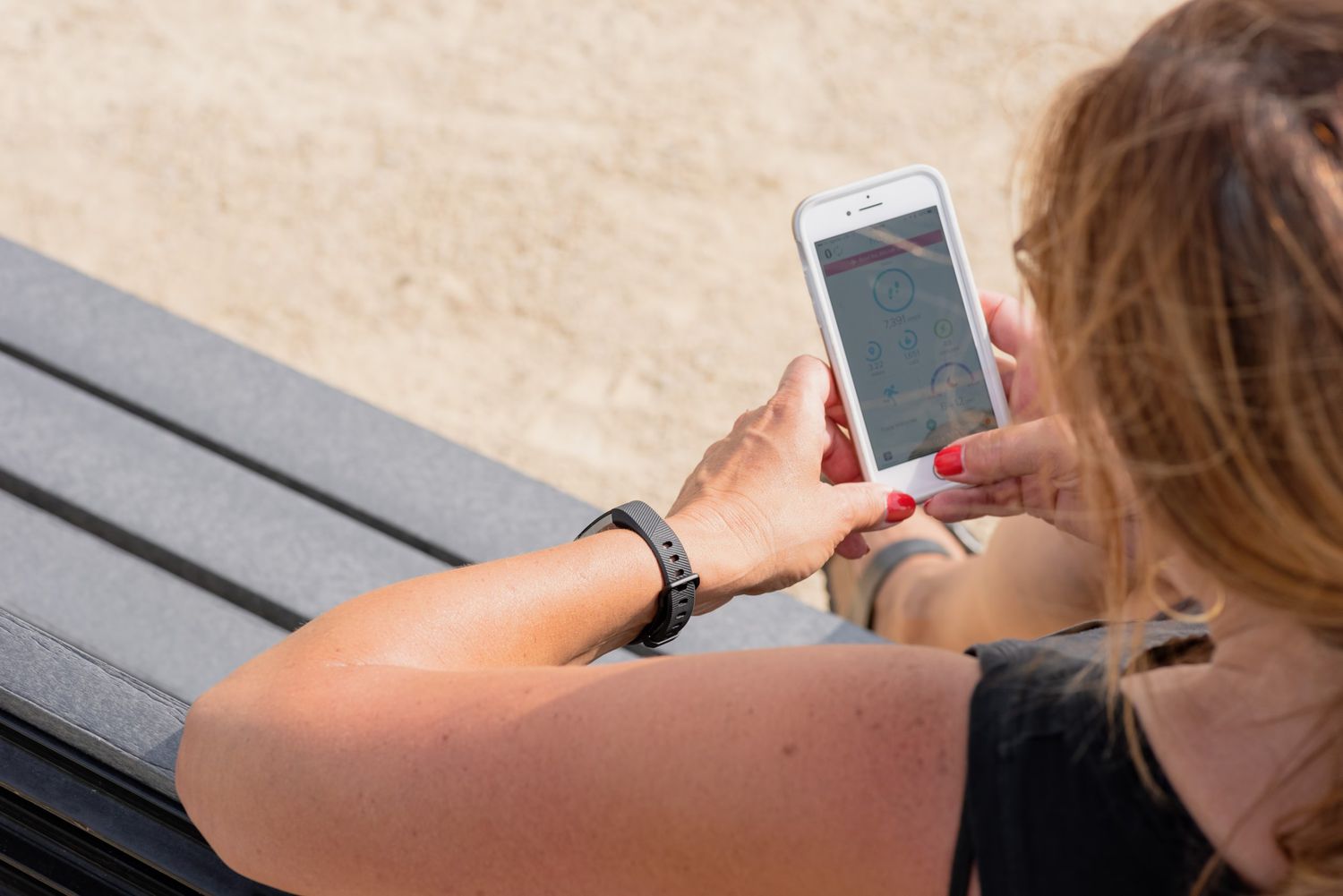
- In the Fitbit app for supported watches: from the Today tab, tap your profile picture, tap your device tile, then tap Wrist, then select Dominant.
- Google’s Fitbit help page also gives a watch-specific path: Today tab > Devices > your device image > Watch Preferences > Wrist Preference > Dominant or Non-Dominant.
Why the correct wrist setting is the only thing that matters
The Wrist setting adjusts the device's sensitivity algorithms to account for the different movement patterns of your dominant versus non-dominant arm. The main documented issue is reduced step and activity accuracy if the wrist setting does not match the wrist actually used. Fitbit manuals in the search results explicitly document this for Charge, Flex, Flex 2, Charge HR, Inspire, Charge 3, Ace 3, Versa Lite Edition, Luxe, and Surge.
Choosing a wrist for comfort and lifestyle
While accuracy is setting-dependent, you can choose a wrist based on comfort during sleep, specific sports, or personal preference, as long as you update the setting accordingly. The benefit of wearing on the dominant wrist is that using the Dominant setting keeps step and activity tracking accurate when you wear the device there. The benefit of wearing on the non-dominant wrist is that Fitbit’s default is usually Non-dominant, so that is the correct setting if you wear it on the less-used wrist. This flexibility allows you to prioritize comfort or lifestyle without sacrificing data quality, provided you perform a simple Fitbit troubleshooting step: verify and update the Wrist Preference in your app.
Frequently Asked Questions
Can I wear my Fitbit on my ankle instead of my wrist?
While technically possible, wearing a Fitbit on your ankle is not recommended. Fitbit devices are optimized for wrist tracking, and ankle placement may compromise the accuracy of steps, heart rate measurements, and sleep tracking. For optimal results, wear the device on your wrist.
Should I switch wrists when wearing my Fitbit?
Switching wrists is not necessary for accuracy. You can consistently wear the device on one wrist to maintain reliable tracking. If you experience discomfort or irritation from prolonged wear, you can switch wrists as needed, but remember to update the Wrist Preference setting in your app to match the new wrist.
Can I wear other accessories with my Fitbit?
Yes, you can wear bracelets or watches along with your Fitbit. Avoid wearing multiple activity tracking devices simultaneously, as they might interfere with each other. Position the Fitbit closer to your wrist to ensure accurate readings and minimize potential interference.
Related reading: How Does Fitbit Count Steps.