






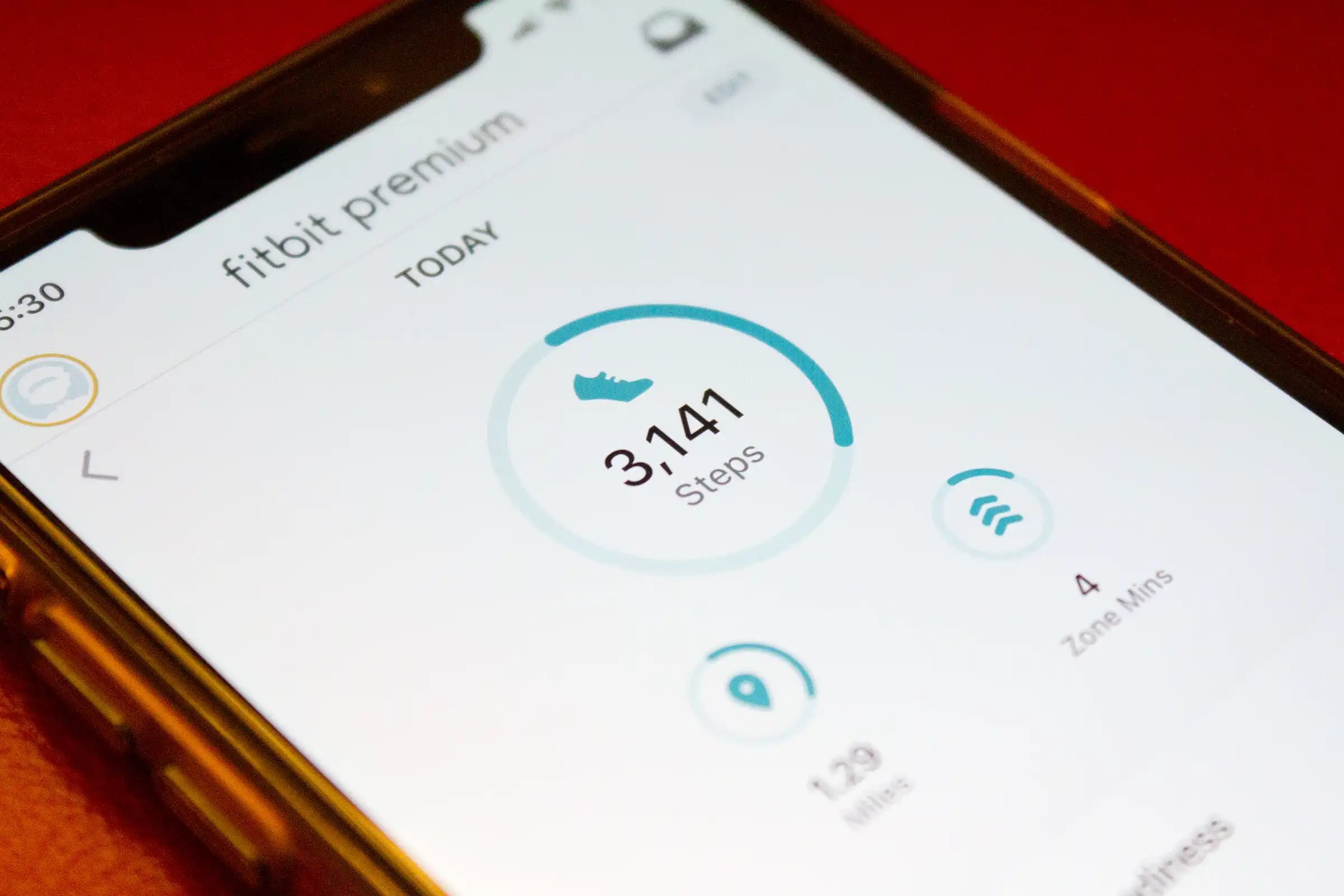
Fitbit counts steps using a 3-axis accelerometer that detects forward, side-to-side, and up-down motion, then applies filtering to distinguish steps from non-step movements like hand waving. Understanding how does Fitbit count steps helps you trust the number on your dashboard and fix common undercounting issues such as pushing a stroller or wearing the device on your ankle.
How does Fitbit count steps with its sensors
Every Fitbit device contains a 3-axis accelerometer that measures acceleration in three dimensions: forward and backward, side to side, and up and down. When you walk or run, your body creates a characteristic pattern of motion across these axes. The accelerometer captures this pattern and the device’s onboard algorithm filters out movements that do not match the step pattern, for example, waving your hand or shaking your arm. This filtering is why your Fitbit does not count every random motion as a step.
Why your app settings matter for step accuracy
Fitbit’s official help states that step count and distance accuracy depend directly on correct settings in the Fitbit app. The two key settings are your wrist setting (dominant or non-dominant) and your height. If these details are wrong, Fitbit says step count and distance can be inaccurate. To check or adjust these, open the Fitbit app and confirm your wrist setting matches which wrist you wear the device on, and that your height is entered correctly. Wear your Fitbit on your non-dominant wrist, preferably snugly but not too tight, for accurate step counting. A loose or poorly positioned Fitbit may not capture all the movements accurately. Use the correct activity mode when engaging in specific activities, such as running or walking, to improve step counting accuracy. Regularly update your Fitbit device's software to ensure you have the latest algorithms and improvements for step counting accuracy. Fitbit's step counting accuracy can vary from person to person due to factors like stride length and walking style. These are the primary documented controls for improving step accuracy, no other settings or calibration flows are documented in Fitbit’s help for this purpose. Correcting these settings is the first step if you notice your step count seems off.
Does arm swing affect your step count
In practice, when your arms are still, the accelerometer may not detect the typical step pattern because the device relies on wrist motion as part of its analysis. This means steps can be undercounted when your arms are not swinging naturally. If you are pushing a stroller or shopping cart, the device may not capture all the steps accurately due to the different arm movements involved. If you are biking or doing activities that involve minimal arm movement, the device may not count those movements as steps. Fitbit does not offer a documented setting to switch to a no-arm-swing mode, so if you regularly push a stroller or hold handles, you may see fewer steps than expected. For more on this, the Fitbit features and metrics page does not address this scenario, but understanding the limitation helps you interpret your dashboard numbers.
Can you calibrate your Fitbit for better step counting
If your step count or distance seems inaccurate, the only documented action is to confirm your wrist settings and height in the Fitbit app. You can manually calibrate your Fitbit by entering your stride length in the Fitbit app settings if step count is consistently inaccurate. There is no separate calibration process. For distance accuracy, the Fitbit step-to-mile conversion relies on your height and stride length as entered in the app, if those are correct, the conversion should be accurate. If you suspect ongoing inaccuracy, double-check those two settings rather than looking for a calibration tool.
Wearing your Fitbit on the ankle or other placements
The device’s algorithms are optimized for wrist or clip-on placement, and no model-specific exceptions for ankle wear are listed. If you wear your Fitbit on the ankle, step counts may be unreliable because the motion pattern differs from what the algorithm expects. For situations like pushing a stroller where wrist wear undercounts steps, some users experiment with alternative placements, but Fitbit does not officially support or document these hacks. Stick with the recommended wrist or clip placement for the most accurate results based on documented guidance.
Frequently Asked Questions
Can Fitbit count steps on a treadmill?
Yes, Fitbit can count steps on a treadmill because the accelerometer detects the same up-down and forward motion pattern as walking on ground. However, if you hold the treadmill handles and your arm stays still, steps may be undercounted since the device relies partly on arm swing.
Does Fitbit count steps while cycling?
No, Fitbit does not count steps while cycling because your arms remain relatively still and the motion pattern does not match walking or running. Fitbit offers a separate cycling activity mode that tracks distance and heart rate instead of steps.
How accurate is Fitbit step counting overall?
Fitbit step counting is generally accurate for typical walking and running, but no tracker is 100% perfect. Factors like stride length, walking style, and arm movement can cause small variations. The accuracy improves when you wear the device correctly and have correct app settings.
Does Fitbit count steps if I am just moving my arm?
No, Fitbit filters out non-step movements like hand waving or arm shaking using its algorithm. Only motion patterns that match the characteristic step pattern are counted as steps.
Can I wear my Fitbit on my ankle for step counting?
Fitbit’s official help does not support ankle wear for step counting. The device algorithms are designed for wrist or clip placement, so ankle wear may produce inaccurate step counts.

















