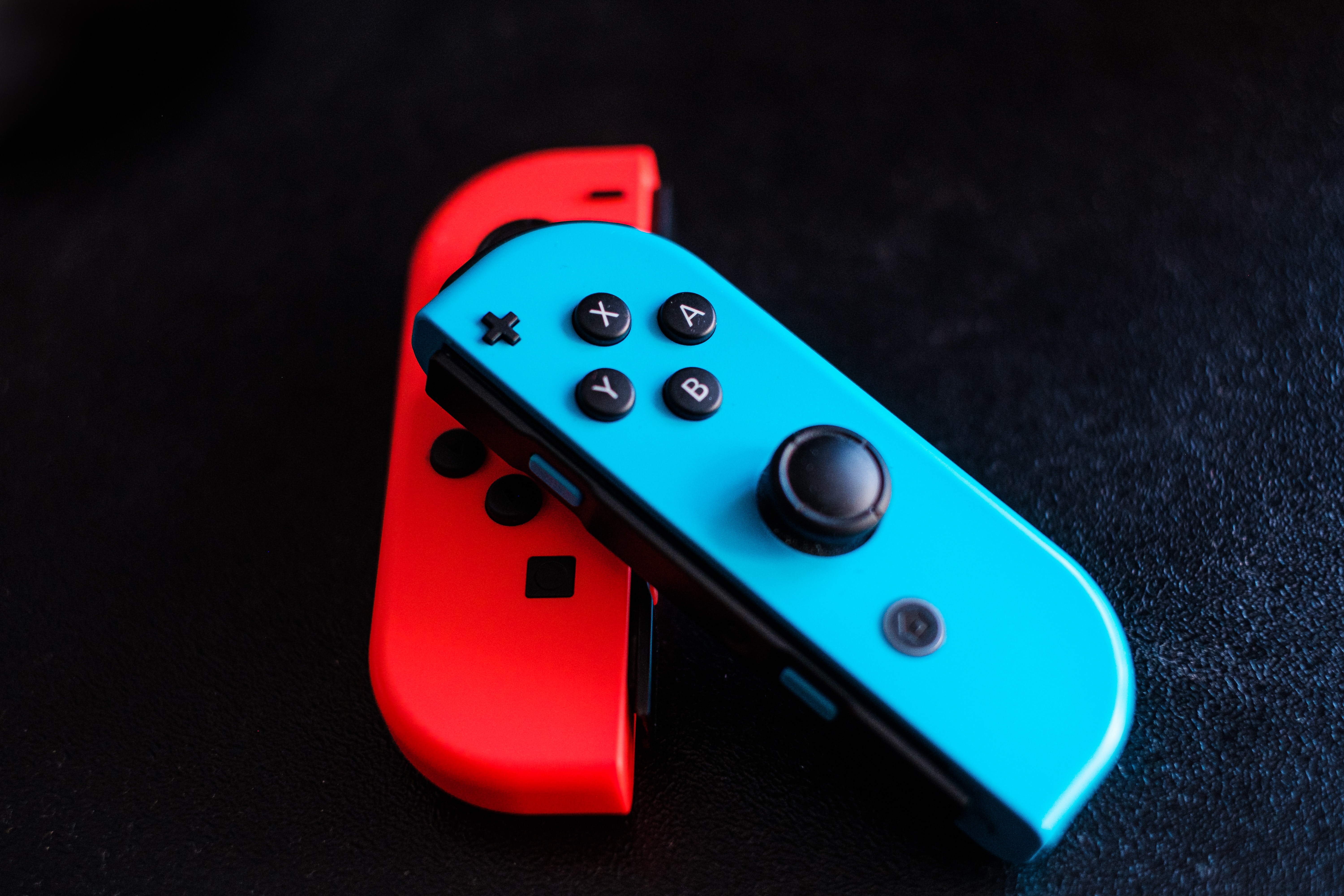
A joystick works by converting the physical movement of its stick into electrical signals that a game, app, or device reads as direction and speed. This conversion happens through components like potentiometers, which measure the stick's position along two axes, and a microcontroller that translates those resistance changes into commands the device understands.
How does a joystick work: the core principle
At its simplest, a joystick turns your hand movements into data a computer can use. When you push the stick forward, a sensor inside detects that motion and changes the electrical resistance flowing through a circuit. For analog sticks, the signal is proportional, meaning the further you push, the faster or more extreme the response. For digital sticks, the signal is simply on or off, like a switch.
Key components inside a joystick
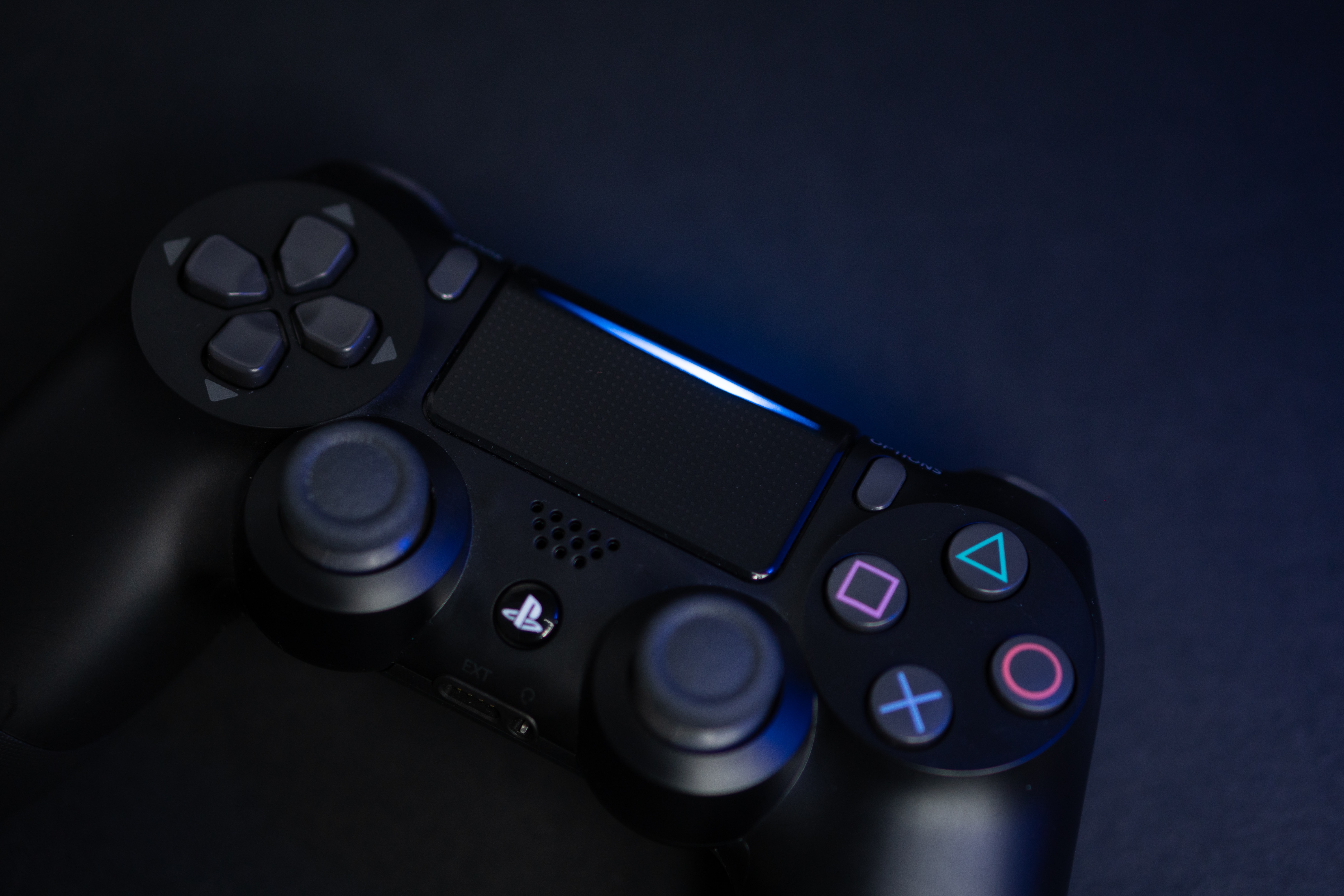
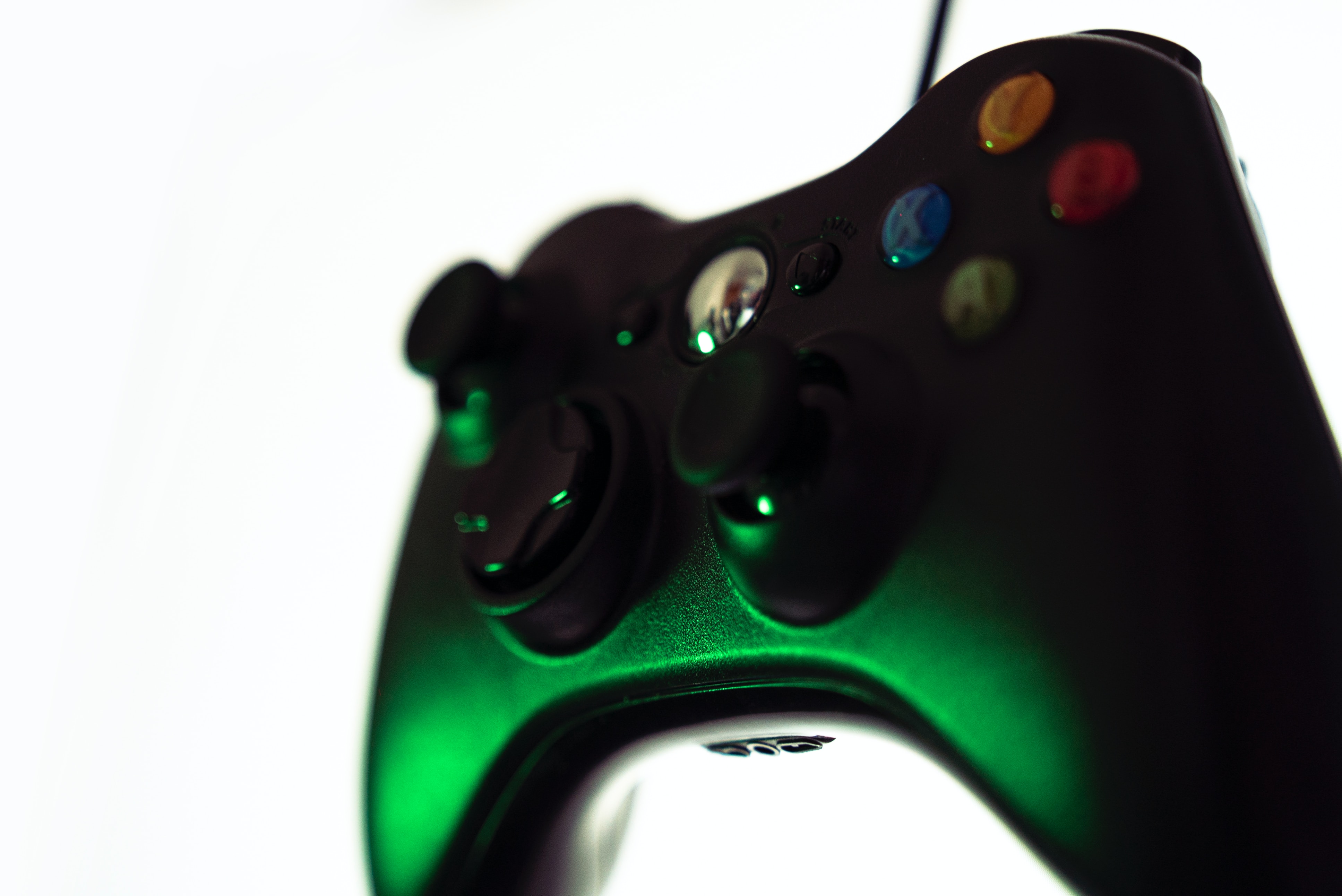
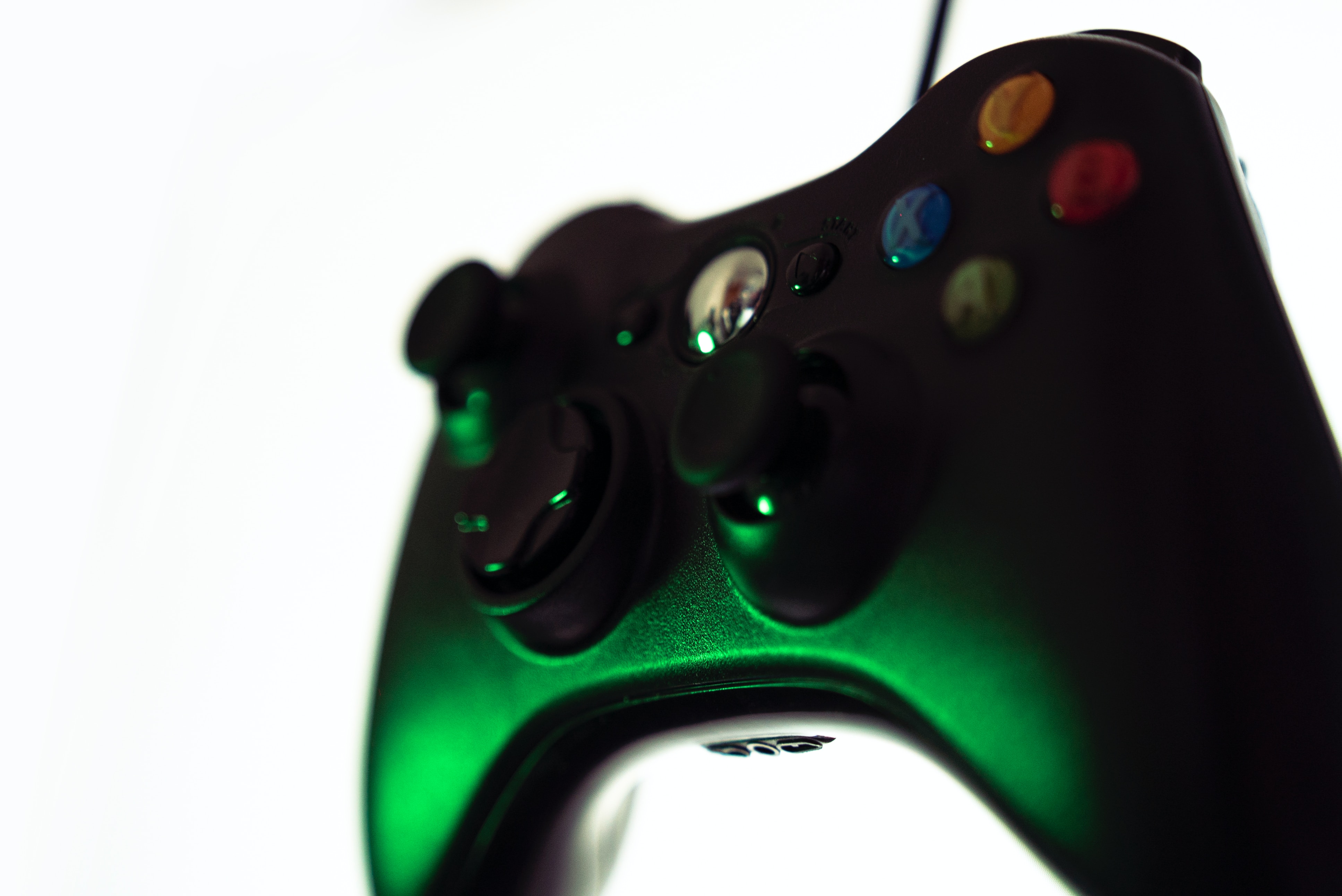
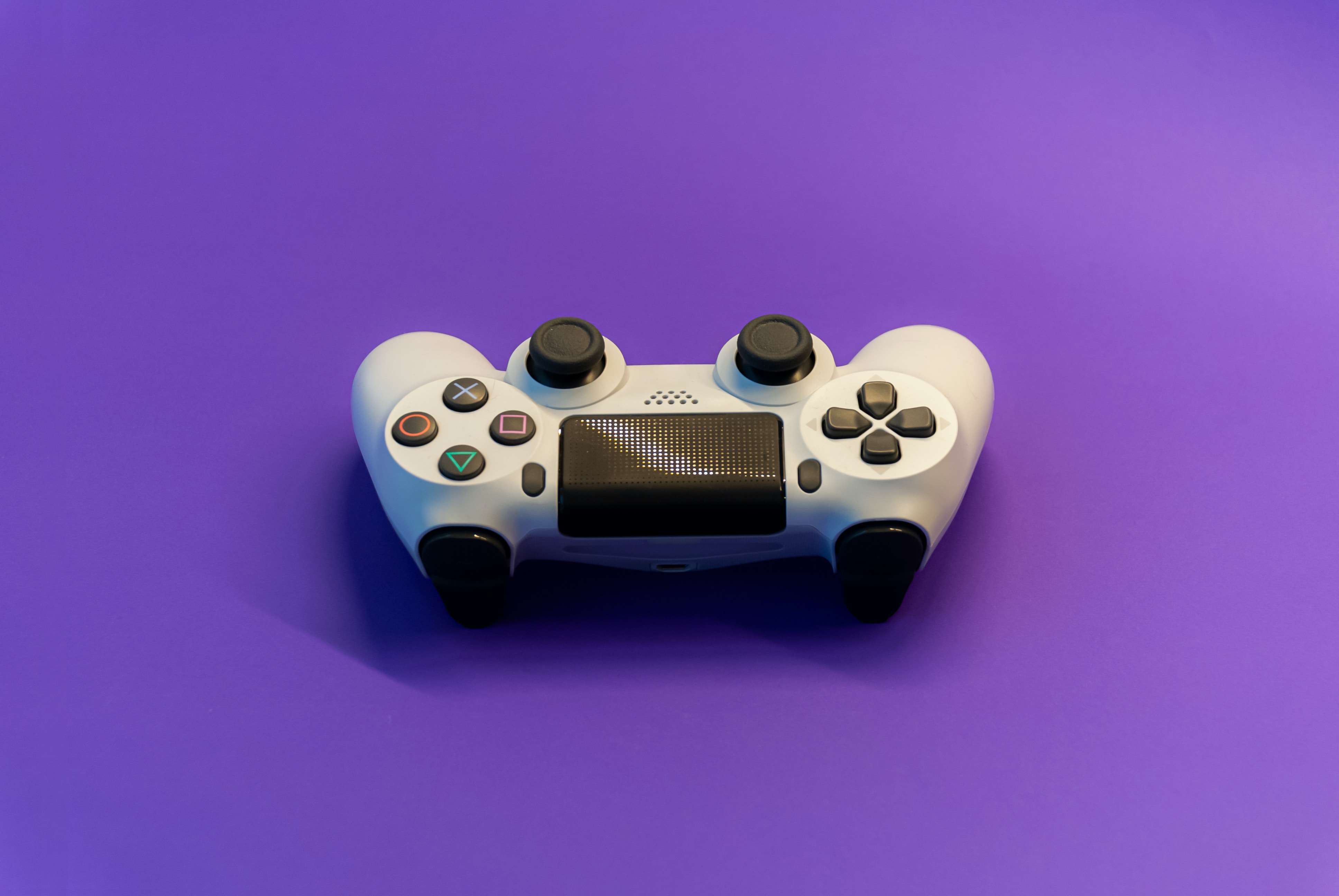
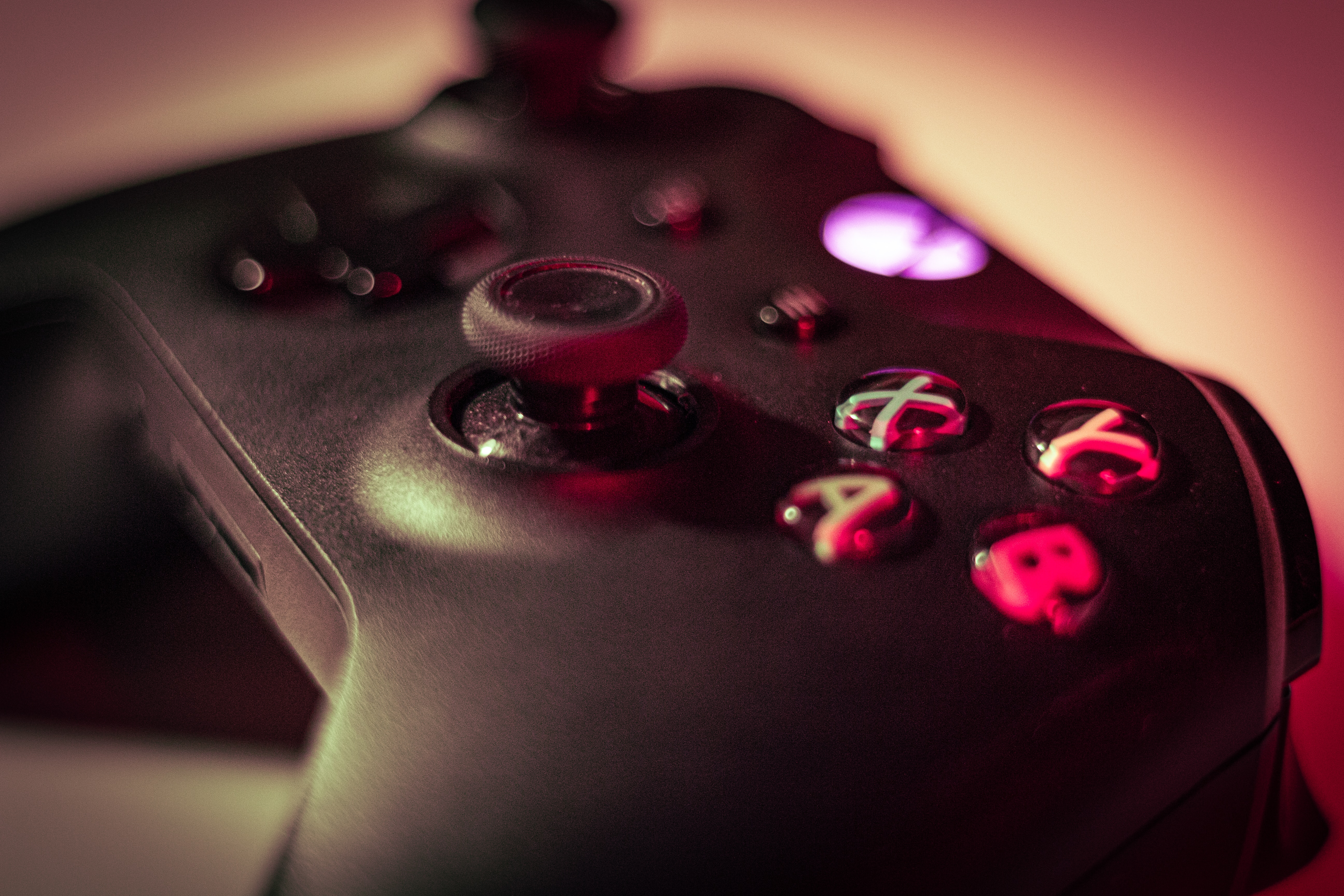
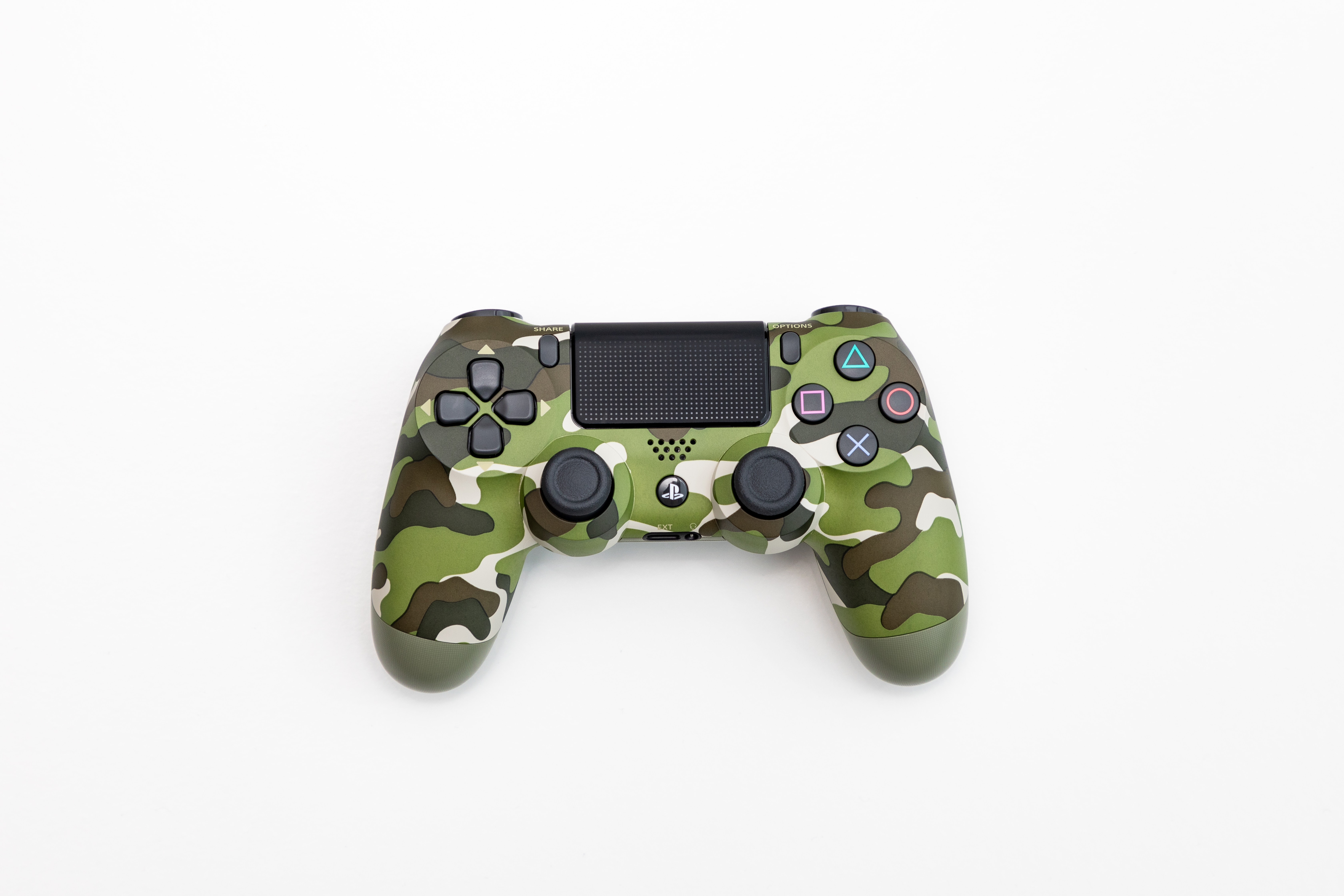
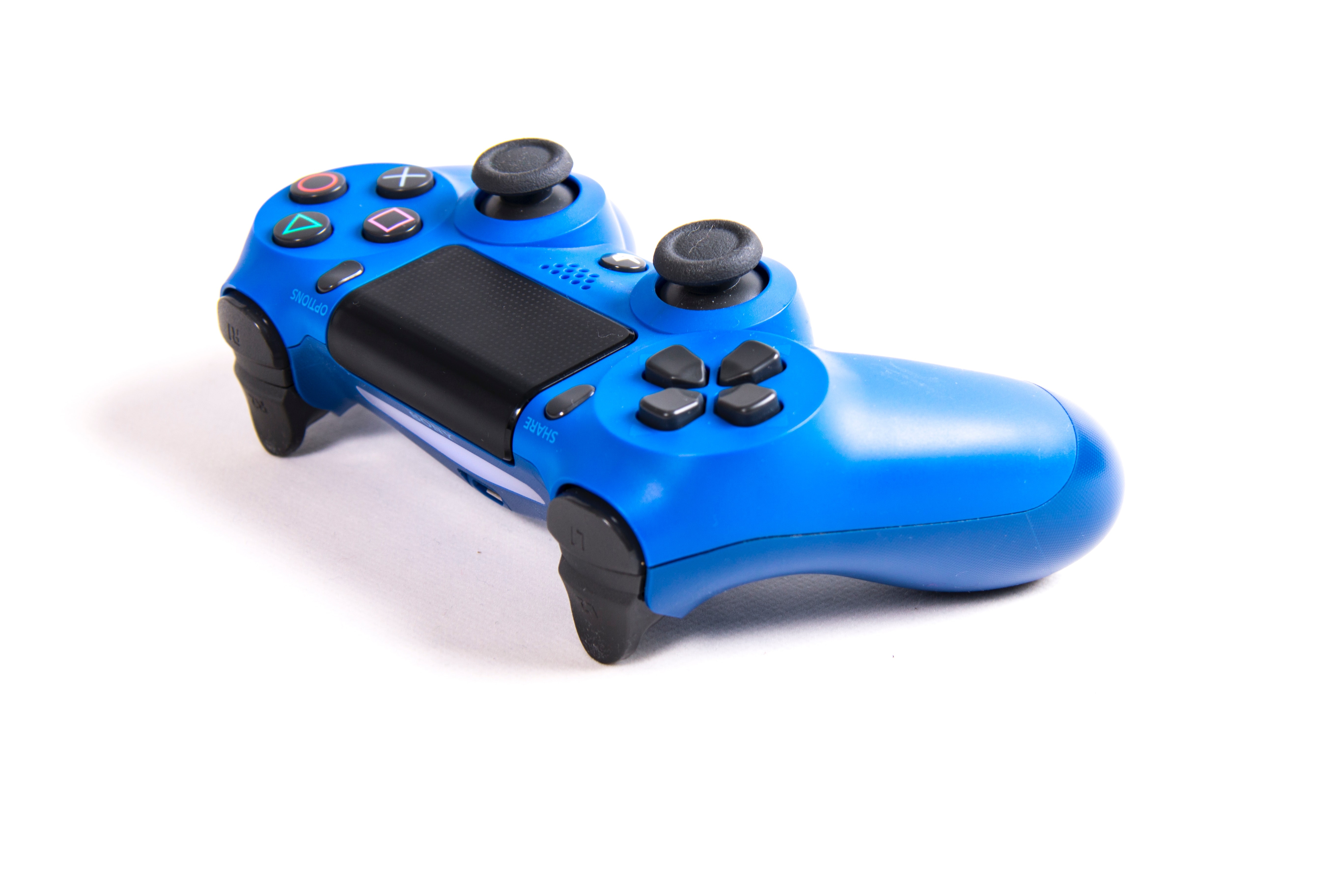
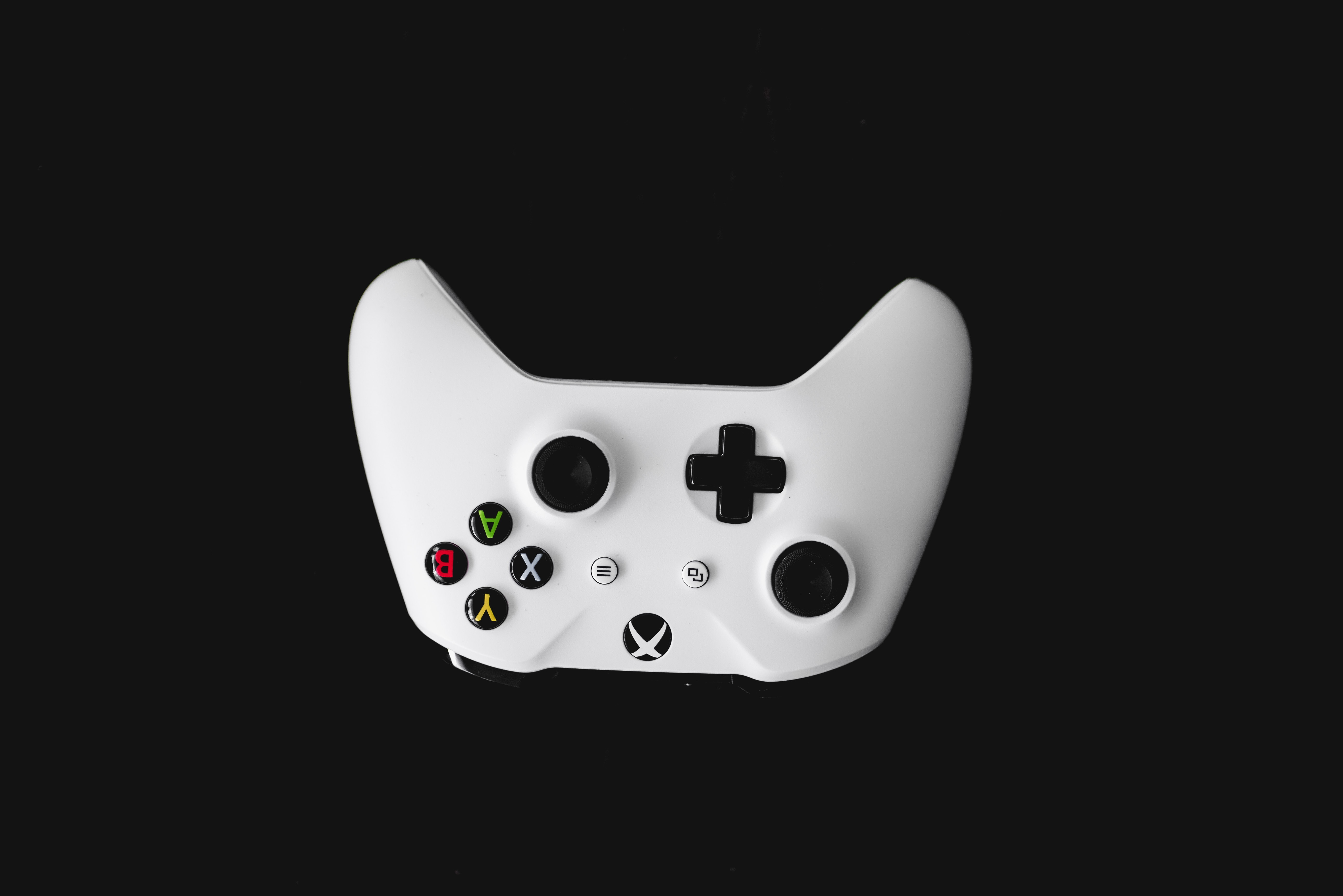
A typical joystick contains several parts that work together. The base provides stability, often with rubber feet to prevent sliding. The stick handle is what you grip and move. Inside, two potentiometers track movement: one for the X-axis (left/right) and one for the Y-axis (forward/backward). Buttons, triggers, thumbsticks, and hat switches (also called POV hats) give you additional control inputs. A microcontroller processes all the resistance changes from these components and turns them into digital commands the device can use.
Analog vs digital joystick signals
This is why analog sticks dominate modern gaming: they let you walk slowly by tilting slightly or sprint by pushing fully. Digital joysticks, like those on a directional pad, are simple on/off switches. They only register whether you are pressing a direction or not, offering no speed or angle variation. While digital controls still appear in some contexts, analog sticks provide the nuanced control that modern games require.
Connecting a joystick to iPhone
Apple documents support for compatible game controllers on iPhone, including Bluetooth and wired connections, with iOS 16 or later required for wireless controller support. Some controllers may need an adapter depending on the iPhone model and controller. Follow these steps to connect:
- Go to Settings > Bluetooth and turn on Bluetooth.
- Put your controller into discovery mode (see its manual for how).
- Tap the controller name when it appears under "Other Devices."
- For a wired connection, plug the controller into your iPhone's Lightning or USB-C port. An adapter may be needed depending on your iPhone model and controller.
- To customize controls for supported games, including those from Apple Arcade and the App Store, go to Settings > General > Game Controller. From there you can choose Default controls, tap Add Game to customize controls for a specific game, or use Buddy Controller to pair two compatible controllers together.
Connecting a joystick to Android
Google documents separate paths for wired and Bluetooth controllers on Android. Google's help page does not list a minimum Android version or specific supported phone models for controller settings. Here is how to connect each type:
- For a wireless controller: Go to Settings > Connected devices > Pair new device. Put your controller in pairing mode, then tap it when it appears in the list.
- For a wired controller: Connect it with a compatible cable. Then go to Settings > System > Game Controller to review the controller settings menu.
- To adjust Bluetooth controller settings: Go to Settings > Connected devices, tap your controller's name, then tap Game Controller settings.
What joystick calibration really means
Calibration is the process of teaching a device the joystick's neutral position and full range of motion so inputs are accurately interpreted. However, neither iPhone nor Android offers a system-wide joystick calibration setting. Instead, calibration typically happens inside specific games or simulation software. For example, flight simulators often include their own calibration tools, such as the one found in Rise of Flight, to set dead zones and sensitivity.
Frequently Asked Questions
How does a joystick work?
A joystick uses sensors like potentiometers to detect the position and angle of the stick. A microcontroller reads those sensor values and sends corresponding electrical signals to the device, which interprets them as direction and speed commands.
Are all joysticks the same?
No. Joysticks vary by type, analog vs. digital, gaming vs. industrial, wired vs. wireless, and by features like number of buttons, presence of thumbsticks or hat switches, and compatibility with different devices.
Can joysticks be used with multiple devices?
Many joysticks are compatible with multiple devices, including gaming consoles, computers, and mobile phones. Always check the manufacturer's specifications to confirm compatibility with your specific device before purchasing.
Do I need special software or drivers to use a joystick?
Most modern joysticks are plug-and-play, meaning they work without extra software. However, some advanced features or customization options may require installing the manufacturer's software or drivers, especially when using joysticks for PC gaming.
Where is the controller settings path on iPhone?
Go to Settings > General > Game Controller to customize button mappings, set up a Buddy Controller, or add game-specific controls.
Where is the controller settings path on Android for wired and Bluetooth controllers?
For wired controllers, go to Settings > System > Game Controller.