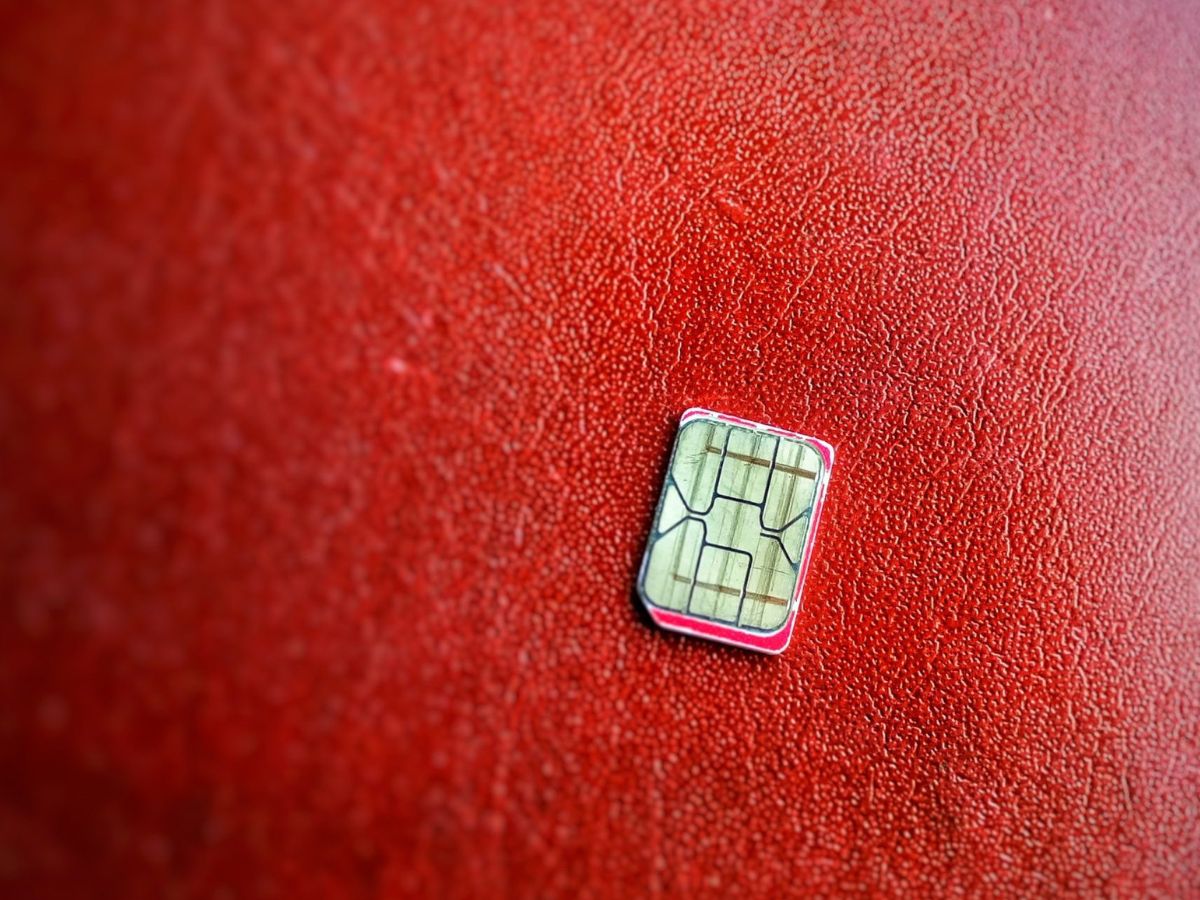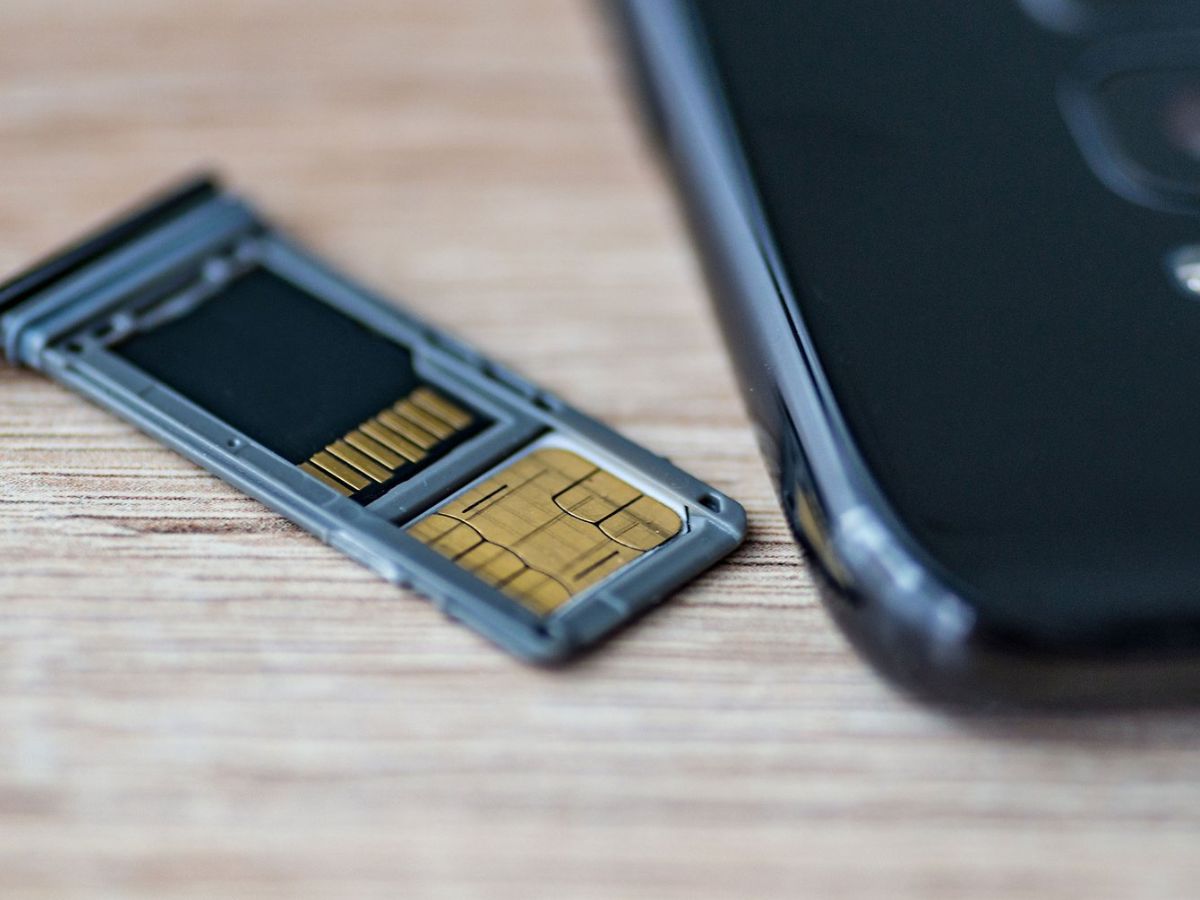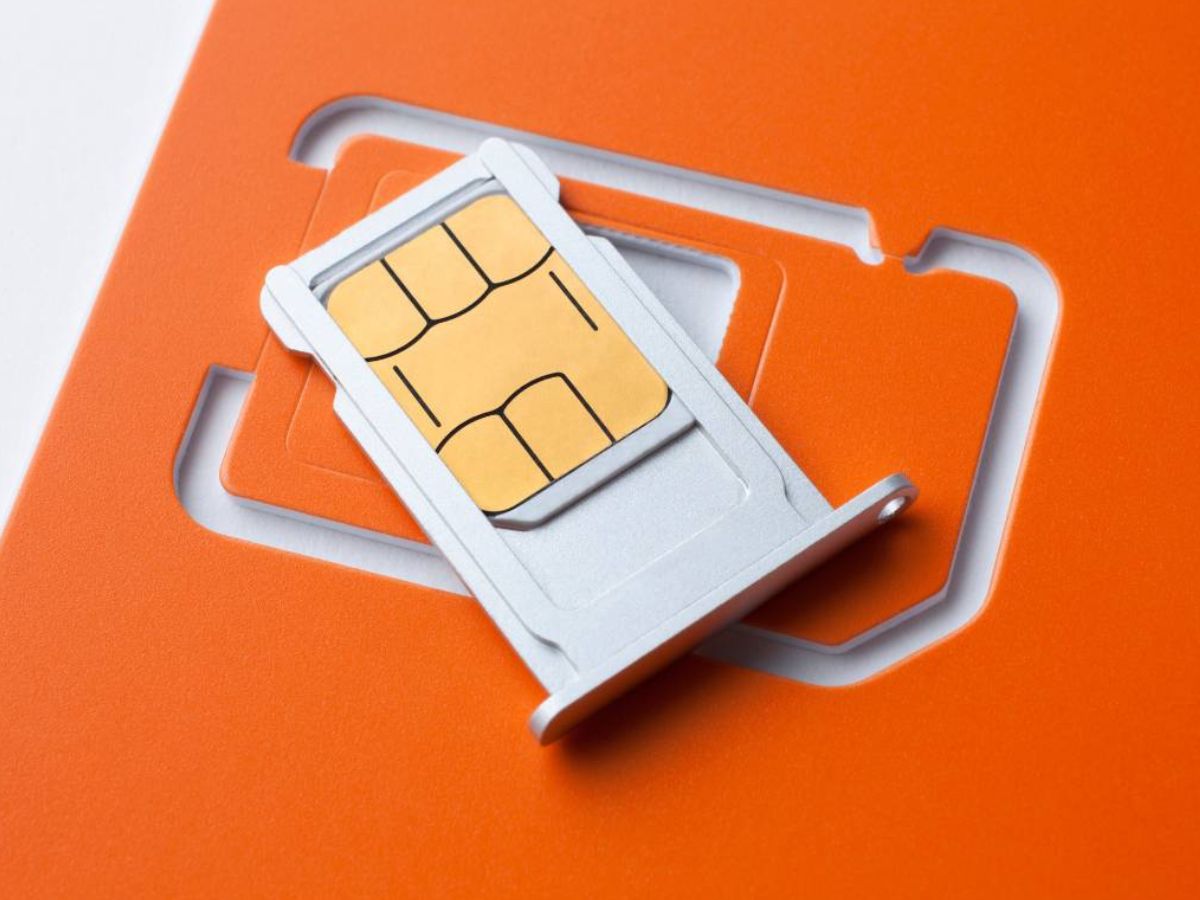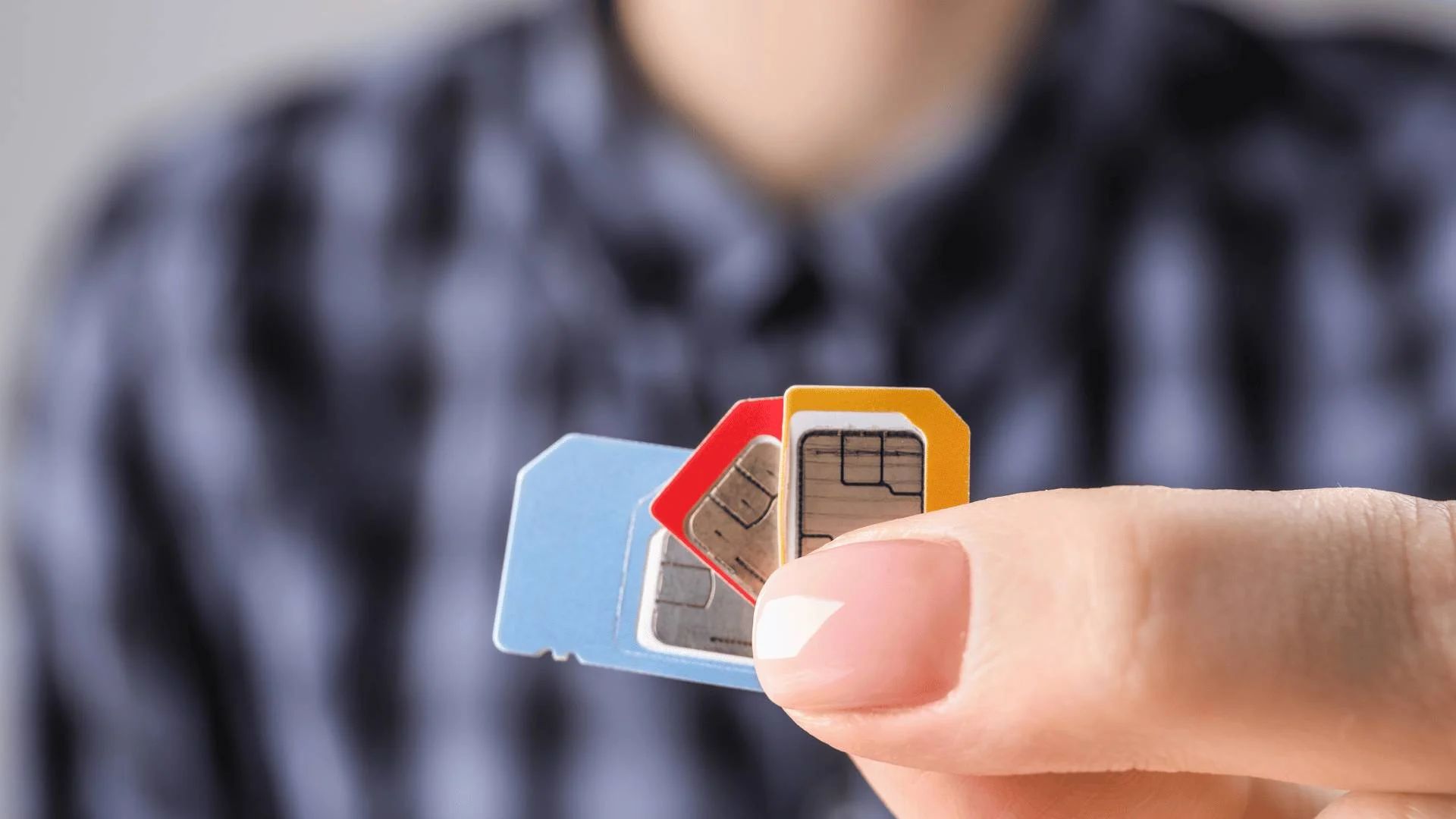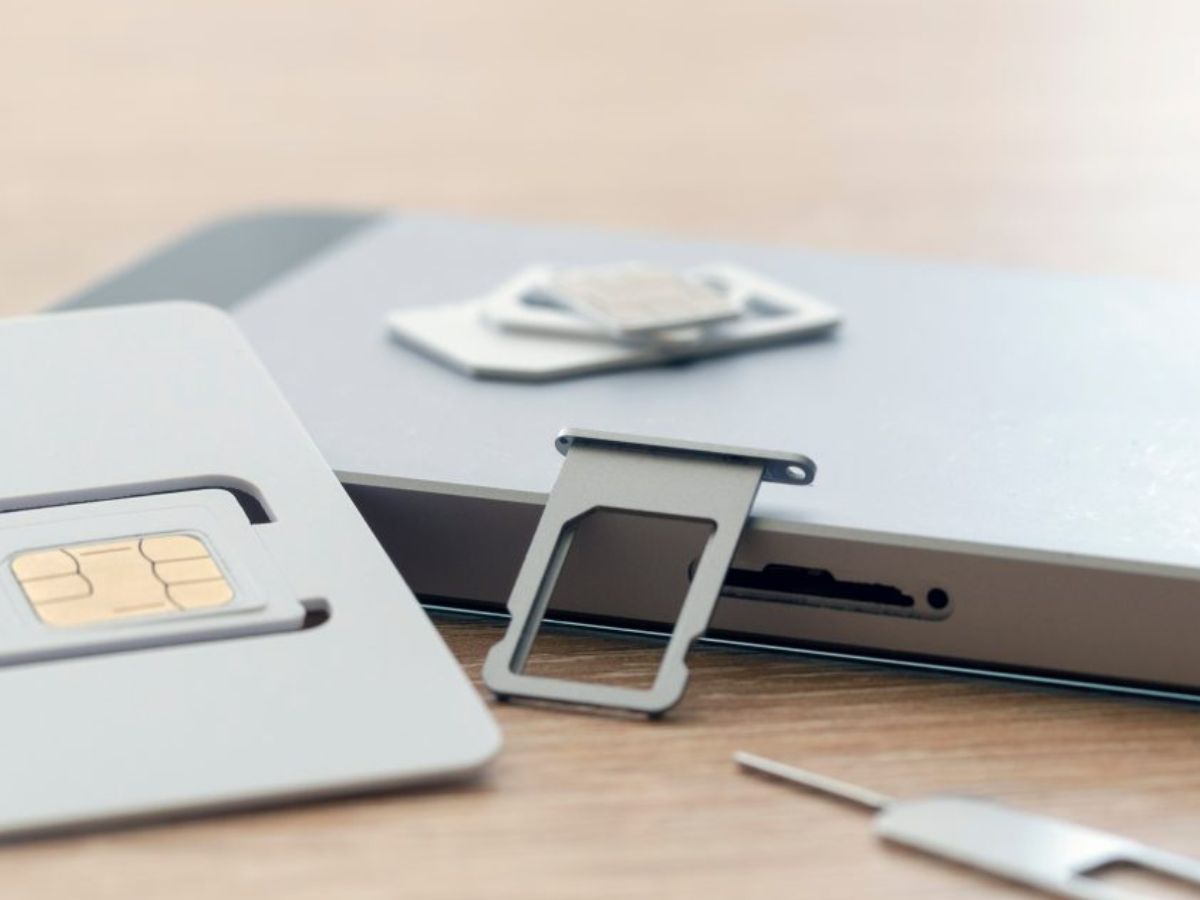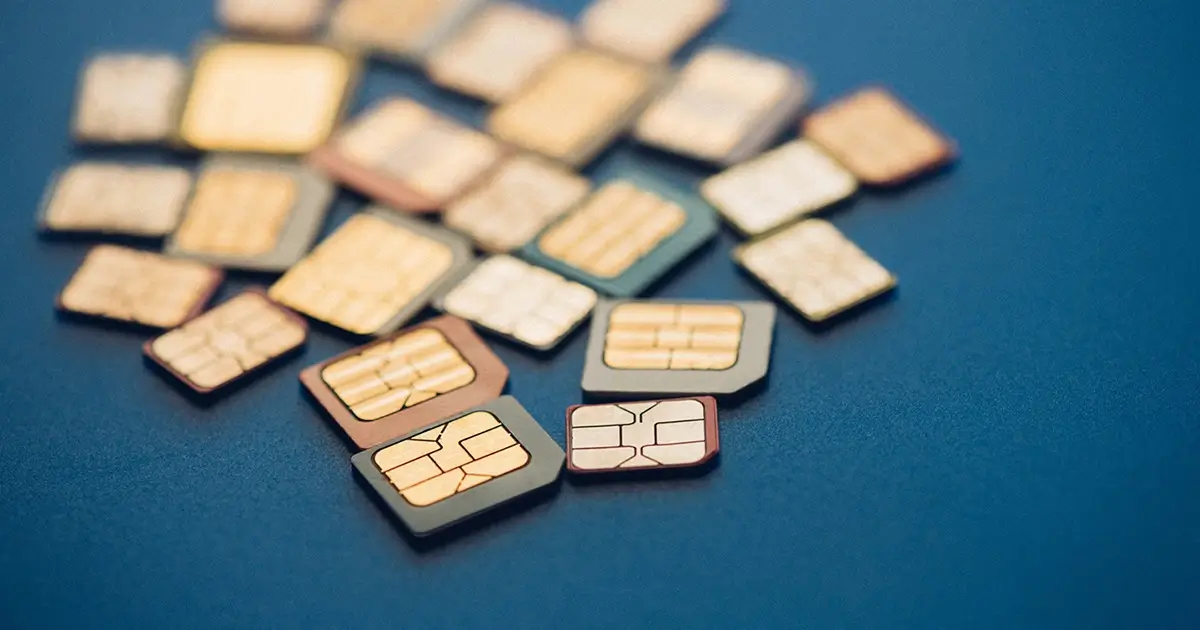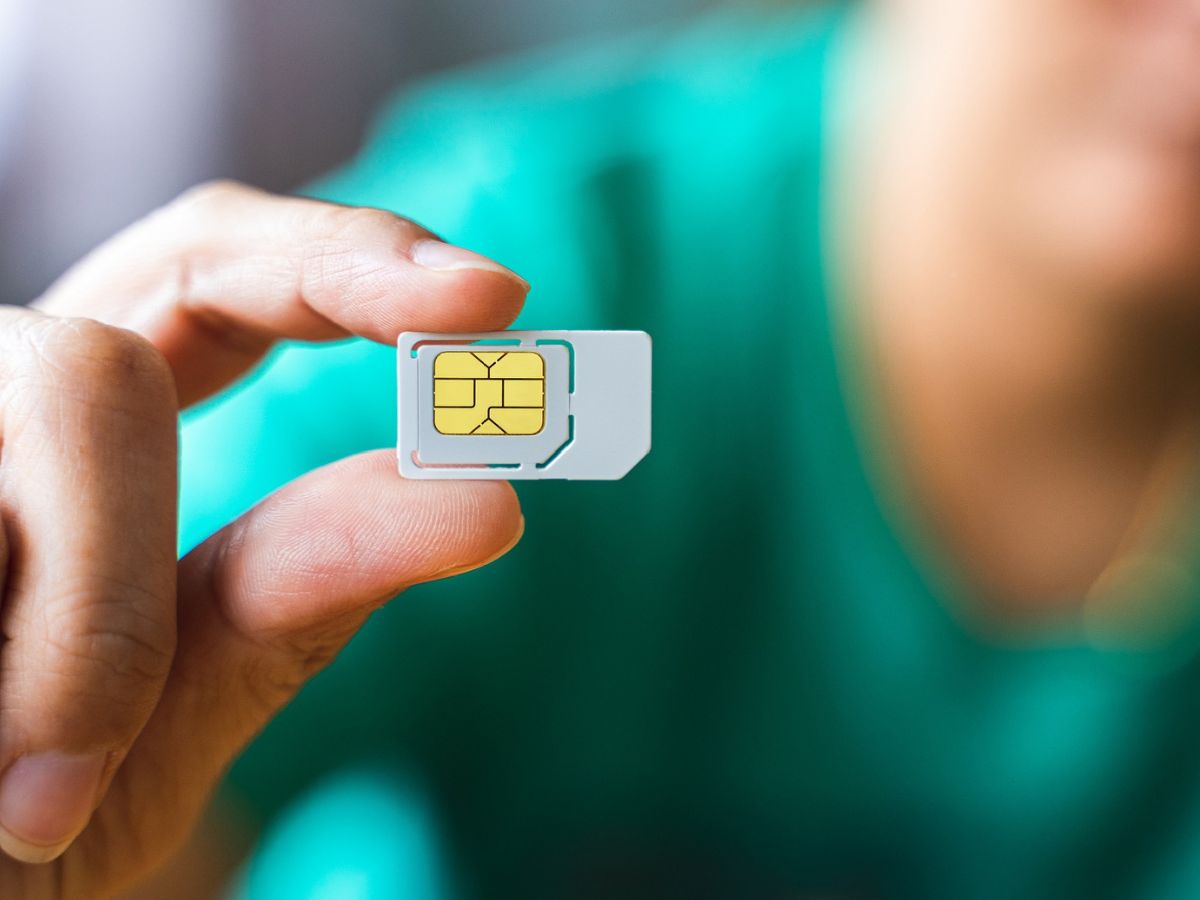
A SIM card primarily holds network identifiers that connect you to your carrier, and on some devices it can store a limited number of contacts. This is the essential answer to what information does SIM card hold, it is your account key, not a backup drive.
The SIM card's main job: your network identity
The SIM card’s core purpose is to tell your carrier who you are. It stores a unique serial number called the ICCID, an international mobile subscriber identity (IMSI) that links your account to the network, and authentication keys that verify your subscription. Without these identifiers, your phone cannot connect to the carrier to make calls, send texts, or use mobile data. On Android, Google says carrier information is found in Settings > About phone > SIM status > Network. Google also says you can find manufacturer information in Settings > About phone > Model & hardware.
Does a SIM card hold your contacts?
It depends on the phone. On some Android phones, you can save contacts directly to the SIM card. On iPhone, the answer is clear: your iPhone does not store contacts on the SIM card. If your SIM supports GSM contacts, you can import them into the phone, but the iPhone never writes contacts to the SIM itself.
How to import SIM contacts on iPhone
If you switch to an iPhone and your previous phone stored contacts on the SIM, you can bring them in. The SIM must support contact storage, and this feature works for GSM SIM contacts only. Apple documents the SIM import path on iPhone and notes the SIM must support contact import. Apple’s support page labels the feature for GSM SIM contacts.
- Open Settings.
- Go to Apps.
- Tap Contacts.
- Select Import SIM Contacts.
The contacts then appear in your iCloud or on-device contact list, not on the SIM.
How to manage SIM contacts on Android
On Android, SIM contacts can be manually imported or automatically synced to your Google Account. If you have multiple accounts, the sync can only be set to one Google Account at a time. Google documents the contact sync and import steps for Android phone or tablet. Google says automatic saving of device and SIM contacts can be set to one Google Account only.
Manually import SIM contacts
- Open the Contacts app.
- Tap Organise.
- Choose Manage SIM.
- Select the contacts you want and import them to your device or account.
Turn on automatic backup of device and SIM contacts
- Go to Settings.
- Tap Google services and preferences.
- Tap All services.
- Select Backup & restore.
- Under Google Contacts sync, tap View settings.
- Turn on Also sync device and SIM contacts.
After this, any SIM contact you save will automatically copy to your chosen Google Account. For an alternative path, you can also reach the same setting through Settings > Google > All services > Google Contacts sync > View settings > Backup device-only & SIM contacts automatically.
What a SIM card does not store
The SIM card holds network identifiers and, if the phone supports it, a limited contact list. It does not save your text message history, photo library, or any application data. This means switching phones by moving the SIM alone will not transfer your messages, pictures, or apps.
Frequently Asked Questions
Can an iPhone store contacts on a SIM card?
No. Apple states that your iPhone does not store contacts on the SIM card. The only SIM-related contact action on iPhone is importing GSM contacts from a SIM that supports it.
What is a SIM card?
A SIM (Subscriber Identity Module) card is a small chip that identifies you to your mobile carrier. It stores network identifiers and, on some devices, a small number of contacts, so you can make calls, send texts, and use data on that network.
Can a SIM card be used in different mobile devices?
Yes, as long as the new device is unlocked or on the same carrier network. Simply move the SIM into the other phone to access your phone number and carrier service. Contacts stored on the SIM (if any) will be available on the new device, but messages and other phone data will not transfer.
Where can I find SIM card information and costs if I need a replacement?
For SIM card information and costs, contact your mobile carrier directly. They can provide your SIM’s ICCID number, replacement fees, and details about upgrading to a different SIM type like an eSIM. The carrier is the only source for your account-specific SIM details.
Does a SIM card store my text messages?
No. Official documentation from Apple and Google does not show that SMS or MMS are stored on the SIM card. Text messages are saved on the phone’s internal storage or in cloud backups (like iCloud or Google Drive), not on the SIM.
Related reading: How To Fix A Broken SIM Card and What Is The Difference Between An Sd Card And A SIM Card.