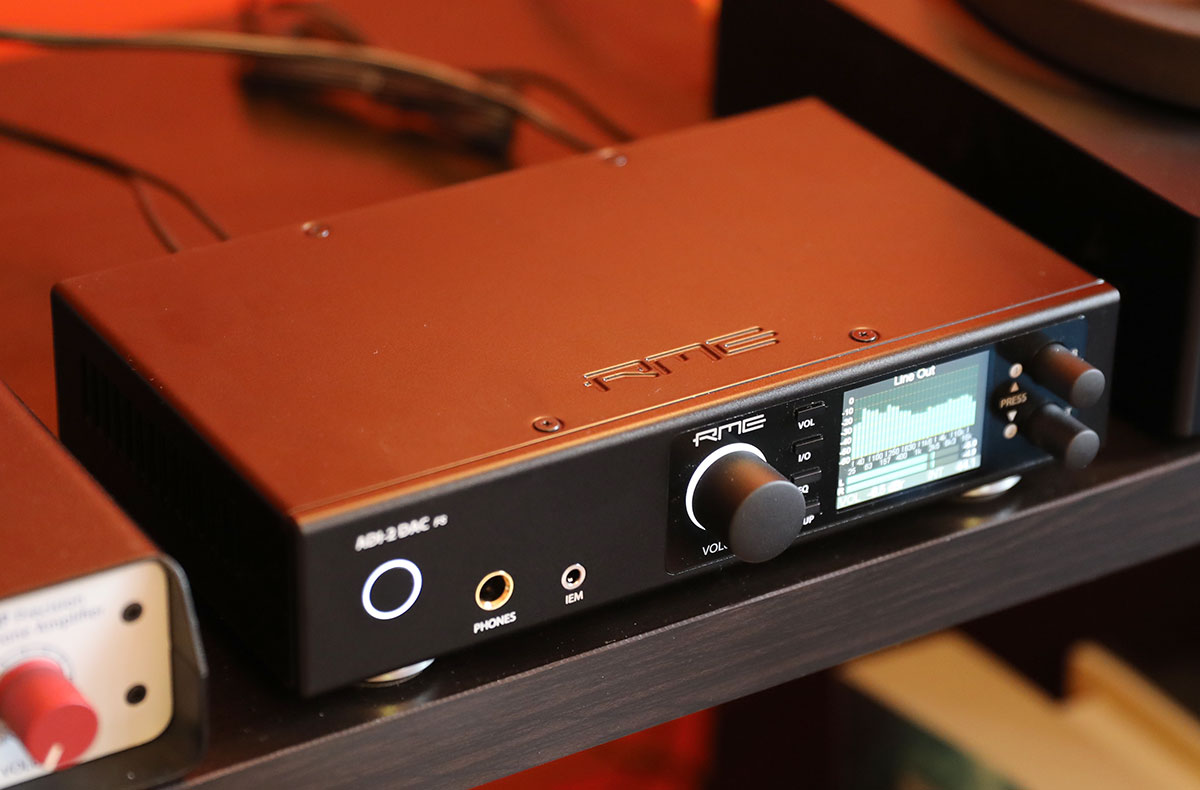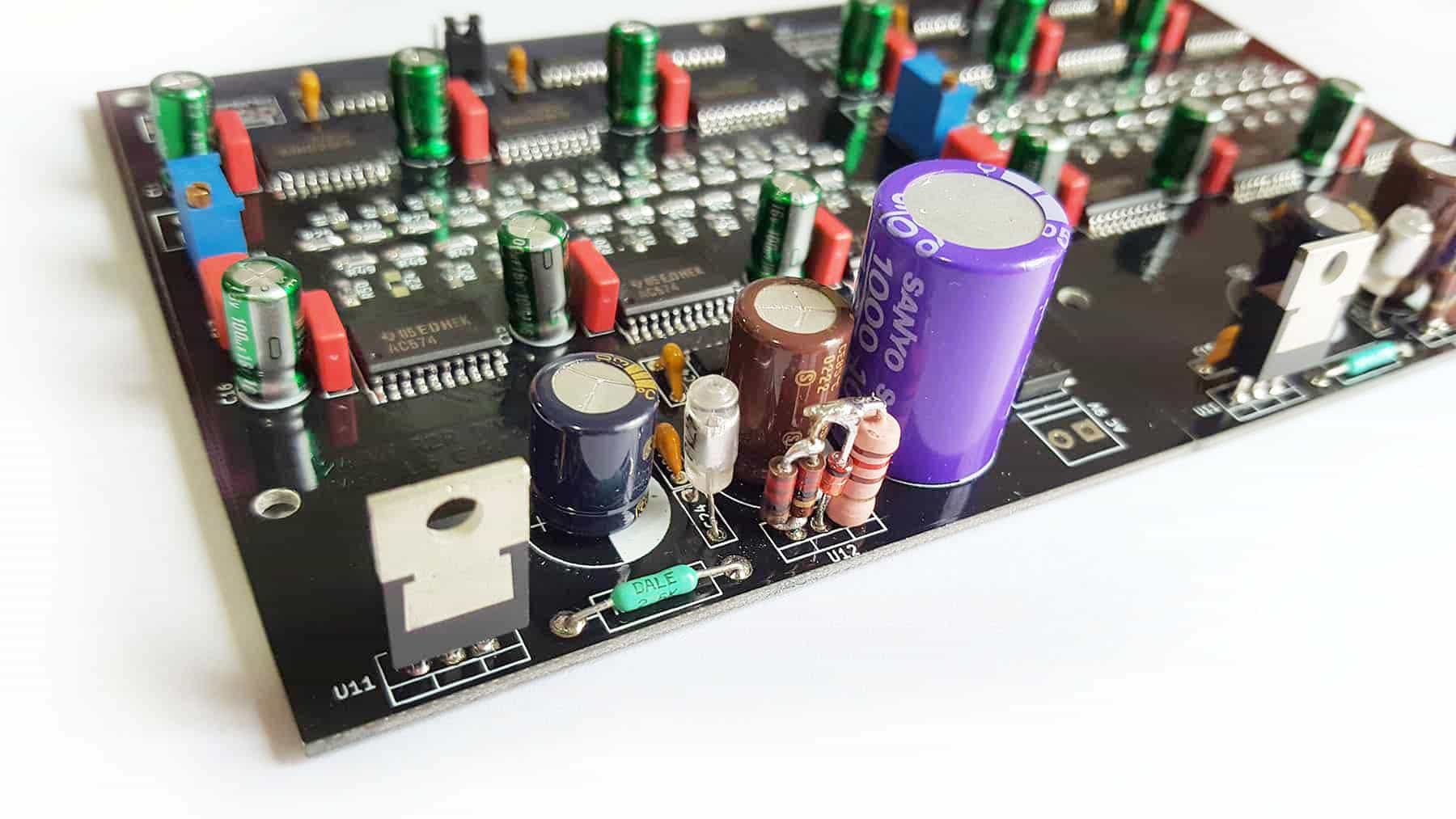
An R2R DAC, or resistor-ladder digital-to-analog converter, is a type of DAC that uses a precise network of resistors to convert digital audio signals into analog sound.
What is an R2R DAC?
An R2R DAC is a digital-to-analog converter built around a resistor-ladder network. The "R2R" name comes from the two resistor values (R and 2R) used in the ladder structure. This design directly converts binary digital data into an analog voltage by selectively switching resistors on or off, aiming for high accuracy and linearity in signal reproduction. For practical use, FiiO offers models like the BR15 R2R and DM15 R2R, which are portable DACs that connect to phones and computers.
How to connect a FiiO R2R DAC to an iPhone or iPad
Connecting a FiiO R2R DAC to an Apple device requires an OTG-capable adapter cable. The exact steps depend on the model.
For the FiiO BR15 R2R
- Turn on the BR15 R2R.
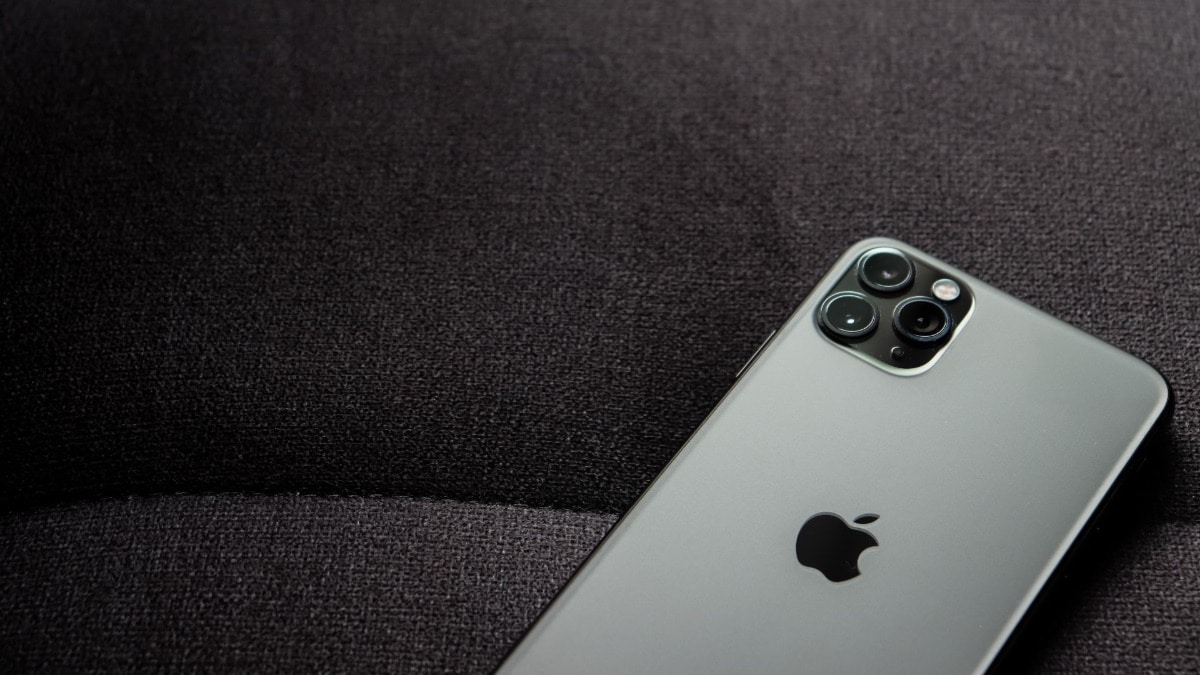
- After the BR15 is turned on, connect it to your iPhone, iPad, or iPod using a Lightning-to-Type-C OTG cable such as the FiiO LT-LT3.
For the FiiO DM15 R2R
- Connect the DM15 R2R to your Apple device using an OTG-capable adapter cable.
- No additional setup is generally required.
How to connect a FiiO R2R DAC to an Android phone
For the FiiO BR15 R2R, connect the DAC to your Android phone or player using a Type-C to Type-C OTG cable.
Important volume and compatibility notes
FiiO R2R DACs support Apple devices running iOS 10.0.2 or above. Earlier iOS versions are not supported due to Apple system limitations. When decoding audio, volume changes made on the iOS device do not affect the output. You must adjust the volume directly on the DAC itself, using the controls on the BR15 R2R or DM15 R2R. This limitation applies to both models during decoding.
Frequently Asked Questions
What cable does the FiiO BR15 R2R need with iPhone or iPad?
What iOS version is supported for FiiO R2R DACs?
Both the FiiO BR15 R2R and DM15 R2R support Apple devices running iOS 10.0.2 or above. Lower iOS versions are not supported.
Can I control volume from my iPhone when using a FiiO R2R DAC?
No. Volume changes on the iOS device are ineffective during decoding. You must adjust the volume using the controls on the DAC itself.
Do I need any special apps to use a FiiO R2R DAC with Android?
A Type-C to Type-C OTG cable is needed for the BR15 R2R.
What is the difference between wireless audio connections and using a FiiO R2R DAC?
Wireless audio connections rely on Bluetooth or Wi-Fi, which can compress the signal. A wired FiiO R2R DAC bypasses wireless audio connections to deliver a direct, uncompressed digital-to-analog conversion, which some users prefer for critical listening.
Related reading: How A DAC Works, How To Add Sound To Procreate Animation, and What Is Live Listen IOS 15.