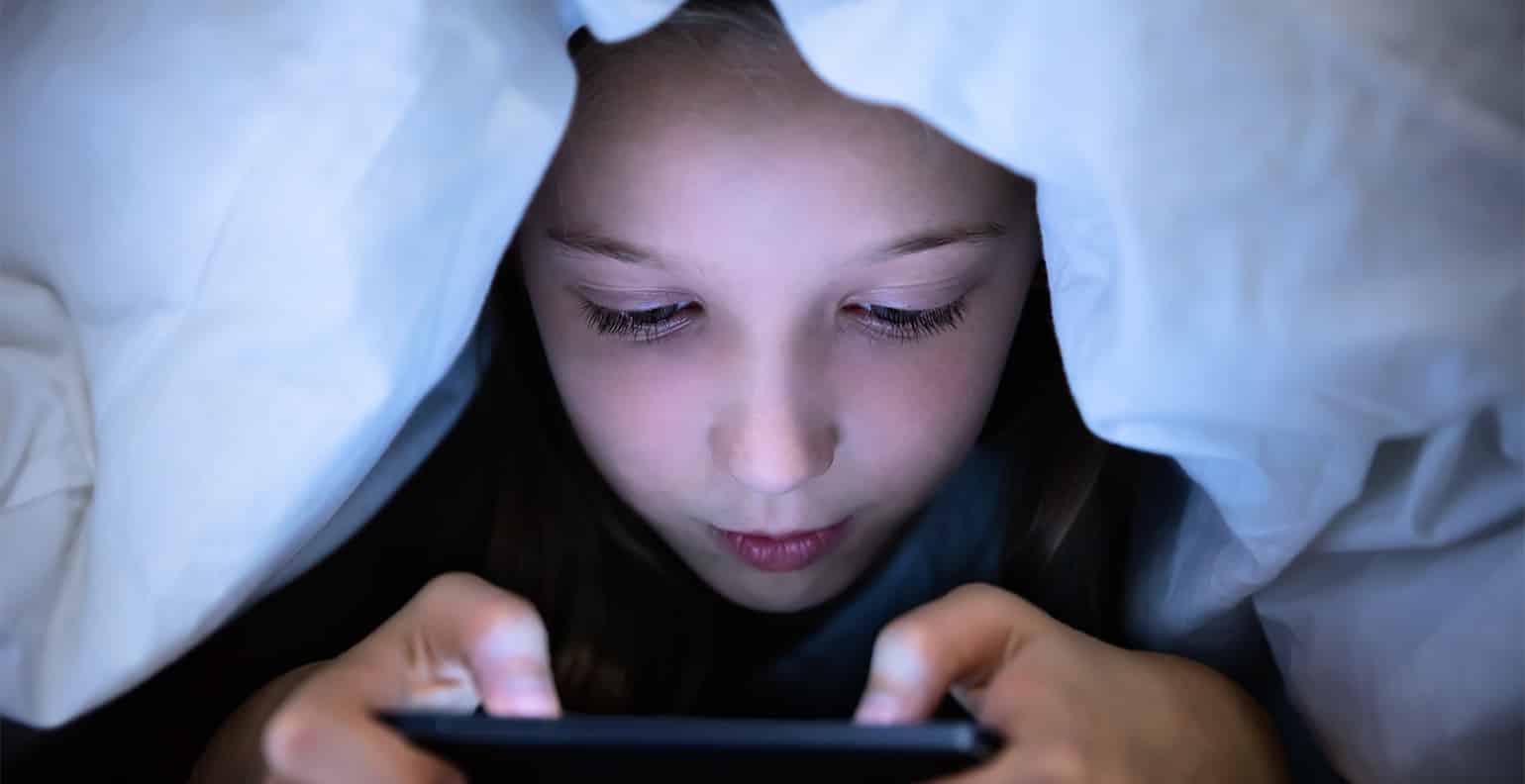
The negative impact of mobile phones includes documented harm to physical health, mental focus, social bonds, and the environment, from eye strain and sleep disruption to distraction at work and school, reduced face-to-face interaction, and the pollution caused by e-waste and manufacturing. The most effective way to reduce these downsides is through the built-in controls already on your device, such as iPhone Screen Time and Android Digital Wellbeing, which let you limit apps, schedule downtime, and block notifications without needing extra software.
What are the negative impact of mobile phones?
Mobile phones bring clear benefits, but they also carry well-documented harms across four main areas: health strain, constant distraction, social disconnection, and environmental damage. Understanding these problems is the first step; the practical solution is using the settings already built into your phone to regain control.
Health effects: eye strain, sleep loss, and neck pain
Prolonged phone use causes physical complaints that are widely reported and directly linked to screen time. Staring at a small, bright screen for hours leads to eye fatigue, dryness, and headaches. The blue light from the display interferes with your body's natural sleep-wake cycle (circadian rhythm), making it harder to fall asleep and reducing sleep quality. The habit of hunching over the device puts constant strain on the neck, back, and shoulders, leading to stiffness and chronic pain.
How phones distract you and hurt focus
The constant stream of notifications and the instant availability of apps pull your attention away from whatever you are doing. In classrooms and workplaces, phone use leads to distraction and decreased focus, directly reducing productivity and making it harder to keep up with tasks. Google explicitly says Focus mode is for reducing distractions while you are at work, school, or home. Google's Focus mode is specifically framed as a tool to pause distracting apps when you want to focus, and Google Play describes it as helping you reduce distractions. Google documents that when Focus mode is on, you can't use the paused apps and won't get notifications from them. Built-in controls like Apple's Screen Time and Google's Digital Wellbeing are specifically designed to counter this by letting you pause distracting apps and block notifications during study or work hours.
Social disconnection despite constant connection
Even though phones keep us in touch with people online, they often degrade the quality of real-world relationships. The lure of notifications and social apps reduces face-to-face conversation and can make you feel isolated even while digitally connected. Phones intrude on personal time with family and friends, and the anonymity of online platforms opens the door to cyberbullying and harassment.
Environmental damage from phone production and disposal
The lifecycle of a mobile phone causes significant environmental harm. Manufacturing consumes large amounts of energy and relies on mining rare minerals, which leads to deforestation and water pollution. When phones are thrown away, they become electronic waste (e-waste) that leaks toxic substances like lead and mercury into the soil and water. The energy used to power devices and the networks they run on also contributes to carbon emissions and climate change.
Reduce the negative impact with built-in phone settings
You do not need a separate app or subscription to control phone overuse. The most documented controls are already on your phone and are designed to address the specific harms of distraction and overuse.
- On iPhone (Screen Time):
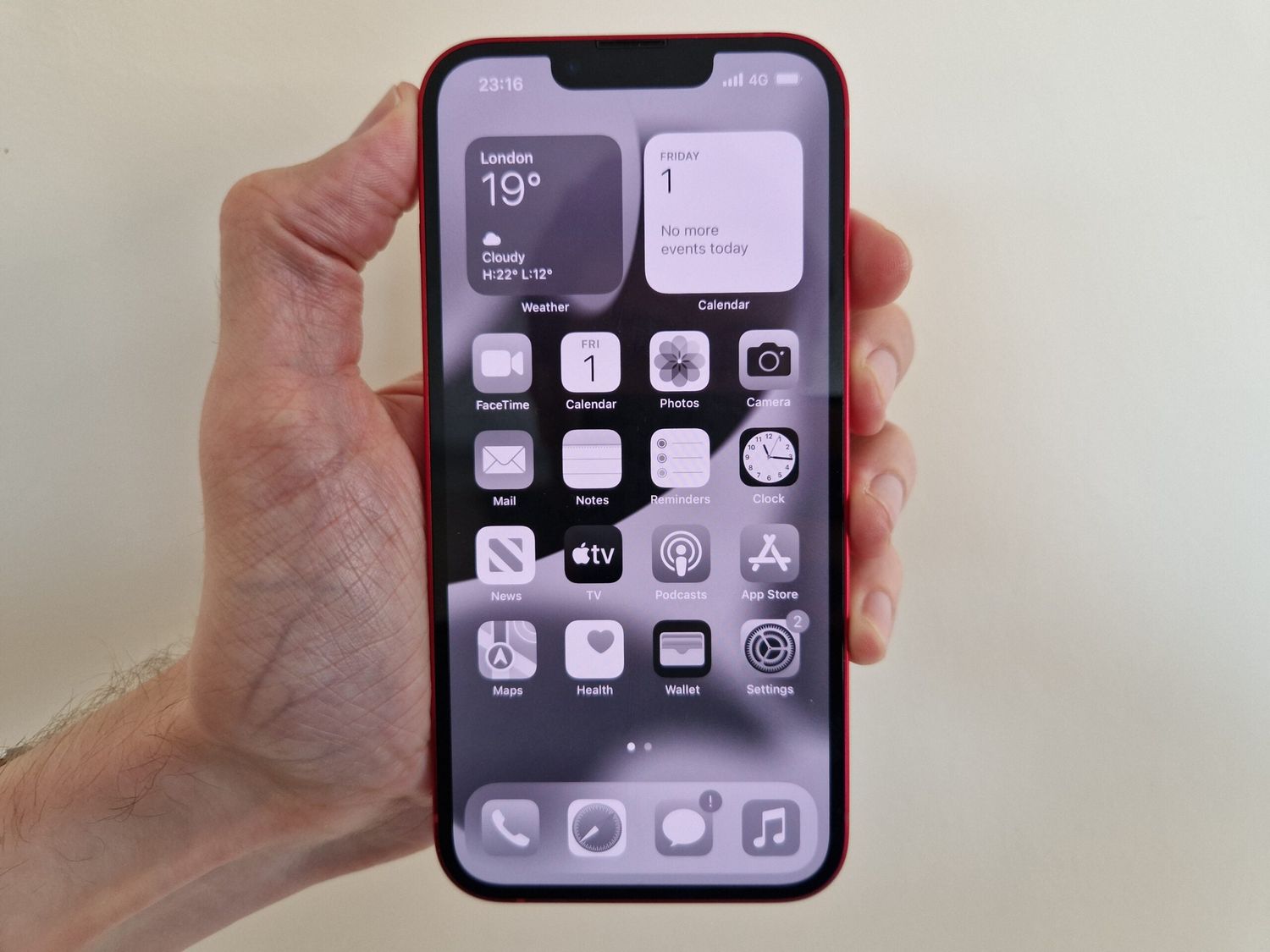
Apple documents Screen Time on iPhone and iPad as a way to see how much time a child spends on the device, including which apps and websites they use most. Apple's child Screen Time page documents that parents can schedule daily app limits and see usage summaries for apps and websites. Go to Settings > Screen Time, then turn on App & Website Activity to see how much time you spend on each app and website. Apple documents App Limits and Downtime in Settings > Screen Time so users can limit time in categories such as games or social networking and schedule screen-free periods. From there, set App Limits to cap your time in categories like games or social networking. Apple's Screen Time includes App Limits and Downtime for limiting how long apps can be used and for blocking apps at scheduled times. Apple documents Downtime as a way to block apps and notifications during periods when you want time away from your devices. Use Downtime to block all apps and notifications during a scheduled period, perfect for bedtime or focus hours. Apple documents Always Allowed in Screen Time for child accounts, which lets certain people remain reachable during downtime; the limits apply to Phone, FaceTime, Messages, Maps, and iCloud contacts. For child accounts, Always Allowed lets you select which people (Phone, FaceTime, Messages, Maps, and iCloud contacts) remain reachable during Downtime. - On Android (Digital Wellbeing):
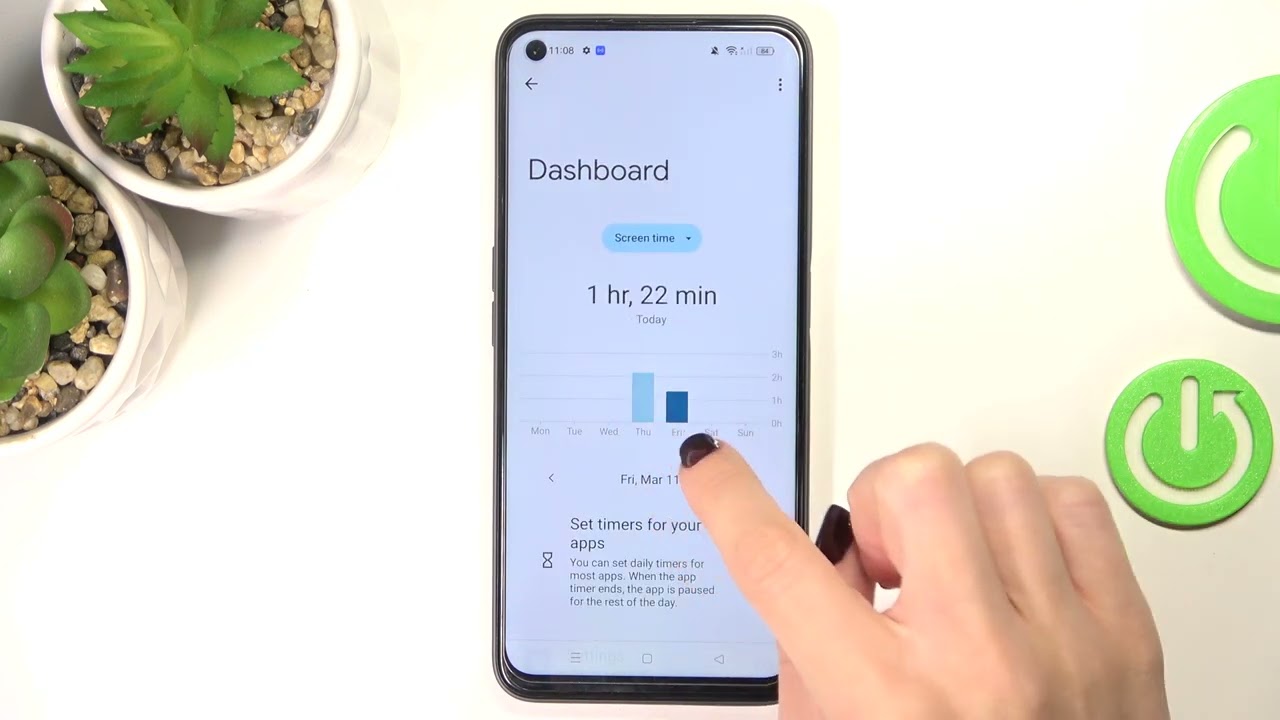
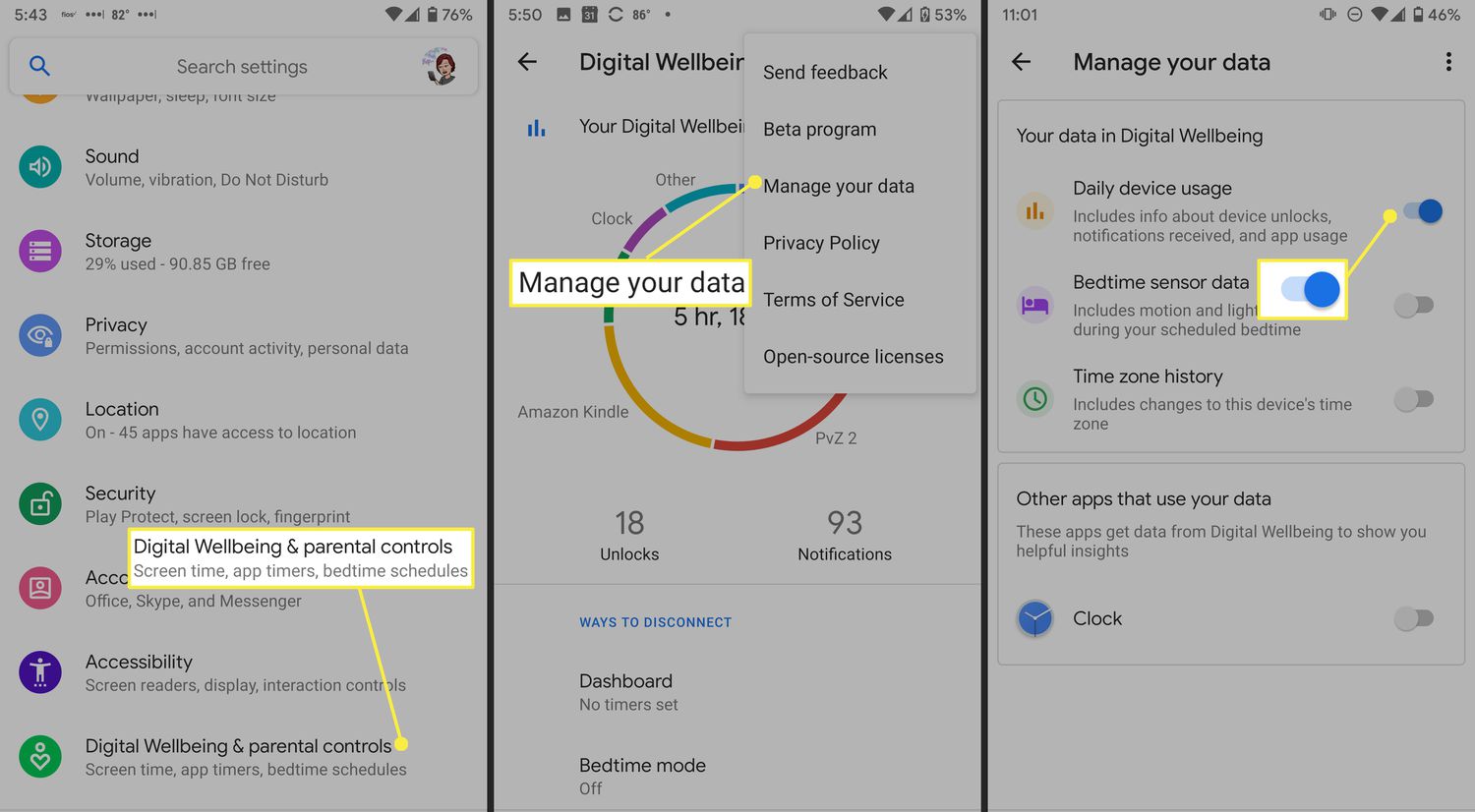
On Android, the documented path is Settings > Digital Wellbeing and parental controls > Focus mode. Open Settings > Digital Wellbeing and parental controls. The main chart shows your daily usage; Google documents Set timer in Digital Wellbeing and parental controls for app time limits, reached from the chart in Digital Wellbeing. Tap any app to set a timer that locks it after a chosen limit. For deep focus, turn on Focus mode, which pauses selected apps and stops their notifications until you turn the mode off. On Android, users can set Focus mode to turn on automatically by tapping + > Set a schedule. You can also set Focus mode to start automatically by tapping + > Set a schedule so it turns on during work or school hours. - On Samsung Galaxy devices:
The entry point is Settings > Digital Wellbeing, which offers the same Focus mode, app timers, and schedules as standard Android.
Frequently Asked Questions
Are children more vulnerable to the negative impact of mobile phones?
Yes. Children’s developing brains and bodies are more susceptible to the effects of screen time and blue light, and they have less impulse control around apps. Phone settings like Screen Time and Focus mode allow parents to set daily app limits, schedule screen-free periods, and always allow specific contacts (like a parent) to reach a child during Downtime.
Can phone use while driving be dangerous?
Yes, it is extremely dangerous. Any phone use, talking, texting, or browsing, diverts attention from the road, delays reaction times, and greatly increases crash risk.
Do mobile phones cause addiction?
Device manufacturers do not use the term "addiction" in their support documentation, but they do provide tools like app timers and Focus mode specifically to address the compulsive checking and procrastination that excessive use can cause.
How can I reduce eye strain from my phone?
Built-in settings help: on both iPhone and Android, you can turn on a blue light filter (often called Night Shift or Blue Light Filter) to reduce eye strain, especially in the evening. Taking a break every 20 minutes to look at something 20 feet away also helps.
What is the biggest environmental harm from phones?
The biggest documented issues are e-waste (toxic chemicals from discarded phones contaminating the environment) and the energy consumed during manufacturing and use, which contributes to climate change.
Where can I find more cell phone facts and usage tips?
To get more cell phone facts and usage tips, check the official support pages for Screen Time, Digital Wellbeing, and Focus mode, which provide the most up-to-date instructions for managing your device’s settings.
Related reading: How Many Hours Should We Use Phone? and How To Check Screen Time On Realme.