There is no official universal recommendation for how many hours we should use phone each day from Apple, Google, or Samsung. Instead, these companies provide tools to set your own limits, making personal boundaries the real solution for healthy phone use.
How many hours should we use phone? The short answer
No major phone manufacturer publishes a specific daily hour limit. Apple’s Screen Time, Google’s Digital Wellbeing, and Samsung’s screen time goal feature all let you track and restrict usage, but none state a recommended number. The reason is simple: ideal phone time varies by age, job, lifestyle, and personal goals. What works for a remote worker may not suit a student or a retiree. The verified facts confirm that no official “healthy” hour count exists in any retrieved support page from these companies. Your own limits, based on your needs and habits, are the only practical answer.
What Apple, Google, and Samsung actually say about daily limits
Apple documents that Screen Time lets you view time spent, schedule time away, and set app limits, but it does not give a specific healthy daily-hour recommendation. All three companies focus on empowering you to decide, not prescribing a one-size-fits-all number.
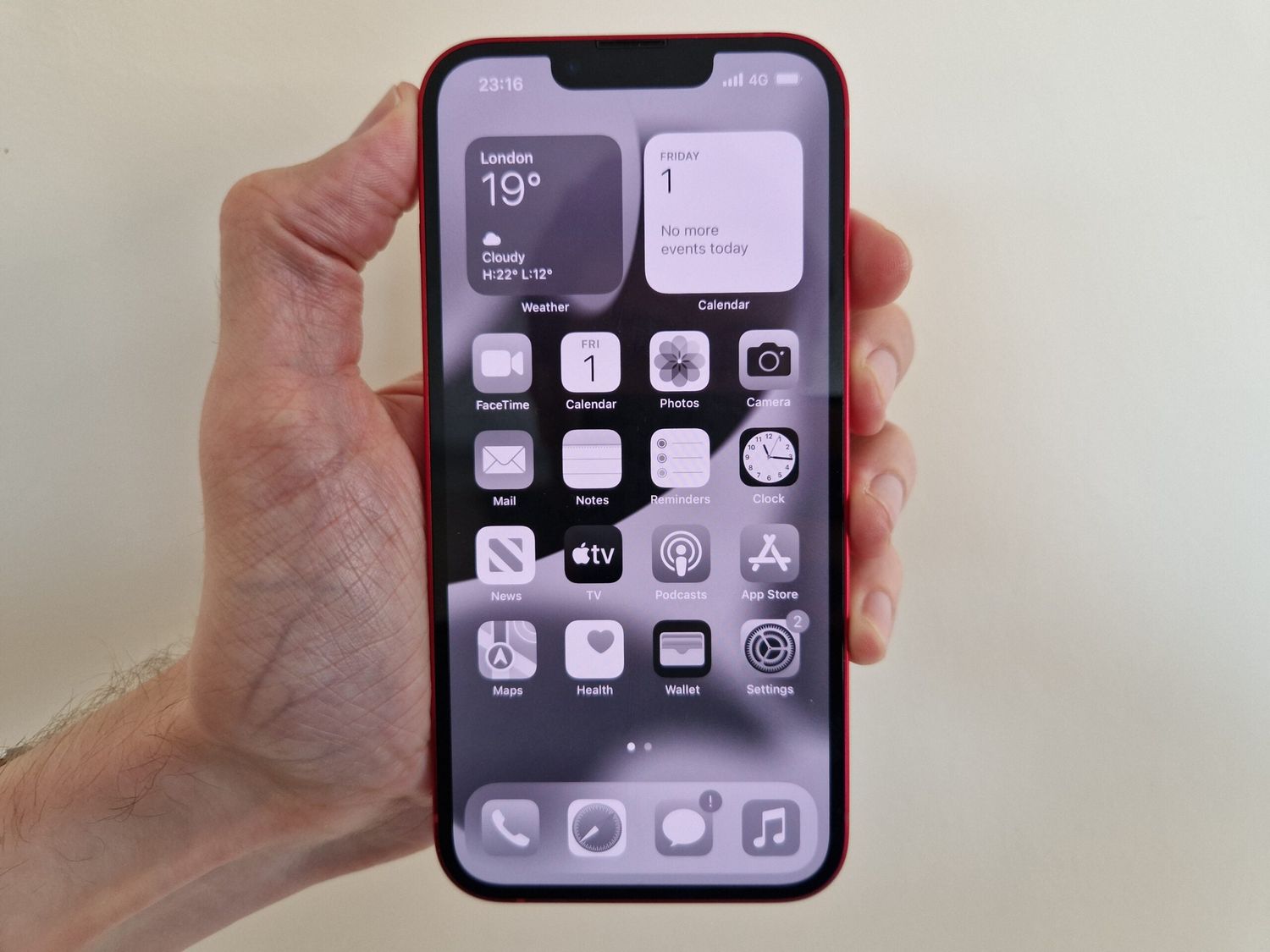
How to set your own phone usage limits on iPhone
Apple’s Screen Time gives you two main tools: App Limits and Downtime. Follow these steps to set them up.
- Open Settings > Screen Time.
- Tap Screen Time Schedule and tap Turn On App & Website Activity if needed.
- Tap Time Allowances and tap Turn On App & Website Activity if needed.
- Tap Screen Time, then Manage Screen Time to turn on Share Across Devices.
- Tap App Limits > Add Limit to set limits for app categories or individual apps.
- Tap Next, set the amount of time allowed, then tap Add.
- Tap Customize Days to set different limits for specific days.
- Tap Downtime to schedule time away from the screen, then turn on Scheduled or tap Turn On Downtime Until Tomorrow.
- For communication restrictions, go to Settings > Screen Time > Communication Limits > During Screen Time. Options include Contacts Only, Contacts & Groups with At Least One Contact, and Everyone.
- For paused or unavailable periods, use When Device Paused or Unavailable with Always Allowed or Everyone.
These settings work on iPhone or iPad.
How to set your own phone usage limits on Android
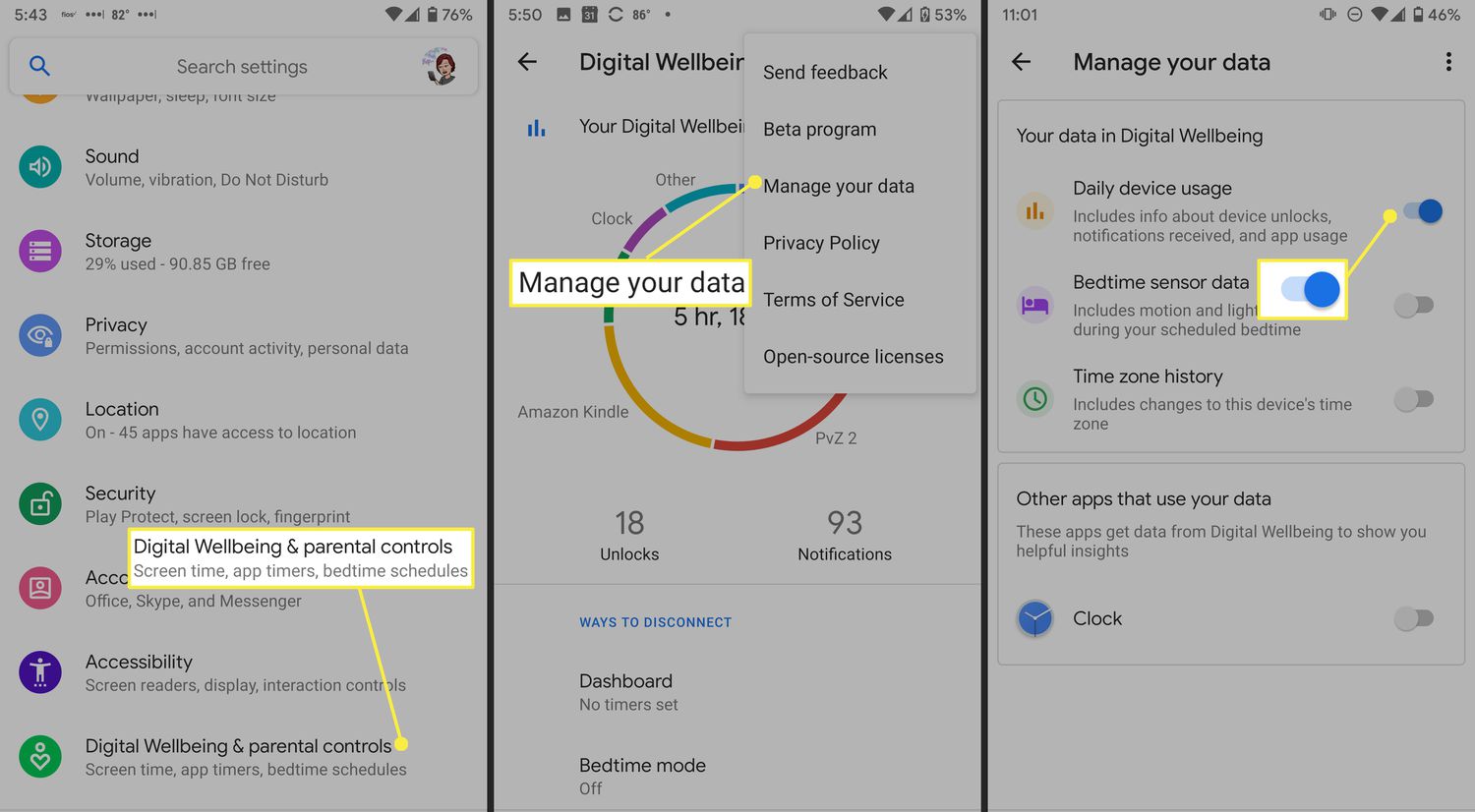
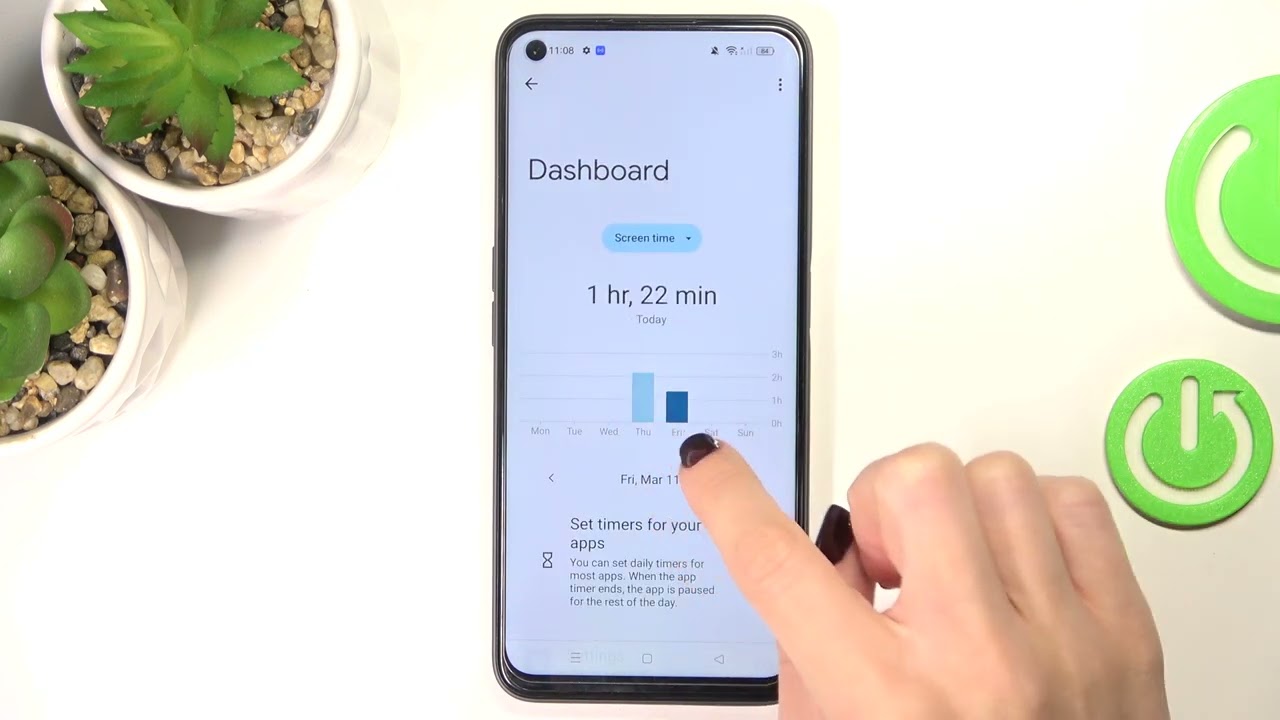
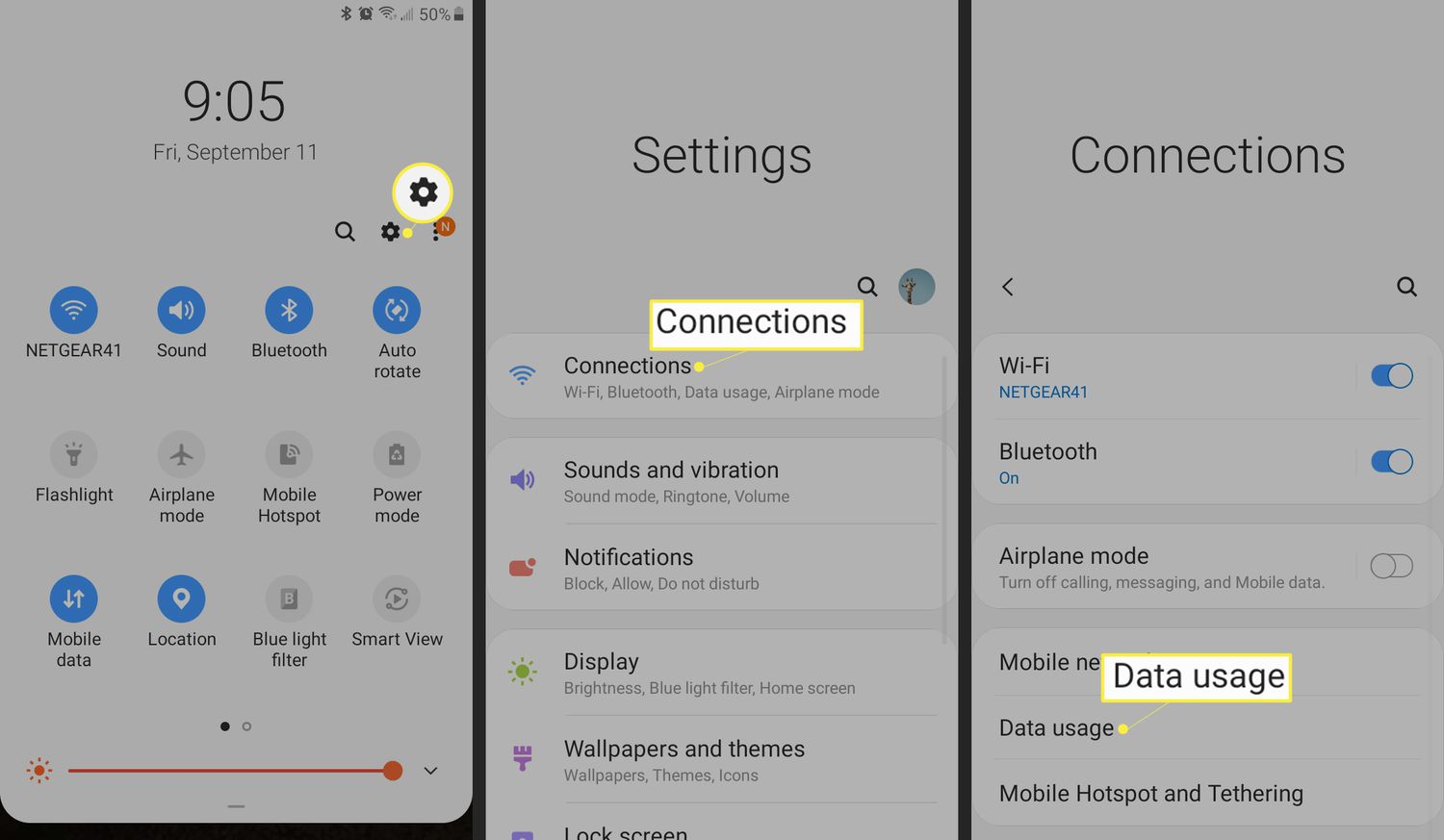
Android’s Digital Wellbeing offers app timers, website timers, and a screen time widget. Here is how to use them.
- Open Settings > Digital Wellbeing or Digital Wellbeing and parental controls.
- Tap Show icon in the app list if you want Digital Wellbeing visible as an app.
- The first time you open it, set up your profile.
- To set app timers, open Digital Wellbeing > tap the chart > next to the app tap Set timer > choose the time > tap OK.
- To set website timers, open Digital Wellbeing and parental controls and next to the website tap Set site timer.
- To protect app time limits, go to Settings > Digital Wellbeing > App limits > App limits PIN > turn on PIN for app time limits. Enter a unique 4-digit PIN and tap Confirm.
- On Android 9 and later, add the screen time widget from the home screen widgets menu.
These steps apply to Android phones.
Why excessive phone use can be a problem
Spending too much time on your phone can lead to physical strain like eye fatigue, poor posture, and a sedentary lifestyle. Mentally, constant notifications and social media use can increase stress, anxiety, and disrupt sleep. Socially, it reduces face-to-face interactions and can create feelings of isolation. Productivity suffers as distractions fragment focus and lower performance on important tasks. The American Academy of Pediatrics (AAP) recommends that children aged 6 to 18 years should have no more than two hours of recreational screen time per day. For adults, it is generally advised to limit non-essential phone usage to around two to four hours per day. These risks support the need for personal limits without requiring padding.
Daily habits that help balance phone use and productivity
Adopting simple habits can make a significant difference. Create phone-free zones, such as the bedroom or dining table, to encourage better sleep and meaningful conversations. Practice mindful usage by using your phone intentionally for specific tasks instead of mindless scrolling. Follow the 20-20-20 rule: every 20 minutes, look at something 20 feet away for 20 seconds to reduce eye strain. Use productivity apps that track and manage your phone usage by setting limits or blocking certain apps during specified hours. Use the Pomodoro Technique, work in focused intervals with short breaks, to stay productive. Engage in offline activities like reading, walking, or hobbies. Establish a bedtime routine that involves disconnecting from your phone at least an hour before sleep to improve rest. These strategies help you reclaim time and maintain a healthier relationship with your device. For more detailed guidance, refer to cell phone facts and usage tips from trusted sources.
Frequently Asked Questions
What are the potential risks of excessive phone usage?
Excessive phone usage can cause eyestrain, disrupted sleep patterns, postural issues, reduced physical activity, decreased face-to-face social interactions, and mental health problems such as anxiety and depression.
How can I reduce my phone usage?
Set specific time limits using Screen Time or Digital Wellbeing, identify offline activities you enjoy, and implement phone-free periods during your day. Consider a digital detox where you take a break from non-essential apps.
Can phone usage affect our sleep quality?
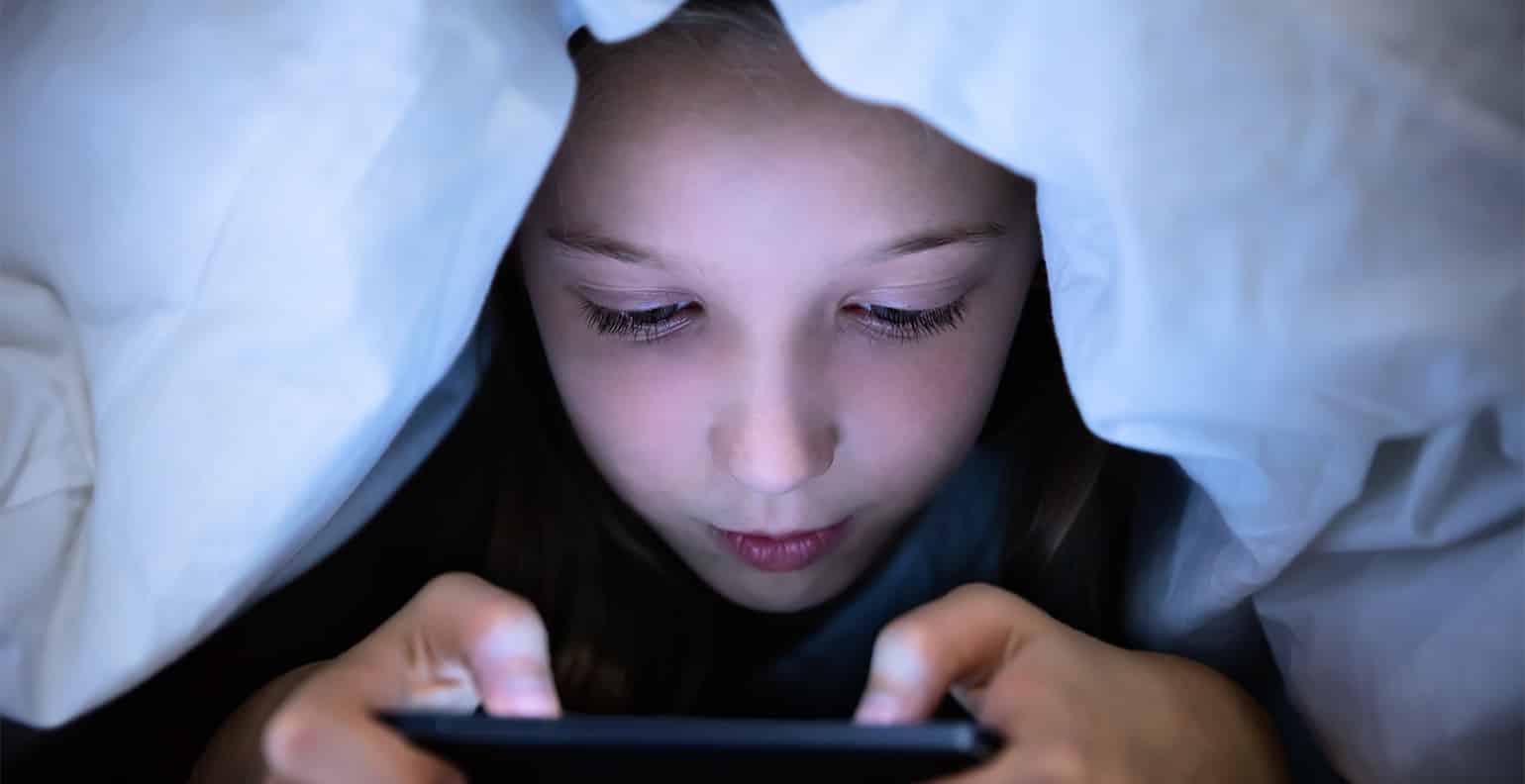
Yes, blue light from screens disrupts your natural sleep-wake cycle, and stimulating content keeps your mind alert. Limiting phone use at least an hour before bed and creating a calming bedtime routine improves sleep quality.
Are there any benefits to using our phones for extended periods?
Smartphones provide communication, access to information, productivity tools, and entertainment when used in moderation. The key is balancing these benefits with mindful limits to avoid negative effects.
How do I know if my phone use is excessive?
If you notice physical discomfort, difficulty focusing, reduced sleep quality, or strained relationships, your phone use may be excessive. Tracking your screen time in Settings can provide a clear picture.
How many hours should we use our phones each day?
For non-work activities, a common recommendation is to limit phone use to 2-3 hours per day to maintain a healthy balance.
Related reading: How To Set Screen Time On Android and What Are The Negative Impact Of Mobile Phones?.