Your Verizon wireless account number is the unique identifier for your account, essential for porting your number to a new carrier or making account changes. Here are the four fastest ways to find it: through your online account, the My Verizon app, a paper or digital bill, or by calling customer service.
Find your account number on your bill
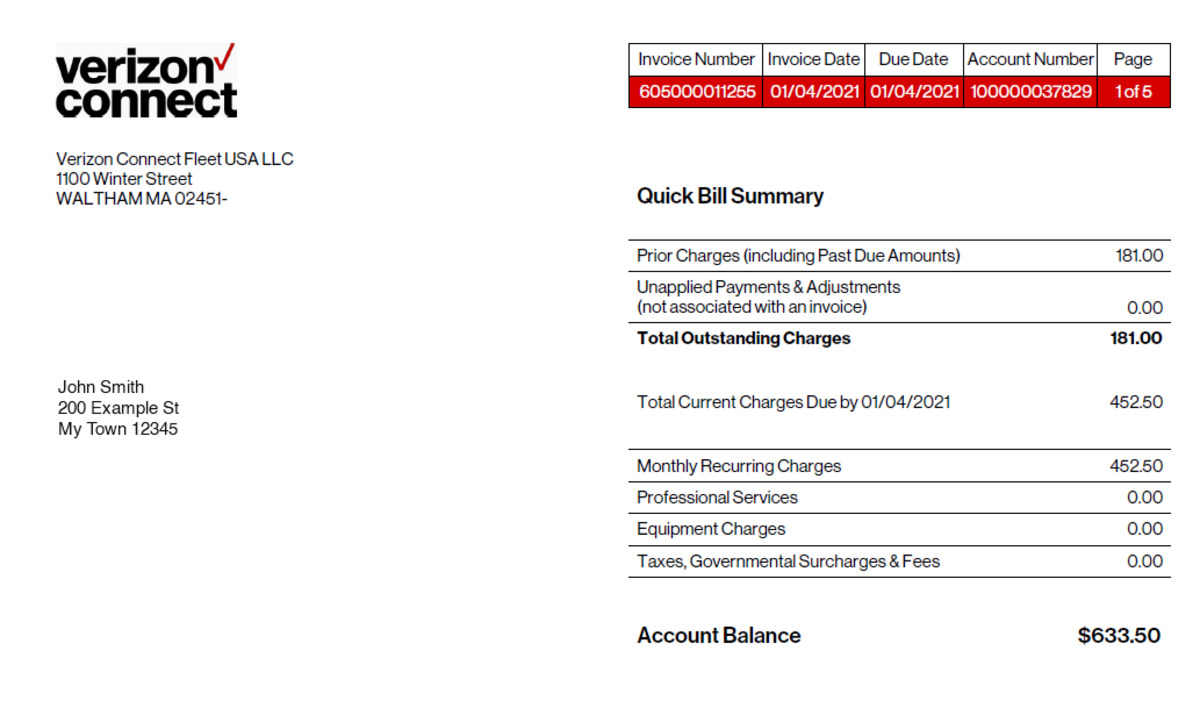
The most universal method is checking your bill. Your Verizon wireless account number is located at the top right corner of your paper or digital Verizon bill. This works whether you have a printed statement or a PDF copy. Your account number is usually printed on the top right corner of the bill. If you have multiple lines under the same Verizon account, make sure to identify the correct account number associated with the line you're interested in.
Find your account number online or in the app
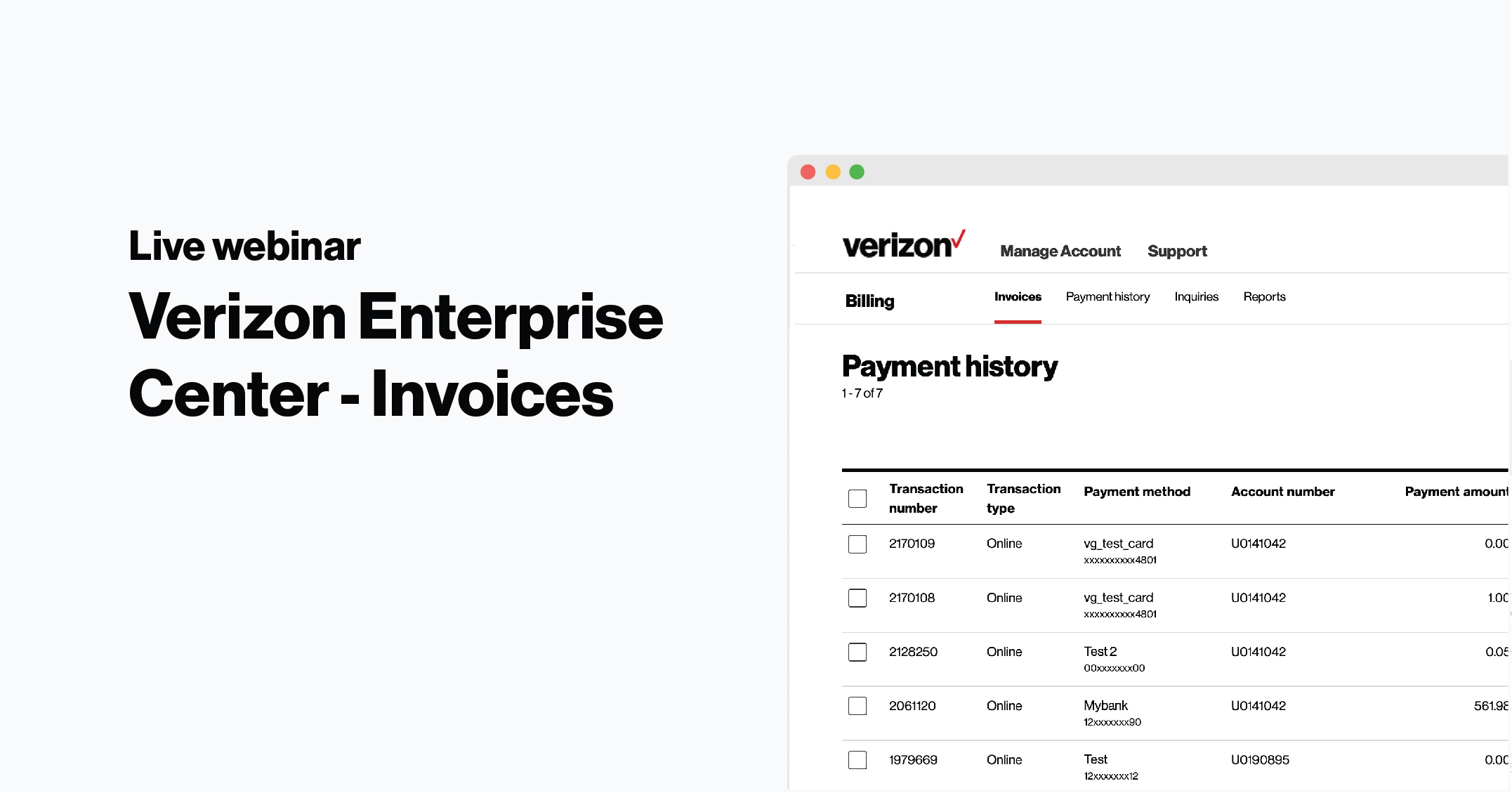
- Log in to your Verizon account on the website. Navigate to the account information section to see your account number displayed.
- In the My Verizon app, go to account settings. Alternatively, you can go to the "Me" tab and tap "Profile & settings" to find your account number. Note that the My Verizon app is restricted to users 18 and older.
Call customer service to get your account number
If you are locked out of your account or prefer to speak with someone, call Verizon customer service. For Verizon postpaid wireless plans, call 1-800-922-0204. For Verizon prepaid wireless accounts, call 1-888-294-6804. Be ready to verify your identity; the representative will ask security questions before disclosing your account number.
What you can do with your account number
Is my account number the same as my phone number?
No, your Verizon wireless account number is different from your phone number. The account number is tied to your billing and account management, while your phone number is the number assigned to your device for calls and texts.
Why do I need my account number for porting?
When switching carriers, you must provide your account number and your account PIN to authorize the transfer. This process is called porting, and it requires finding account and PIN numbers from your current provider.
Can I change my account number?
Generally, account numbers cannot be changed. In rare cases, such as fraud or security concerns, Verizon may issue a new number. Contact customer service for such requests.
Frequently Asked Questions
How do I find my Verizon account number without logging in?
If you cannot log in, check a recent paper bill or digital PDF statement. Your account number is printed at the top right corner. You can also call customer service and verify your identity to have them provide it.
What is the difference between a Verizon account number and a PIN?
Your account number identifies your account, while your PIN (or password) is used to verify your identity when making changes or porting your number. Both are required for a number transfer.
Can I find my account number on a prepaid account the same way?
Prepaid customers can find their account number on their bill or in the My Verizon app. If those methods don't work, call prepaid customer service at 1-888-294-6804 for assistance.
Why does the My Verizon app say I'm not eligible?
The My Verizon app is restricted to users 18 and older. If you are under 18, you will need to use the website, check a paper bill, or call customer service to get your account number.
For the wider topic, see finding account and PIN numbers.
Related reading: How To Find H2O Wireless Account Number and How To Contact Verizon Wireless Corporate.