To test an O2 sensor with live data, you use a mobile OBD2 app and adapter to view real-time oxygen sensor voltage fluctuations, which reveals whether the sensor is switching correctly between lean and rich mixtures. This method lets car owners diagnose a faulty O2 sensor themselves without a professional scan tool, using apps like OBDLink, iOBD2, or EOBD Facile to monitor voltage readings and on-board test results.
How to test o2 sensor with live data using mobile apps
Testing an O2 sensor with live data through a mobile app is the most accessible method for car owners. Instead of a dedicated scan tool, you pair an OBD-II adapter with a smartphone app such as OBDLink, iOBD2, or EOBD Facile. The goal is to view the sensor’s voltage fluctuations in real time and, where available, access the vehicle’s own on-board oxygen sensor test results. This approach turns your phone into a diagnostic tool, similar to how wearables and fitness apps turn a smartwatch into a health monitor.
What o2 sensor live data tells you
Live O2 sensor data shows the voltage signal the sensor sends to the engine control unit. A healthy O2 sensor produces a voltage that constantly fluctuates between 0.1 and 0.9 volts. A reading near 0.1 volts indicates a lean mixture (high oxygen), while a reading near 0.9 volts indicates a rich mixture (low oxygen). Rapid, consistent switching between these extremes means the sensor is working properly. A steady voltage stuck at one value, a reading that stays outside the 0.1-0.9V range, or a slow response confirms a fault.
Tools you need: obd-ii adapter and app
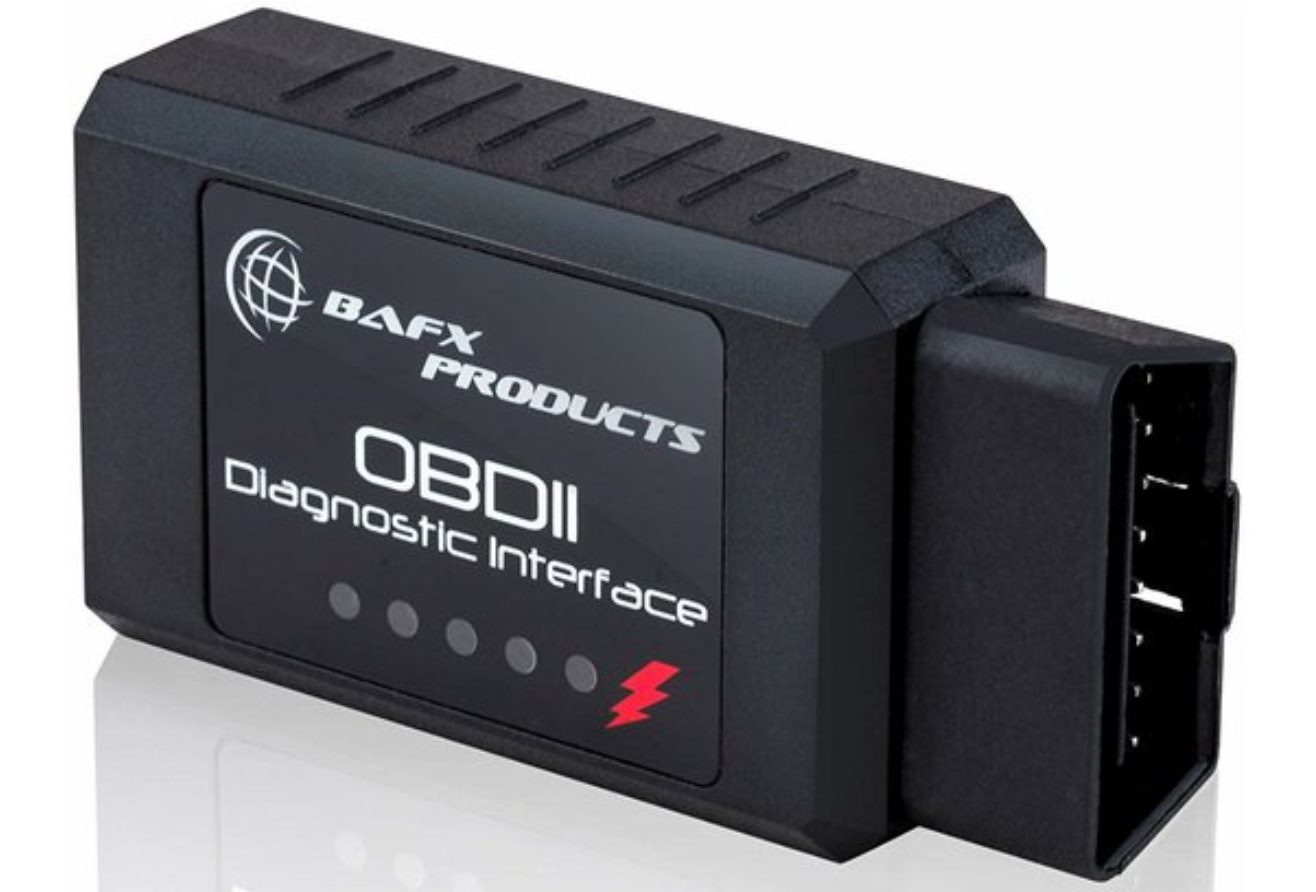
You need two items: a compatible OBD-II adapter and a supported app on your iPhone or Android device. The OBDLink app is included with the purchase of any OBDLink adapter. iOBD2 is available for iPhone, and EOBD Facile works on both iPhone and Android. While the exact adapter type is not always specified in every app’s documentation, an OBD-II adapter is required to connect your phone to the vehicle’s diagnostic port. A multimeter is needed to check the voltage coming from the O2 sensor, and it must be capable of reading millivolts since the O2 sensor voltage is usually in the range of 0-1V. A wire piercing probe allows you to access the electrical wires of the O2 sensor without cutting or damaging them, making a temporary contact for live data testing. A reference manual specific to your vehicle's make and model is crucial for accurate specifications and guidelines for testing the O2 sensor with live data. A vehicle service manual contains detailed instructions and diagrams for various repair and diagnostic procedures, including testing O2 sensors.
Step-by-step: view o2 sensor data in your app
- Plug the OBD-II adapter into your vehicle’s diagnostic port, usually under the dashboard.
- Turn the ignition on (engine may be running or off depending on the app).
- Open the app on your phone and establish a Bluetooth or Wi-Fi connection to the adapter.
- Navigate to the live data or oxygen sensor section. In OBDLink, use the feature described as “view oxygen sensor test results” or “Mode $06 data.” In iOBD2, use “[O2 Sensor test]” to access the on-board oxygen sensor monitoring test results. In EOBD Facile, select the live data parameter list and choose the O2 sensor PID to view real-time graphs.
- Select the specific O2 sensor you want to test from the parameter list if your app offers multiple sensor PIDs.
Interpreting mode $06 and o2 sensor test results
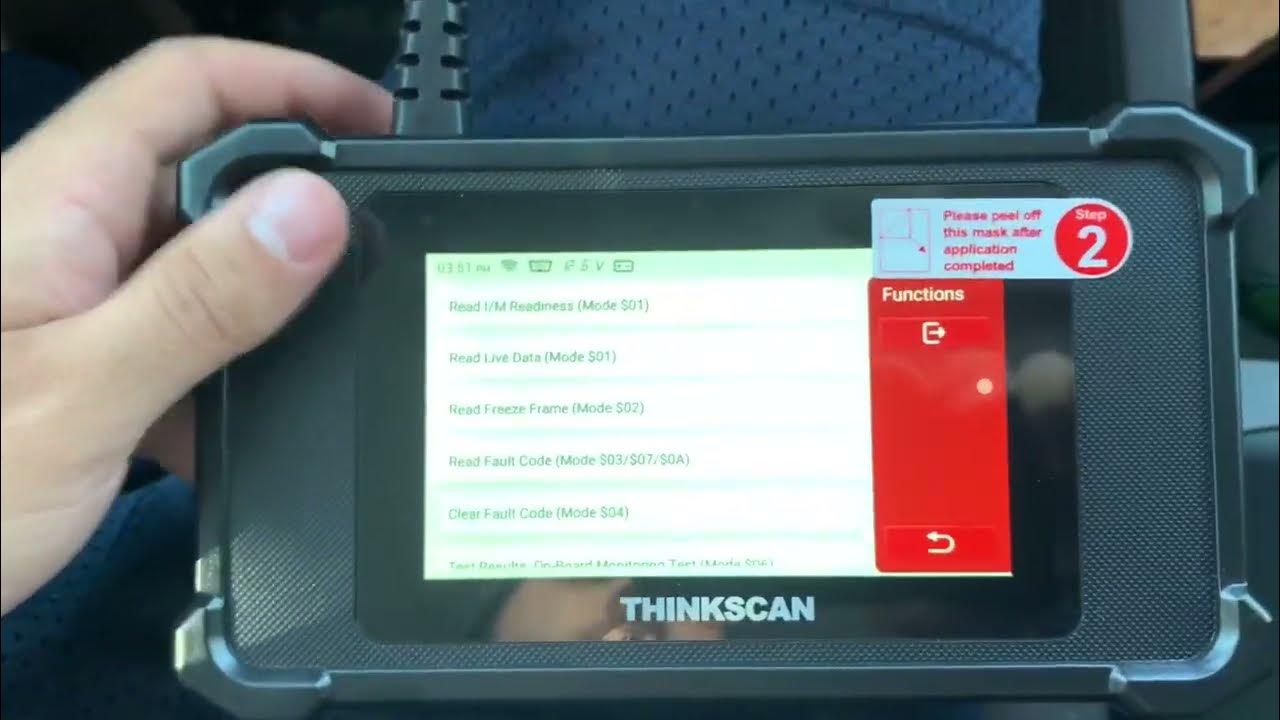
Apps like OBDLink and iOBD2 provide access to Mode $06 data or a dedicated O2 sensor test screen. Mode $06 displays on-board monitoring results that the vehicle’s computer has already calculated, such as sensor response times and heater circuit checks. In iOBD2, the “[O2 Sensor test]” screen shows these same results, and the same information can be obtained through “[Mode 6 test].” Use these results alongside live voltage data to confirm whether the sensor passes or fails the vehicle’s own diagnostic tests. A pass result combined with healthy voltage fluctuations confirms the sensor is good; a fail result or abnormal voltage confirms a fault.
What to do if readings are out of range
If live data shows a steady voltage, a reading outside 0.1-0.9V, or a slow switching rate, first confirm the fault by checking for diagnostic trouble codes (DTCs) stored in the ECU. Next, inspect the exhaust system for leaks near the sensor and check the sensor’s wiring and connector for damage or corrosion. O2 sensors can wear out over time and become less accurate; extreme temperatures, exposure to contaminants, and engine problems can also affect their performance. If no external issues are found, the sensor itself is likely faulty and should be replaced. After replacement, clear the DTCs and retest with live data to confirm the sensor now fluctuates normally.
Frequently Asked Questions
Can I test an O2 sensor without an OBD-II adapter?
No. Without it, you cannot view real-time voltage readings or on-board test results.
What does a slow-switching O2 sensor mean?
A slow-switching sensor takes too long to move between lean and rich voltage readings. This indicates the sensor is aging or contaminated and may still pass some tests but will eventually fail, causing poor fuel economy and emissions.
Do I need a specific app for my car make?
No. The apps documented (OBDLink, iOBD2, EOBD Facile) work with any OBD-II-compliant vehicle. The exact O2 sensor PIDs and test screens depend on the app, not the car make, though some older or non-compliant vehicles may not support all features.
Can Mode $06 data replace live voltage testing?
No. Mode $06 provides the vehicle’s own pass/fail results for O2 sensor performance, but live voltage data shows the actual sensor behavior in real time. Use both together for a complete diagnosis.
What if my app shows no O2 sensor data?
First confirm the adapter is connected and the engine is running or at idle. If still no data, the vehicle may not support the specific O2 PID, or the sensor may be completely failed. Check for DTCs and try a different app to rule out a software issue.
What are the signs of a faulty O2 sensor?
Some common signs include a decrease in fuel efficiency, rough idling or stalling, an increase in exhaust emissions, and the illumination of the check engine light. However, these symptoms can also be indicative of other issues, so it's important to perform a proper O2 sensor test to confirm the diagnosis.
Related reading: How To Add Wireless Sensor To Adt Alarm, What Is An Electronic Textile (E-Textile)?, and How To Enable Proximity Sensor In Oneplus Nord.