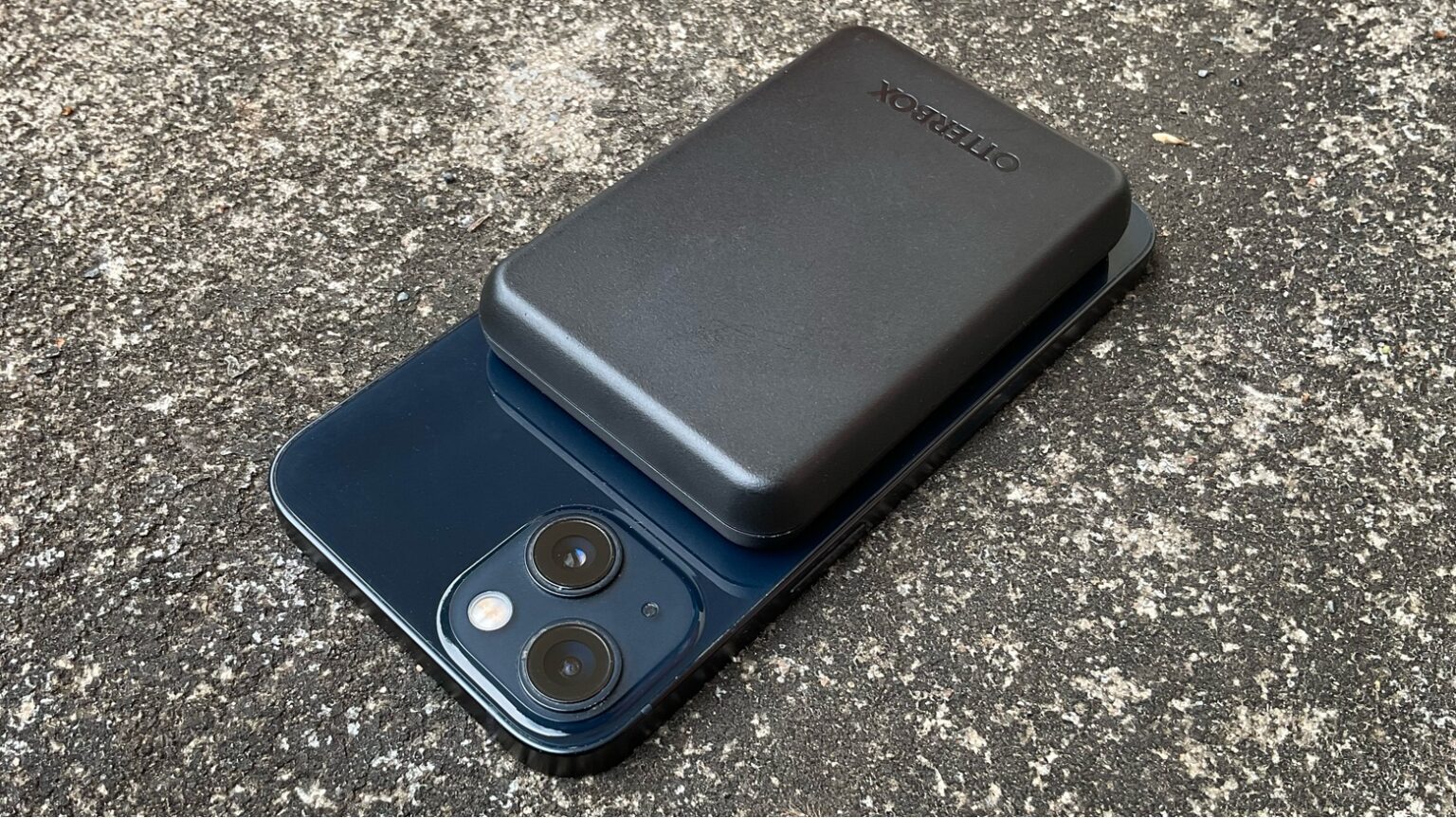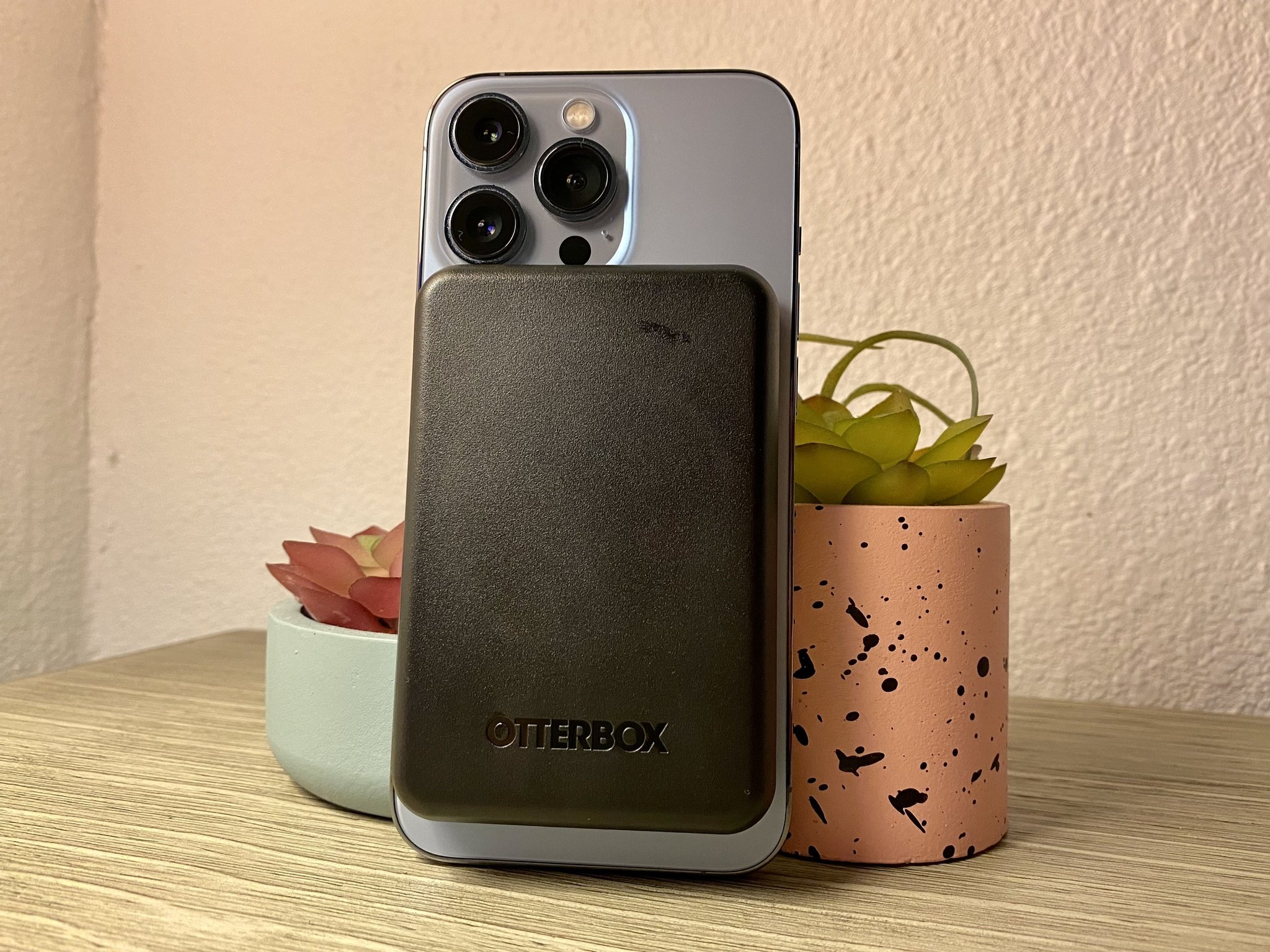
To use a magnetic wireless power bank, first confirm your phone supports Qi wireless charging, then attach the bank magnetically to the back of your device and press the side button if charging doesn't start automatically.
Before you start: check compatibility and charge the bank
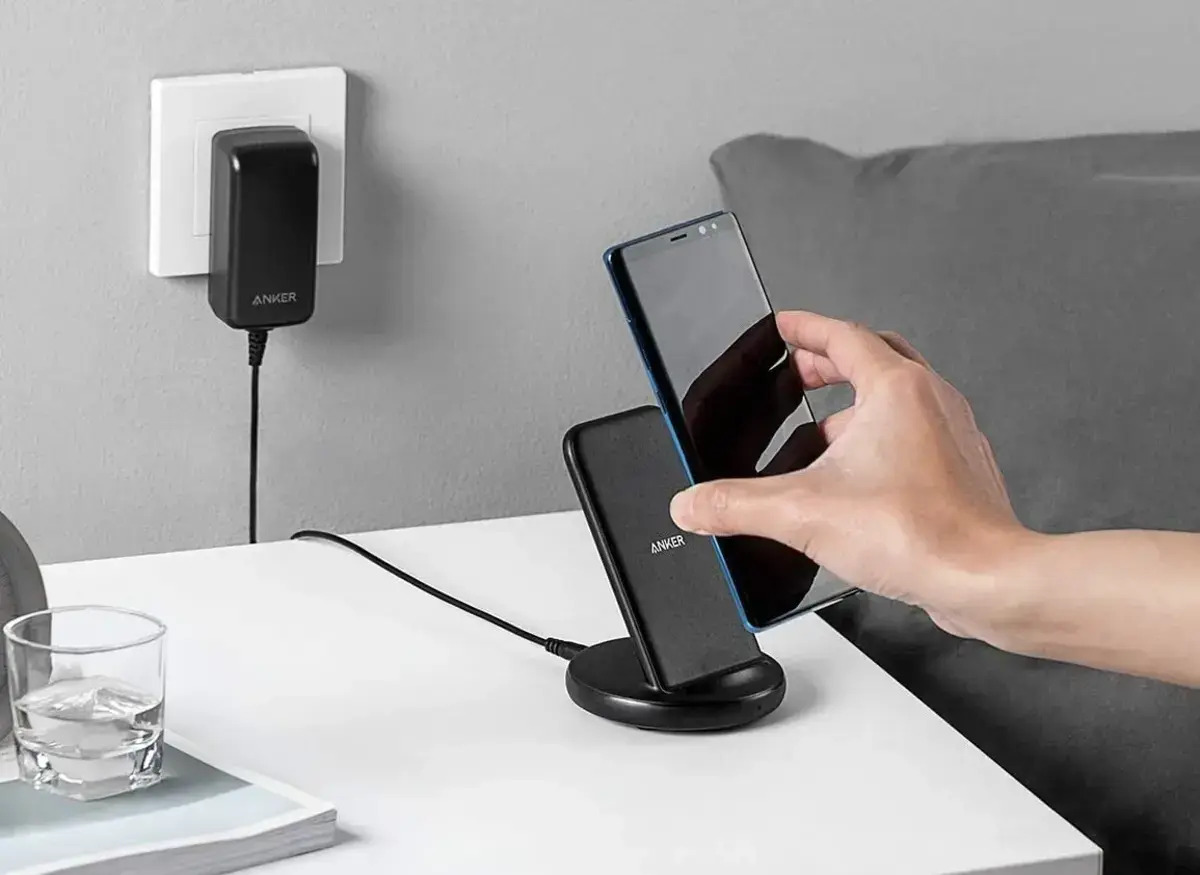
Before using your magnetic wireless power bank, confirm your phone supports Qi wireless charging. Most modern iPhones and Qi2-certified Android phones, such as the Google Pixel 10 series, have built-in magnets for native magnetic charging. Older Android phones or those without native Qi2 support may require a magnetic ring sticker on the case to achieve magnetic attachment. Ensure the power bank itself has sufficient charge by checking the LED indicator lights, which typically show the remaining charge level. If the LEDs indicate low power, recharge the bank using the provided cable before proceeding.
How to use your magnetic wireless power bank
- Remove a thick case. Thick, rugged, or non-MagSafe cases can weaken the magnetic connection and reduce charging efficiency. Remove such cases before attaching the power bank.
- Attach the bank magnetically. Align the magnetic points on the power bank with the charging area on your phone. The magnets will snap the bank securely into place.
- Press the side button if needed. Some magnetic power banks may require you to press a button on the side to initiate wireless charging after attachment. Check the charging status on your phone's screen to confirm the battery is increasing.
Getting the fastest charge: wired vs. wireless
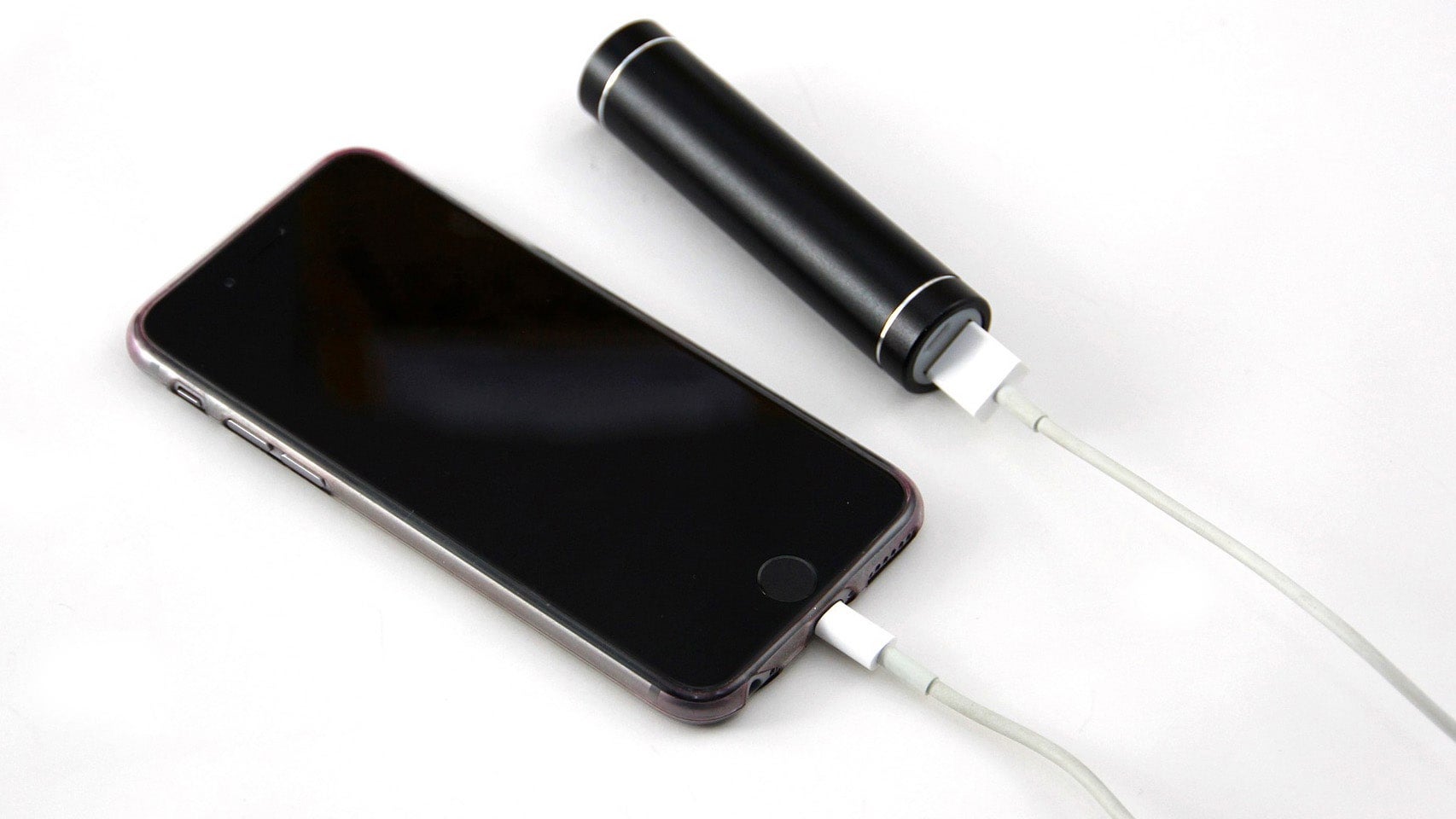
Many magnetic power banks include a USB-C port for wired charging, which can often deliver faster speeds (for example, up to 20W or even 45W for specific devices) than wireless charging. Wireless charging speeds for iPhones typically range from 7.5W to 15W with MagSafe-compatible power banks, while newer Qi2 25W magnetic power banks can offer faster wireless charging for compatible devices like the iPhone 17 or Google Pixel 10 Pro XL. Some power banks can charge two devices at once, one wirelessly and one via USB-C, though power output may be shared between them. For the fastest possible charge, plug in a cable instead of relying on wireless.
Using pass-through charging
Pass-through charging is supported by many models, allowing the power bank to recharge via a cable while it simultaneously wirelessly charges your phone. This is a useful feature for overnight charging: plug the power bank into a wall outlet, attach your phone magnetically, and both devices will charge together. This eliminates the need to choose between charging the bank or your phone.
Troubleshooting: weak connection and slow charging
If the magnetic hold feels weak, remove any non-MagSafe cases or clean the magnetic contacts on both the power bank and your phone with a dry cloth. For slow wireless charging, disable your phone's power-saving modes, which can reduce charging speed. If speeds remain too slow, switch to a wired USB-C cable connected to the power bank for faster power delivery. For guidance on specific models, refer to resources on power bank usage and selection, such as how to charge a Belkin power bank or an Anker power bank how to charge instructions.
Frequently Asked Questions
Can I use a magnetic wireless power bank with a non-magnetic case?
Yes, but you will need a magnetic ring sticker attached to the case or a case with built-in magnets to create the magnetic connection. Without it, the bank may slip off or charge inefficiently.
Will my phone charge if I use a magnetic power bank while holding it?
Yes, the magnetic connection is strong enough to hold the bank in place during normal use, though heavy movement or shaking may cause detachment. The bank is designed for portable charging while you continue using your phone.
Does a magnetic wireless power bank work with all wireless chargers?
It works with any device that supports the Qi wireless charging standard. The magnetic feature is separate from the charging standard, so non-magnetic Qi devices will charge but won't snap into place.
Why is my magnetic power bank getting warm during charging?
Some heat is normal during wireless charging due to energy transfer inefficiency. If it becomes uncomfortably hot, remove the bank, let both devices cool, and ensure no thick case is trapping heat.
Can I charge my smartwatch with a magnetic wireless power bank?
Only if your smartwatch supports Qi wireless charging and the power bank's charging coil aligns with the watch. Many smartwatches use proprietary chargers, so check your watch's specifications first.