






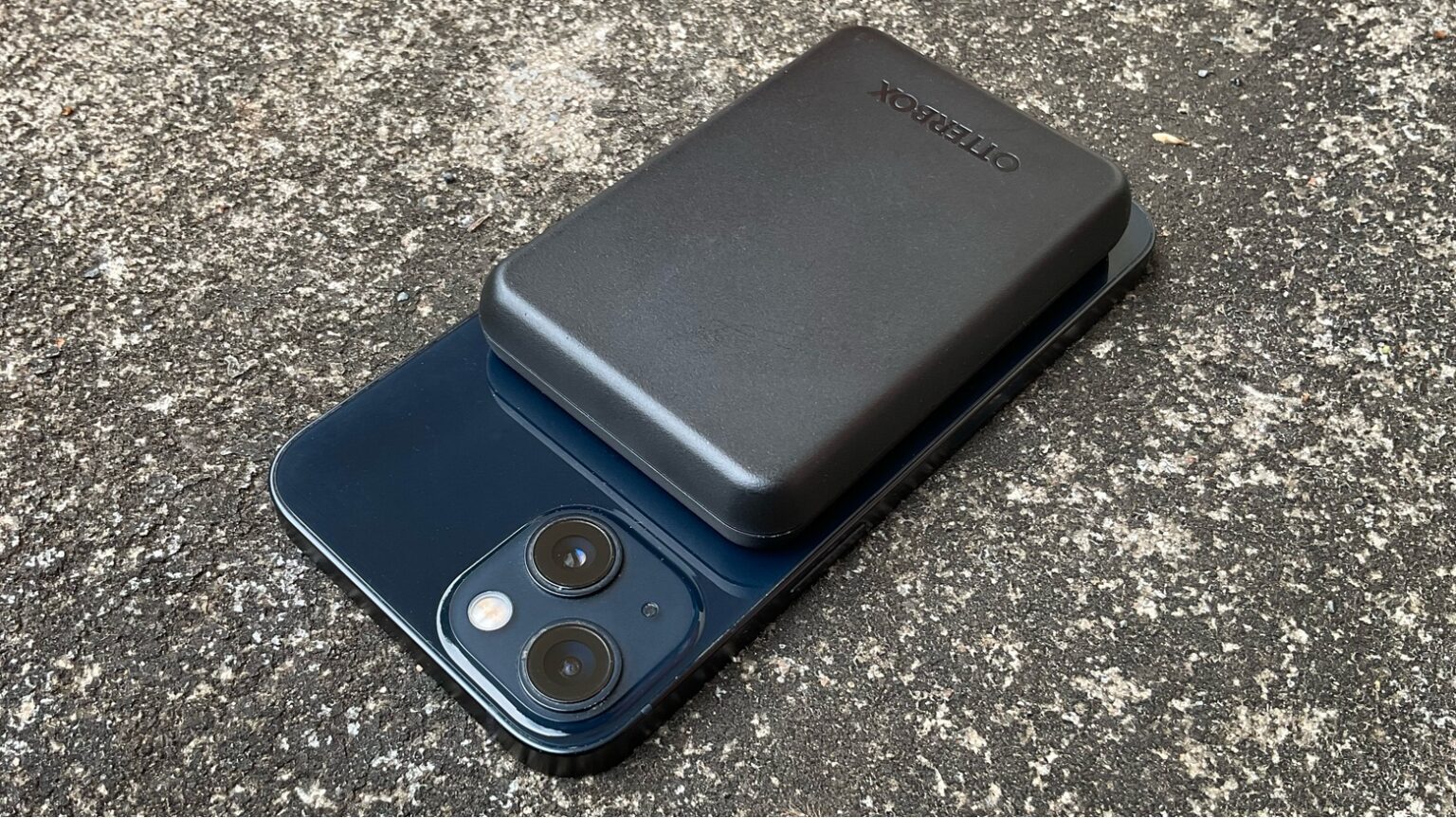
To use a wireless power bank, snap it to a compatible phone for wireless charging or connect it via cable if the model supports wired output.
Wireless power bank how to use: a quick guide
A wireless power bank is a portable battery that charges devices without cables, typically by snapping to the back of a compatible phone. The basic steps are: choose a compatible device, charge the power bank itself, connect your device to it, monitor the charging process, and disconnect when finished. The exact steps and supported devices vary by manufacturer and model.
Step 1: Choosing a compatible device
Your first step is to verify that your phone works with the power bank. Apple says the battery pack is for iPhone models that support MagSafe. Apple documents MagSafe Battery Pack compatibility with iPhone 12, iPhone 13, and iPhone 14 families, including the mini, Pro, Pro Max, and Plus models. MagSafe chargers and battery packs snap to supported models, and the magnets ensure proper alignment for fast wireless charging.
Samsung’s wireless power bank is compatible with Galaxy S6, Galaxy Note5, Galaxy Z Fold, Galaxy Z Flip and later, Galaxy Watch Active, Galaxy Watch 3 and later, Galaxy Buds Plus, Buds Live, Buds2, Buds Pro, Buds2 Pro, and Qi-certified devices. Samsung also lists fast wireless charging for iPhone 8 and later, though the exact charging speed for each iPhone model is not specified.
Step 2: Charging the power bank
Before using the power bank, charge it fully. For the Apple MagSafe Battery Pack, connect it to power using a USB-C to Lightning cable or a USB-C cable with an Apple 20W USB-C power adapter or another compatible adapter. The battery’s status indicator is amber while charging and turns green when charging is complete. You can also connect the iPhone to power instead of the MagSafe Battery to charge both devices simultaneously.
Step 3: Connecting your device to the power bank
- Place the MagSafe Battery on the back of the iPhone or its MagSafe case.
- If an iPhone wallet is attached, remove it before placing the battery.
- Look for the charging symbol on the iPhone screen, which appears when charging starts.
Samsung’s page states general compatibility but does not provide a documented step-by-step pairing or alignment process.
Step 4: Monitoring the charging process
The charging symbol on the iPhone confirms charging has started. The MagSafe Battery status indicator changes from amber to green when charging is complete. You can hold and use the iPhone while it is charging. On supported models, open Control Center, tap Low Power Mode, then tap Charge past 90% to remove the charging limit.
Step 5: Disconnecting your device and power bank
Simply remove the phone from the power bank.
Frequently Asked Questions
Can I use a wireless power bank with a non-wireless device?
Yes. Most wireless power banks also feature USB ports or other charging ports. Connect your non-wireless device to the power bank using the appropriate cable, and it will charge as usual.
How much charge does the MagSafe Battery Pack add?
Apple documents these charge gains: up to 70% additional charge with iPhone 12 mini or iPhone 13 mini; up to 60% with iPhone 12, iPhone 12 Pro, iPhone 13, iPhone 13 Pro, iPhone 14, or iPhone 14 Pro; and up to 40% with iPhone 12 Pro Max, iPhone 13 Pro Max, iPhone 14 Plus, or iPhone 14 Pro Max.
Can I charge multiple devices at the same time with a wireless power bank?
Some wireless power banks are designed to charge multiple devices simultaneously. Check the specifications of your power bank to confirm it supports simultaneous charging of multiple devices.
What should I check when choosing a wireless power bank for power bank usage and selection?
Verify that your device supports wireless charging and that the power bank uses the same standard (Qi is the most common). Pay attention to the power output in watts to ensure it can charge your device efficiently.
Is it safe to leave my phone on the power bank overnight?
Wireless power banks generally include safety features like overcharge protection. For the MagSafe Battery Pack, the status light turns green when charging is complete, and you can remove the phone at that point.















