Our guides and explainers for anyone navigating the modern mobile landscape, whether you are shopping for a new carrier, troubleshooting a slow connection, or trying to understand the icons on your phone. These articles are written for everyday users who want practical, no-nonsense answers about their devices, plans, and network performance.
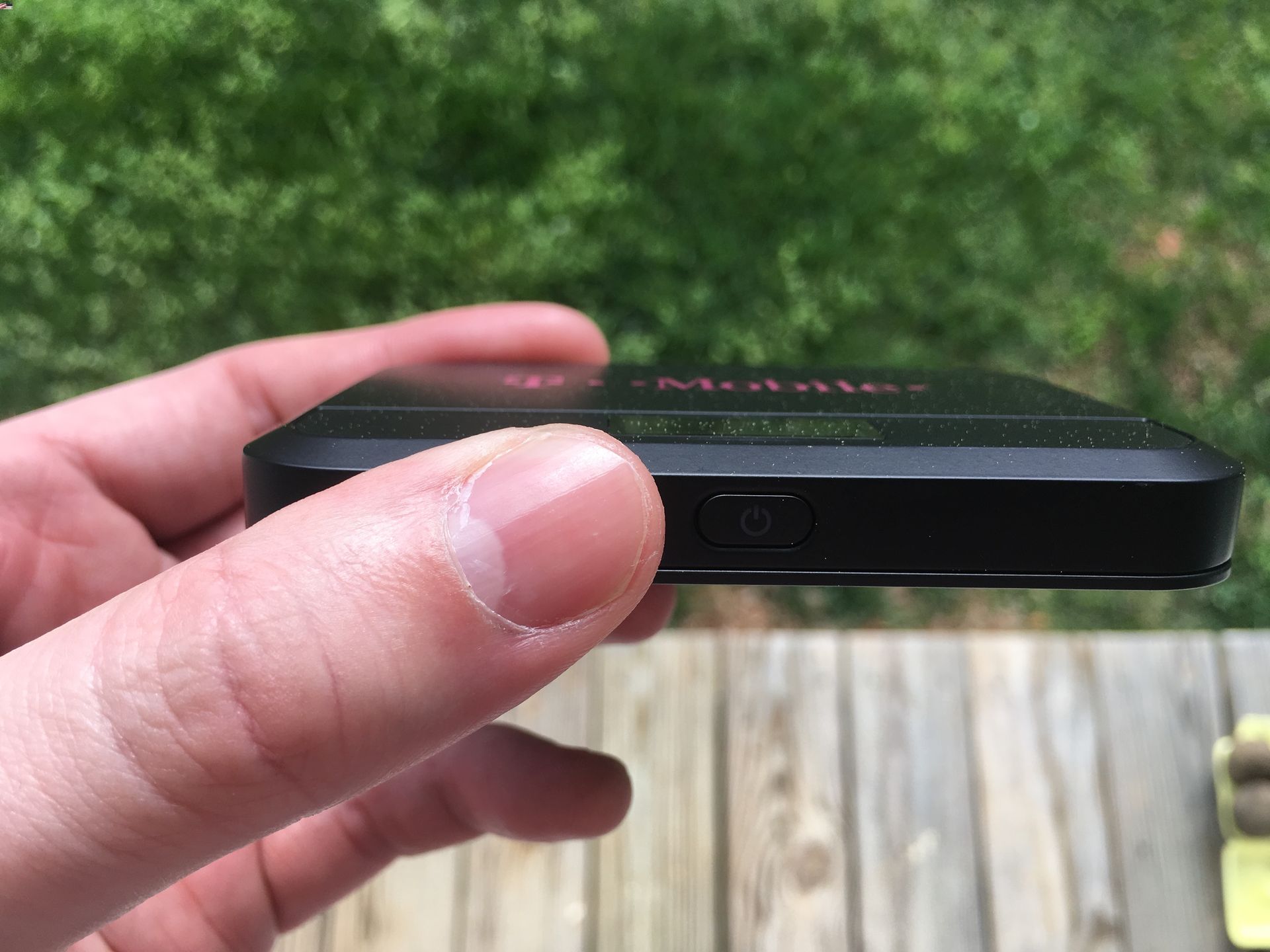
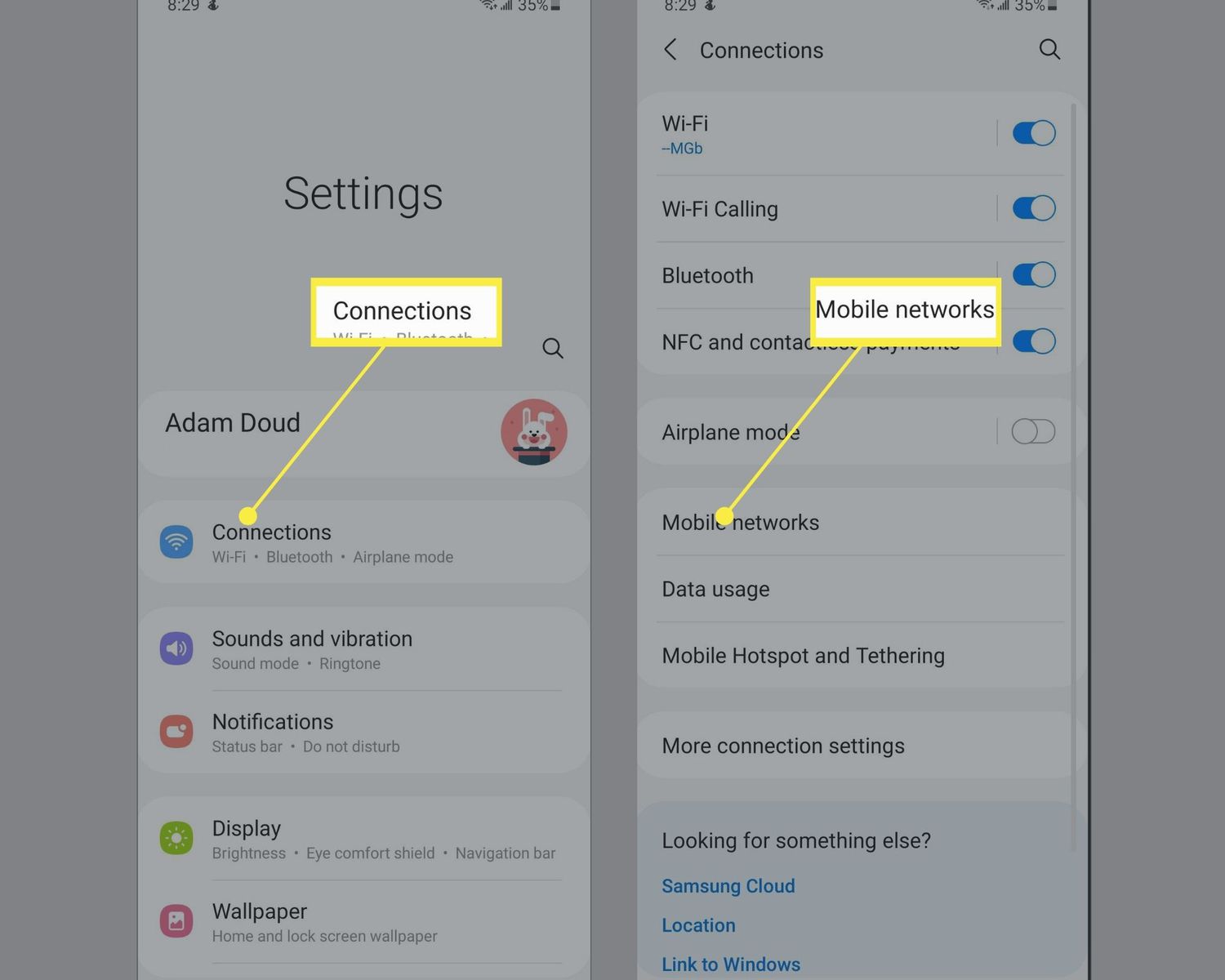
The content here tackles three main kinds of problems. First, there are carrier and plan comparisons that help you choose the right service: you can compare Verizon versus T-Mobile, find the best unlimited data plan, or check how fast T-Mobile’s 5G home internet actually is. Second, we cover hardware and accessories like mobile hotspots and signal boosters, including where to buy them and how much they cost. Third, a big group of articles focuses on settings and fixes, showing you how to turn off 5G on Android, switch your phone from 5G to 4G, reset a T-Mobile 5G gateway, or fix a T-Mobile Edge connection that won’t work.
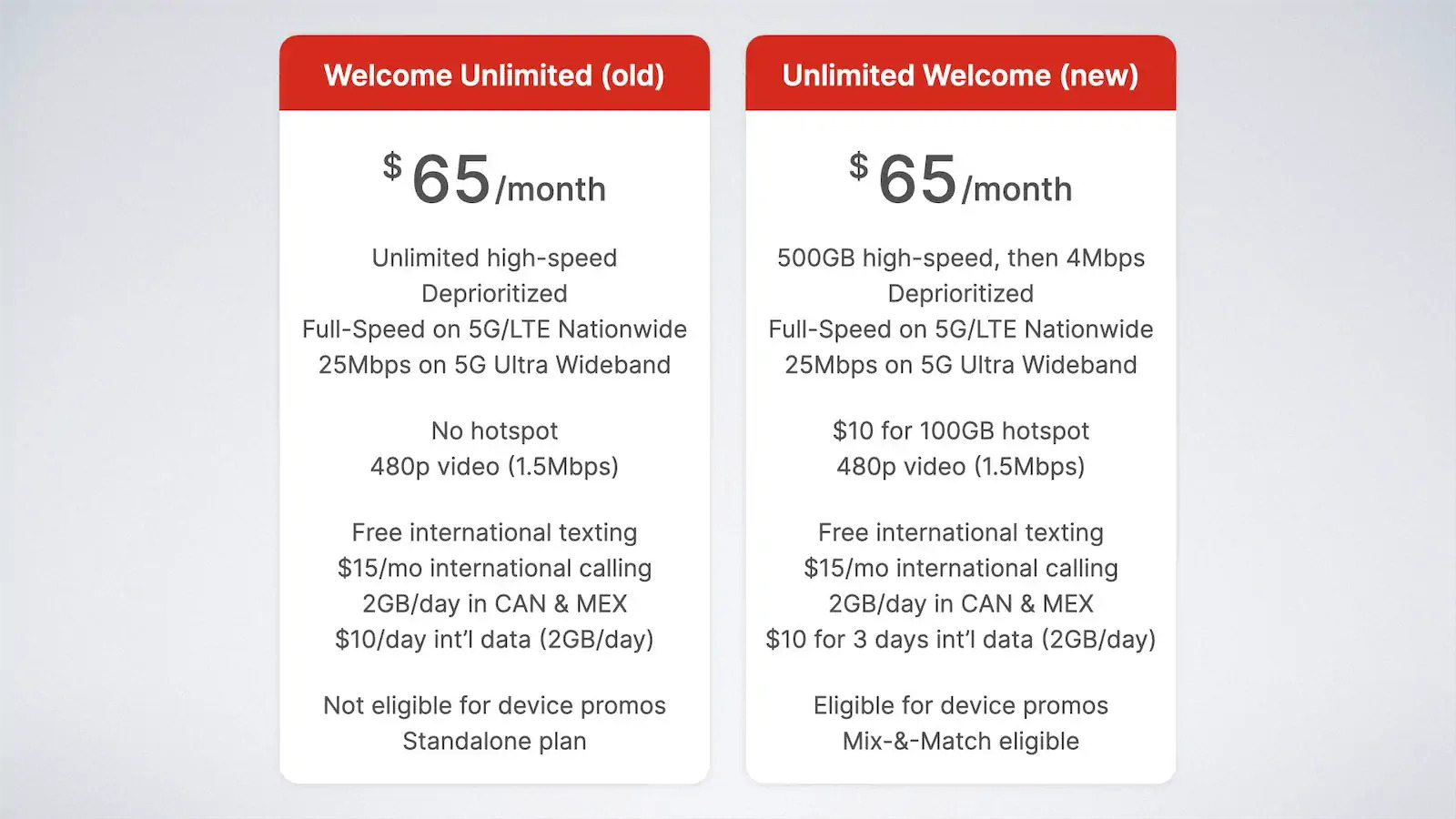
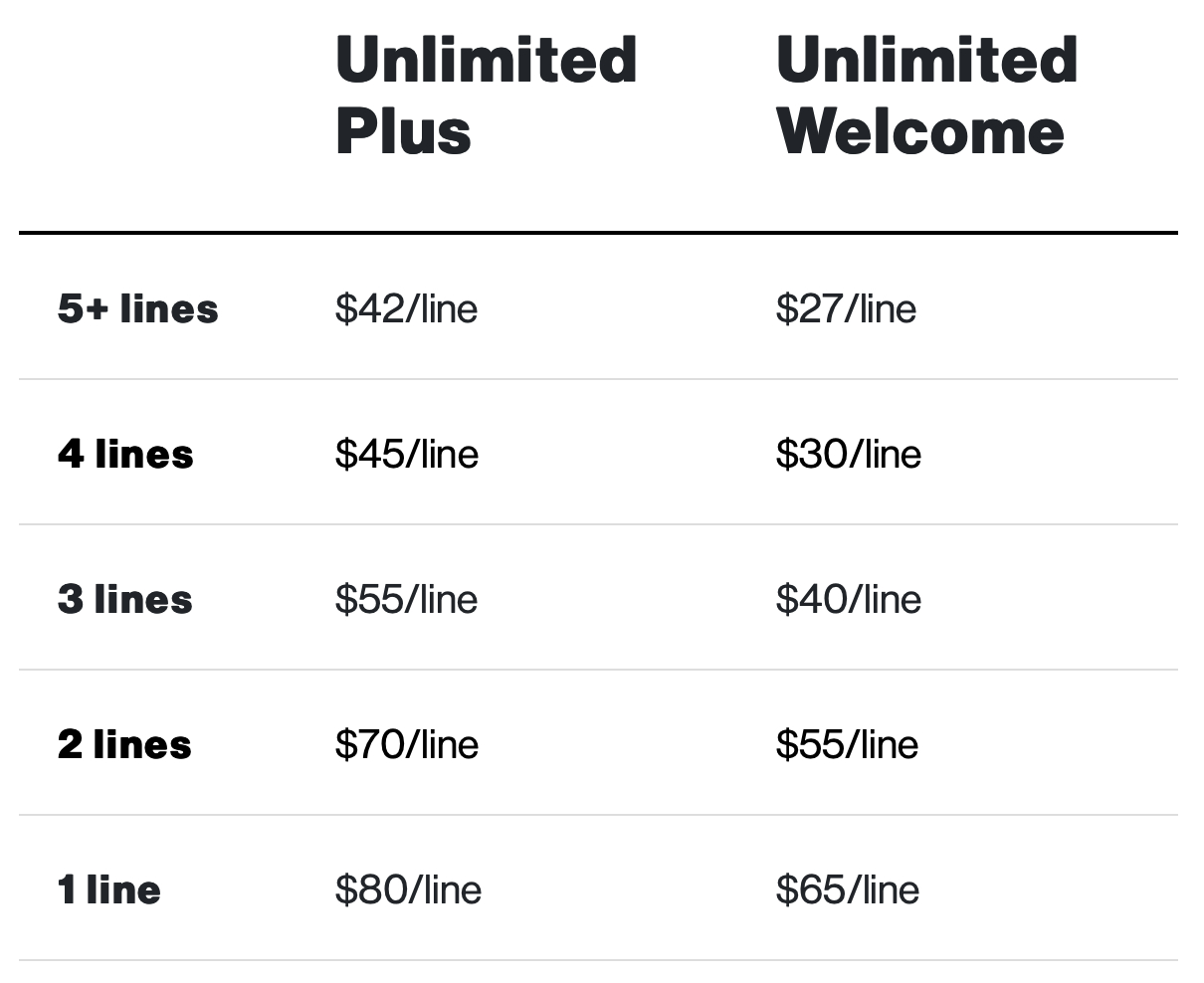
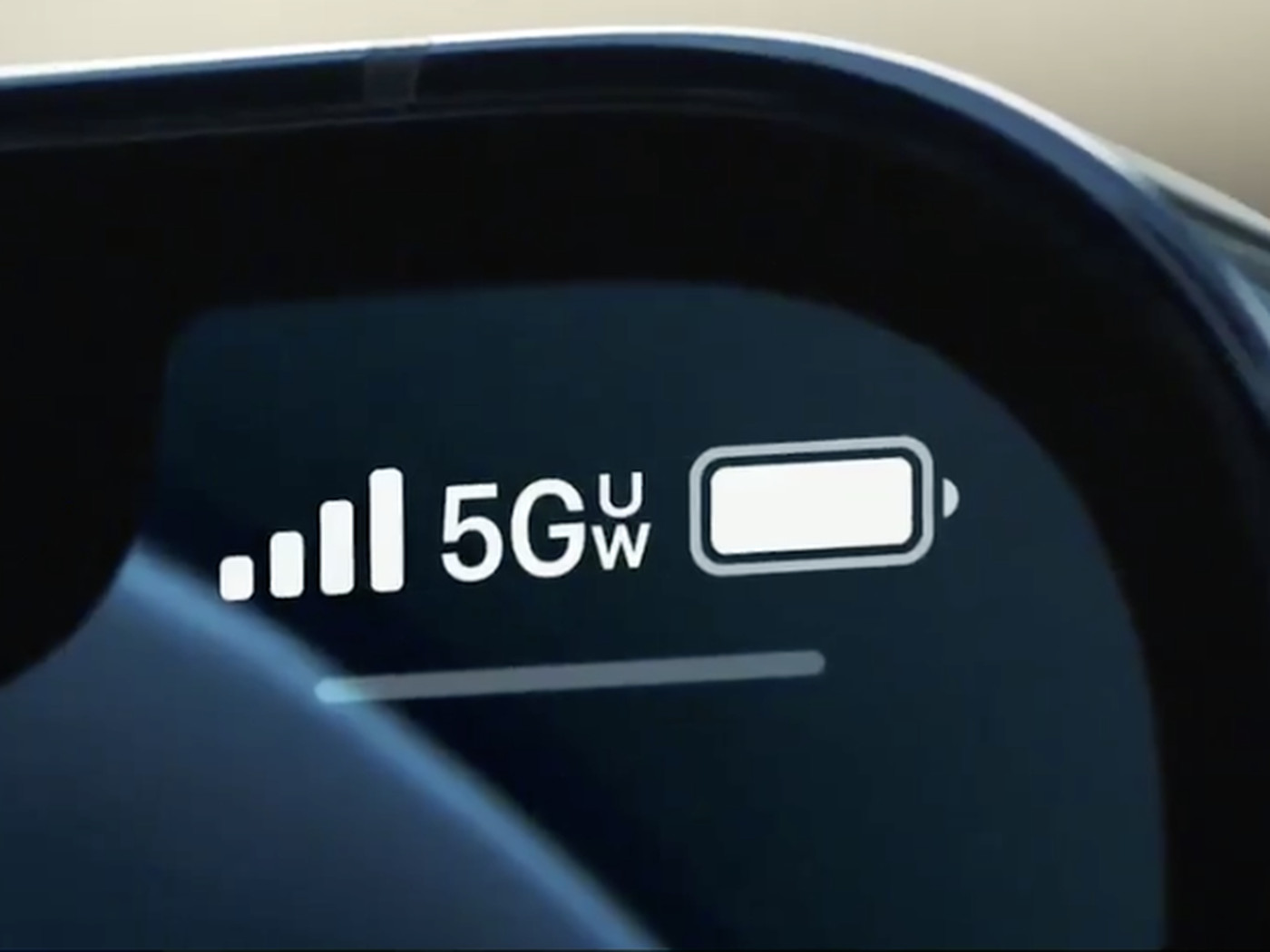
Specific topics you will find here include explanations of what 5G UW means on your phone, how tall cellphone towers are, and how to add a hotspot to your Verizon plan. Whether you need to understand Verizon’s new Welcome Unlimited plan or figure out why your T-Mobile hotspot is not working, these articles give you clear steps to solve the problem.