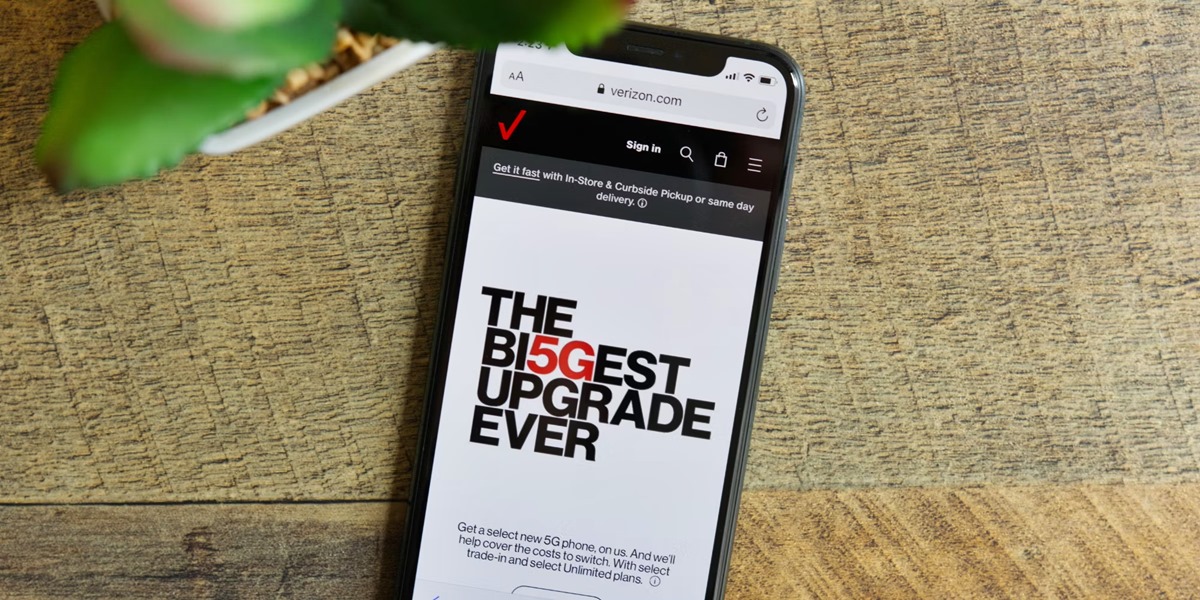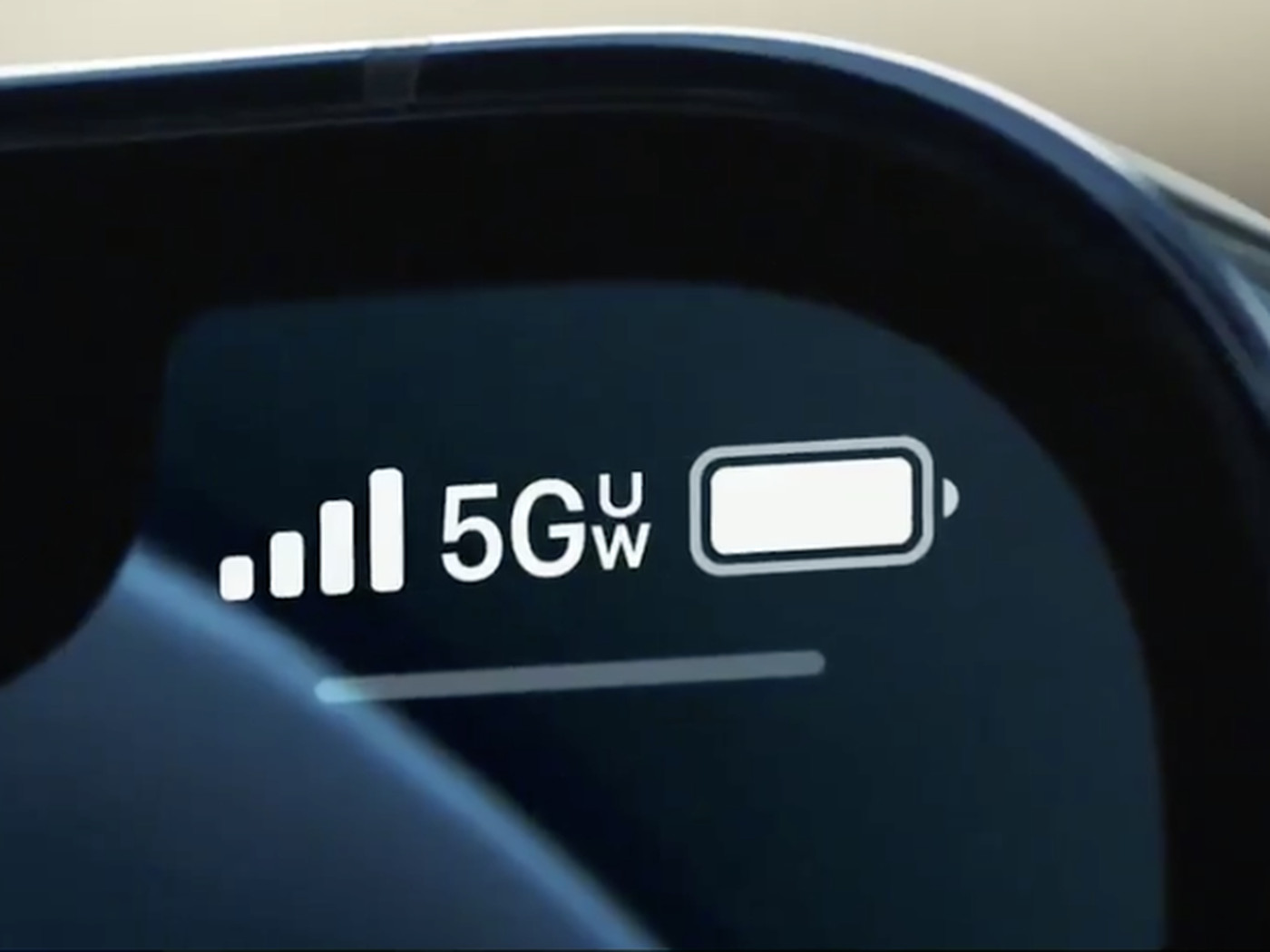
The 5G UW icon meaning is that you are within range of Verizon's 5G Ultra Wideband network, its higher-capacity 5G tier. This icon signals that the network is available to your device, not that you are guaranteed ultra-fast speeds at every moment.
What the 5G UW icon meaning really tells you
5G UW is Verizon’s label for its 5G Ultra Wideband service. Apple groups it with other carrier-specific labels such as 5G+, 5G UC, and 5GA as a sign that the carrier’s higher-frequency 5G network is available. 5G UW operates on a higher frequency band and utilizes shorter wavelengths, allowing for faster data transfer rates. It promises to offer speeds up to 10 times faster than 4G LTE, can support a massive number of connected devices simultaneously, and boasts exceptionally low latency, reducing the time it takes for data to travel. When you see the icon, it reflects the network available to your phone, not a universal speed guarantee. Apple does not say the icon alone proves data is actively using that network at every moment. The icon appears when your phone detects that a Verizon 5G UW tower is nearby and your device is capable of connecting to it.
Understanding the icon on your phone
The 5G UW icon appears in your phone’s status bar when you are in an area with Verizon’s Ultra Wideband coverage. Apple’s documentation confirms that this 5G behavior is not available in all countries or regions. Apple says this 5G behavior is not available in all countries or regions. The icon is one of several carrier-specific high-frequency network indicators, including 5G+, 5G UC, and 5GA, that Apple officially recognizes. Regional availability is a key limitation: 5G UW is currently deployed in select cities and areas, not everywhere.
How to control your 5G UW connection
If you want to manage how your iPhone uses 5G UW, you can adjust the settings. The exact path is:
- Open Settings.
- Tap Cellular.
- Tap Cellular Data Options.
- Tap Voice & Data.
5G UW utilizes a network of small cell sites strategically placed throughout an area to ensure widespread coverage, and employs advanced antenna technology like MIMO and beamforming. It also enables network slicing for customized network performance tailored to specific applications. From here, you can choose between 5G On, 5G Auto, or LTE. Apple says 5G Auto uses Smart Data mode, which helps conserve battery life by switching to LTE when 5G speed is not needed. Choosing 5G On will attempt to use 5G whenever possible, which may reduce battery life. This control is available for supported iPhones and applies to all 5G connections, including 5G UW.
Frequently Asked Questions
Which phones are compatible with the 5G UW icon?
Apple says 5G is available on iPhone 12 and later models, including iPhone 12 mini, iPhone 12 Pro, iPhone 12 Pro Max, and newer generations. Apple does not list any special iPhone model requirement specifically for the 5G UW label beyond carrier and network availability. For Android devices, compatibility depends on the phone model and Verizon’s support for that device on its Ultra Wideband network.
Does the 5G UW icon mean I'm always using ultra-fast data?
No. The icon indicates that the carrier’s 5G UW network is available to your phone, not that data is actively using that network at every moment. Your phone may still switch to LTE or regular 5G depending on signal strength, data demand, or battery optimization settings like 5G Auto.
Is 5G UW available everywhere?
No. 5G UW is not available in all countries or regions. Verizon has deployed its Ultra Wideband network in select cities and areas, and coverage continues to expand. 5G UW has a lower range compared to traditional 5G networks due to use of higher frequencies, and its deployment requires substantial infrastructure upgrades, resulting in slower expansion. You will only see the 5G UW icon when you are physically within range of a Verizon 5G UW tower. To find out if 5G UW is available in your area, check with your carrier or their coverage map.
Can I force my phone to only use 5G UW?
There is no documented setting on iPhone or Android to force a connection exclusively to 5G UW. On iPhone, you can choose between 5G On, 5G Auto, and LTE, but these options apply to all 5G networks, not just Ultra Wideband. For Android, no official setting path for forcing 5G UW specifically is documented in the available sources.
Does the 5G UW icon affect my plan or billing?
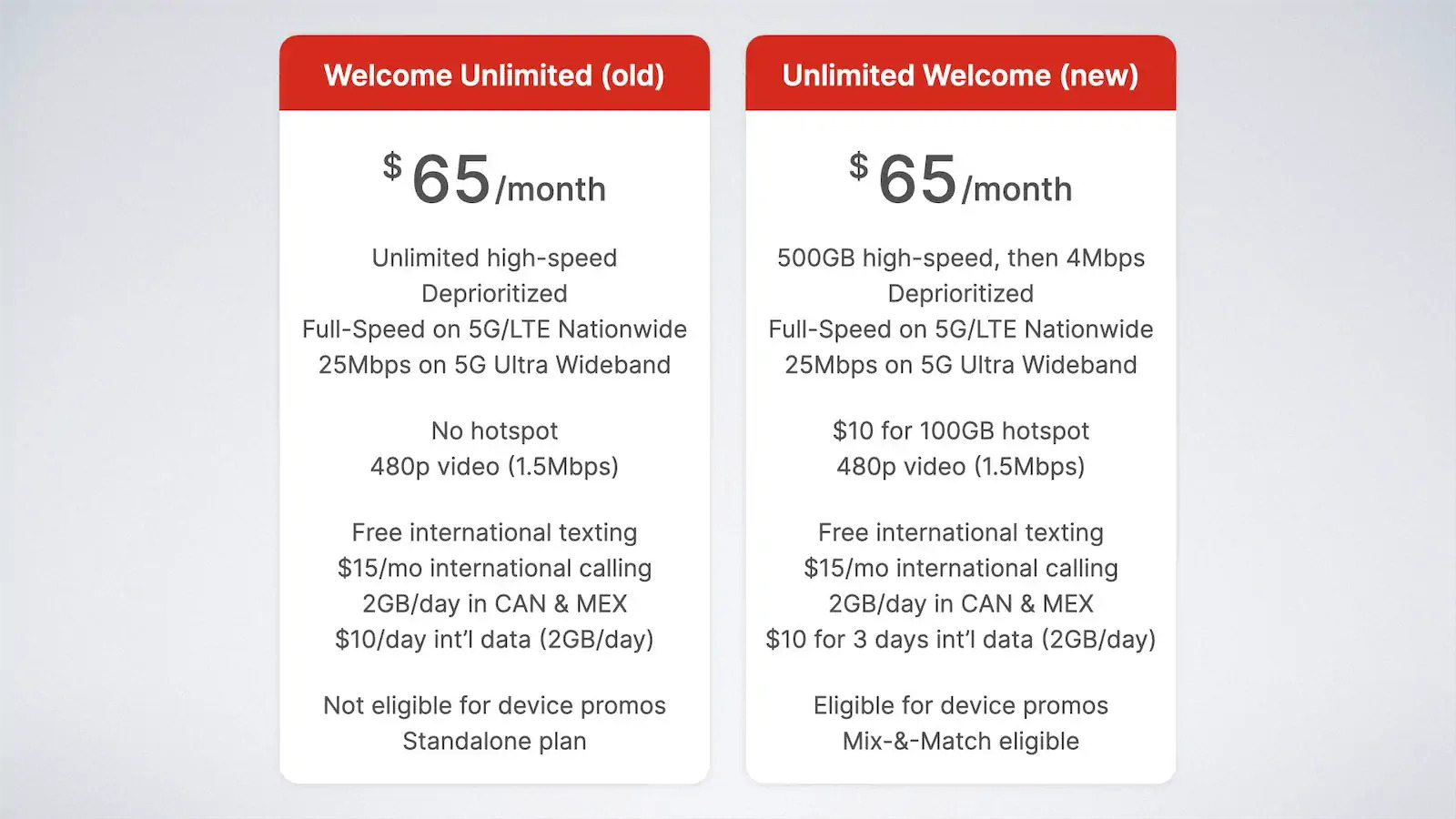
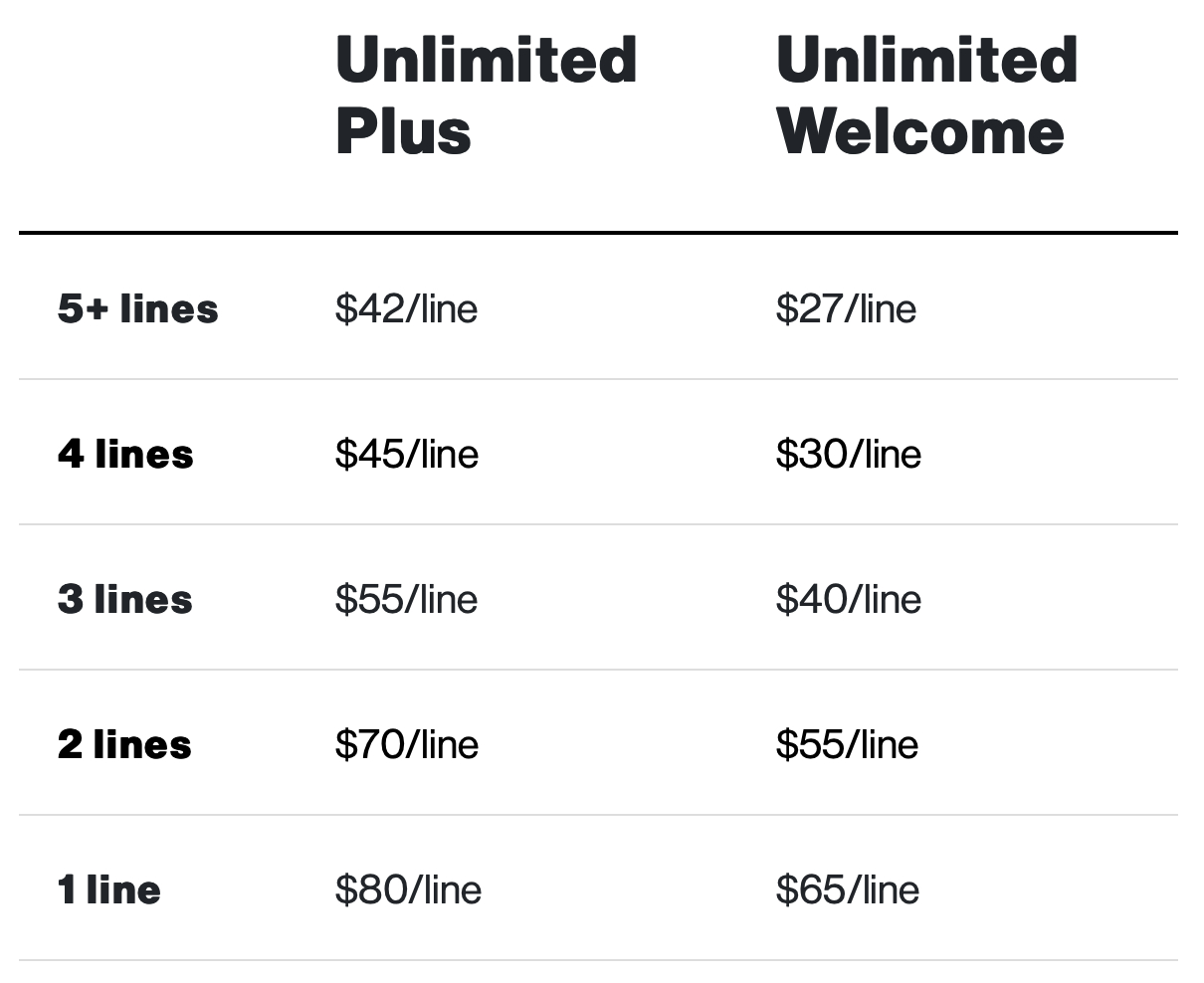
The 5G UW icon itself does not affect your plan or billing. However, accessing Verizon’s 5G Ultra Wideband network may require a compatible plan. Check with your carrier for details on which plans include access to 5G UW, as some plans may have different data allowances or features for higher-speed networks. This is part of understanding how carriers and plans (Mobile Carriers, Plans and Phone Services) define their service tiers.
For the wider topic, see carriers and plans.
Related reading: 10 Best Phone Carriers in the USA for 2022, How To Switch Phone From 5G To 4G, and How To Remove Verizon From My Phone.