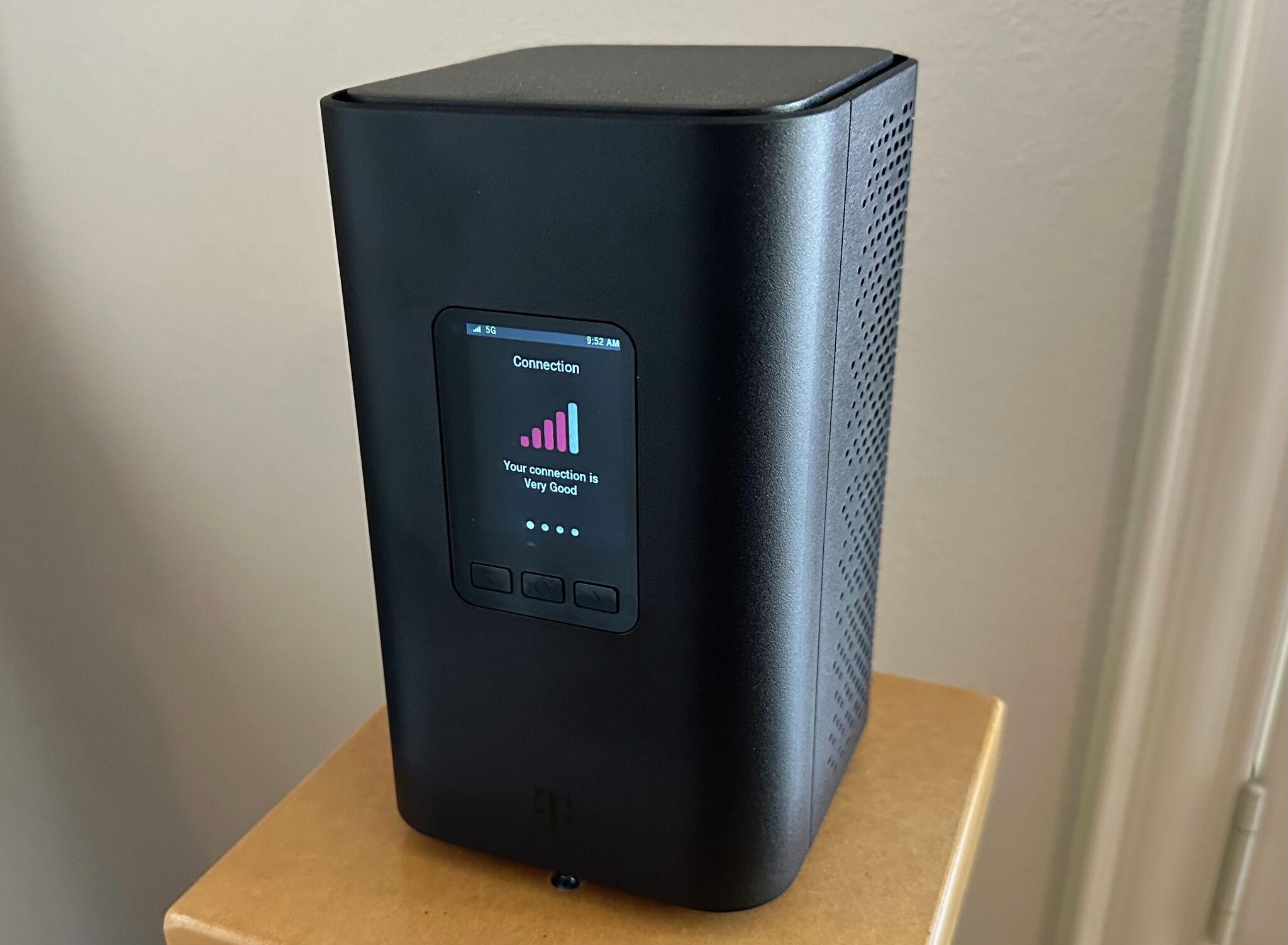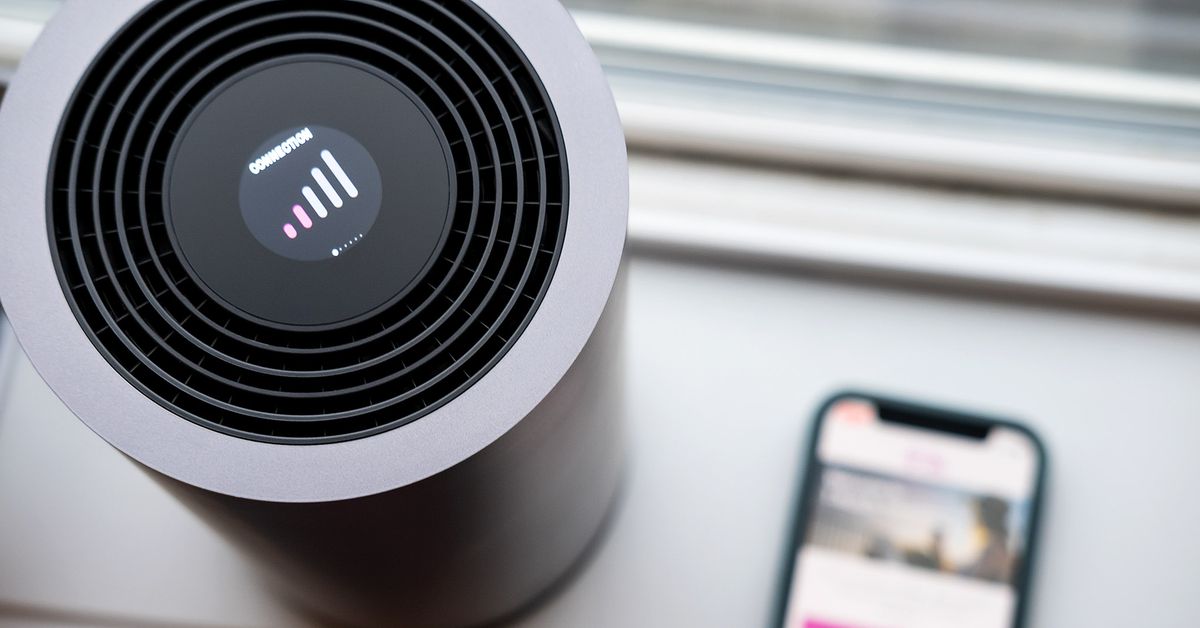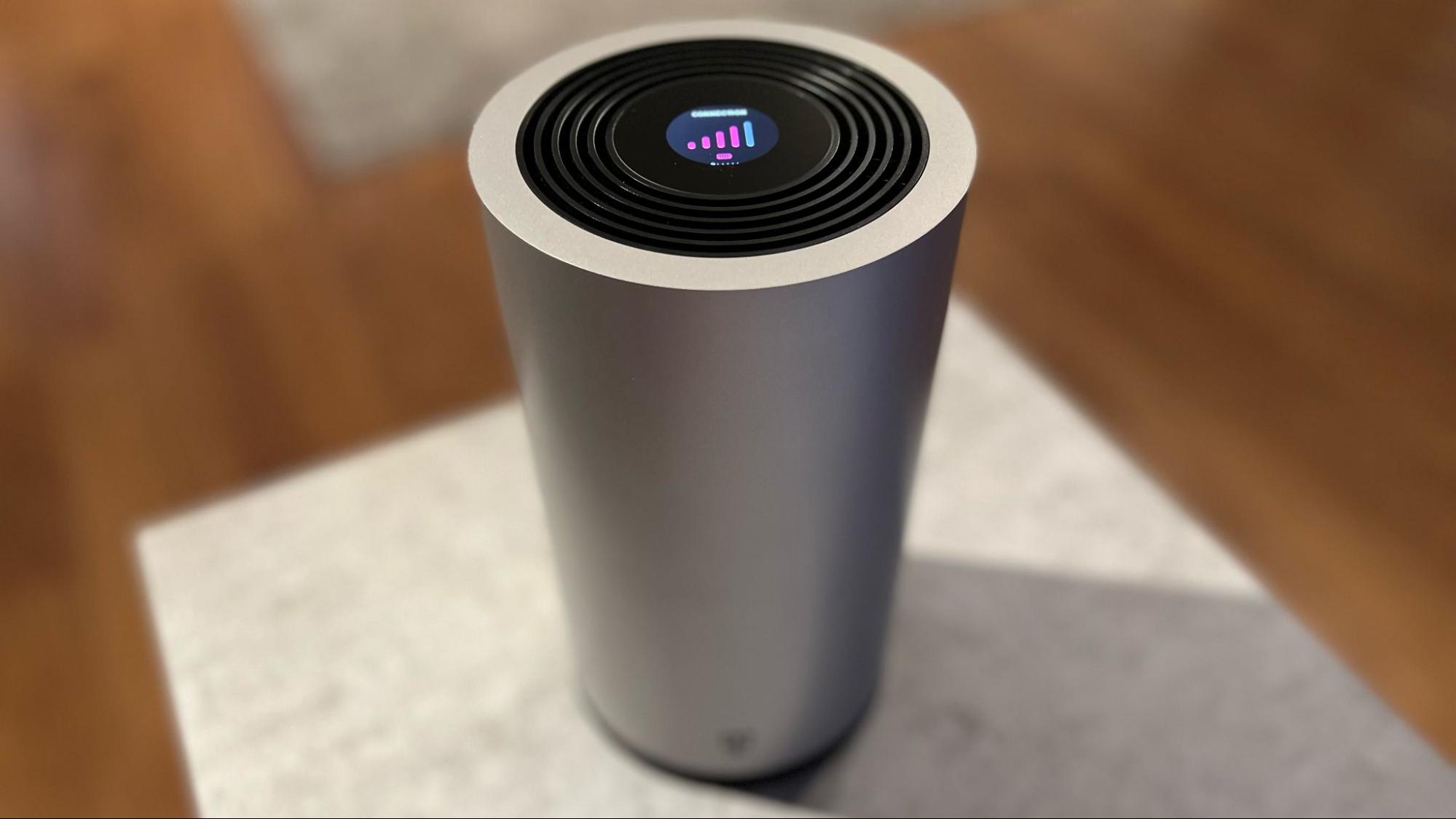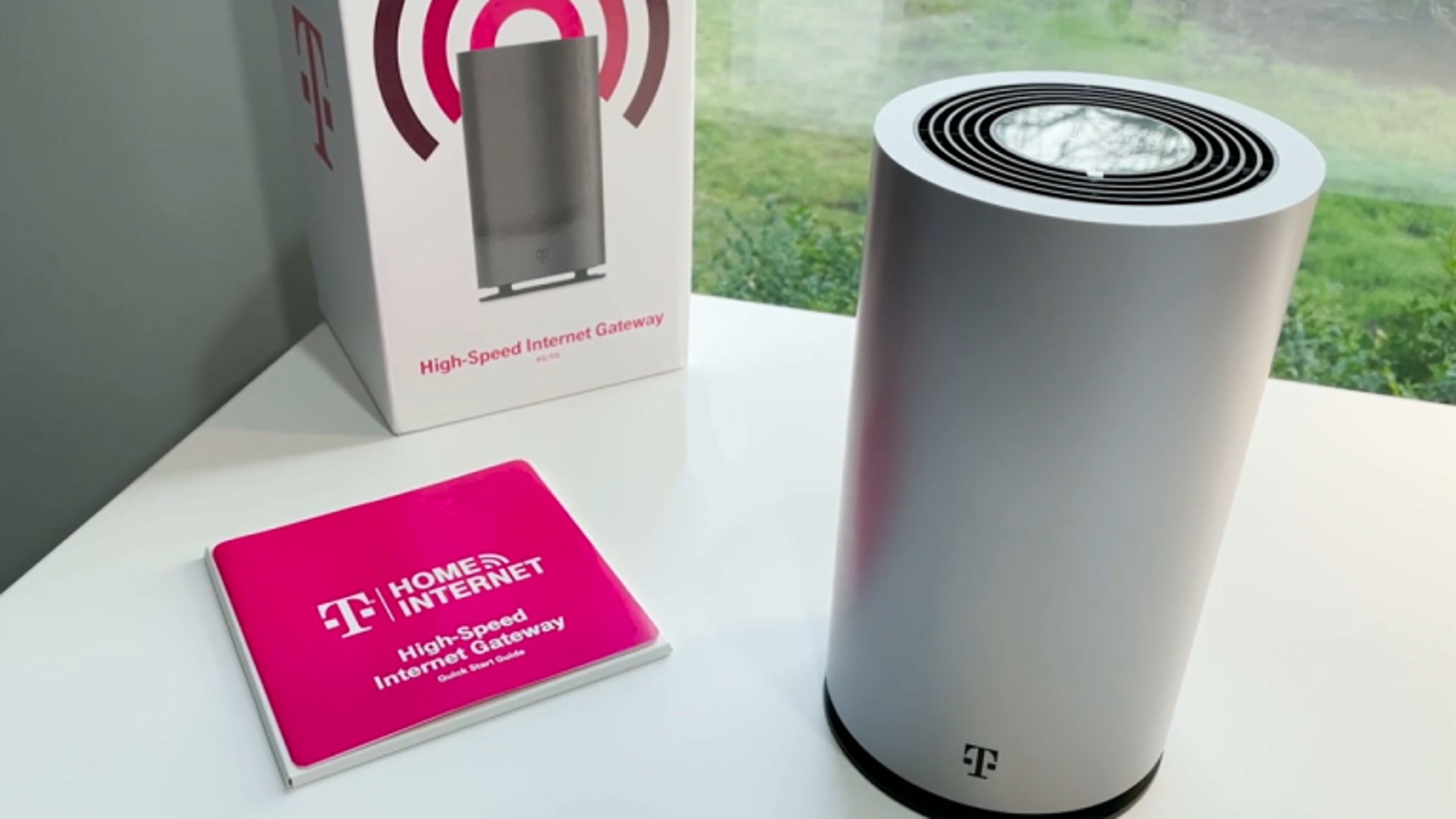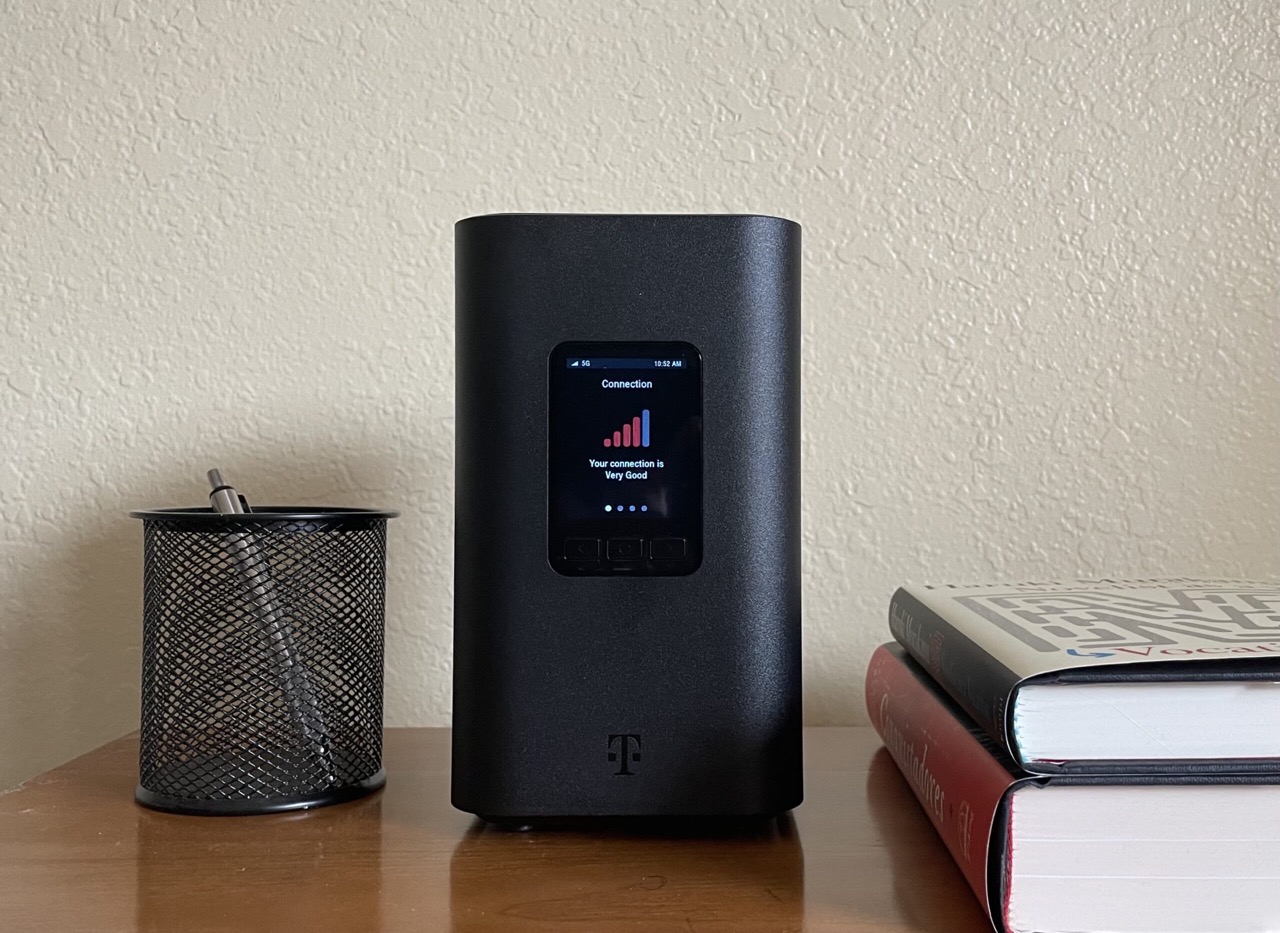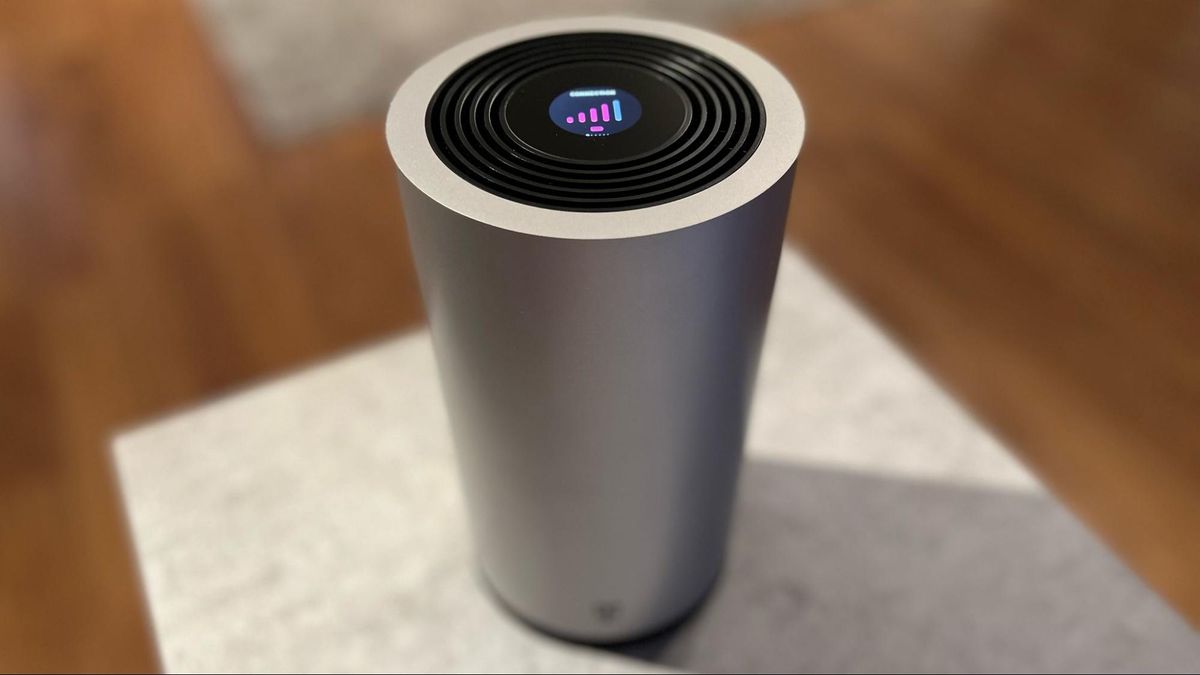
The T-Mobile 5G Gateway is the hardware device that powers T-Mobile Home Internet, acting as a bridge that converts T-Mobile's 5G cellular signal into a Wi-Fi network for your home. T-Mobile currently offers two model families for this gateway: the G4AR/G4SE and the G5AR/G5SE, each with its own setup process.
What is the T-Mobile 5G Gateway?
The T-Mobile 5G Gateway is a standalone device that receives a 5G signal from T-Mobile's network and rebroadcasts it as Wi-Fi throughout your home or business. It replaces the need for a traditional cable or fiber modem and router. The gateway functions as a 5G-to-Wi-Fi bridge, meaning it takes the incoming cellular data and translates it into a wireless signal your phones, laptops, and smart home devices can use. T-Mobile says the T-Life app is the easiest way to set it up and manage it, including checking signal strength, monitoring connected devices, and finding the best placement for the gateway. T-Mobile's support page for the G5 series is titled T-Mobile 5G Gateway (G5AR and G5SE).
How to set up your T-Mobile 5G Gateway
Setting up your T-Mobile 5G Gateway for the first time is done primarily through the T-Life app. T-Mobile has separate setup tutorials for 5G Gateway (G4AR & G4SE) and 5G Gateway (G5AR & G5SE). Follow these steps to get connected:
- Download the T-Life app from the Google Play Store or Apple App Store on your smartphone.
- Open the app and sign in with your T-Mobile ID. If you do not have one, you will be prompted to create one during setup.
- From the T-Life Home screen, select Home Internet.
- Follow the on-screen instructions to pair your gateway. The app will guide you through connecting to the device and activating your service.
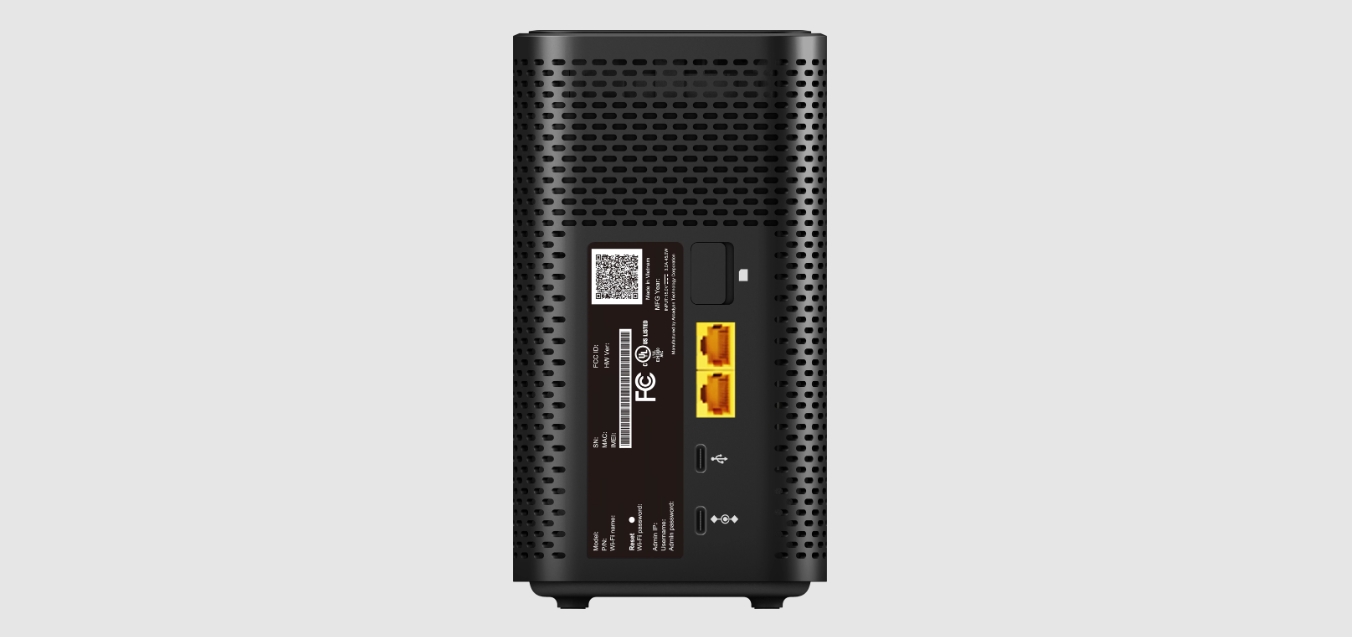
- If you prefer not to use the app, you can still connect using the default network name (SSID) and password printed on the label on the back or bottom of the gateway. T-Mobile says the gateway should be placed where the cellular signal is strongest, often near a window, on an upper floor, or on a bookshelf.
How to manage your gateway with the T-Life app
Once your gateway is set up, the T-Life app remains your primary tool for ongoing management. Here are the exact paths for key tasks:
- Change Wi-Fi name and password: Open the T-Life app, sign in, and from T-Life Home select Home Internet. Go to My Wi-Fi, select the network name under My networks, then edit the Wi-Fi network name (SSID) or Wi-Fi network password (key), and tap Save.
- Find the best signal: From the Home Internet screen, go to More > Gateway placement assistant > Ok! Let’s do this. > Start placement assistant. The app will guide you to the optimal location for your gateway.
- View the internet line number: From the Home Internet screen, go to More and look under Internet line number.
- Restart the gateway: From the Home Internet screen, go to Overview and select Restart your gateway.
- Replace a gateway: Go to Overview, select the offline gateway, do not select Add, then select Overview > Add new gateway and complete setup.
Alternative browser-based management
If you prefer to manage your gateway without using the T-Life app, you can configure it through a web browser. T-Mobile's FCC user-guide excerpt documents the browser management address as http://192.168.12.1. Once you connect to this address, a screen titled LTE Wi-Fi Gateway appears. Select Manage with web tool and log in using the credentials printed on your gateway label. This method gives you access to similar settings, including Wi-Fi configuration and connected device management, without needing the app.
Frequently Asked Questions
What is the T-Mobile 5G Gateway exactly?
The T-Mobile 5G Gateway is the physical hardware that provides T-Mobile Home Internet service. It receives a 5G signal and converts it into a Wi-Fi network for your home or business, eliminating the need for a traditional cable or DSL modem.
How does the T-Mobile 5G Gateway work?
The gateway uses T-Mobile's 5G network as its internet source. It contains a cellular modem that connects to the nearest 5G tower and a built-in Wi-Fi router that broadcasts that connection to your devices. The T-Life app maintains a communication link with the gateway for management tasks like checking signal strength and restarting the device.
Is the T-Mobile 5G Gateway suitable for home and business use?
Yes, T-Mobile markets the gateway for both residential and business use. It is designed to support multiple simultaneous connections, making it suitable for streaming, gaming, video conferencing, and other bandwidth-intensive activities in either setting.
What sets the T-Mobile 5G Gateway apart from traditional internet solutions?
Unlike cable or DSL, the T-Mobile 5G Gateway does not require a physical wired connection to your home. It connects wirelessly to T-Mobile's 5G network, which simplifies installation and can provide high-speed internet in areas where traditional wired options are limited or unavailable. There are no documented T-Mobile Home Internet speed limits in the verified facts, but the service is designed to deliver fast, low-latency connectivity over the 5G network.
How many devices can connect to the T-Mobile 5G Gateway?
The verified facts do not list a maximum number of supported devices for the gateway itself. However, the T-Life app can show and manage all connected devices, allowing you to monitor who is online and manage their access.
Related reading: How To Reset T-Mobile 5G Home Internet and Why Isn't My T-Mobile Home Internet Working.