To add hotspot to your verizon plan, first check whether your current plan already includes mobile hotspot access at no extra charge, most standard monthly plans do. If your plan includes it, you can simply enable the built-in hotspot feature on your smartphone; if not, you can purchase a hotspot data perk or add a dedicated hotspot device.
Do you already have a mobile hotspot on your Verizon plan?
Many Verizon standard monthly phone plans and certain prepaid plans include Mobile Hotspot access on capable devices at no additional monthly charge. Here are the specific premium data amounts for key plans:
- Unlimited Ultimate: Includes up to 200 GB of premium Mobile Hotspot data per month.
- Unlimited Plus: Includes 30 GB of premium Mobile Hotspot data per month.
- Simplicity Plan: Includes 10 GB of mobile hotspot data.
After you exceed your plan’s premium Mobile Hotspot data allowance, speeds are reduced. On Unlimited Ultimate, speeds drop to 4 Mbps. On Unlimited Plus, speeds reduce to 3 Mbps on 5G Ultra Wideband or 600 Kbps on 5G/4G LTE. On the Simplicity Plan, speeds are reduced to 1 Mbps. To check your current plan’s Mobile Hotspot allowance, visit My Verizon.
How to enable the built-in hotspot on your Verizon phone
Mobile Hotspot is a built-in feature on most smartphones and basic phones compatible with Verizon. To get personal hotspot working on your device, follow these steps:
- On an iPhone: Go to Settings, tap Cellular, then tap Personal Hotspot (or on some devices, go to Settings, General, Network, then Personal Hotspot) and turn it on.
- On an Android device: Go to Settings, look for “Hotspot & Tethering” or “Mobile Hotspot,” and toggle the feature on.
If prompted to set up Personal Hotspot on your account, you may need to visit My Verizon or contact customer service to adjust your plan or add the service.
How to add more hotspot data with a perk
For Simplicity, Unlimited Plus, and Unlimited Welcome plans, you can purchase a Mobile Hotspot perk to add more data. Two options are available:
- 100 GB/month perk: $10/month.
- Unlimited perk (up to 200 GB premium data): $20/month.
These perks give you additional high-speed hotspot data beyond what your plan already includes. To add a perk, log in to My Verizon and navigate to the perks section.
Configuring your hotspot name, password, and security
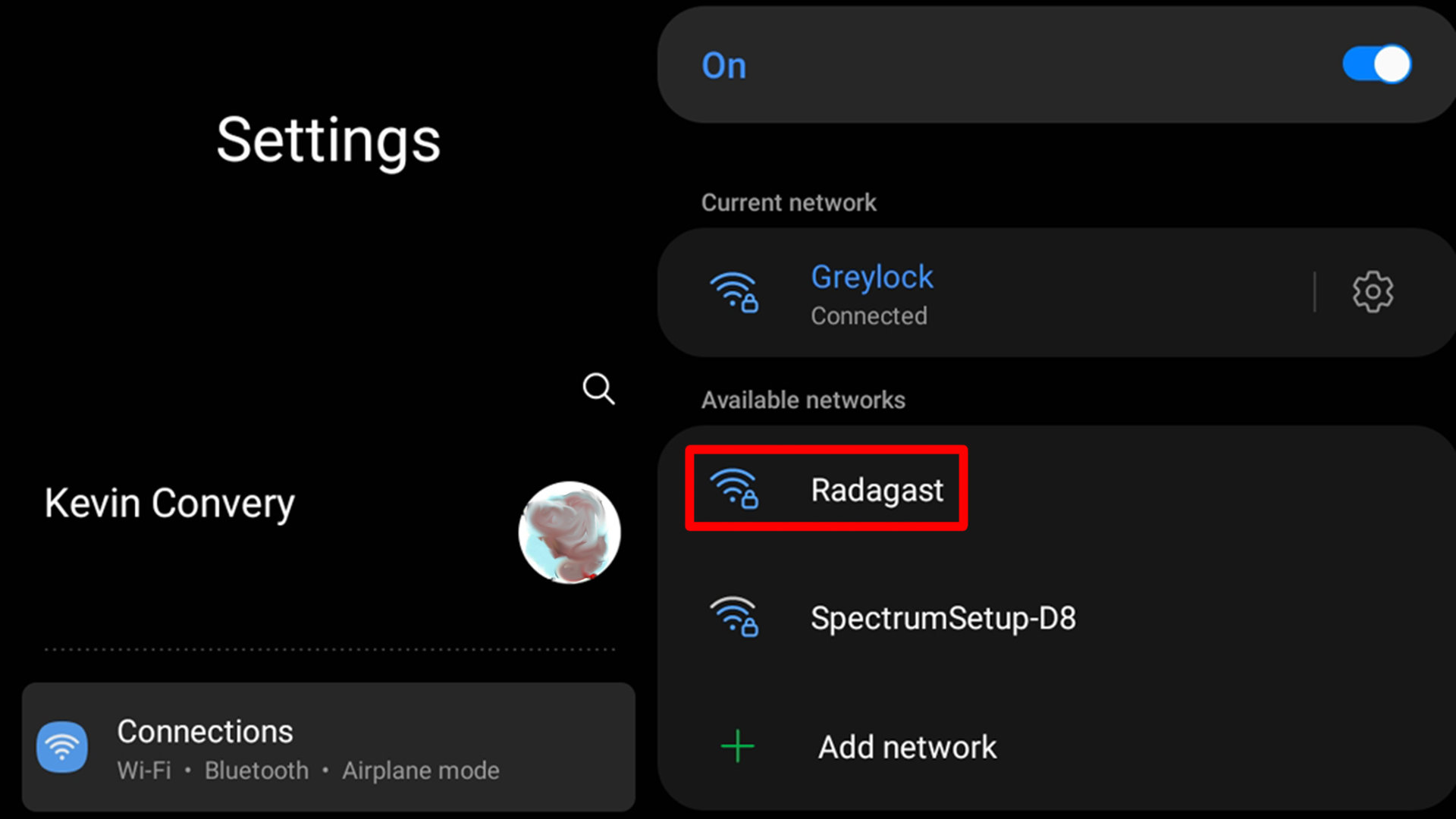
Once the hotspot is enabled, you can customize its settings to keep your connection private and easy to identify. Follow these steps:
- Change the network name (SSID): In your hotspot settings, look for the option to rename the Wi-Fi network. Choose a unique name so you can easily find it among nearby networks.
- Set a strong password: Create a password that combines letters, numbers, and special characters. This prevents unauthorized devices from connecting.
- Choose the best security protocol: Select WPA2 or WPA3 if available, these are the most secure options for keeping your hotspot private.
MAC Address Filtering: You can specify which devices can connect to your hotspot by adding their MAC addresses to a whitelist, restricting access to trusted devices only.
Device Sleep Settings: You can adjust sleep settings to automatically turn off the hotspot when not in use to conserve battery life.
Band and Channel Selection: Some devices allow you to choose the wireless band (e.g., 2.4GHz or 5GHz) and specific channel to optimize performance and stability in congested areas.
Connection Limit: Depending on your plan and device, you may be able to limit the number of devices that can connect simultaneously to prioritize bandwidth or prevent overloading.
Understanding your hotspot data usage and limits
Mobile Hotspot data usage counts toward your plan’s monthly data allowance. Unused hotspot data does not carry over to the next billing cycle, it can only be used within your current billing cycle. To avoid unexpected slowdowns, monitor your usage through My Verizon or your device’s data usage tracker. After you exceed your premium data allowance, speeds will be reduced as described above.
Frequently Asked Questions about Verizon hotspots
Can I use my smartphone as a hotspot on my Verizon plan?
Yes, most smartphones from Verizon can be used as a personal hotspot. This allows you to share your phone’s internet connection with other devices. Using your phone as a hotspot uses data from your plan, so check your allowance first.
Where to buy a mobile hotspot device?
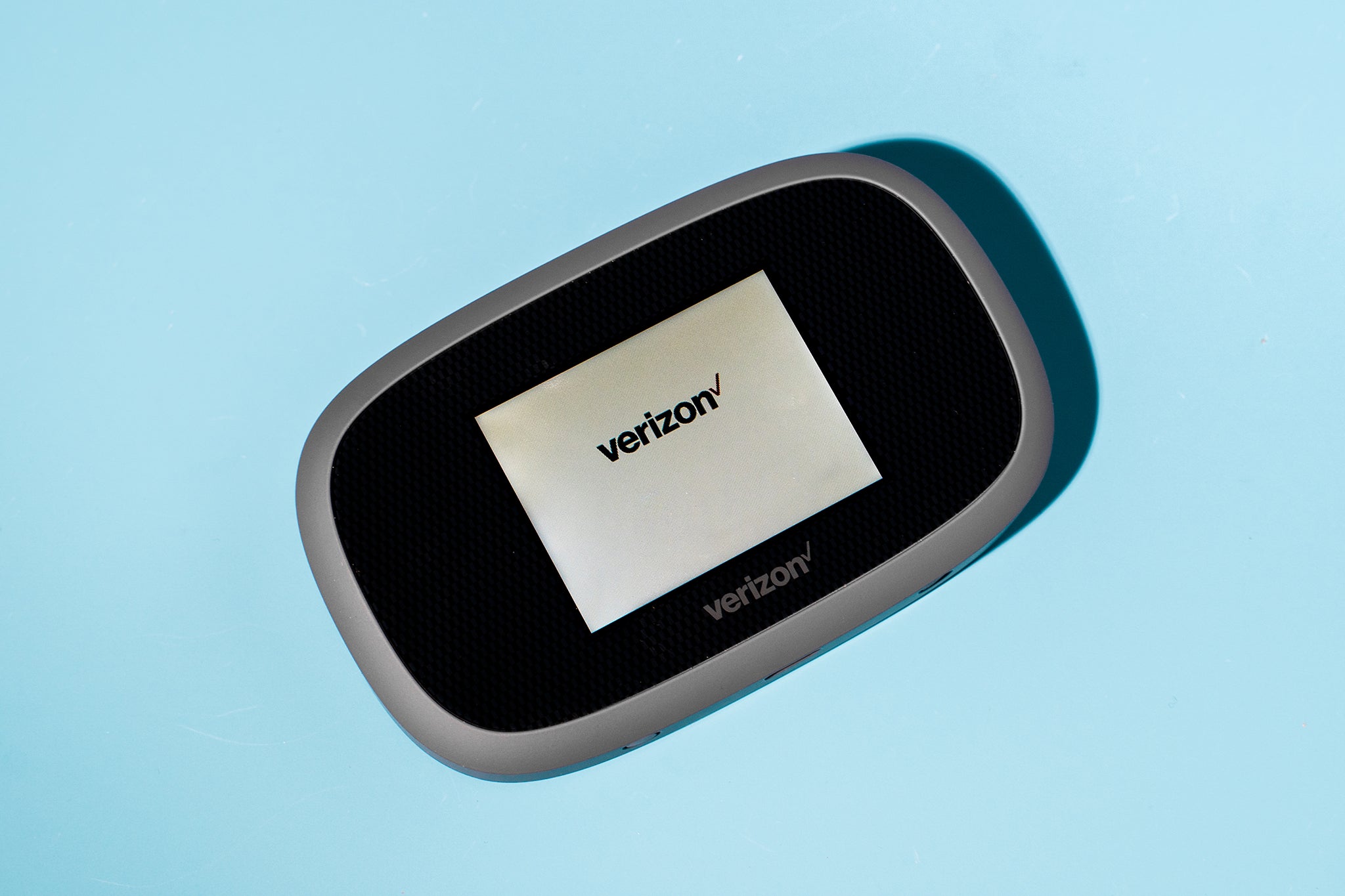
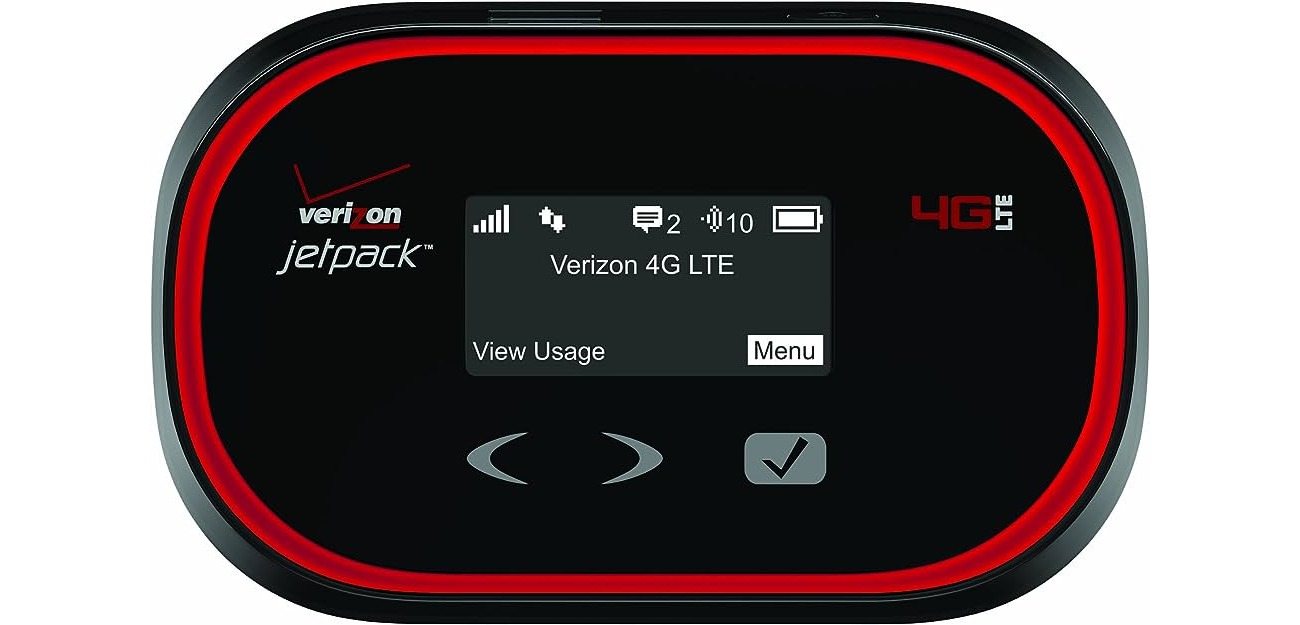
You can purchase a dedicated mobile hotspot device (like a Jetpack) directly from Verizon in-store or online. These devices offer separate data plans and can typically connect 10-15 devices at once, providing more flexibility than using your smartphone.
Does adding a hotspot increase my monthly Verizon bill?
If you add a dedicated hotspot device with its own data plan, or if you purchase a hotspot perk, your monthly bill will increase by the cost of that plan or perk. If your current plan already includes hotspot data, enabling the feature does not add a charge.
Are all Verizon phones compatible with the hotspot feature?
All currently available Verizon smartphones and basic phones are compatible with Mobile Hotspot features or apps. However, for 5G Ultra Wideband Mobile Hotspot access, you need a 5G Ultra Wideband-capable phone, to be in a 5G Ultra Wideband coverage area, and a plan with 5G Ultra Wideband access.
What happens if I exceed my hotspot data allowance?
After you use all of your premium Mobile Hotspot data, Verizon reduces your hotspot speeds. The reduced speed depends on your plan, for example, 4 Mbps on Unlimited Ultimate, 3 Mbps or 600 Kbps on Unlimited Plus, and 1 Mbps on Simplicity. You can add a hotspot perk to restore higher speeds.