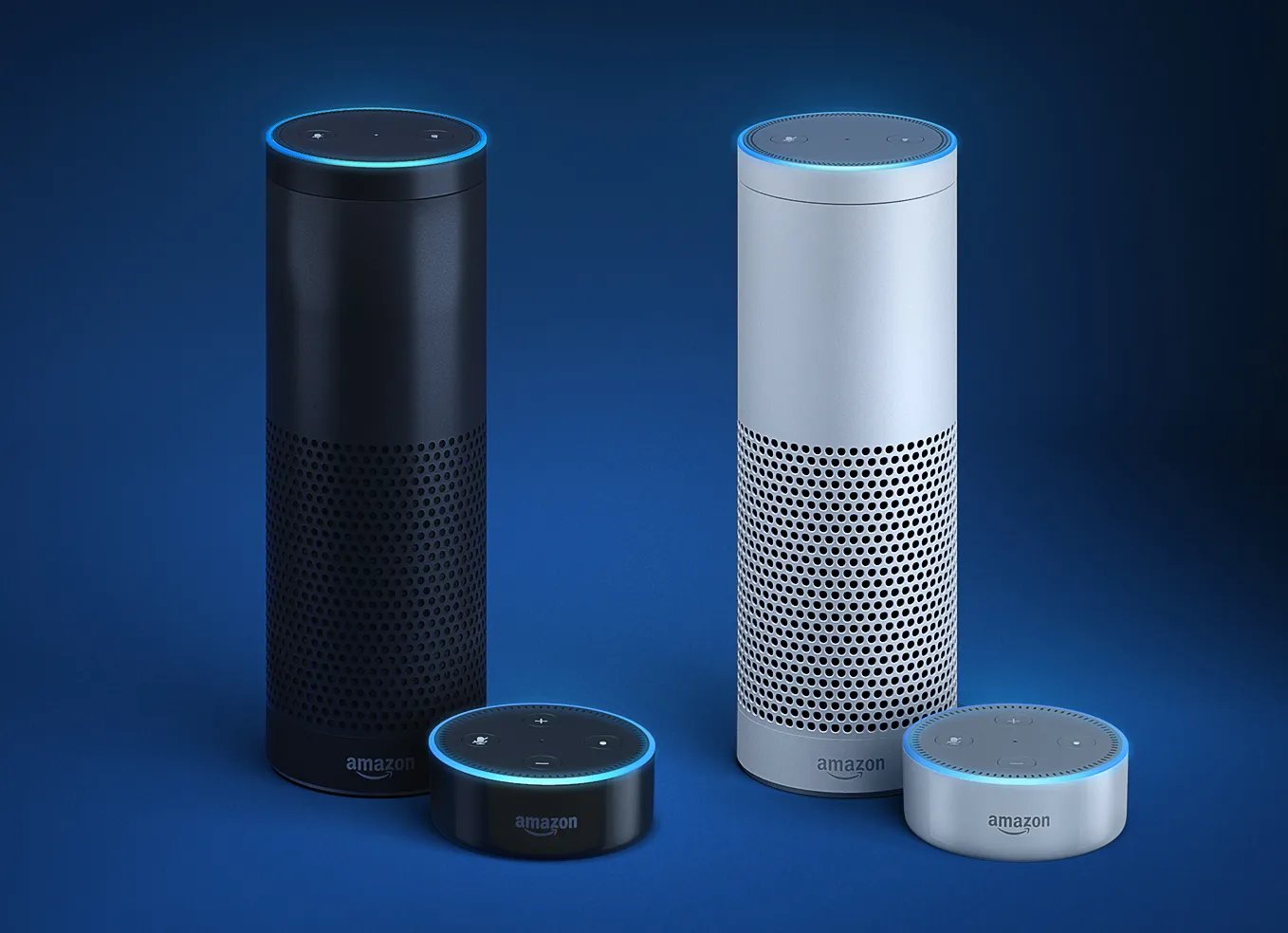
This tag collects articles about using Amazon’s Alexa voice assistant across different devices and networks. It is intended for anyone who owns an Alexa-enabled speaker, a Fitbit smartwatch, or a phone and wants to get them working together.
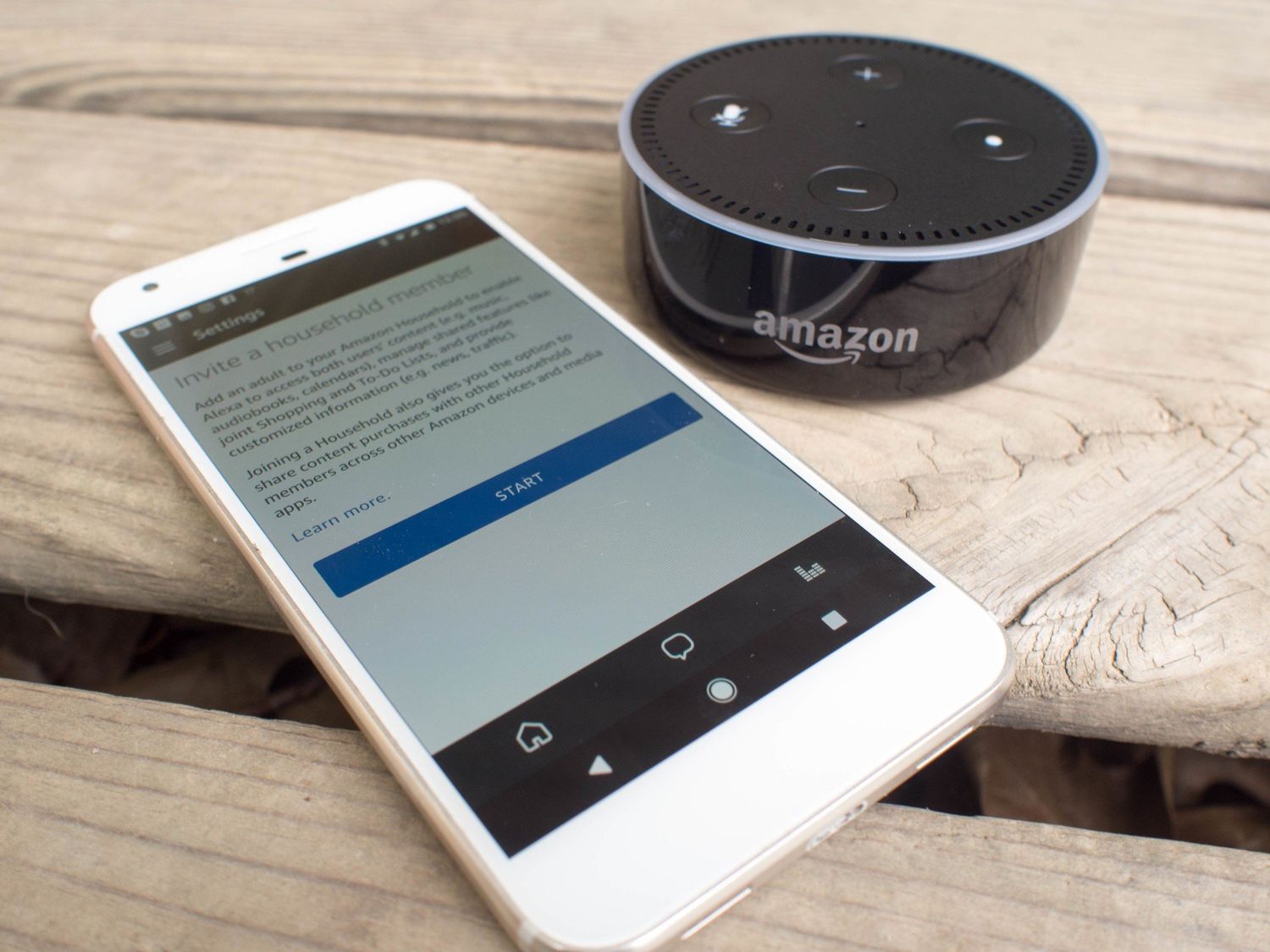
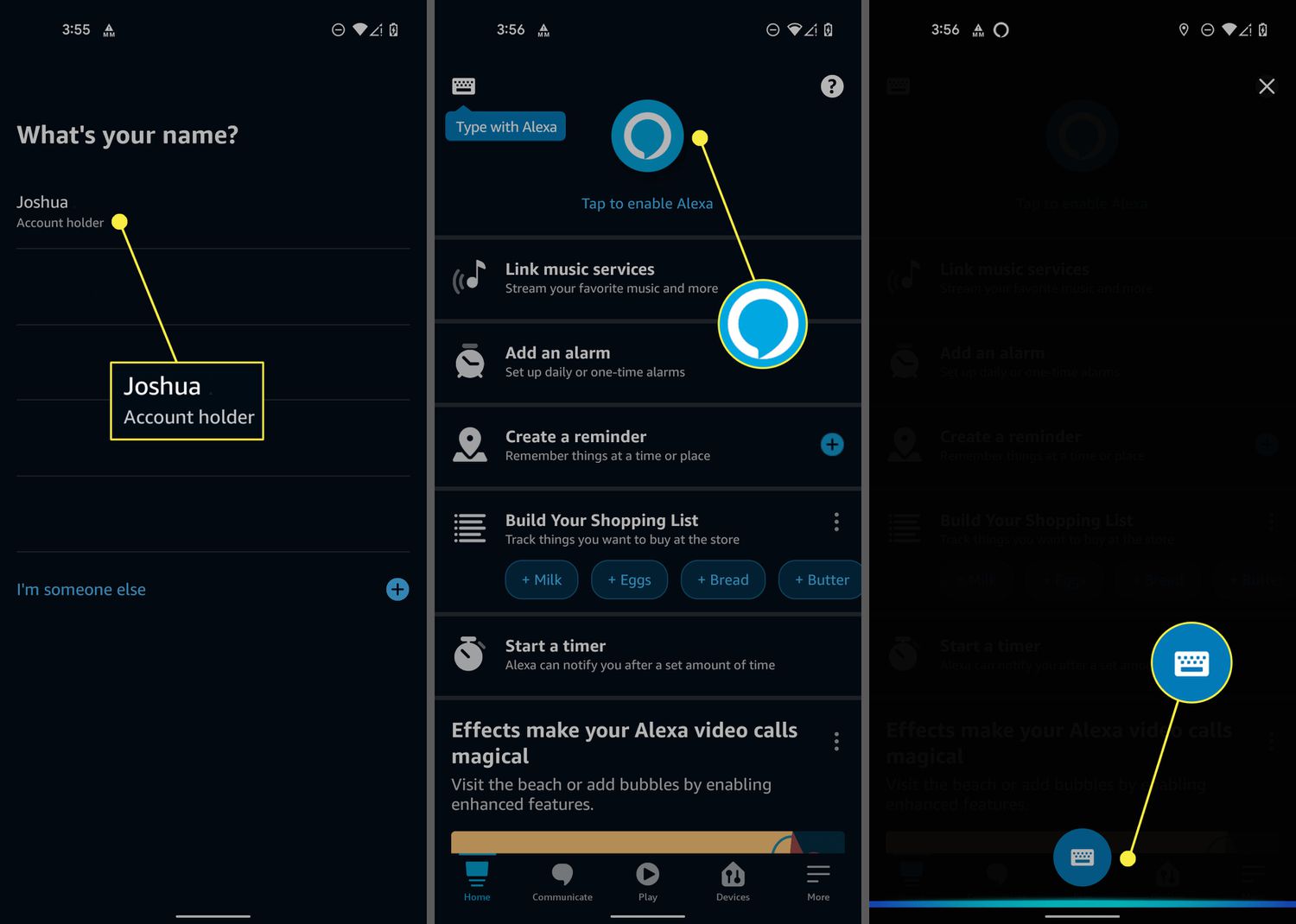
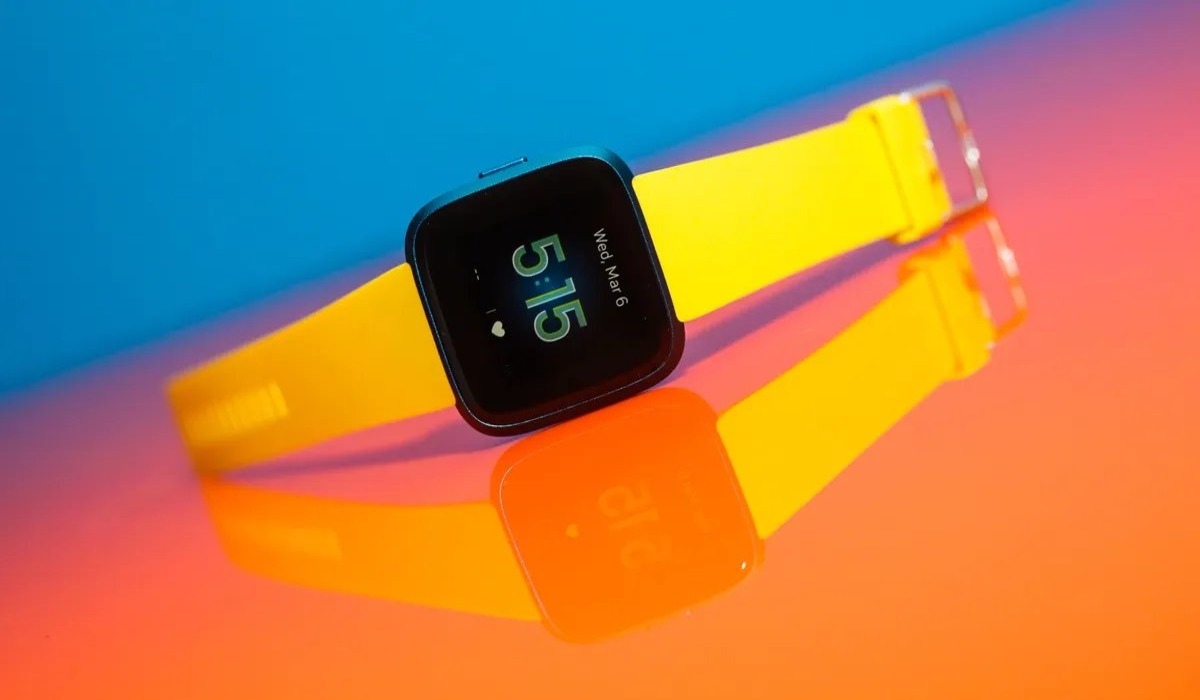
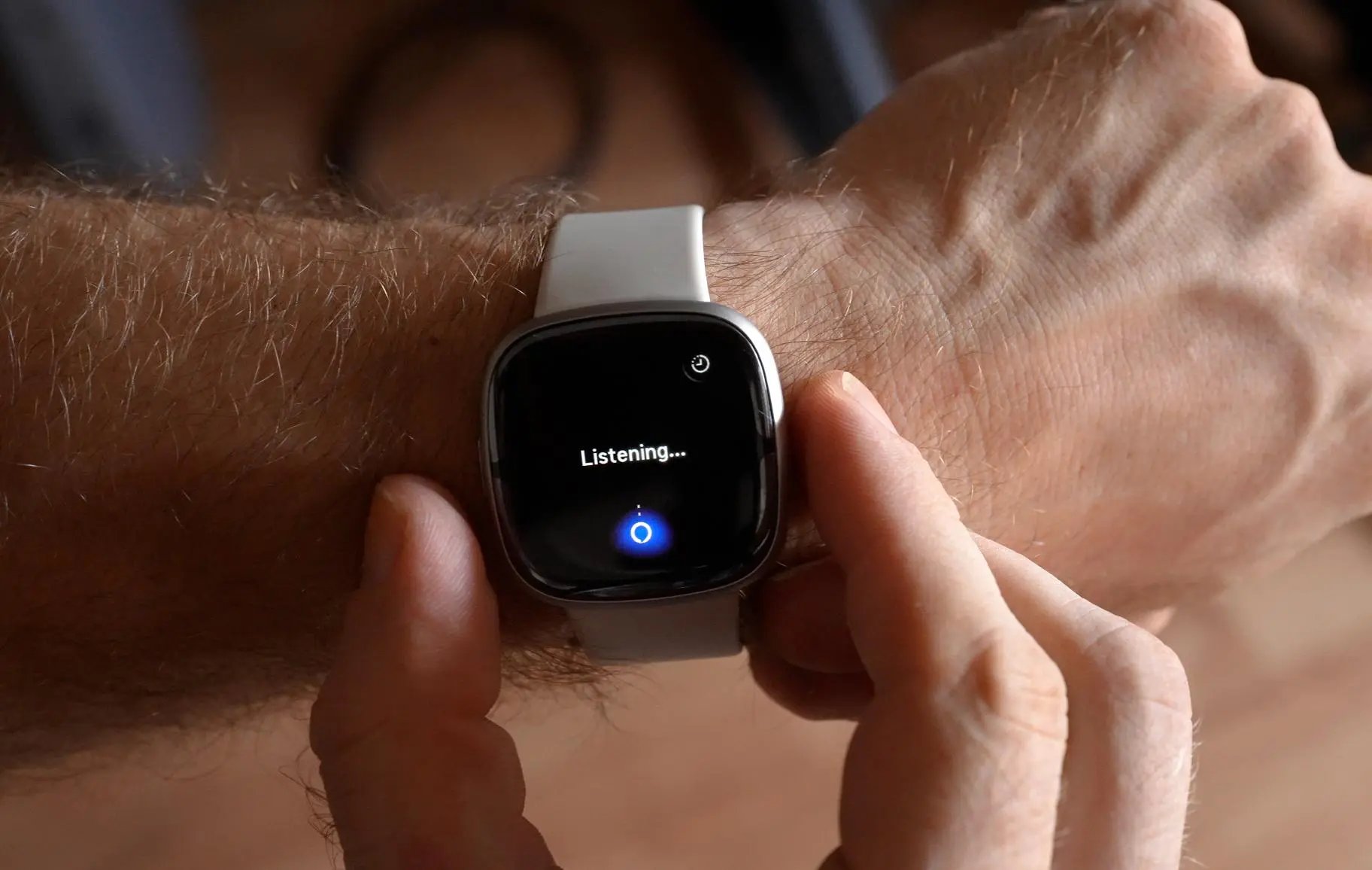
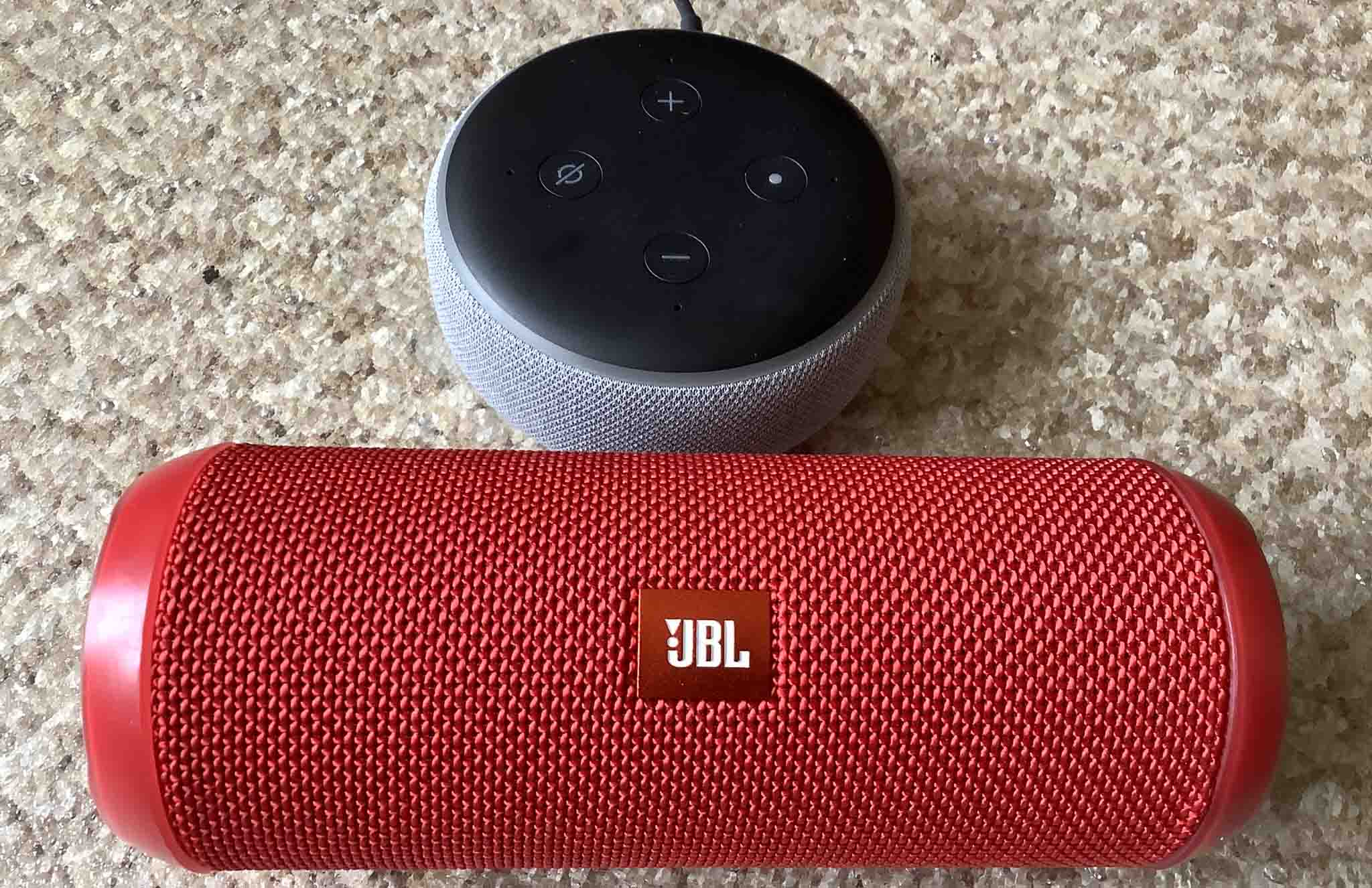
The articles here solve two main kinds of problems: connecting devices to Alexa and managing Alexa’s phone features. For connection issues, you can learn how to pair Bluetooth speakers to Alexa, how to connect Alexa to a mobile hotspot, and how to link a phone to an Alexa speaker. For wearable integration, the guides show how to use Alexa on a Fitbit Versa 2 and how to set up Alexa on a Fitbit Sense 2. The articles also cover how to add a phone number to Alexa and how to change the telephone number Alexa uses for calls and reminders.
Each guide helps you perform a specific task, such as pairing a speaker, setting up a hotspot connection, or configuring your contact number. The page also includes information on how Amazon’s Alexa gains reminders and timer labels, which improves how you manage daily alerts. Whether you are connecting a new accessory or adjusting your account settings, these articles provide clear steps to make Alexa work the way you need.