Alexa reminders and timer labels help you stay organized by letting you set voice-activated alerts for tasks and assign short, descriptive names to multiple timers so you can track several activities at once. Whether you need a nudge for an appointment or a labeled countdown for dinner, these features keep your day on schedule without cluttering your mind.
What are Alexa reminders and timer labels?
Alexa reminders are audio alerts that play at a time you specify, ideal for remembering appointments, tasks, or recurring events. Timer labels are names you give to individual timers, like “laundry” or “pasta”, so you can easily identify each one when multiple timers are running. Together, they turn Alexa into a practical tool for managing daily routines, especially when you’re juggling cooking, workouts, or chores.
How to set reminders with Alexa
Creating a reminder is straightforward. Say “Alexa, remind me to [task] at [time]” or “Alexa, remind me to [task] every [day] at [time].” Alexa will confirm the reminder aloud. You can set location-based reminders that trigger when you arrive at or leave a specific area. You can specify the frequency of reminders, such as daily, weekly, or monthly, and set custom recurring reminders for specific days or dates. You can choose to receive reminders on multiple Alexa-enabled devices. When the reminder fires, you can snooze it by saying “Snooze reminder for 10 minutes.” This command is officially supported and gives you a quick delay without losing the alert.
How to use timer labels with Alexa
To create a named timer, say “Alexa, set a timer for [duration] labeled [label].” For example, “Alexa, set a timer for 15 minutes labeled laundry.” Alexa will start the timer and use your label to identify it. Follow these official guidelines when choosing a label:
- Keep the label short, no longer than three words.
- Make it descriptive so you know which activity it tracks.
- Use your device’s language unless another language is required.
- Avoid including sensitive information in the label.
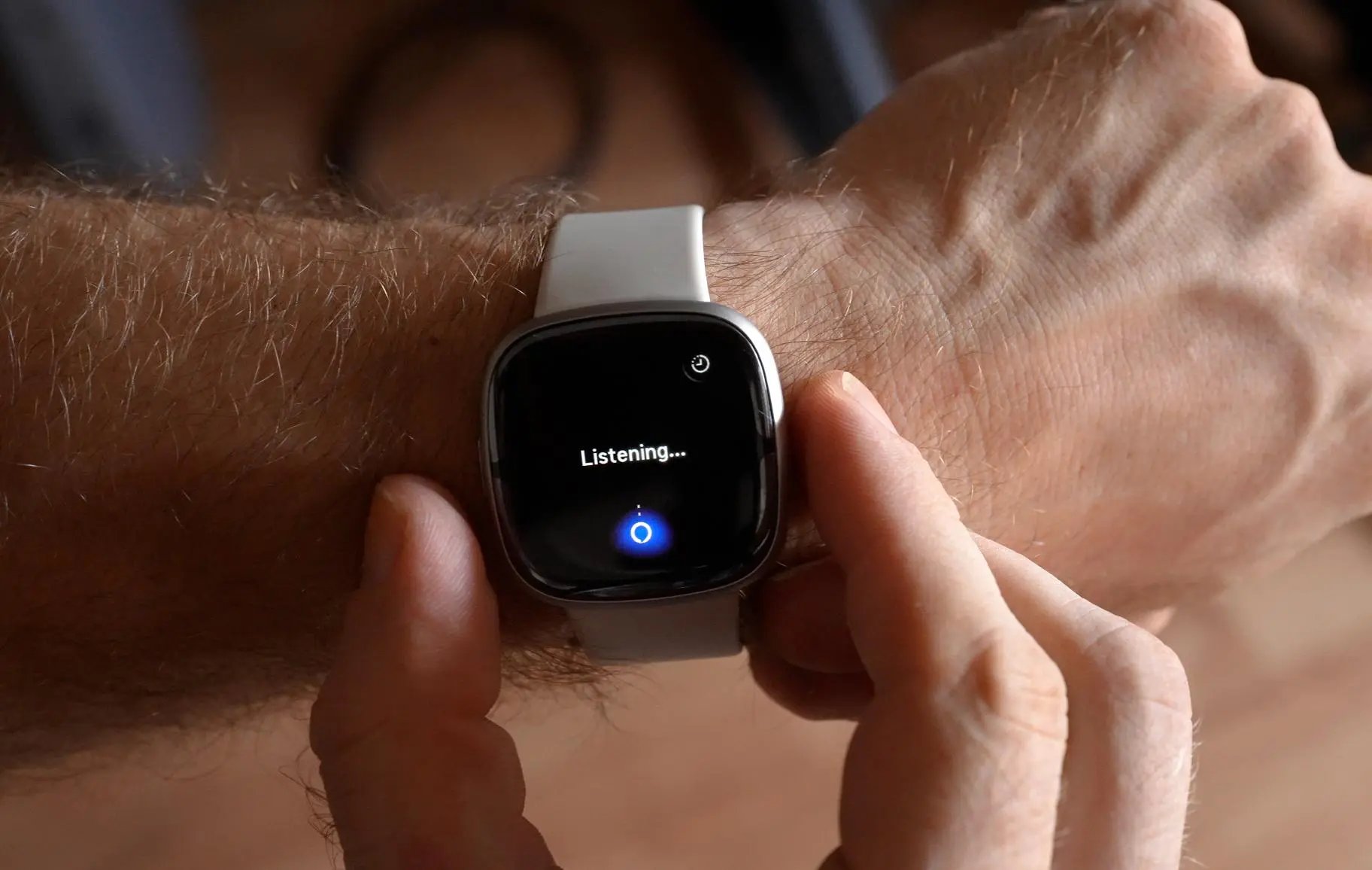
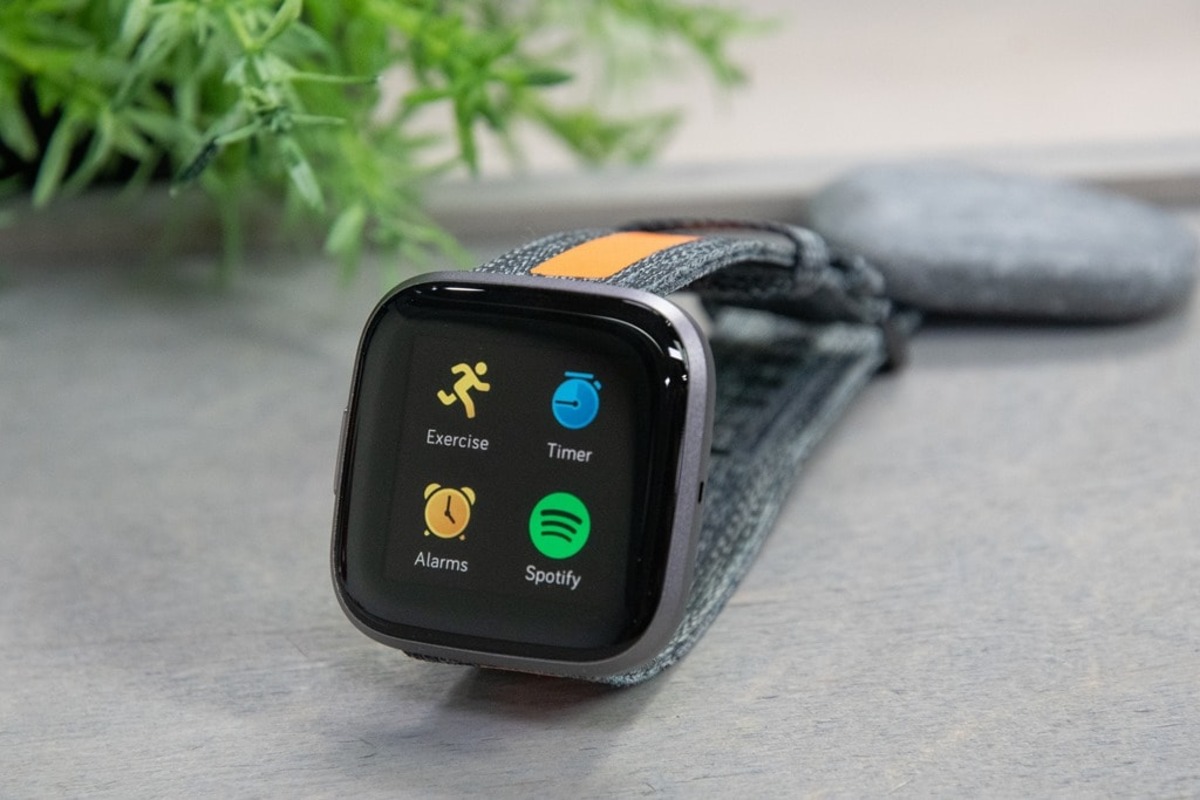
Labels are especially useful when you have multiple timers running. You can ask “Alexa, how much time is left on the laundry timer?” and get a clear answer. You can ask Alexa to show you a list of your timers and their labels. This feature works seamlessly with wearables and fitness apps if you use Alexa on a compatible device, letting you check timers hands-free during a workout.
Managing your reminders and timers
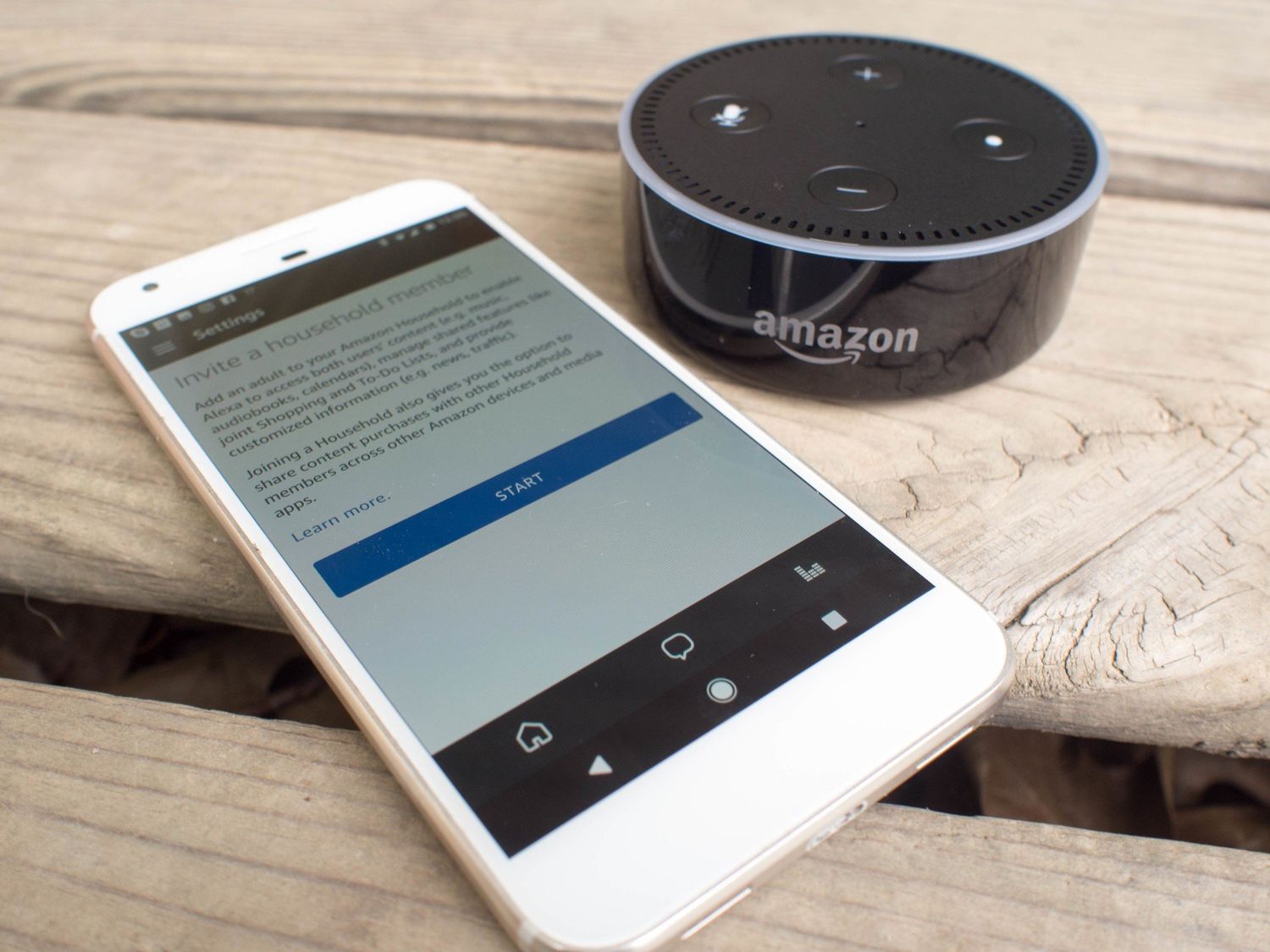
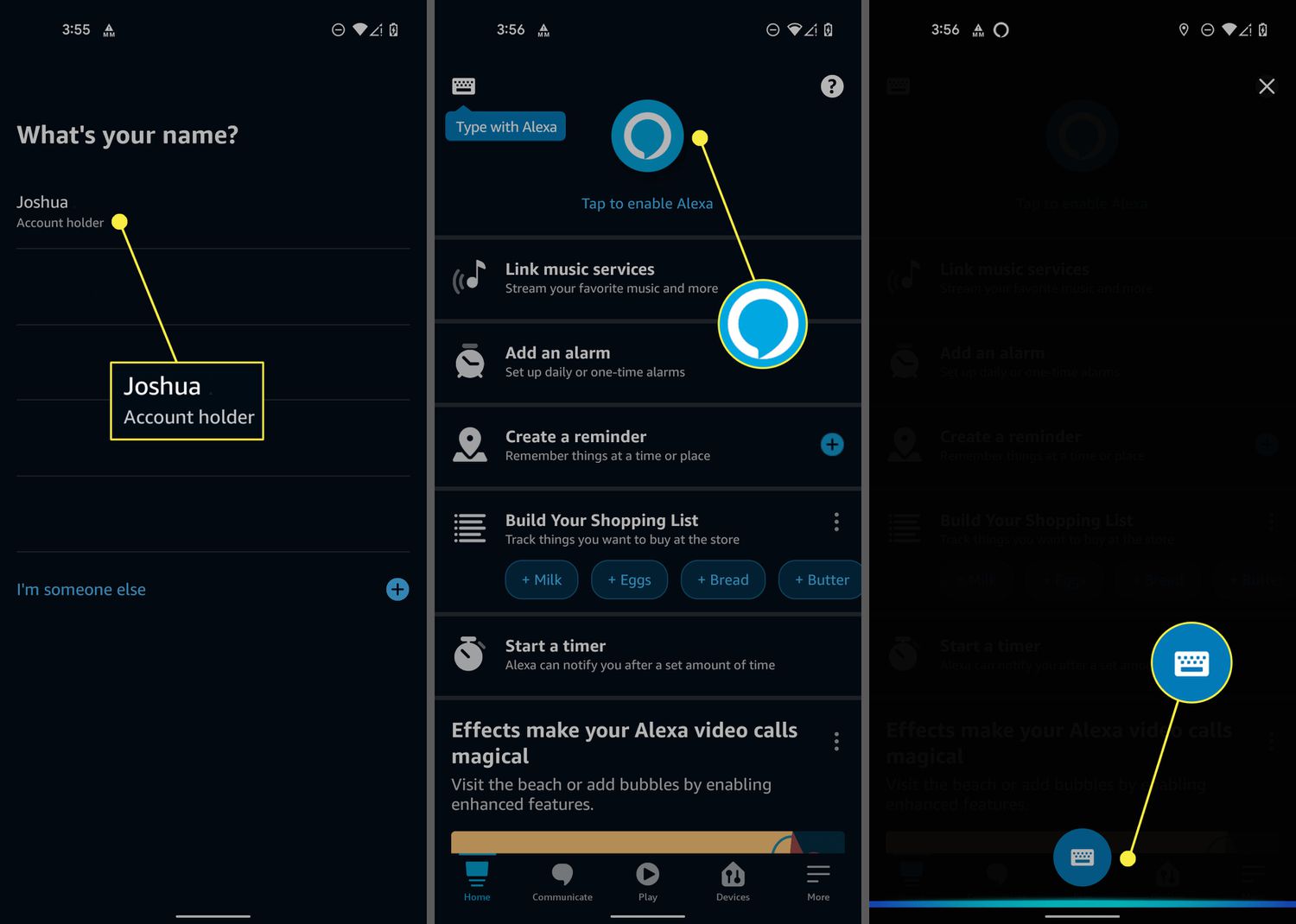
You can manage reminders and timers by voice or through the Alexa app. In the Alexa app, the menu steps for managing these features change over time, so check the in-app help for the latest instructions.
Frequently Asked Questions
Can Alexa reminders be snoozed?
Yes. When a reminder notification sounds, say “Snooze reminder for 10 minutes” to delay it. This is the only snooze duration documented in official help.
How many words can a timer label have?
Amazon’s official guidance says timer labels should be no longer than three words. Keep them short and descriptive for best results.
Are there documented app steps for iPhone and Android in the retrieved official sources?
No. The official sources retrieved here do not provide specific iPhone or Android app steps, menu paths, or button labels for setting reminders or timer labels. Use the Alexa app’s in-app help for current instructions.
Are there documented model, version, or carrier limits in the retrieved official sources?
No. The official sources retrieved here do not list supported device models, OS versions, or carrier-specific requirements for reminders or timer labels.
For the wider topic, see wearables and fitness apps.
Related reading: How Do I Use Alexa On My Fitbit Versa 2, How To Set Up Alexa On Fitbit Sense 2, and How To Pair Bluetooth Speakers To Alexa.