The Apple TV tag on CellularNews collects articles focused on connecting your iPhone or iPad to a larger screen, whether that screen is a television, a projector, or a VR headset. This content is designed for anyone who owns an Apple device and wants to get the most out of its display-sharing and smart-home capabilities, from casual streamers to home-entertainment enthusiasts.

The articles here solve two main types of problems. First, they address wireless connectivity and mirroring, helping you turn your phone into a remote screen for a TV or projector. You will find step-by-step guides on how to cast an iPhone to a TV, how to screen share on an iPhone 13 or iPhone 14, and how to connect a phone to a non-smart TV wirelessly. Second, the tag covers entertainment and device integration, showing you how to watch movies in VR, where to stream shows like The Crown, and even how to connect a wireless PS5 controller to your setup for gaming.

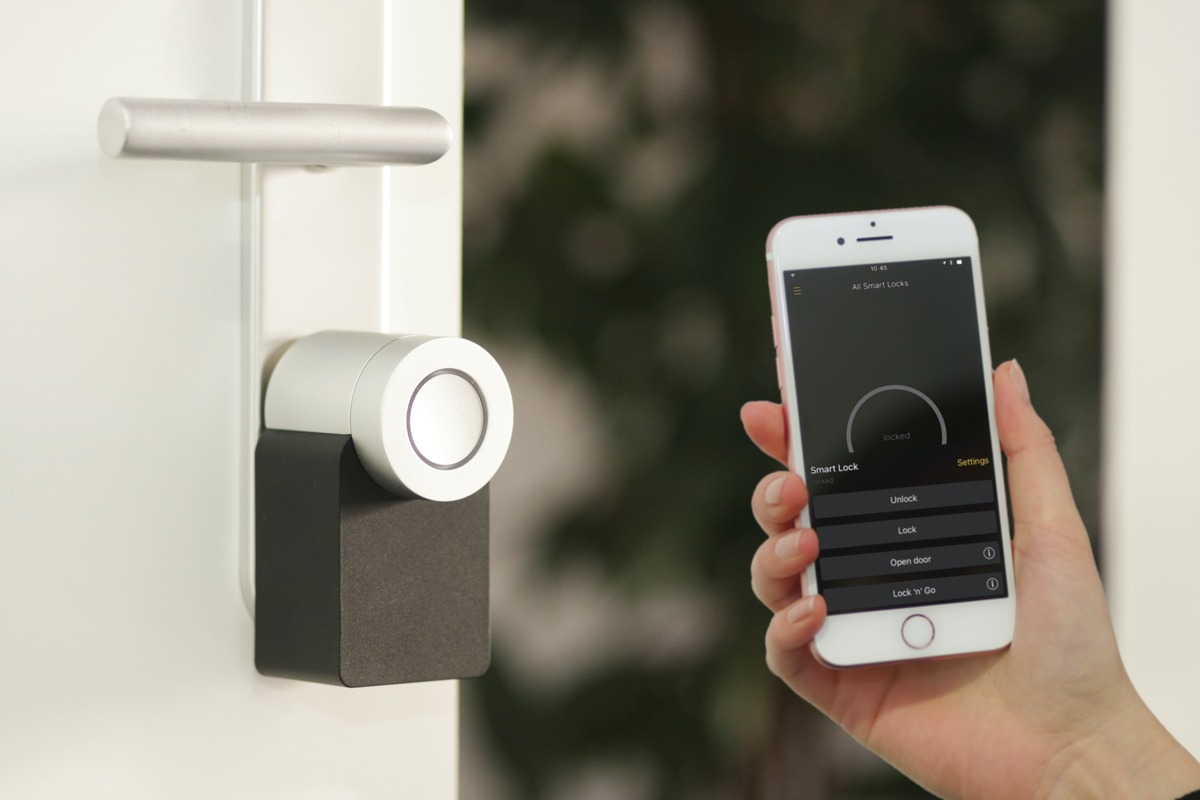
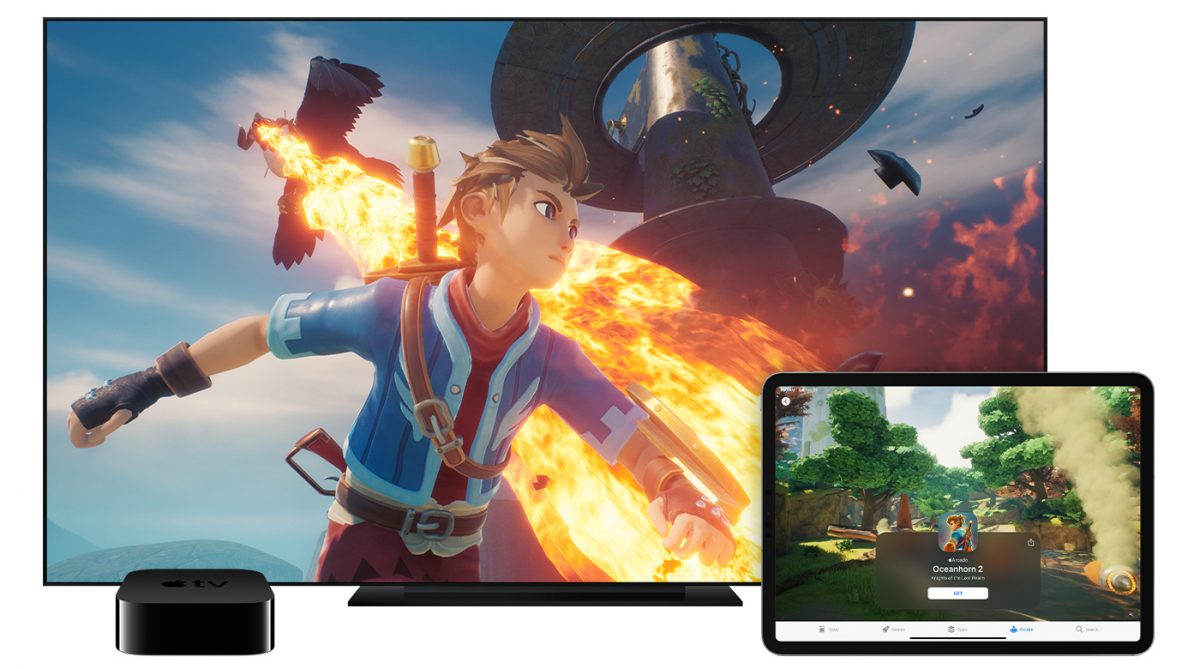
Beyond basic mirroring, these articles help you set up a smart home with HomeKit devices and make a projector wireless. They also include practical tips for connecting a phone to a TV using Bluetooth on an iPhone and how to mirror a cell phone in general. Whether you are looking for the best Apple Arcade games to play on a big screen or need a fix for a stubborn screen mirroring issue, this tag provides clear, actionable instructions for real-world scenarios.
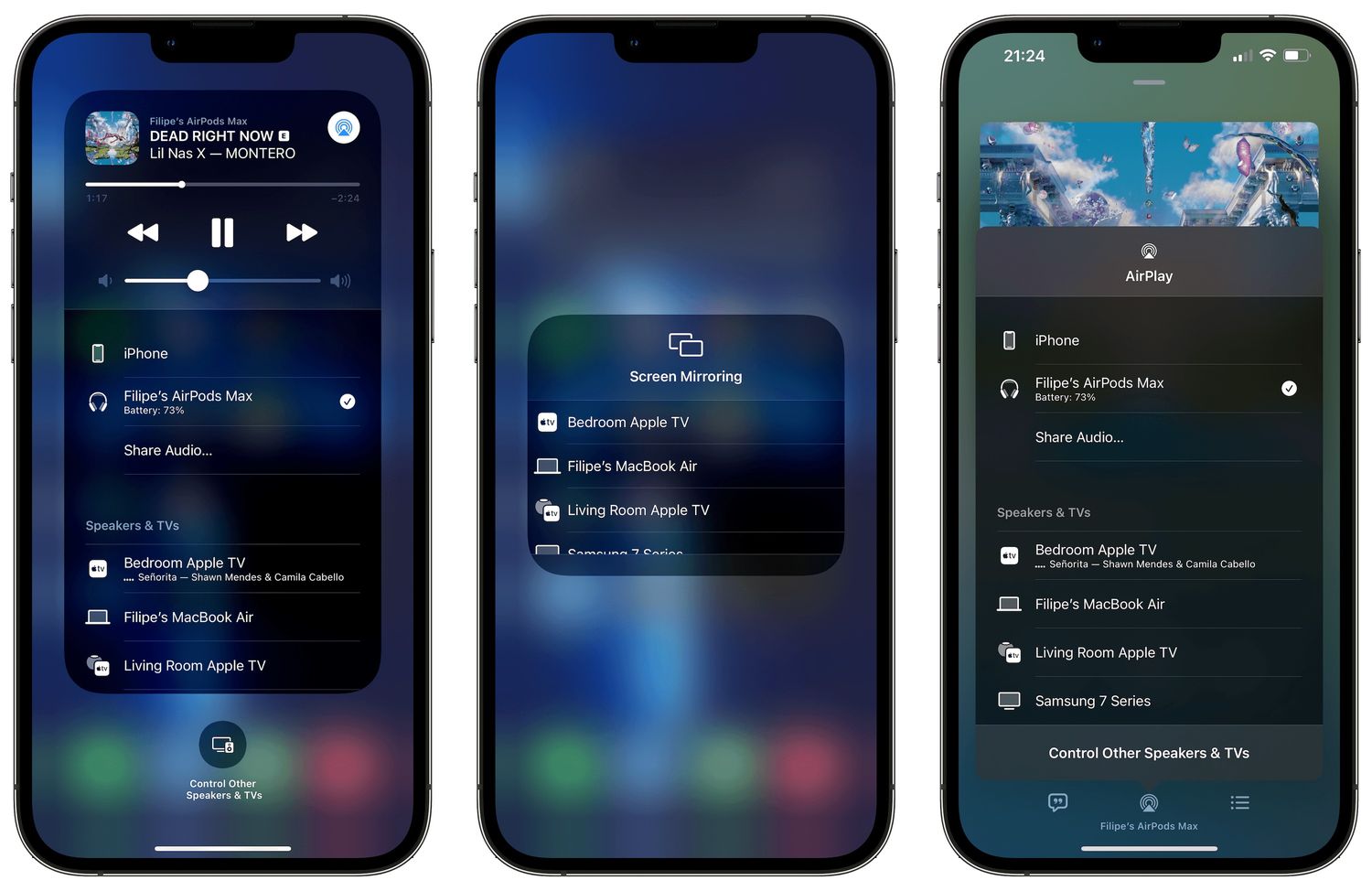
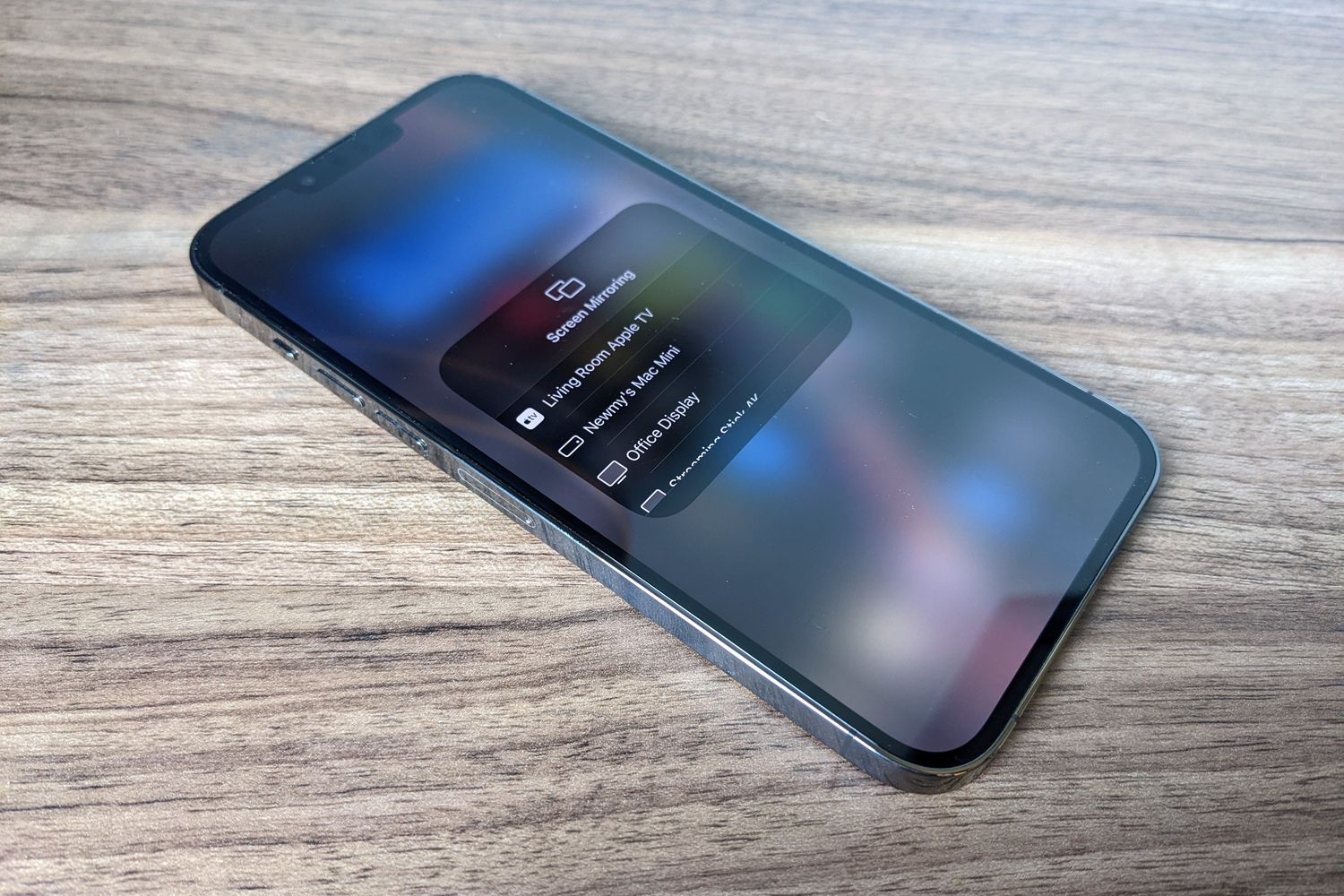
How To Screen Mirror On IPhone 14

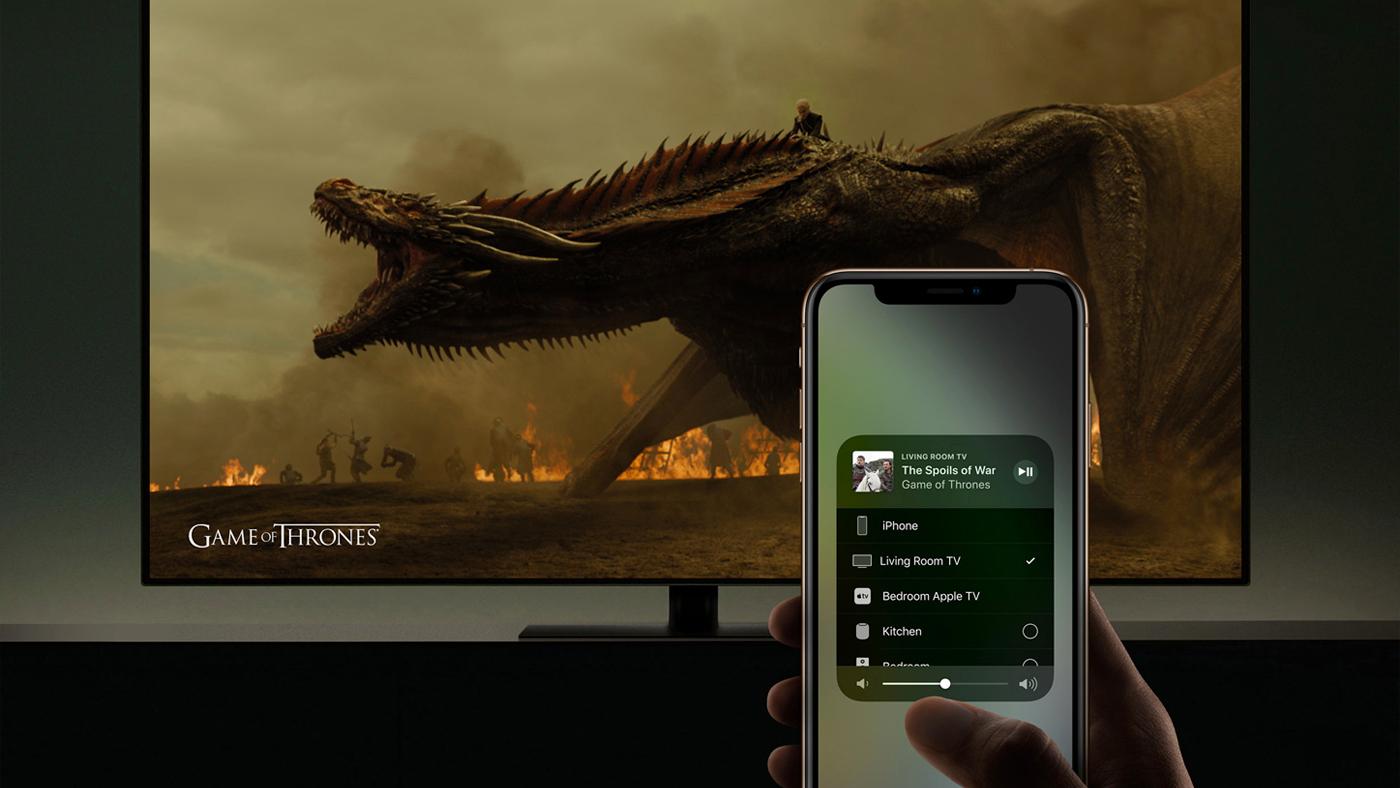
To screen mirror on iPhone 14, use the built-in AirPlay feature to wirelessly display your screen on an Apple TV, Mac, or AirPlay-compatible smart TV. Open Control Center by swiping...

How To Screen Share IPhone 13

You can screen share iPhone 13 wirelessly to a TV, Mac, or during a FaceTime call using built-in tools like AirPlay and Apple’s screen sharing features. These methods let you...

How To Connect Wireless PS5 Controller

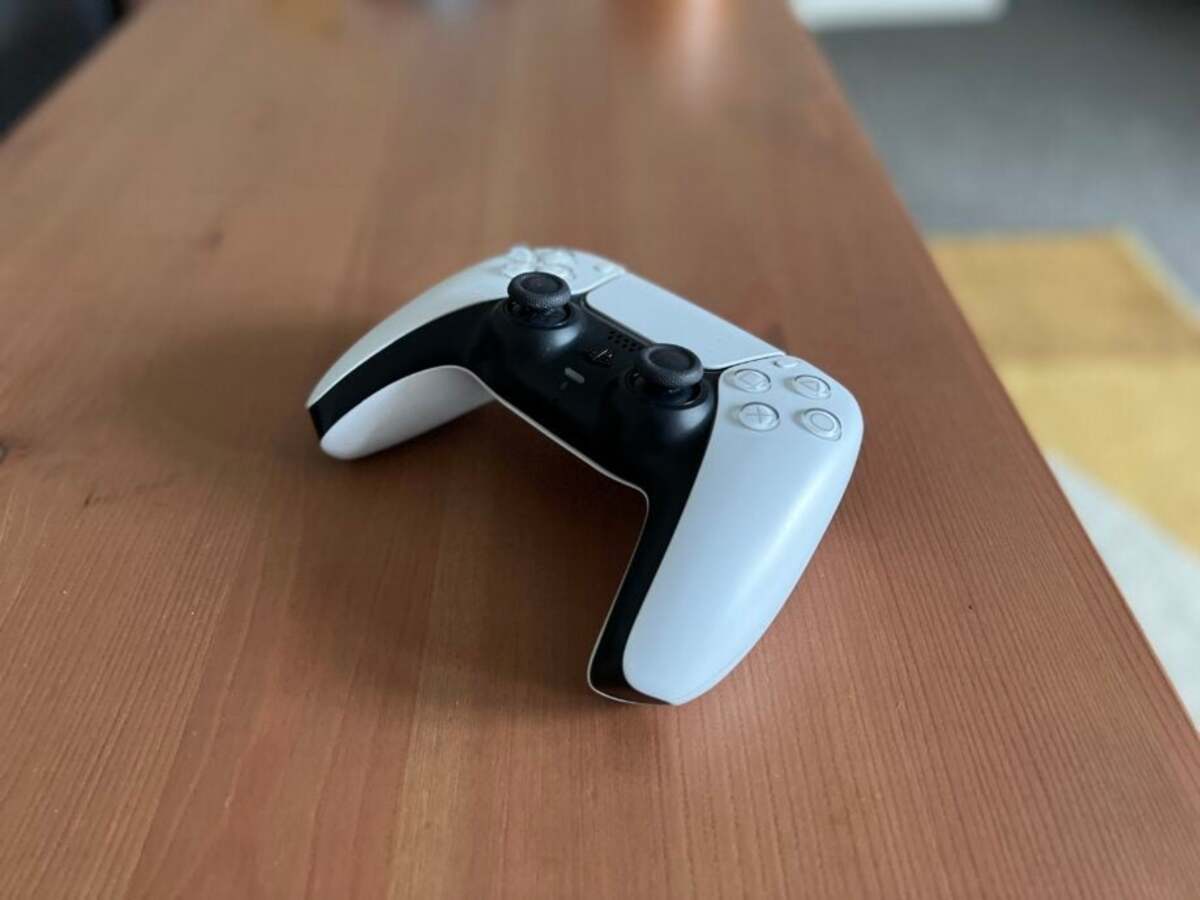
To connect wireless PS5 controller to an iPhone, iPad, Mac, or Apple TV, you pair the DualSense controller directly via Bluetooth. The exact button combination is holding the Create button...

How To Make A Projector Wireless

You can make a projector wireless by using a wireless HDMI transmitter, a media streaming device like Apple TV or Chromecast, or by using screen mirroring with AirPlay or Google...

How To Mirror A Cell Phone

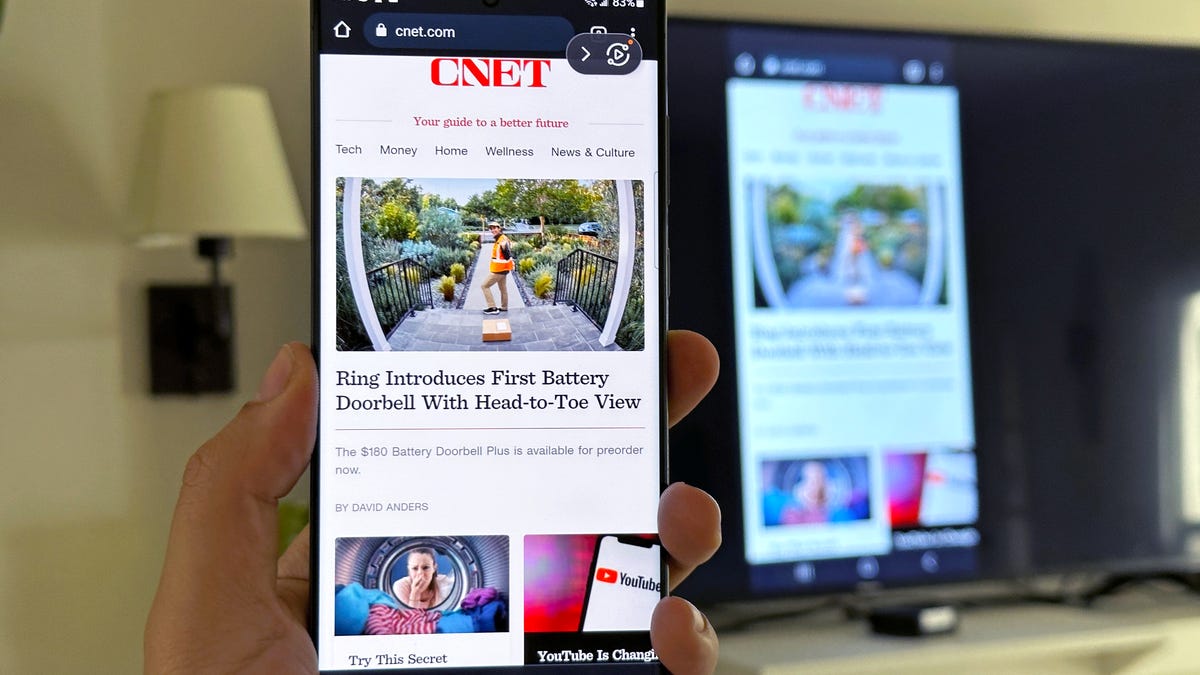
To mirror a cell phone, you need both your phone and the receiving display to be connected to the same Wi-Fi network, and the receiving device must be compatible, like...

How To Watch Movies In VR

To learn how to watch movies in VR, the only officially documented and verified workflow is Apple SharePlay, which lets you watch synchronized movies with others over FaceTime using the...

How to Cast iPhone to TV?

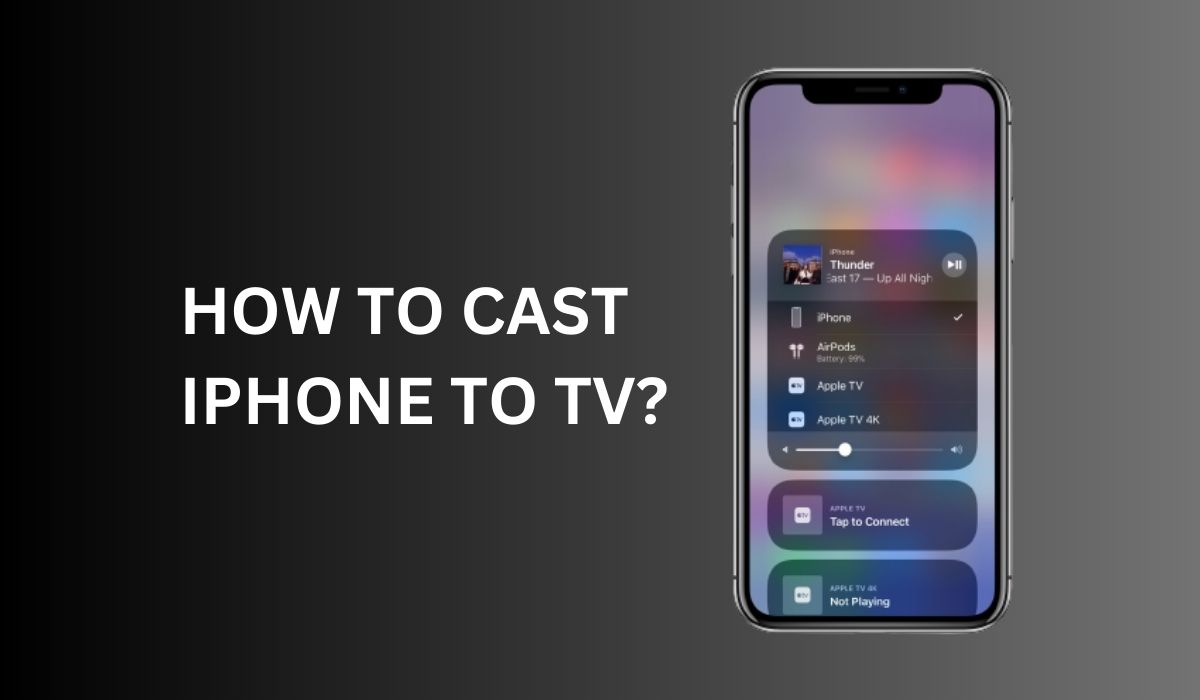
To cast iPhone to TV, the primary wireless method is using Apple's built-in AirPlay technology, which lets you mirror your entire iPhone screen or stream video from compatible apps to...