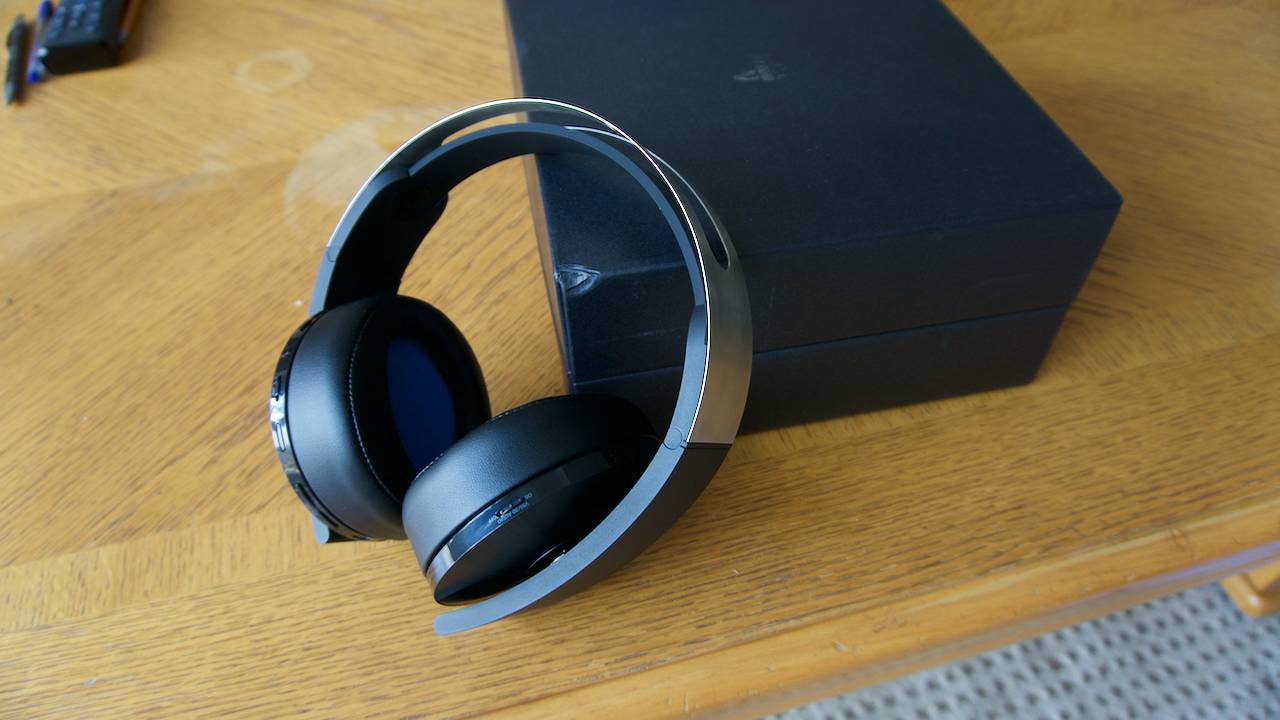
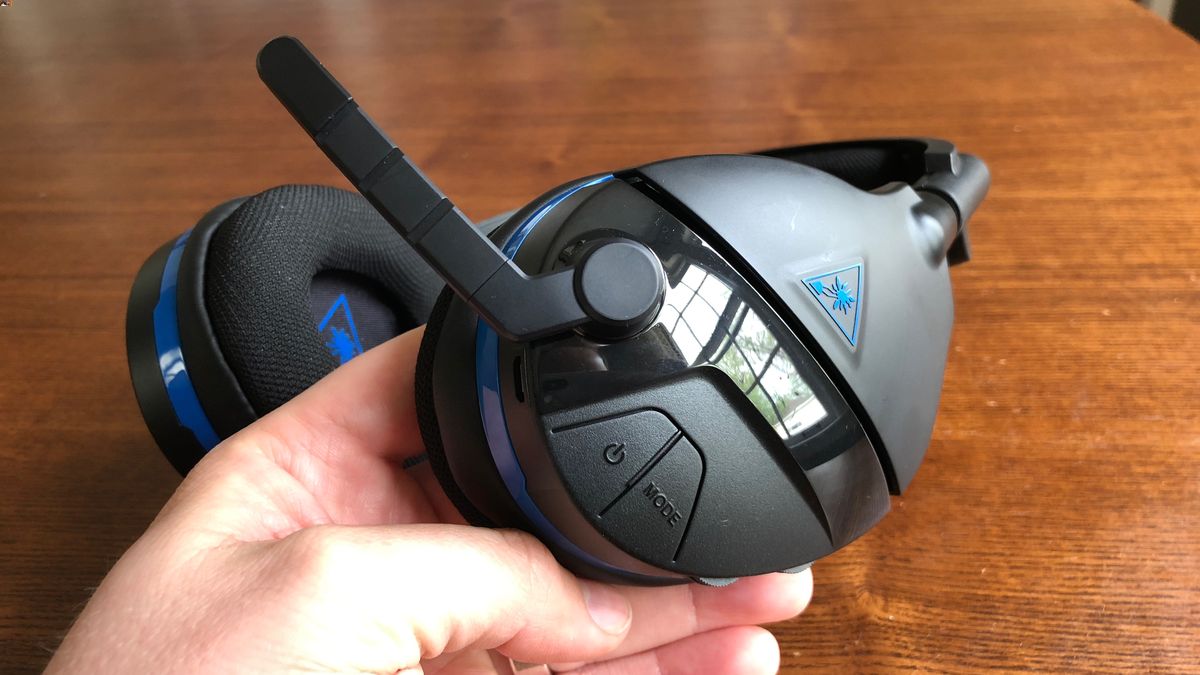
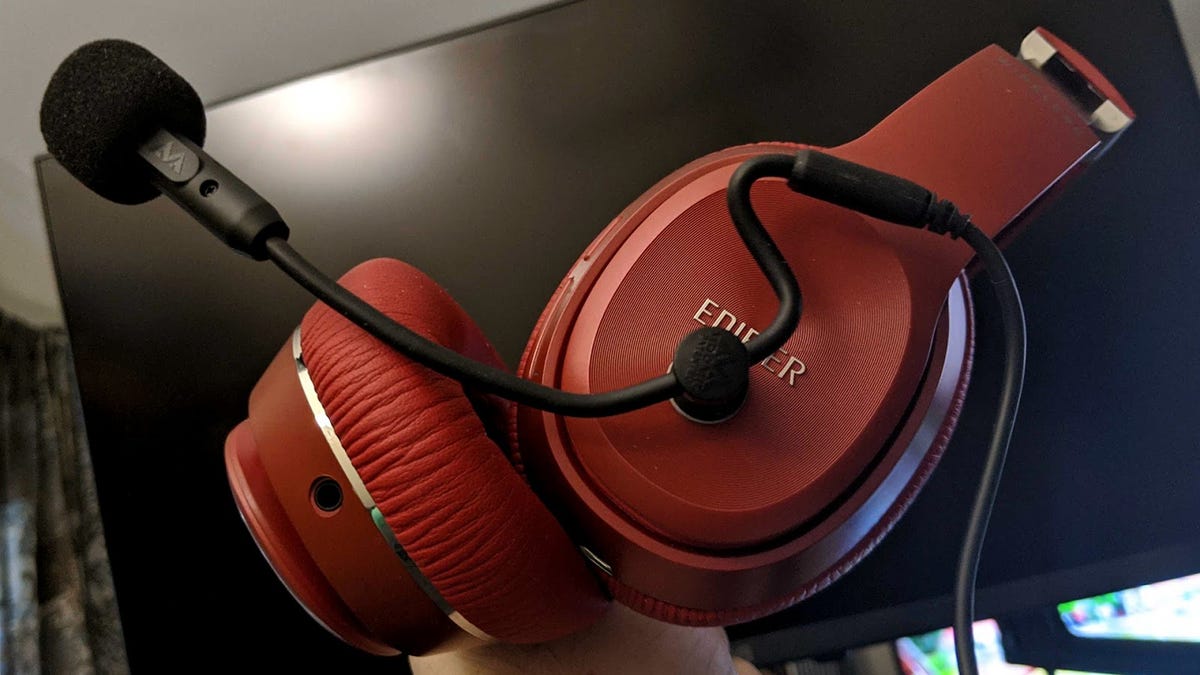
Practical guides for anyone who uses headphones, headsets, or wireless speakers with their phone, console, or TV. Whether you are a mobile gamer, a podcast listener, or someone setting up a home audio setup, these articles are written to help you solve real, everyday sound problems. The focus is on getting your devices to work the way you want, without frustration.
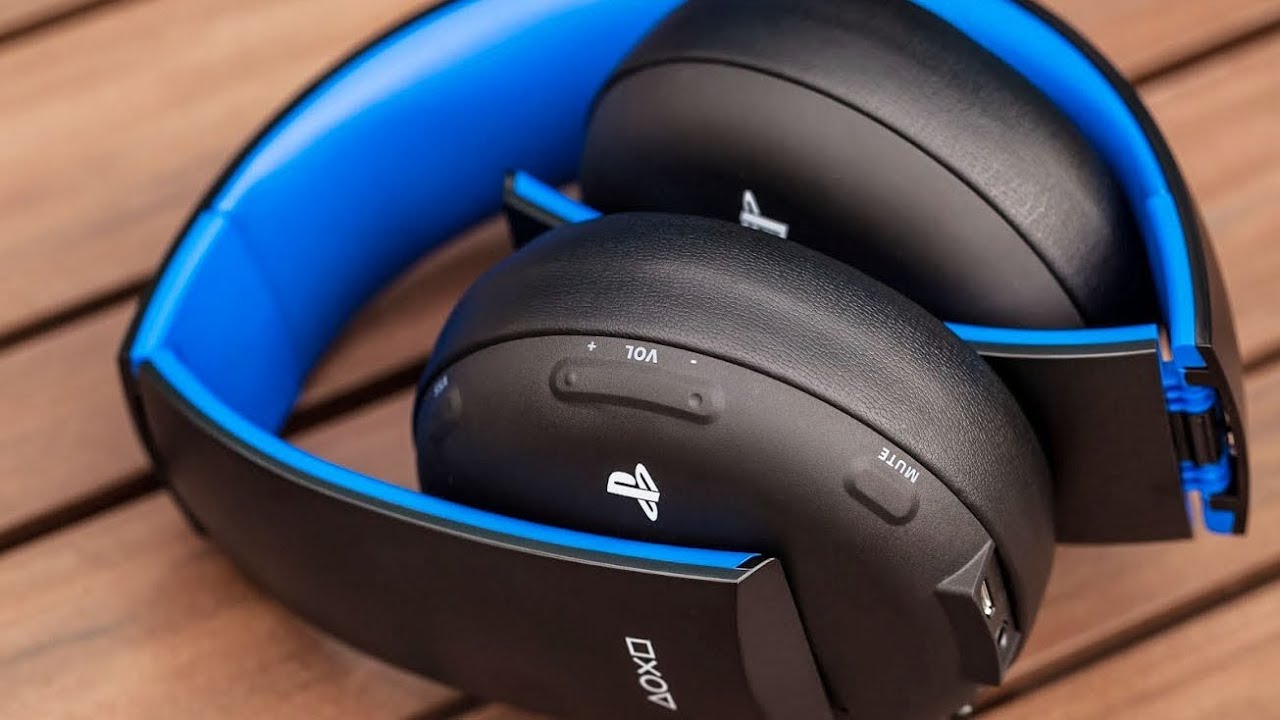
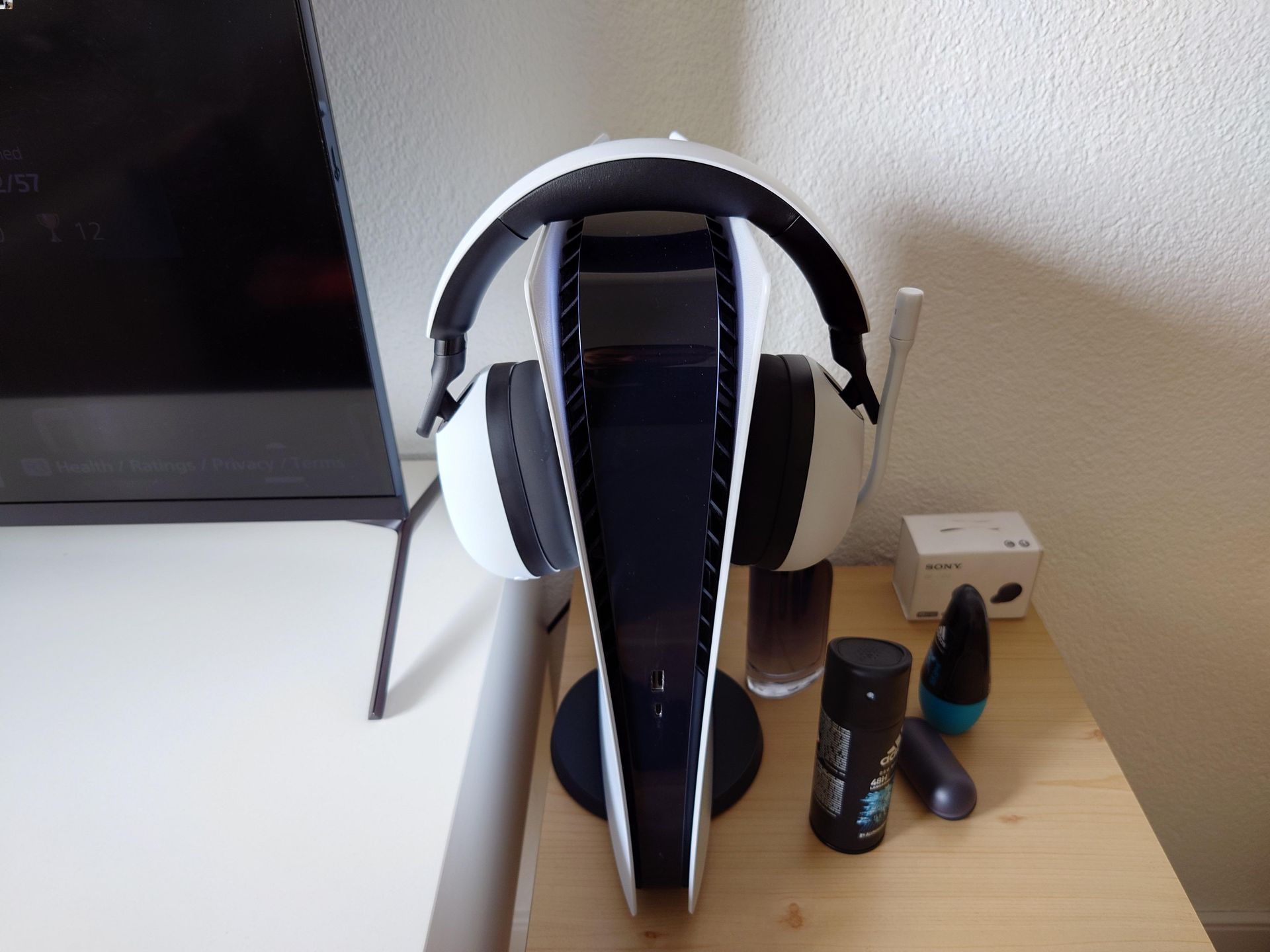
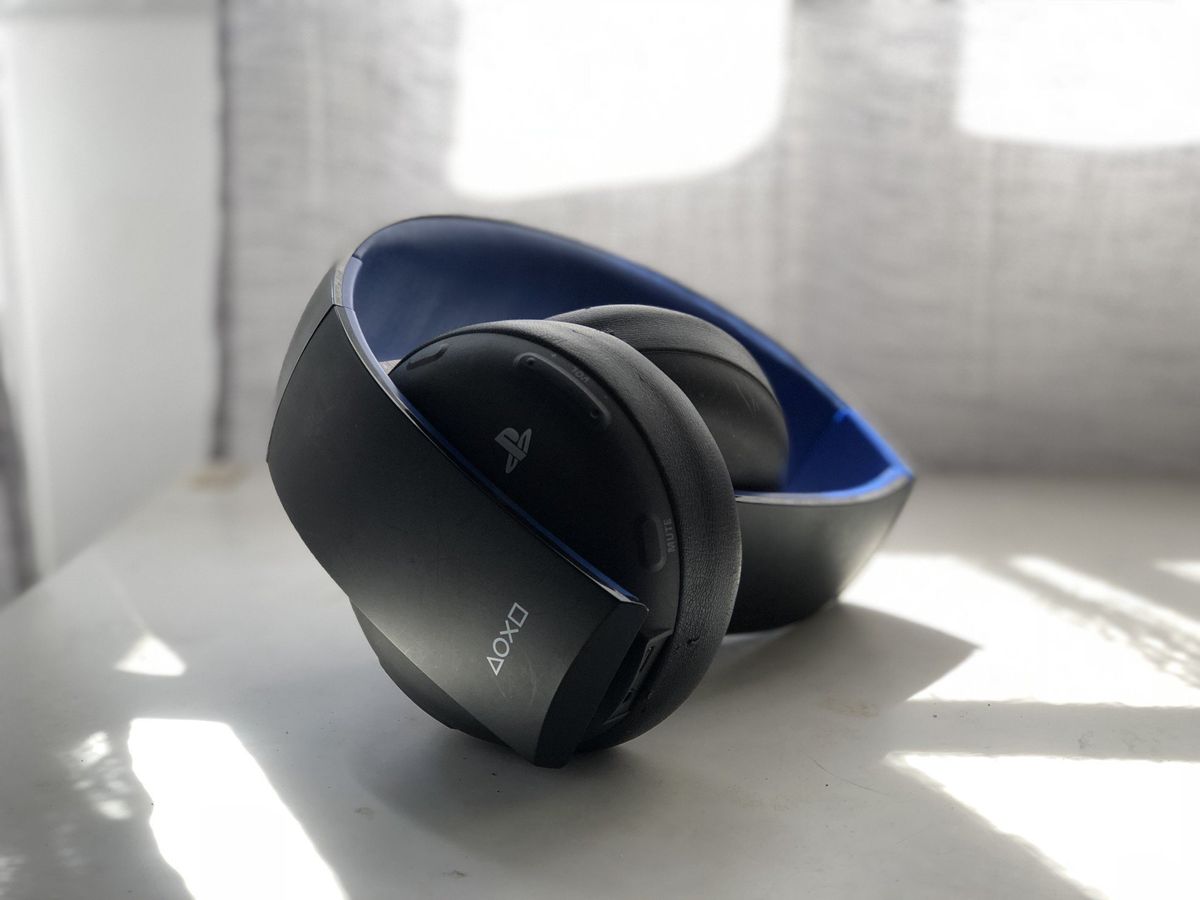
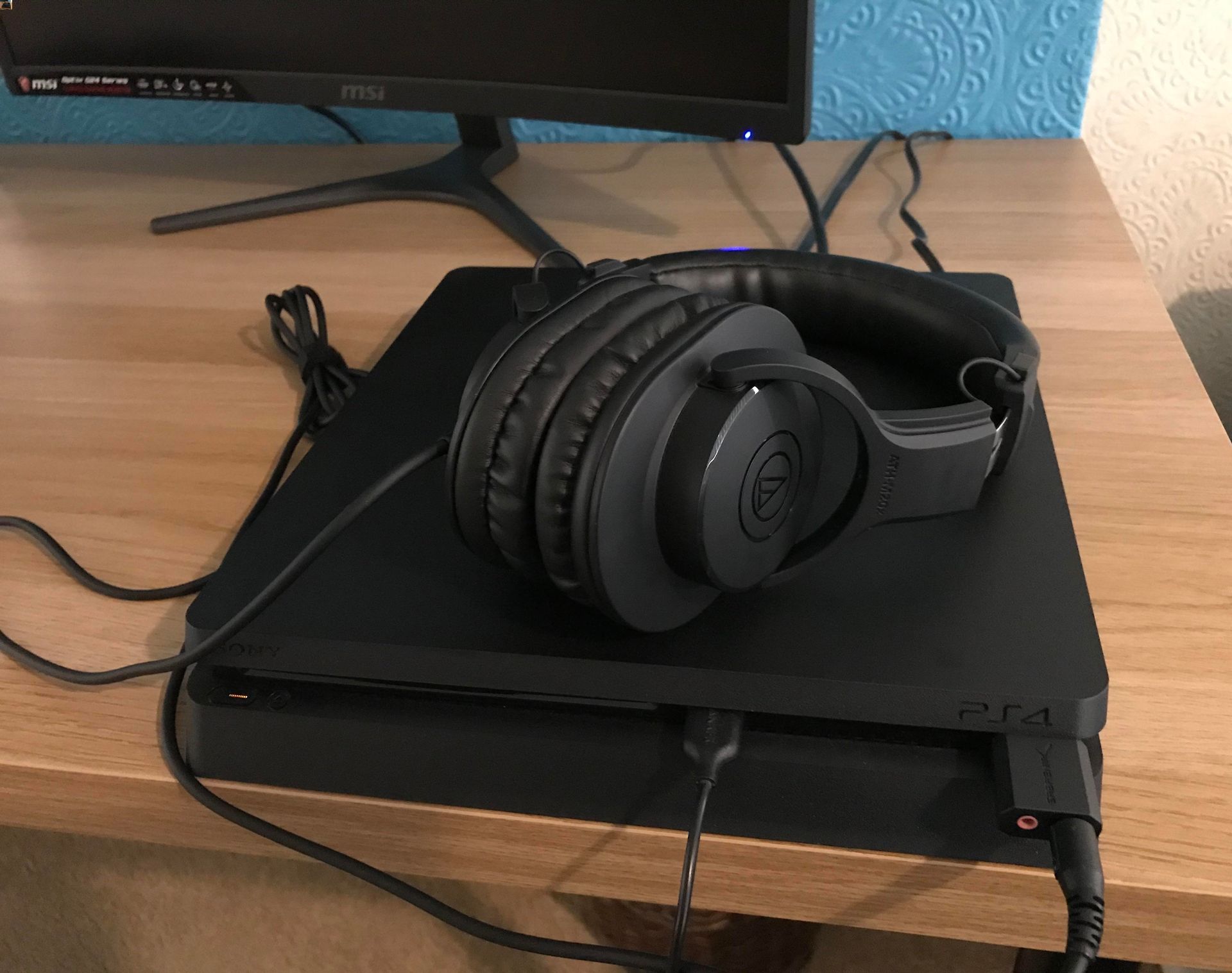
Many of the articles tackle connection and compatibility issues. You can learn how to connect wireless headphones to a Nintendo Switch, a Sony TV, or a Roku TV, as well as how to pair a wireless speaker with a Roku TV or a PS4 headset. Another major group of articles focuses on volume and audio control. These guides show you how to make the volume louder on an Android phone, adjust the volume on an Xbox headset, increase PS4 headset volume, and change the playback speed of a podcast that is playing too fast or too slow. A third theme covers troubleshooting and settings, with solutions for fixing a headset that is not working on Fortnite, stopping an echo in a PS5 headset, and understanding what the Monitor and Mode settings do on specific headsets like the Pulse 3D or Turtle Beach models.
These articles help you take direct action: connect a device, adjust a setting, mute a stream on Discord Mobile, or fix a microphone that isn't working. They are built for quick, clear answers to common audio problems across multiple platforms.