This tag gathers articles focused on customizing and managing your digital identity across popular online platforms, specifically for mobile users. Whether you are a Roblox player, a Discord enthusiast, or someone exploring virtual reality, these guides are designed to help you change how you appear to others in apps and games. The content here is for anyone who wants to take control of their avatar, from beginners learning the basics to more experienced users looking for specific tweaks.
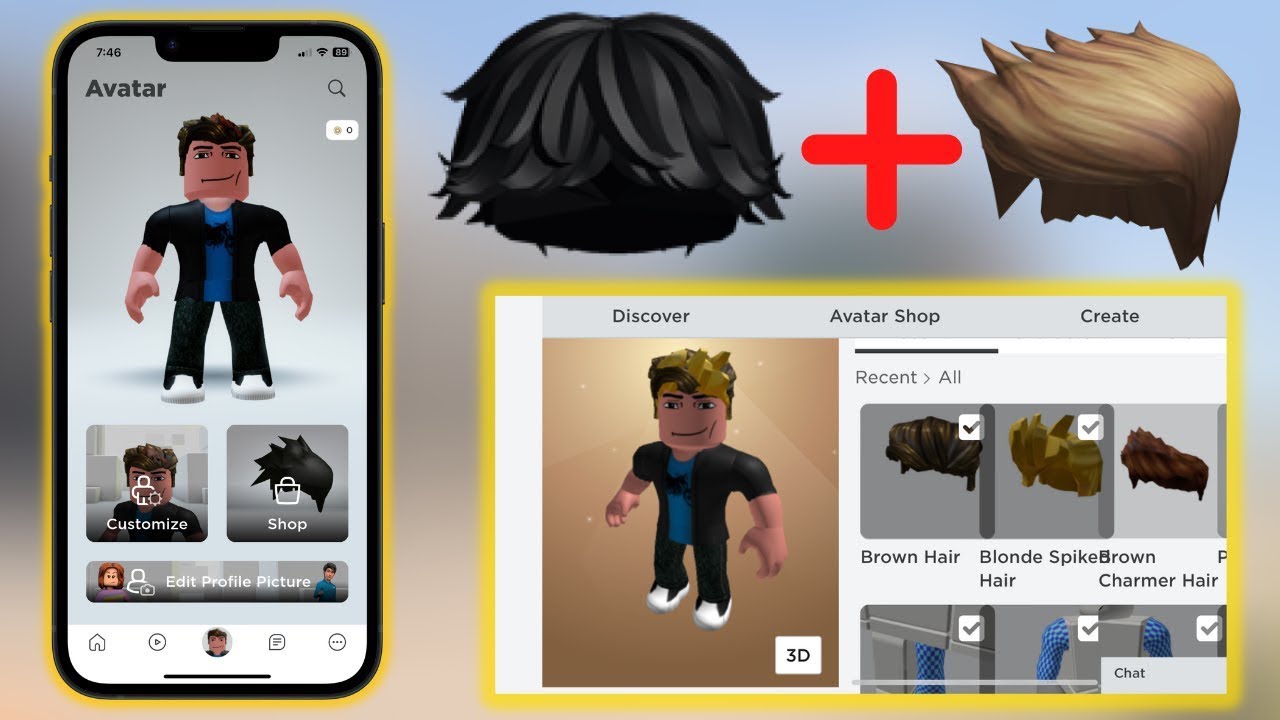
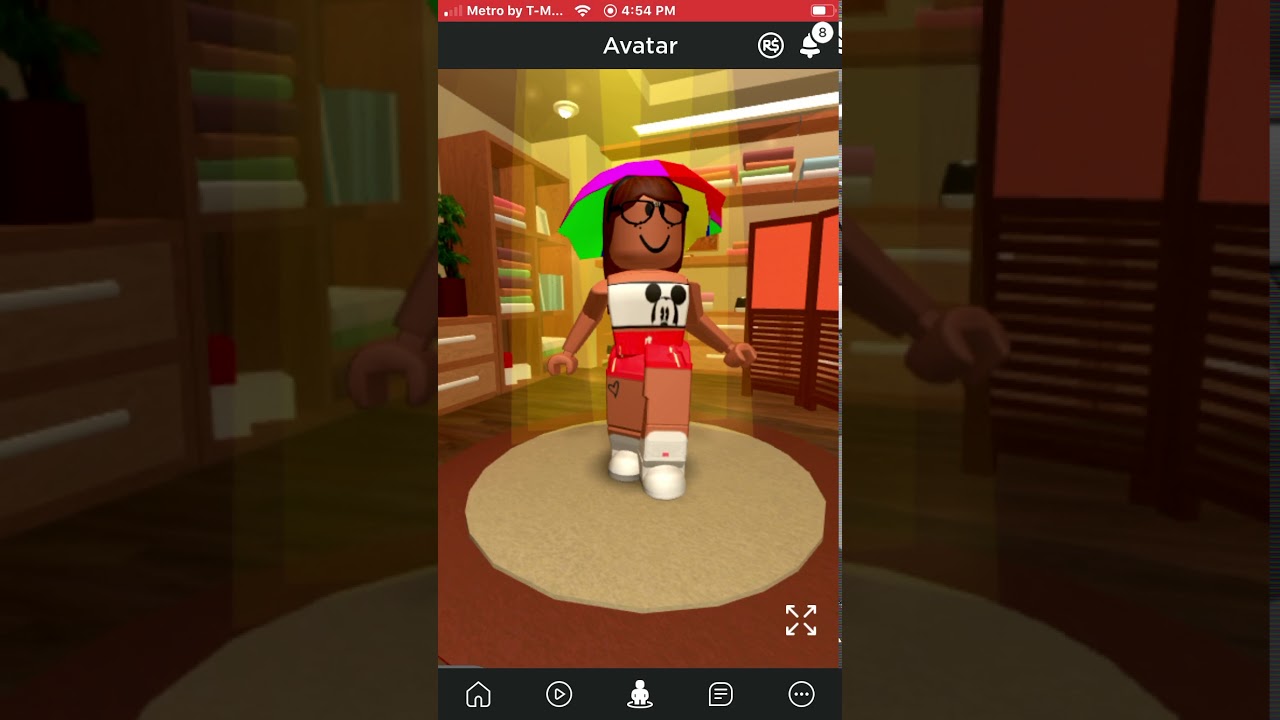
A major theme is personalizing your look on Roblox mobile. You will find step-by-step instructions for saving outfits you create, deleting ones you no longer want, and even combining multiple hairstyles to achieve a unique appearance. Another clear focus is on creating and using custom profile pictures and avatars. The articles explain how to set a GIF as your profile picture on Discord and walk you through the process of making a custom avatar for VRChat. Finally, one guide addresses the specific concept of the "Roblox Noob," showing you how to achieve that classic, default character look if you want a simpler or nostalgic style.
These articles help you perform concrete actions: saving and deleting outfits on your phone, layering hair accessories, and generating a moving profile picture. They also assist in building a character from scratch for a social VR platform. By following these guides, you can directly modify your digital representation without needing to search through scattered forum posts or outdated tutorials.

![What Is a Roblox Noob and How to Be One [Ultimate Guide]](/wp-content/uploads/2022/07/Noob.jpg)