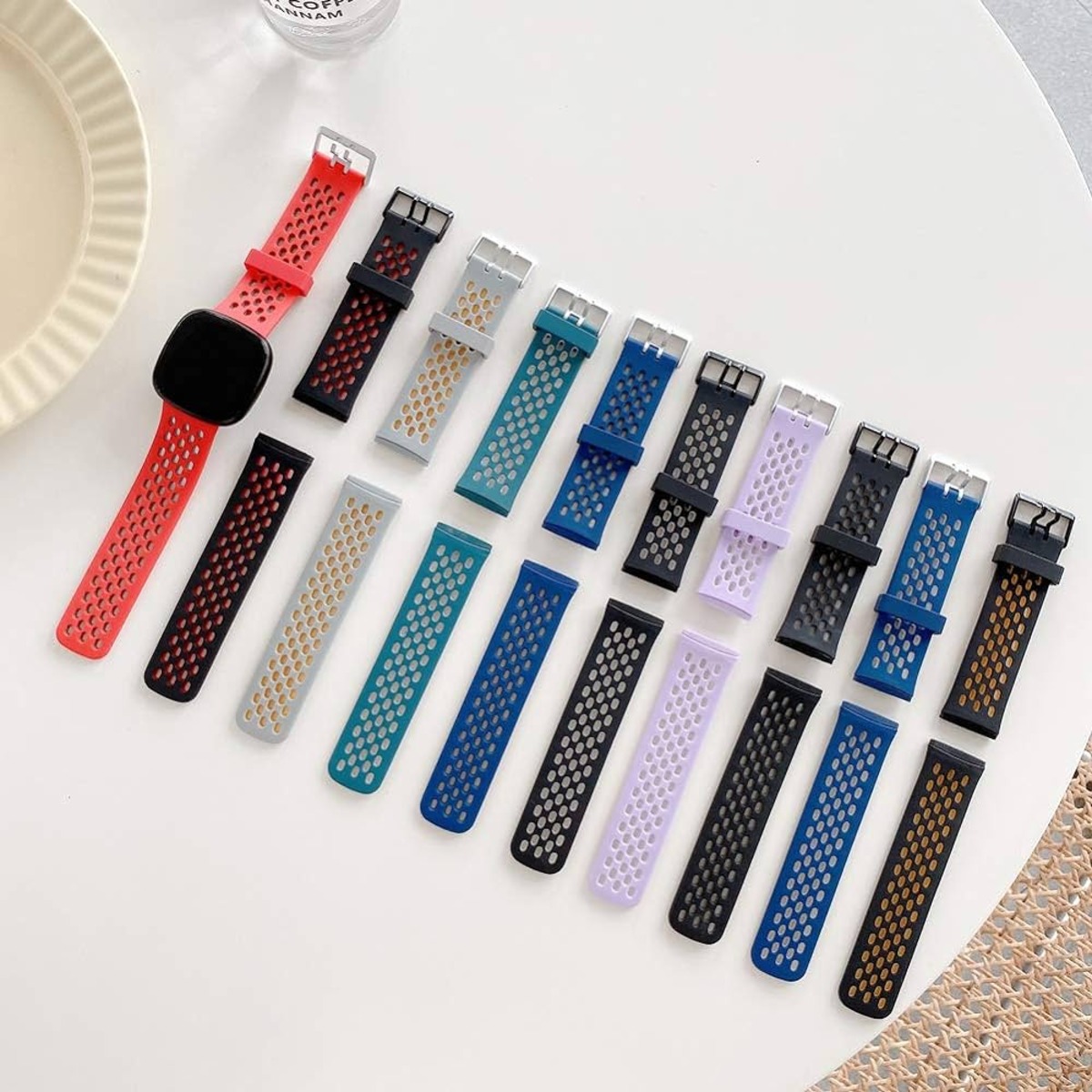
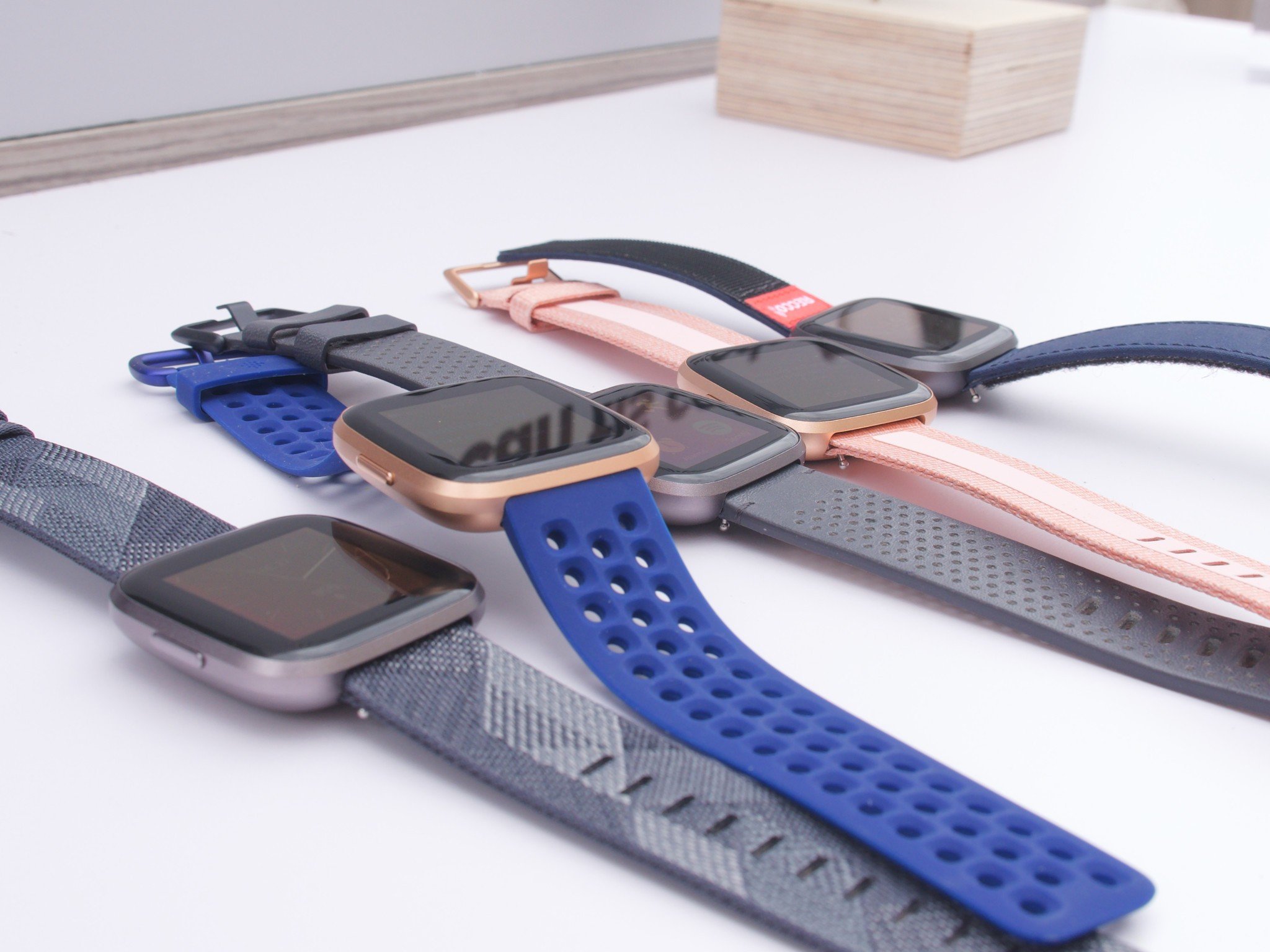
Straightforward guides for anyone who owns a Fitbit and needs to swap, remove, or reattach its strap. Whether you are upgrading to a new color, cleaning your device, or simply replacing a worn-out band, these articles are written for everyday users who want clear, step-by-step instructions without extra fluff.
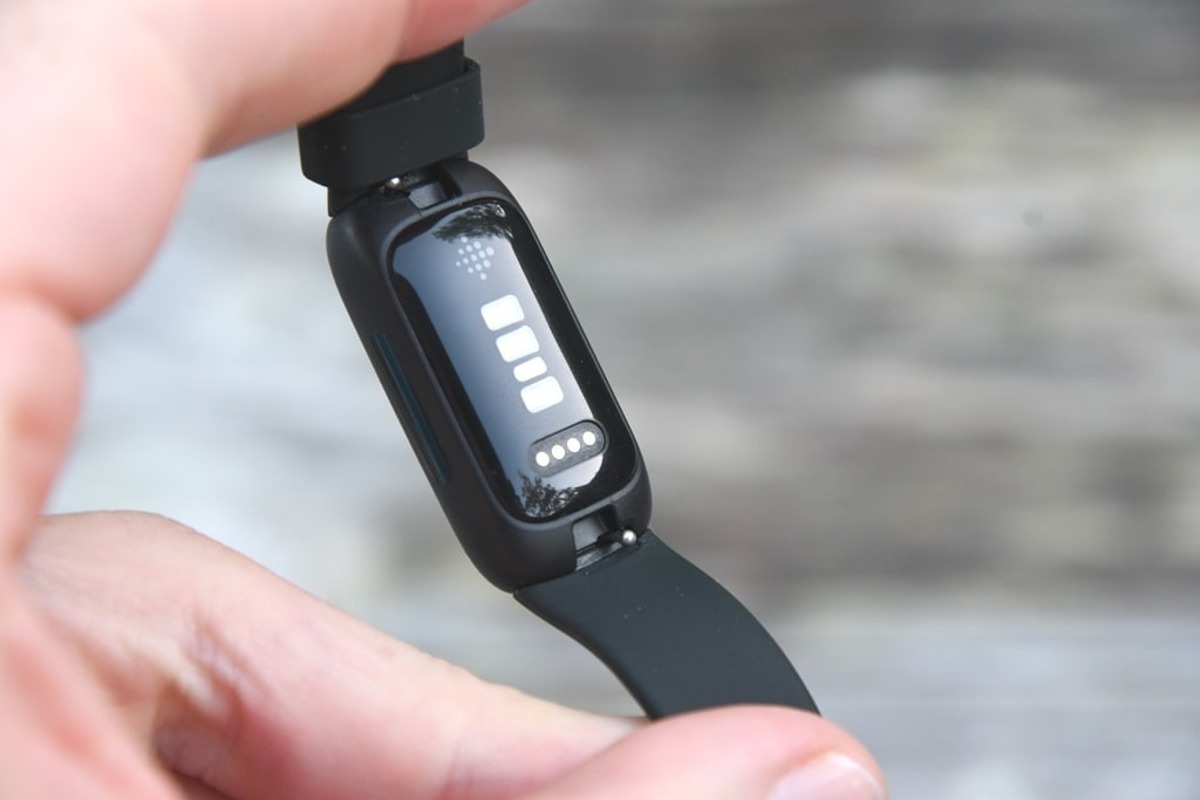
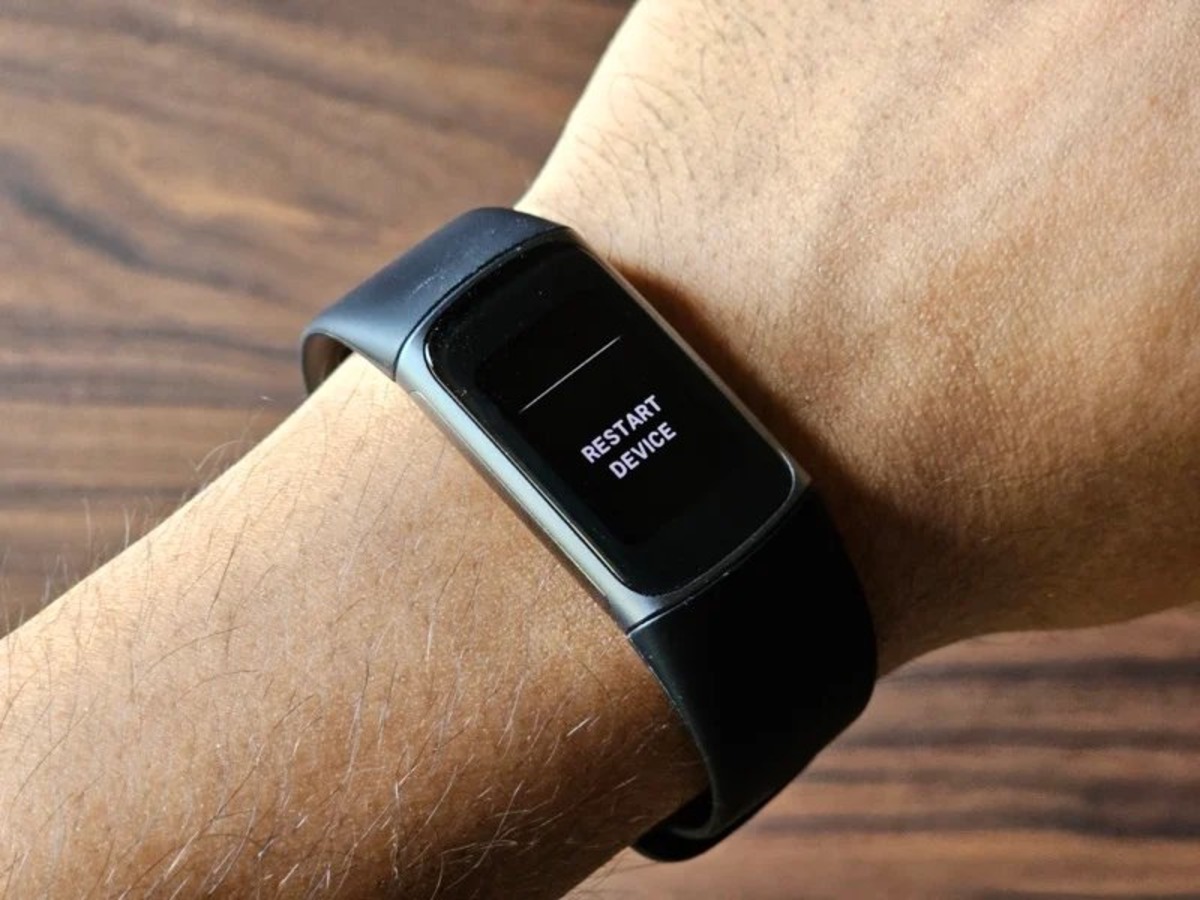
The articles here solve two main kinds of problems. First, they help with removal, showing exactly how to detach bands from specific models like the Fitbit Charge 5 and the Inspire 2 without damaging the tracker. Second, they cover full replacement steps, including how to change a Fitbit band on various models and how to remove Fitbit bands generally. A few articles also address related setup issues, such as restarting your Fitbit after a band change, ensuring the device works correctly with its new strap.
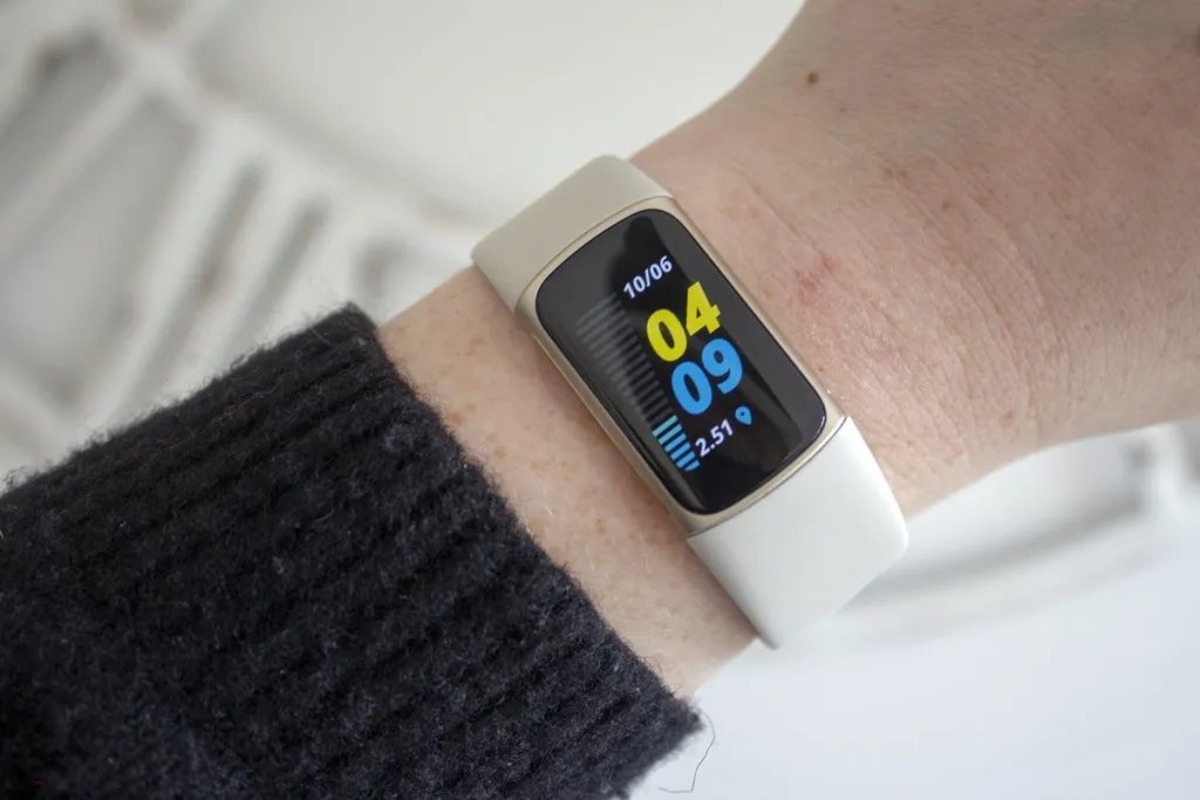
Specific topics you will find include how to remove the band from a Fitbit Charge 5, how to change the band on a Fitbit Inspire 2, and general guidance on removing and replacing Fitbit bands. Each guide focuses on the physical steps you need to take, so you can get your band swapped and your tracker back on your wrist quickly.