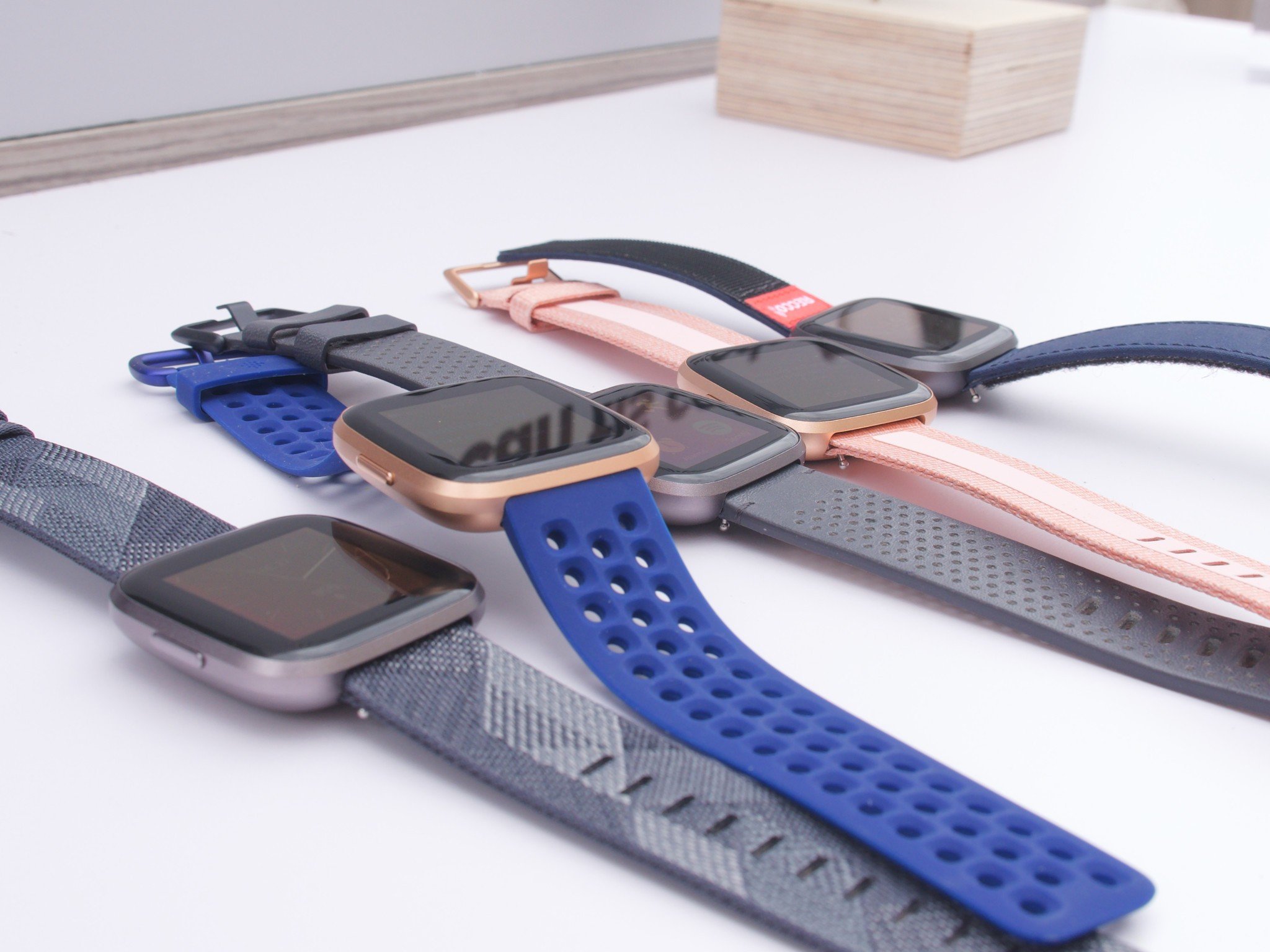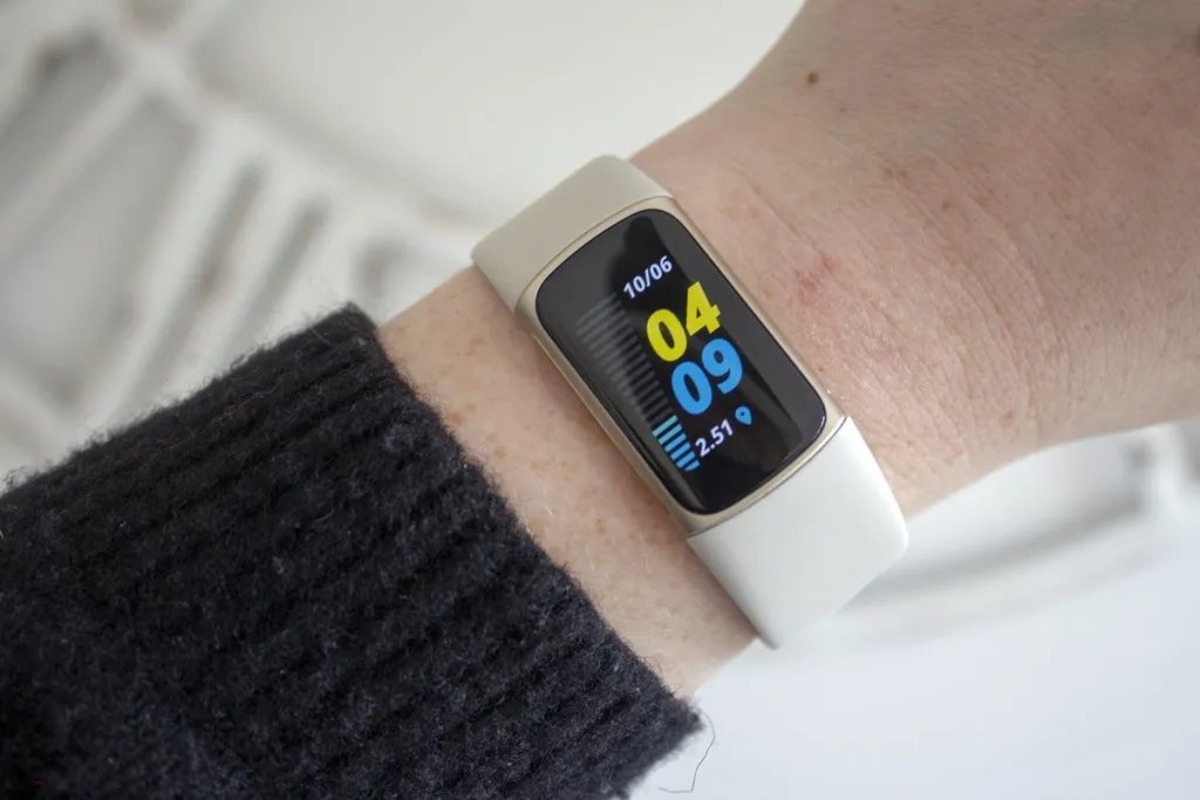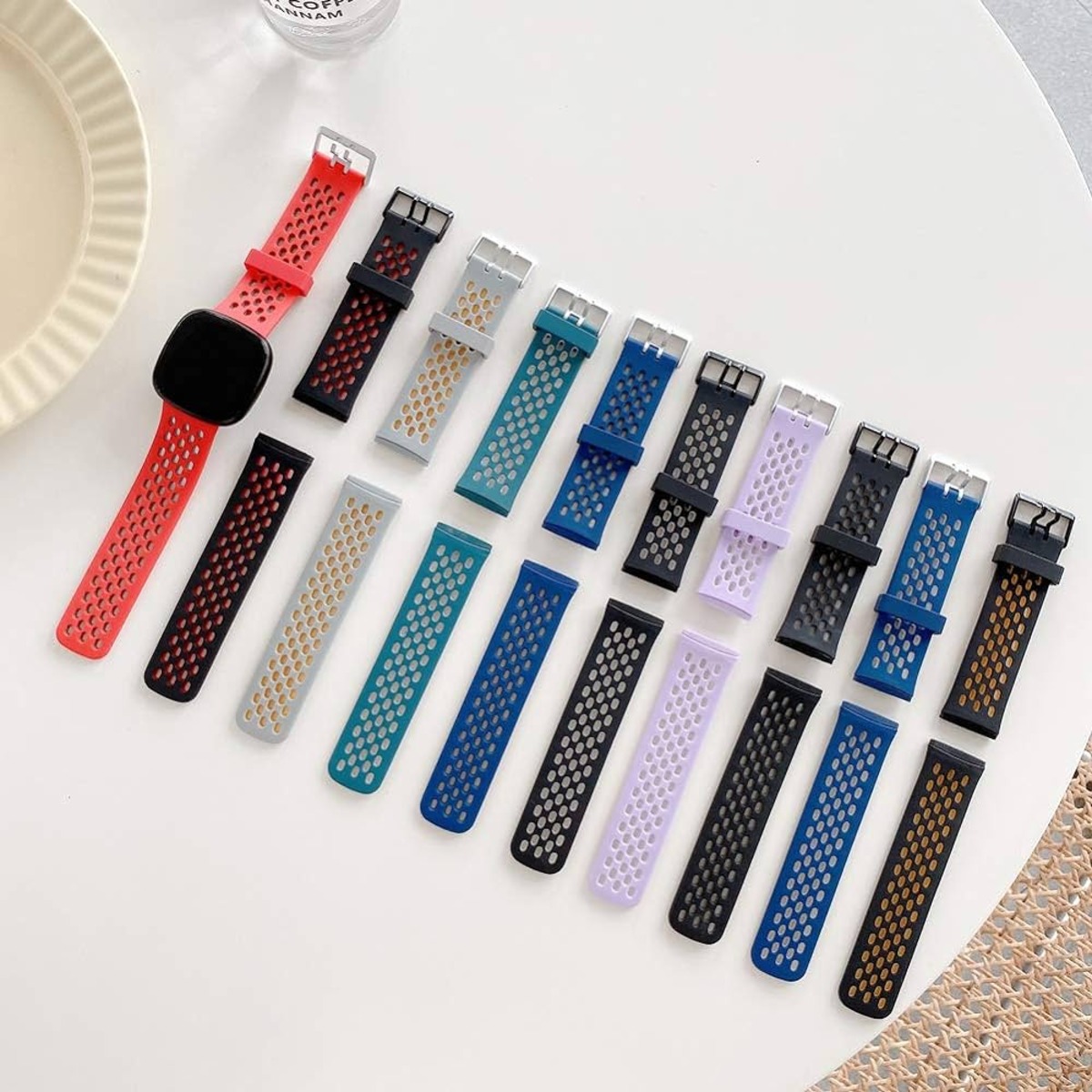
To remove Fitbit bands, you press the flat metal latch on the back of the device toward the band and slide it out, no app or phone is needed. This quick-release method works on most Fitbit trackers and watches, letting you clean the band or swap to a new one in seconds.
How to remove Fitbit bands: the quick-release method
Removing a Fitbit band is a physical action on the device itself: locate the latch on the underside, press it, and slide the band away. There is no app required.
Step 1: Turn the device over and find the band latch
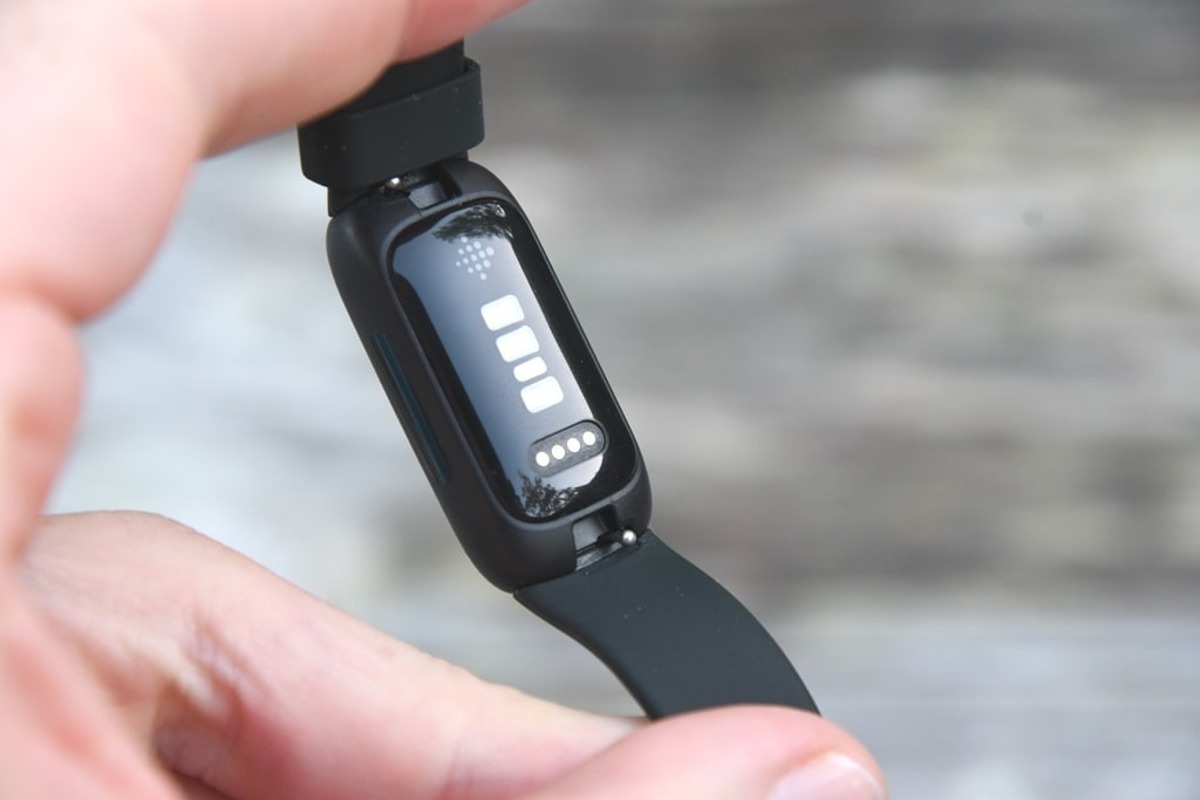
Flip your Fitbit over so you are looking at the back or underside. Where the band meets the tracker, you will see a flat metal release button or latch. On some models, this release button may be black instead of silver. Some Fitbit bands may have two release buttons located on each side of the tracker, requiring both to be pressed simultaneously.
Step 2: Press the flat button toward the band
Use your fingernail to press the metal latch or button down toward the band. This disengages the locking mechanism so the band can be removed.
Step 3: Slide the band away from the tracker
While holding the latch down, gently pull the band away from the tracker. If the band feels stuck, wiggle it back and forth slightly to release it. Some Fitbit bands may have a locking mechanism with additional buttons or levers that need to be pressed or lifted to release the lock if you encounter resistance. Be cautious of sensors or connectors on the underside of the band when sliding it out to avoid damage. Repeat these steps on the other side if you are removing both bands.
Step 4: Click a new band into place
Align the replacement band with the tracker, then press or slide it in until you hear or feel a click or snap. On some Fitbit models, the buckle band attaches to the top of the tracker. Inspect the removed band for cracks, tears, or other wear and replace if damaged.
Do you need the Fitbit app to change a band?
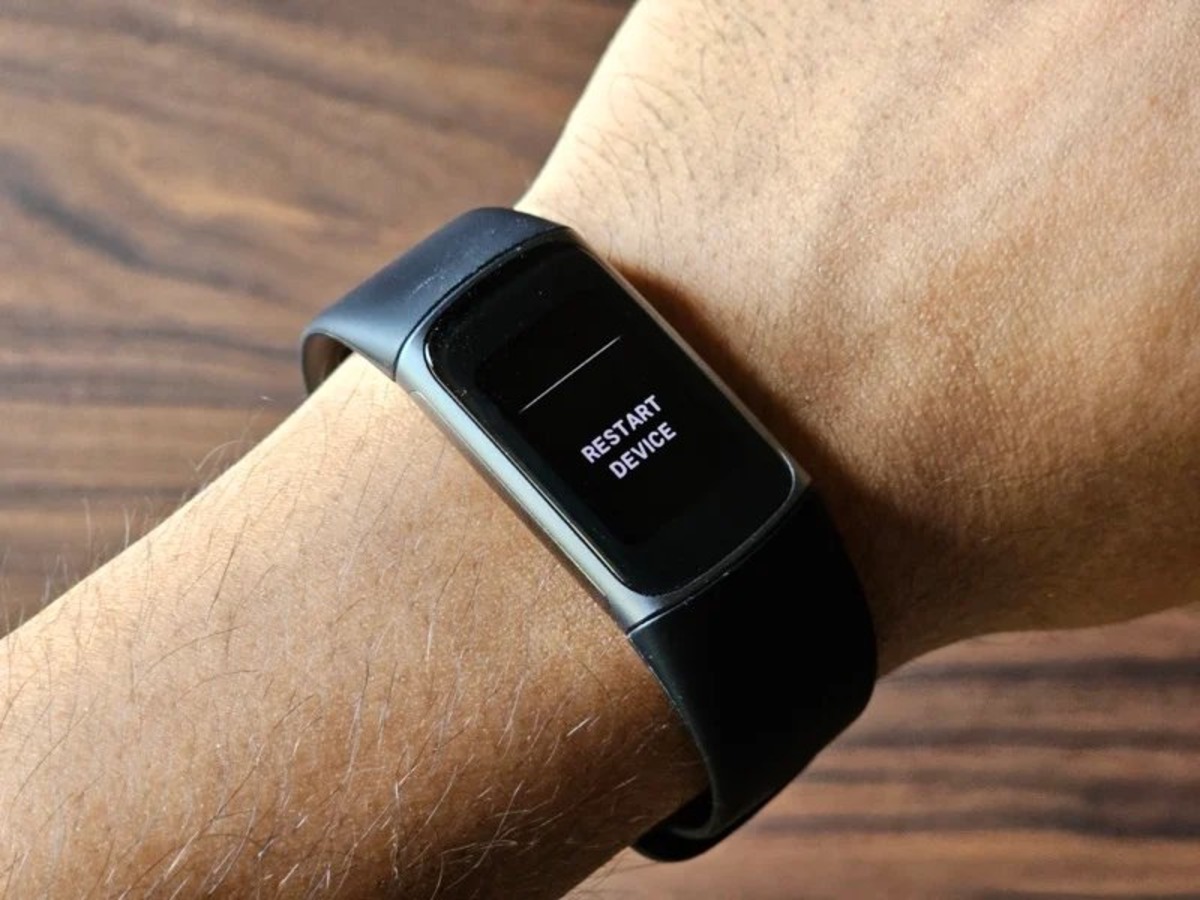
No. The band release is a physical mechanism on the device itself, so you do not need the Fitbit app, your phone, or any settings. If you ever need to troubleshoot your device after a band change, you can perform a restart Fitbit (How Do I Restart Fitbit) by following the device-specific instructions, but that is unrelated to the band removal process.
Frequently Asked Questions
Does removing the band void my warranty?
No, removing and swapping bands is a normal, intended use of the device and does not void the warranty as long as you follow the manufacturer's instructions.
Can I use any third-party band with my Fitbit?
Most third-party bands work as long as they are designed for your specific Fitbit model. However, ensure the band is high-quality to avoid damage to the latch mechanism.
Are the removal steps the same for all Fitbit models?
The general press-and-remove method applies to most Fitbit trackers and watches, including Charge models and Ace LTE. Some devices may have a black release button, but the process is the same.
How do I clean my Fitbit band after removing it?
Wash the band with mild soap and water if it is water-resistant, then dry it thoroughly before reattaching. Check your specific band's care guidelines for waterproof ratings.