Practical guides and troubleshooting articles for anyone who uses a phone for voice communication. Whether you are a new smartphone owner, someone dealing with a tricky call-blocking situation, or a user exploring advanced calling features, these articles are designed to help you solve real-world problems. The content focuses on making your phone work the way you need it to, without unnecessary complexity.
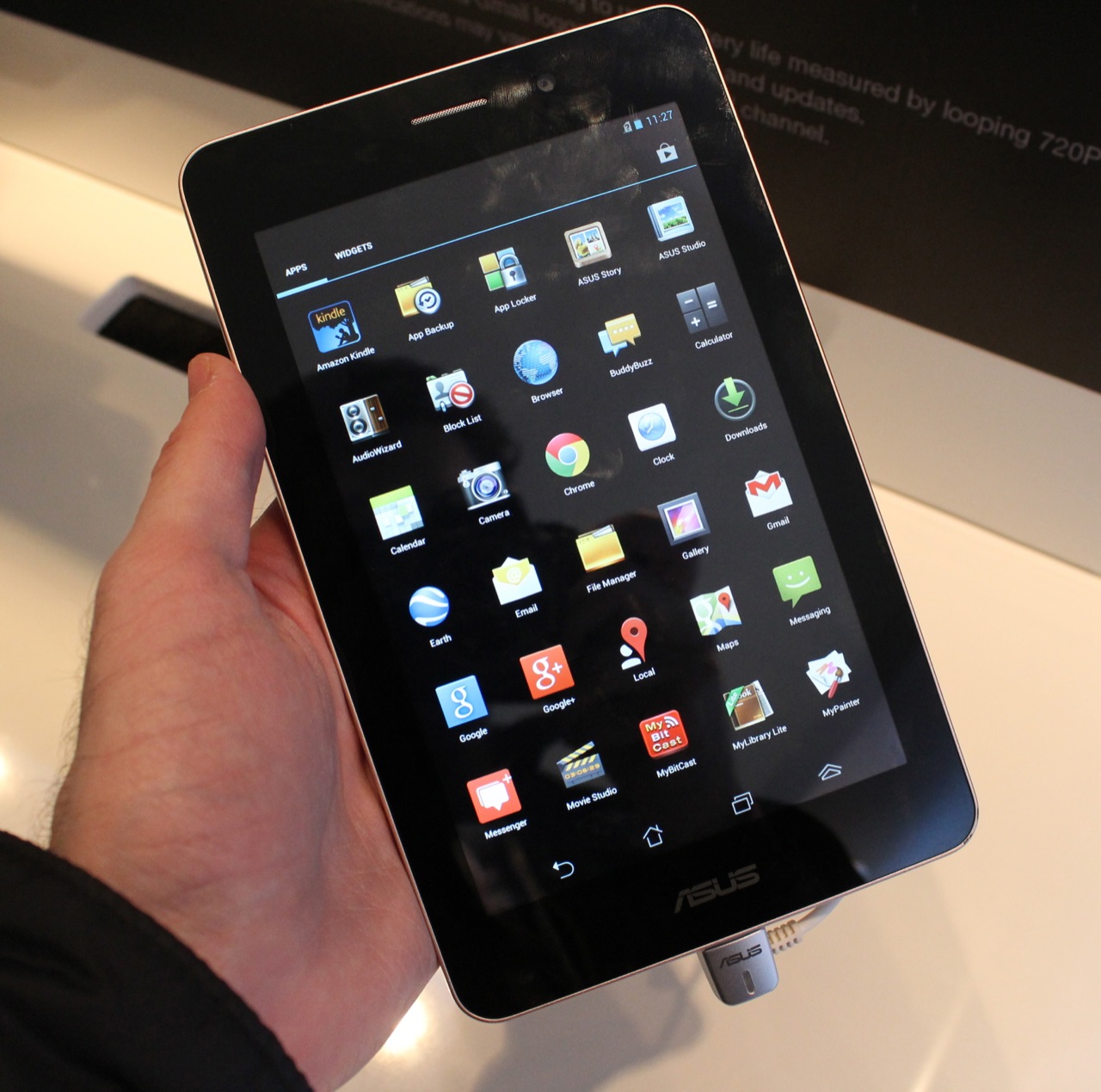
The articles here address two main themes: managing call settings and understanding basic phone functions. For example, you can learn how to take RTT (Real-Time Text) off your phone if you accidentally turned it on, or how to call someone when their phone is on Do Not Disturb. Other pieces help you understand what a SIM card actually does inside your phone, and what a Google Phone Number is and how it works. There are also guides for handling blocked calls, such as how to know if an Android user has blocked you, and how to use a tablet as a phone for calls.
Additionally, several articles cover hardware and accessory-related calling issues. You can find out how to mute a headset during a call, or learn what the auto-answer feature does and how to control it. For those just getting started, the tag also includes a basic overview of what a cell phone is and its primary uses. Each article is written to help you perform a specific task or fix a common annoyance, so you can get back to talking without frustration.