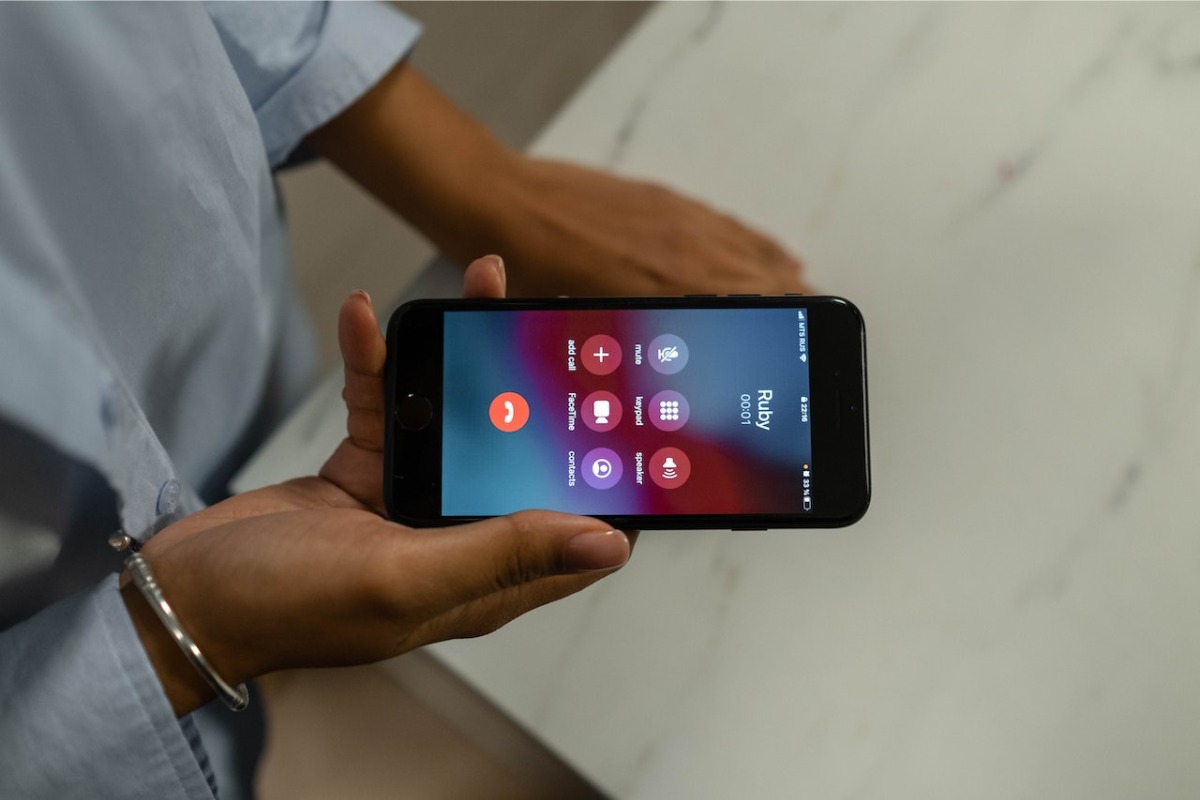
Auto-answer calls on iPhone is an accessibility feature that automatically answers incoming phone and FaceTime calls after a delay you set, routing the audio to your chosen device. This lets you take calls hands-free without needing to tap the screen, making it ideal for driving or when you have limited mobility.
What is auto-answer calls on iPhone?
Auto-answer calls is a built-in iPhone accessibility feature that picks up incoming calls automatically after a user-defined delay. Once enabled, the iPhone will answer both standard phone calls and FaceTime calls without any interaction, and you can choose where the call audio goes, your iPhone speaker, a Bluetooth headset, or a compatible hearing device. Auto-answer works for both phone calls and FaceTime calls.
How to set up auto-answer on iPhone
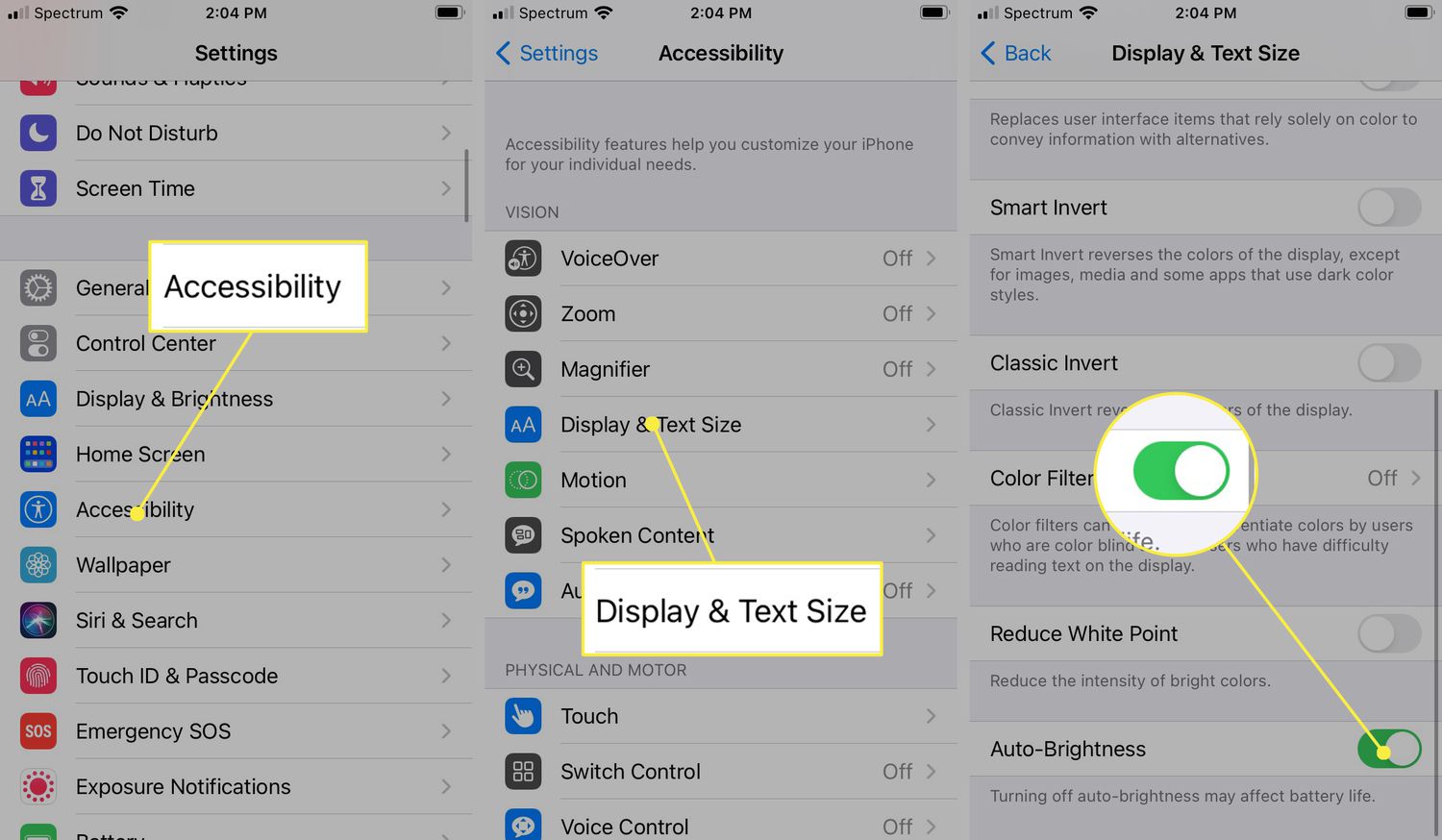
- Open the Settings app.
- Tap Accessibility.
- Tap Touch.
- Tap Call Audio Routing.
- Select your preferred audio destination (iPhone speaker, Bluetooth headset, or hearing device). The feature is configured in Settings > Accessibility > Touch > Call Audio Routing, and the audio destination must be chosen before enabling Auto-Answer Calls.
- Tap Auto-Answer Calls.
- Turn on the Auto-Answer Calls toggle.
- Set the delay by tapping the plus or minus controls to choose how long the iPhone waits before answering. The delay is set using plus or minus controls.
Once you set the delay, every incoming call will be answered automatically after that number of seconds, using the audio destination you selected.
Choosing your call audio destination
Before you turn on auto-answer, you must pick where the call audio goes. The three options are:
- iPhone speaker, Routes audio through the built-in speaker, useful when the phone is nearby and you don’t need privacy.
- Bluetooth headset, Sends audio to a paired Bluetooth device, ideal for hands-free use while driving or working.
- Hearing device, Routes audio directly to a compatible Made for iPhone hearing aid or cochlear implant processor.
Your choice stays active until you change it, so you can switch between options depending on your situation.
Who benefits from auto-answer?
Auto-answer is primarily an accessibility tool. People with limited hand or finger mobility can take calls without needing to tap the screen. It also helps when driving with a Bluetooth headset, so you never have to fumble with the phone to answer. Even if you just want to keep your hands free while cooking or working, auto-answer makes it possible. For example, you might use this feature to avoid interrupting a session of looking up mobile game cheat codes on your phone, letting calls connect automatically while you keep playing.
How to turn off auto-answer on iPhone
To disable auto-answer, go back to Settings > Accessibility > Touch > Call Audio Routing > Auto-Answer Calls and toggle the switch off. Calls will then require you to tap the screen to answer, as usual.
Frequently Asked Questions
Does auto-answer work with all iPhone models?
Apple documents auto-answer as an iPhone feature, but the official support page does not list specific model limits. It is available on any iPhone running iOS that includes the Accessibility > Touch > Call Audio Routing menu. The official Apple support page does not list supported-model limits or iOS version limits.
Can I set different delays for different contacts?
No. The auto-answer delay is a single global setting that applies to all incoming calls and FaceTime calls. You cannot customize it per contact.
Will auto-answer work if my iPhone is locked?
Yes. Auto-answer functions regardless of whether the iPhone is locked or unlocked, as long as the feature is enabled and the phone is receiving calls.
Does auto-answer interfere with Do Not Disturb or Silent Mode?
Auto-answer will still answer calls even if Do Not Disturb or Silent Mode is on, because it overrides the ringer setting. If you do not want calls answered during a focus mode, disable auto-answer first.
Can I use auto-answer with a wired headset?
The audio routing options are limited to iPhone speaker, Bluetooth headset, or hearing device. A wired headset connected to the Lightning or USB-C port is not listed as a destination in the Call Audio Routing menu.
Is auto-answer available on Android?
Apple documents this feature for iPhone only; no Android or carrier-specific equivalent is documented on the official page.
For the wider topic, see mobile game cheat codes.
Related reading: How To Take RTT Off Your Phone.