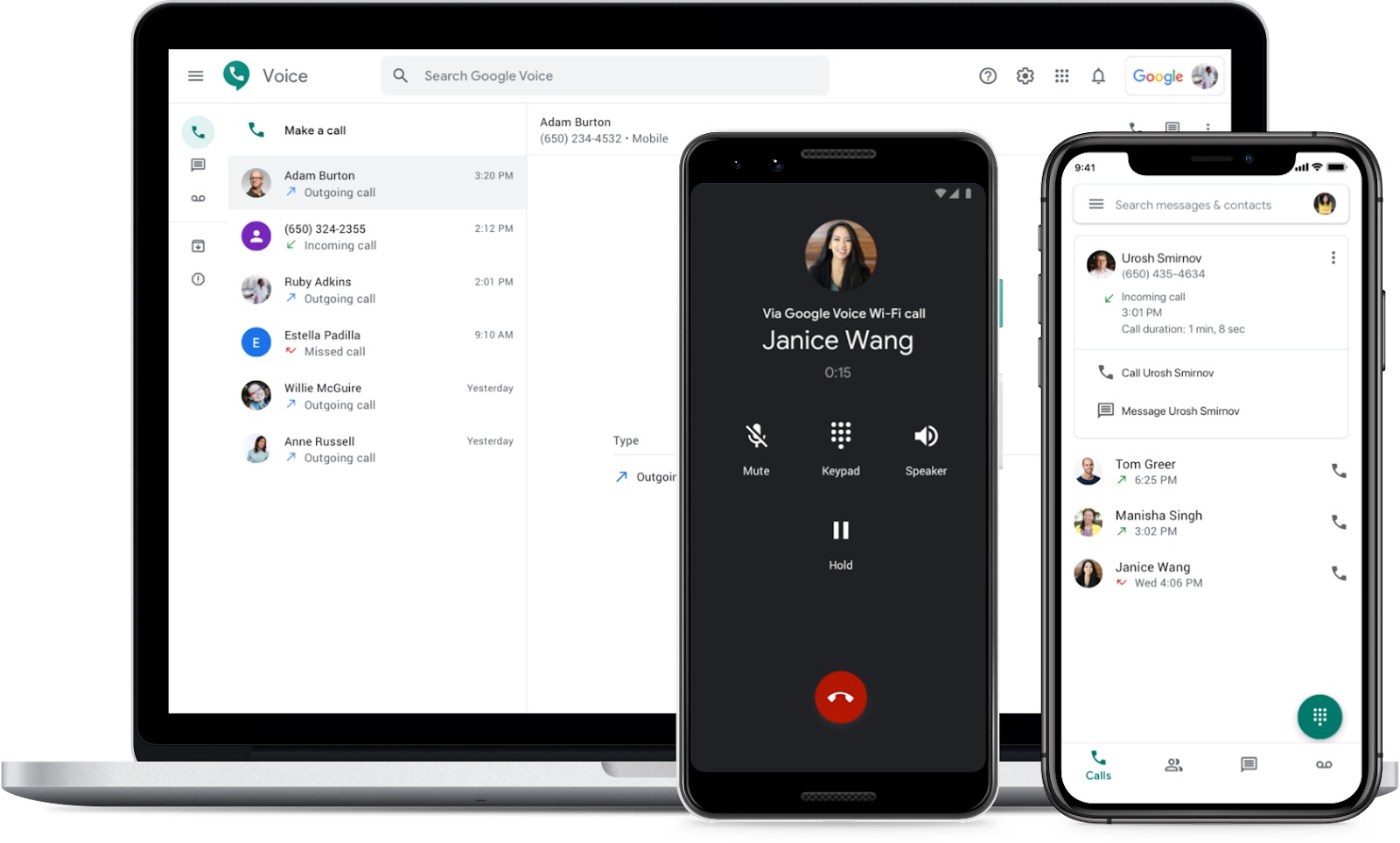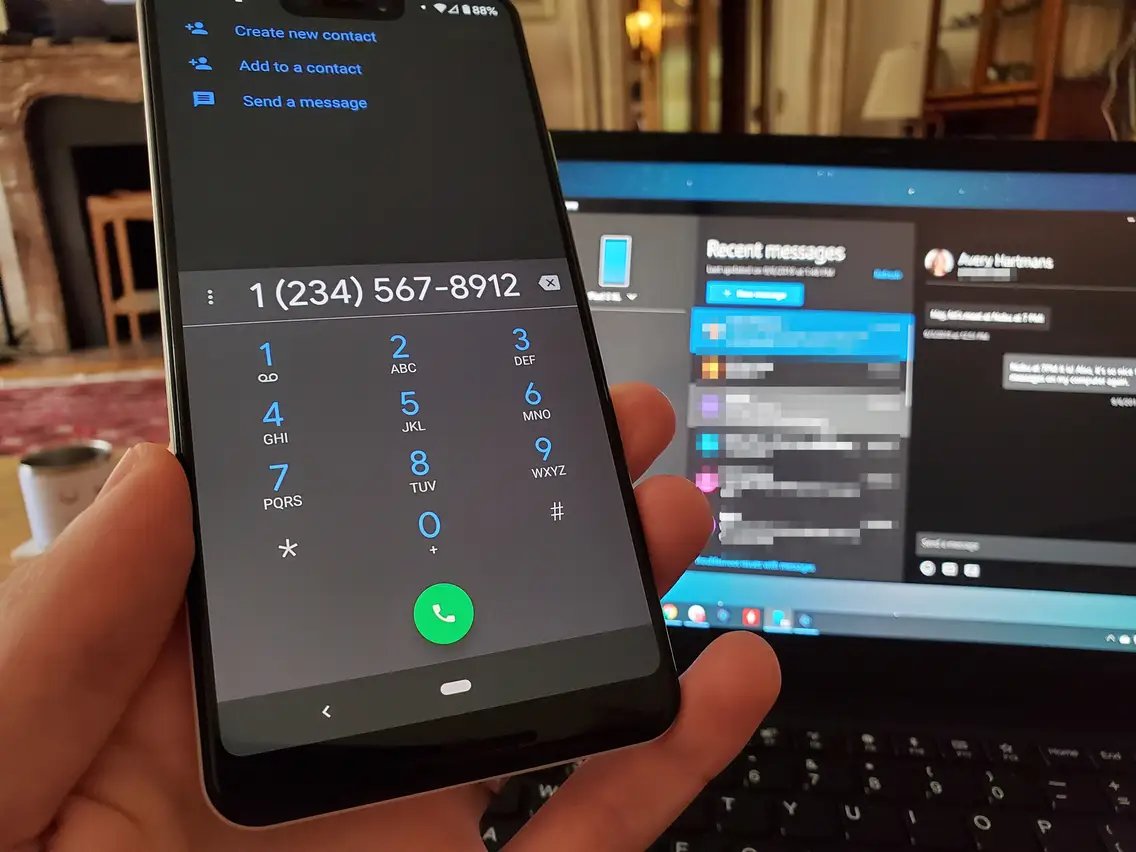
A Google phone number is a free virtual number from Google Voice that you can use for calls, texts, and voicemail across your devices. Instead of being tied to a physical SIM card or a single carrier line, this Google phone number works through the internet, so you can make and receive calls from your computer, Android phone, or iPhone. Its core benefit is portability: because the number is not locked to any carrier, you can switch mobile providers without changing the number people use to reach you.
What is a Google phone number?
A Google phone number is simply the number you choose when you set up Google Voice. Google Voice is a telecommunication service that gives you a dedicated number for calls, text messages, and voicemail, all accessible through the Voice app or on the web. The number itself is virtual, meaning it routes communication over the internet rather than through a traditional phone line. You can pick a number by city or area code, and if no numbers are available in your area, Google lets you try a nearby city or area code instead. This makes it a flexible option for personal use, remote work, or small business communication, especially if you want a single number that works across multiple devices without carrier restrictions.
How to get a Google phone number
Getting a Google phone number takes only a few minutes, and Google provides clear instructions for each platform. The process is essentially the same everywhere: sign in, accept the terms, search for a number, and select it. Note that Google Voice does not offer 1-800 numbers, so you will be choosing a standard geographic number. Also, on a computer, limited functionality may be available on platforms other than Chrome OS, macOS, and Microsoft Windows.
- On a computer, go to voice.google.com, sign in with your Google account, review the Terms of Service and Privacy Policy, and click Continue.
- Search for available numbers by city or area code, then click Select next to the number you want and follow the on-screen instructions.
- On Android, download the Google Voice app, open it, sign in, tap Continue, then tap Search to find a number by city or area code, tap Select, and follow the instructions.
- On iPhone or iPad, download the Google Voice app, open it, sign in, tap Accept, then tap Search to find a number, tap Select, and follow the on-screen instructions.
Once you select a number, you will be prompted to link it to an existing phone line for verification and forwarding. After that, your Google phone number is ready to use immediately.
How does a Google phone number work?
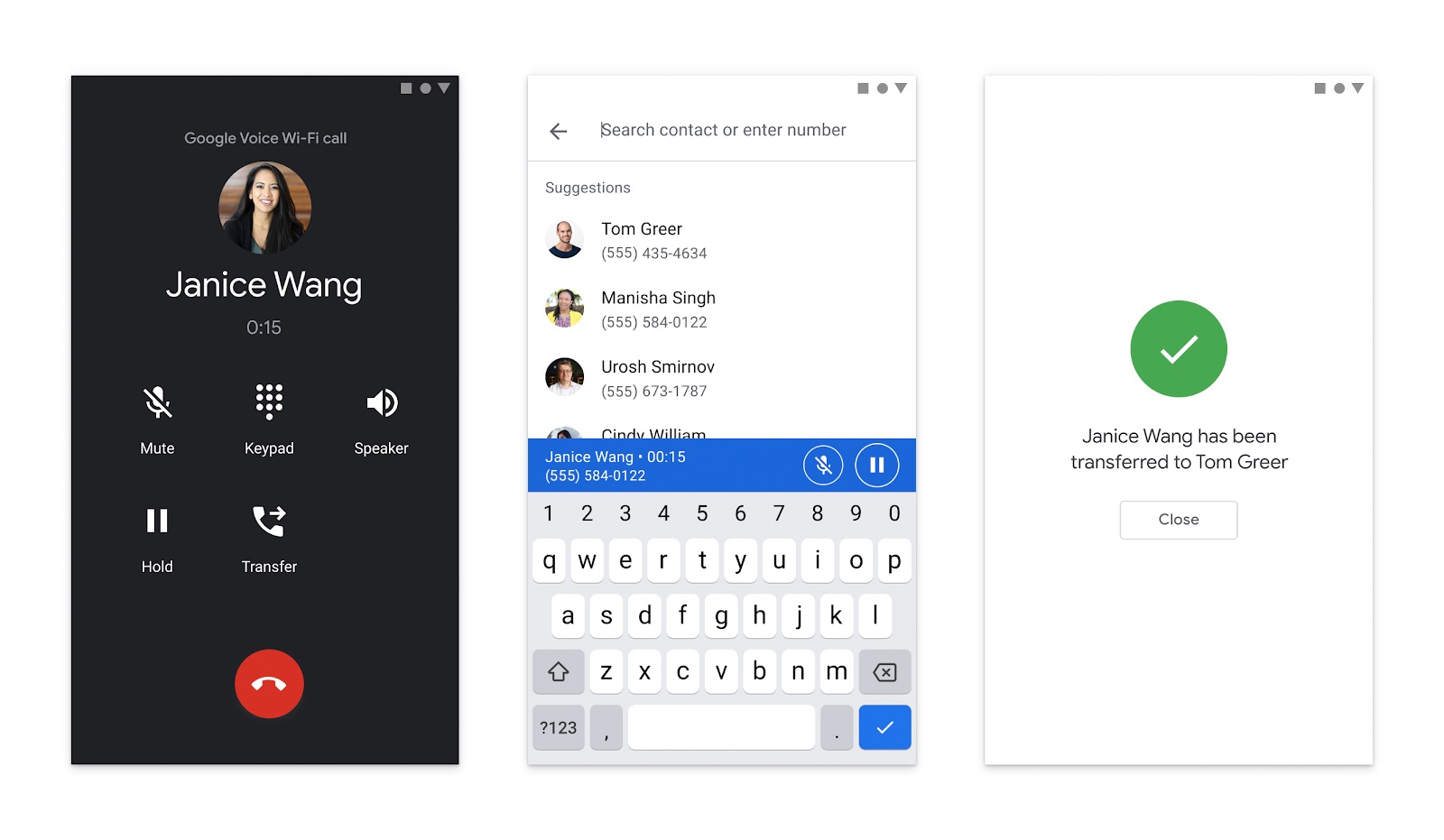
The core mechanic is simple: calls, texts, and voicemail flow through your Google Voice number instead of your carrier number when you use the Voice app or set up forwarding and calling preferences. When someone calls your Google phone number, Google Voice routes the call over the internet to your linked devices. You can answer on whichever device is most convenient at the moment, your phone, tablet, or computer, and the call history stays synced across all of them. This is especially useful if you move between a desk phone, a mobile phone, and a laptop throughout the day.
For Google Voice calling on Android, there is a separate setup path for making and receiving calls, with settings located under Menu > Settings in the app. This is where you configure how calls are placed and received, including whether to use the Voice app for all calls or only for specific ones. On iPhone and iPad, the same help topic exists, and the setup path also starts in the Voice app and goes to Menu > Settings. For account details on Android, your Voice number appears under Menu > Settings > Account.
Call routing can be customized to ring multiple devices at once or in a specific order. This means you can have your Google phone number ring your office phone, personal cell, and home computer simultaneously, ensuring you never miss an important call. The internet-based nature of the service also means you can use it anywhere with a data connection, not just where you have cellular coverage.
Key features of a Google phone number
Google Voice comes with a robust set of features that go beyond basic calling. These are the verified capabilities you can expect from your Google phone number, along with the settings paths Google documents.
Call routing and forwarding
You can direct calls to your Google Voice number to multiple devices. On Android, this is configured under Voice app > Menu > Settings. The same help topic exists for iPhone and iPad, with the setup path also starting in the Voice app and going to Menu > Settings. This lets you decide which devices ring and in what order, giving you full control over how you receive calls.
Voicemail transcription
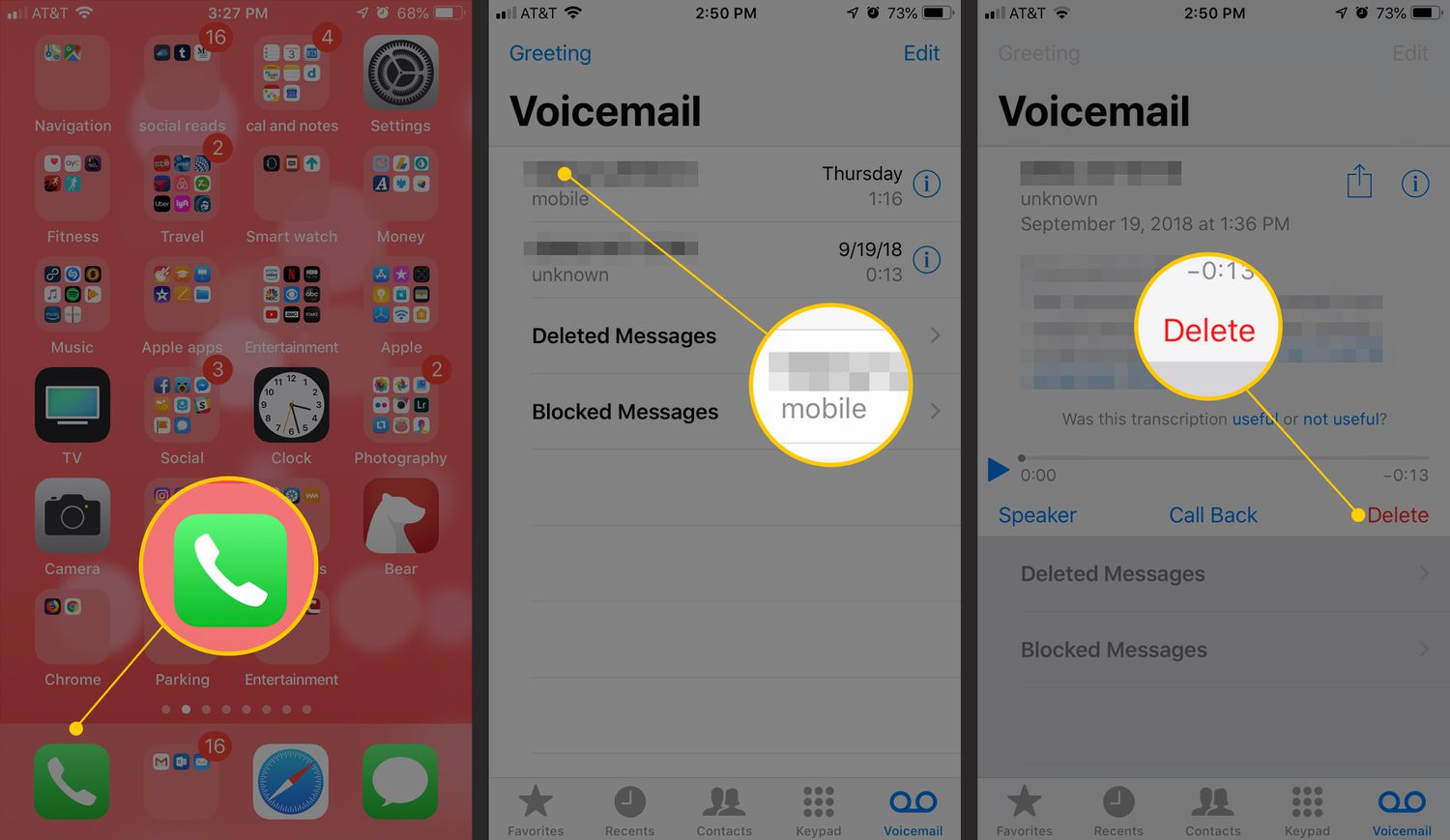
Voicemail can be checked directly in Voice on computer and Android. To manage voicemail settings, go to voice.google.com or open the Voice app and navigate to Settings. This is where you can review your voicemail inbox and adjust how voicemail is handled.
Call screening and blocking
Google documents call screening on Android under Voice app > Menu > Settings > Calls > Screen Calls. When call screening is on, all calls to your Voice number are screened on all your devices, so you can hear who is calling before you decide to answer. Google Voice also includes help topics for blocking calls and messages or marking them as spam, giving you tools to filter unwanted communication.
Text messaging
Your Google phone number supports text messaging, allowing you to send and receive SMS messages from the Voice app or on the web. This keeps your text conversations in the same place as your call history and voicemail, so you do not need to switch between separate apps to stay on top of communication.
Conference calling
Google Voice supports conference calling, allowing users to host multi-party calls.
Do Not Disturb mode
Google Voice has a Do Not Disturb mode to temporarily silence incoming calls and messages.
Integration with Google Workspace
If you have a Google Voice for Google Workspace account managed by your work or school, you must contact your administrator to port your number. This integration means your Google phone number can work within the same ecosystem as Gmail and Google Calendar, making it easier to manage communication alongside your other productivity tools.
Customizable voicemail greetings
You can personalize your voicemail greeting to match your professional or personal style. Voicemail management is confirmed in Google Voice, including checking voicemail and adjusting greeting settings, so callers hear exactly the message you want them to hear.
Number porting
If you already have a phone number you want to keep, Google Voice supports porting it to the service. Number porting to Google Voice involves a one-time fee. This is especially useful for businesses that want to retain an established number while gaining the flexibility of Google Voice and internet calling. The porting process lets you move your existing number without forcing your contacts to update their address books.
Spam call filtering
Google Voice includes spam call filtering to identify and mitigate unwanted or fraudulent calls. By leveraging Google’s algorithms and database of known spam numbers, the service helps you avoid potential scams and disruptions caused by unsolicited calls, contributing to a more secure communication environment.
Frequently Asked Questions
Can I use my Google phone number for international calls?
Yes, Google Voice supports international calling at affordable rates. You can make calls to international numbers and receive calls from abroad, making it a convenient option for staying connected globally without using your carrier’s expensive roaming plans.
Is a Google phone number free?
Yes, getting a Google phone number is free. You only pay for international calls if you make them, and there is a one-time fee if you choose to port an existing number into Google Voice. Domestic calls within the US and Canada are included at no cost.
Can I have more than one Google phone number?
No, a single Google account can only have one Google Voice number. If you need multiple numbers, you would need to use separate Google accounts, each with its own Voice number and settings.
Does my Google phone number work on all devices?
Your Google phone number works on any device where you can install the Google Voice app or access voice.google.com. This includes Android, iPhone, iPad, and computers running Chrome OS, macOS, or Microsoft Windows. Limited functionality may be available on other platforms, but the core calling and messaging features work across these main devices.
Related reading: How To Verify A YouTube Account Without A Phone Number and How To Use Telegram Without A Phone Number.