Practical guides for anyone dealing with the everyday power and connectivity needs of their phones, wearables, and accessories. Whether you are troubleshooting a stubborn Fitbit, figuring out car charging without a cigarette lighter, or checking if your USB-C cable can handle data, these articles are written for the hands-on user who wants clear, step-by-step solutions.
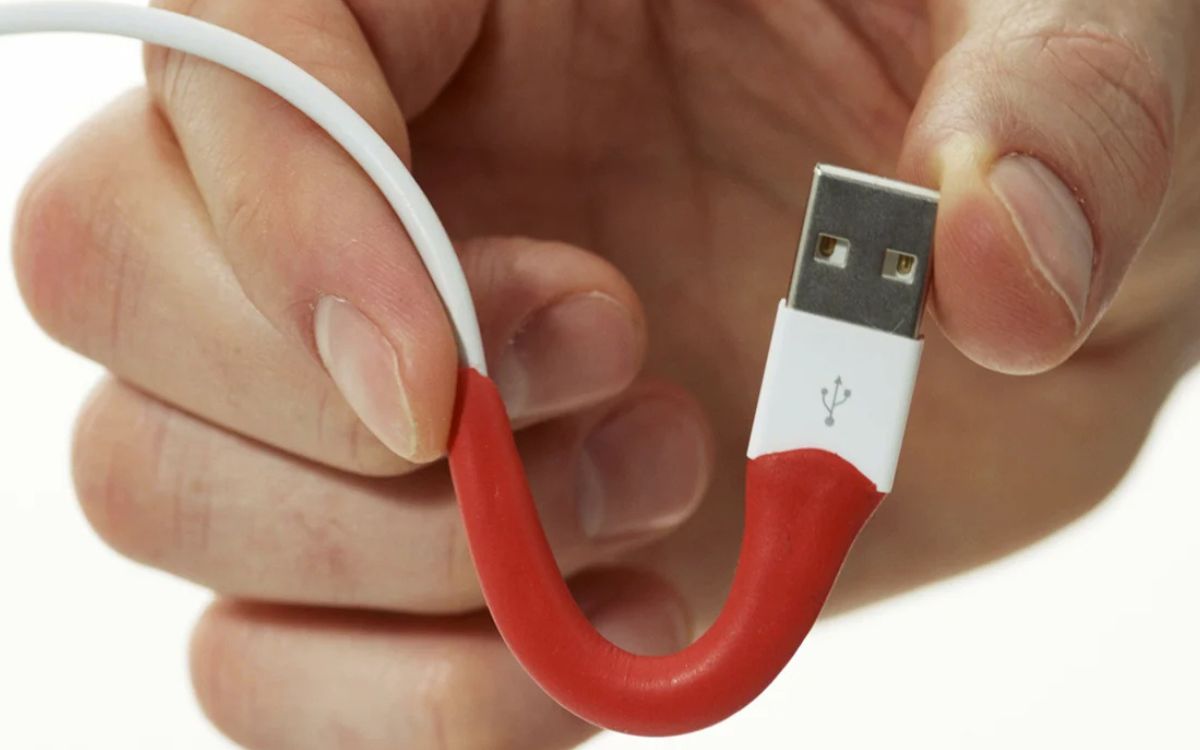
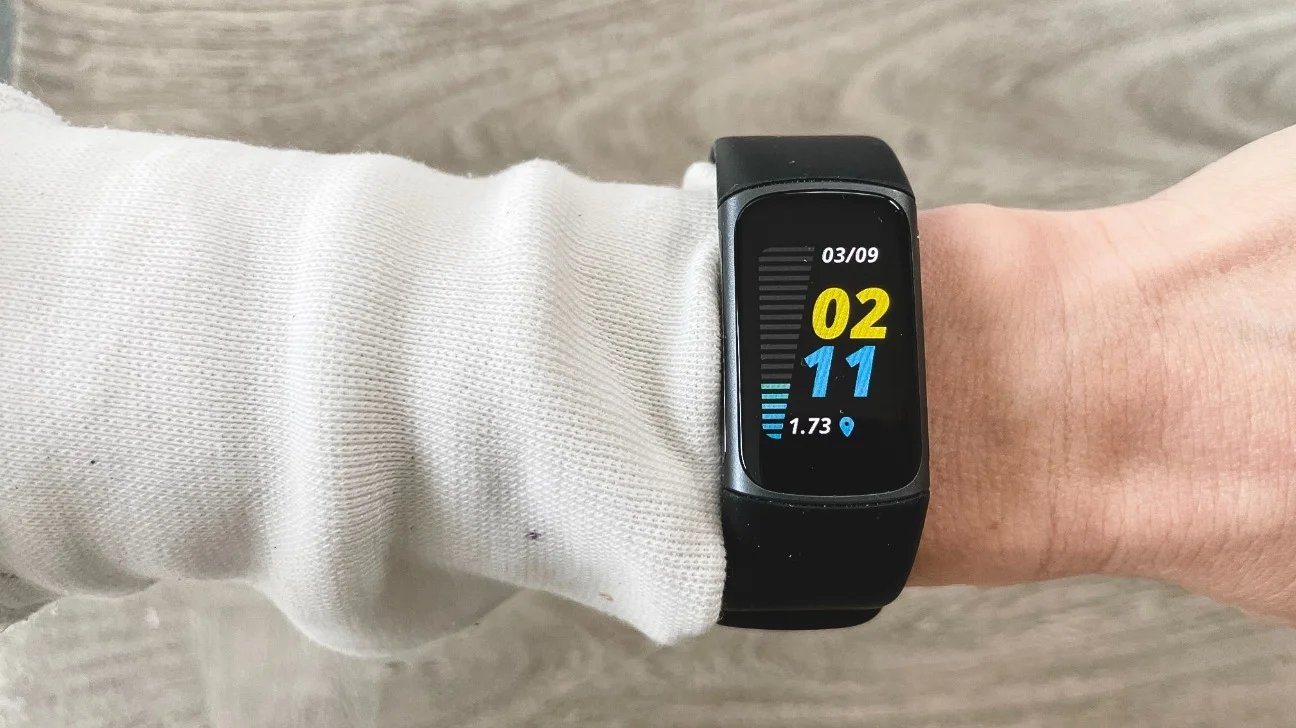
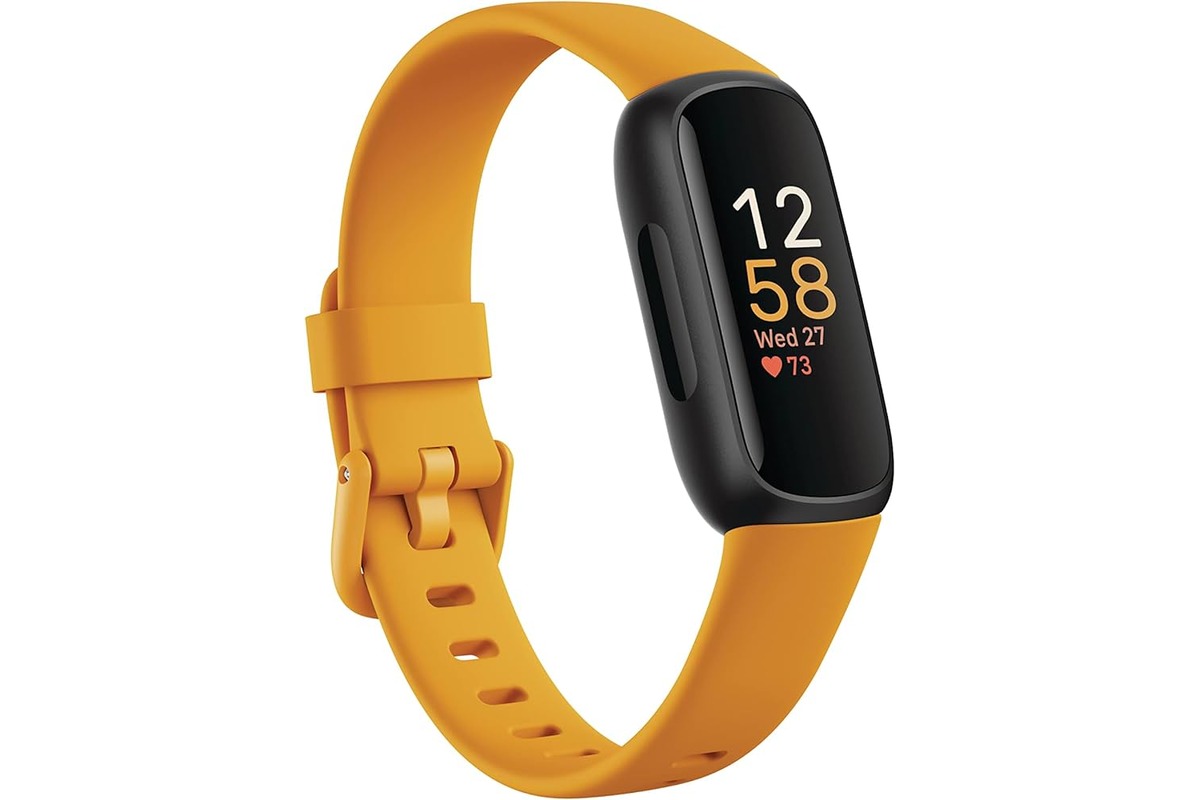
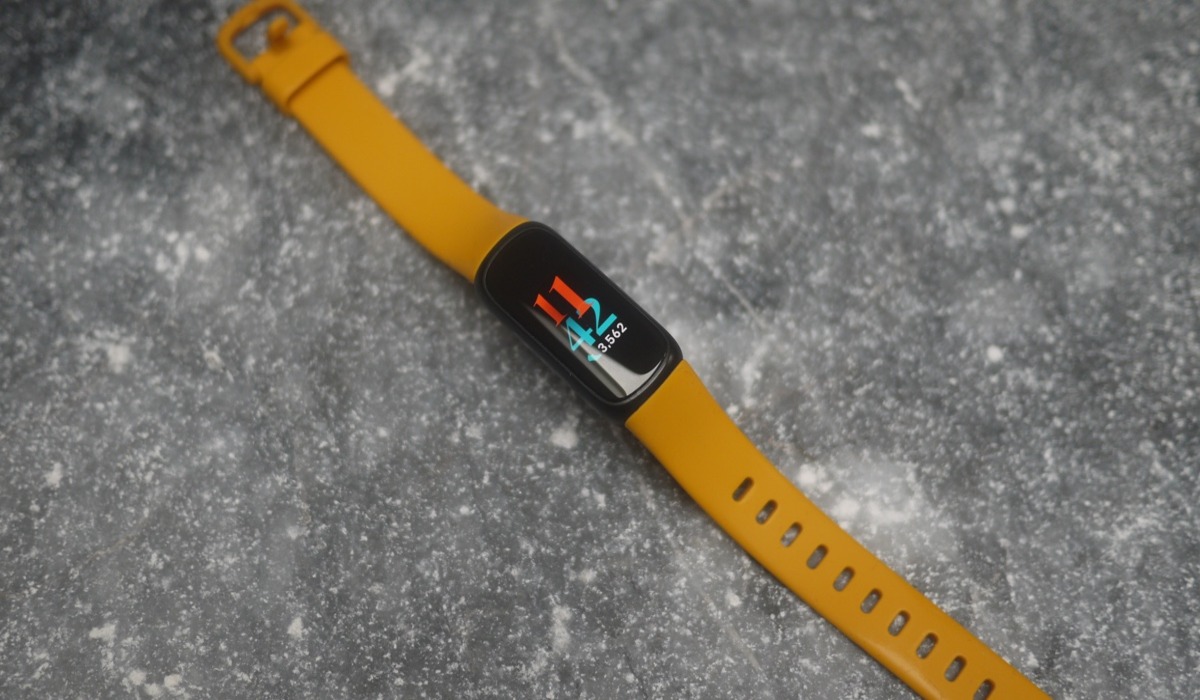
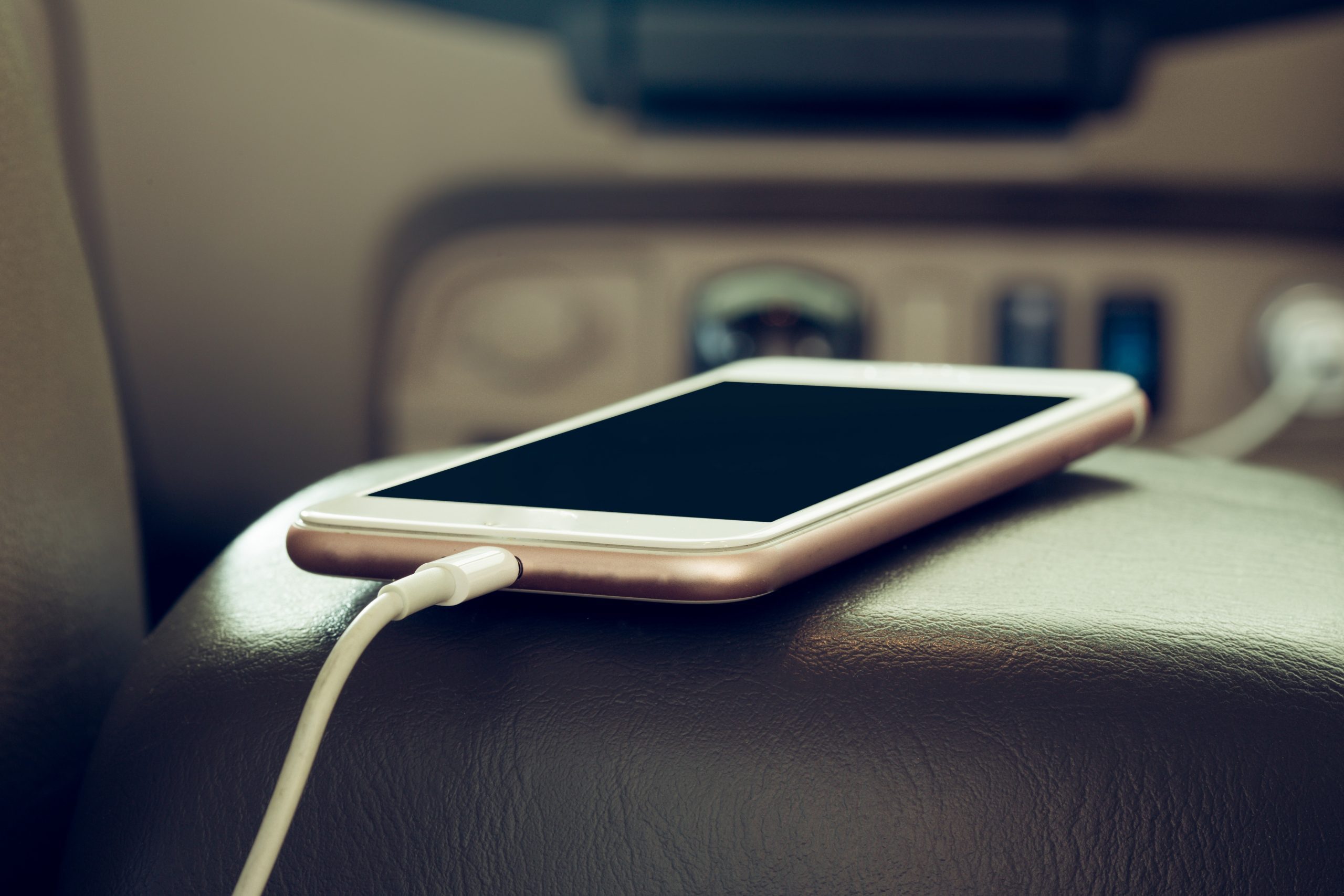
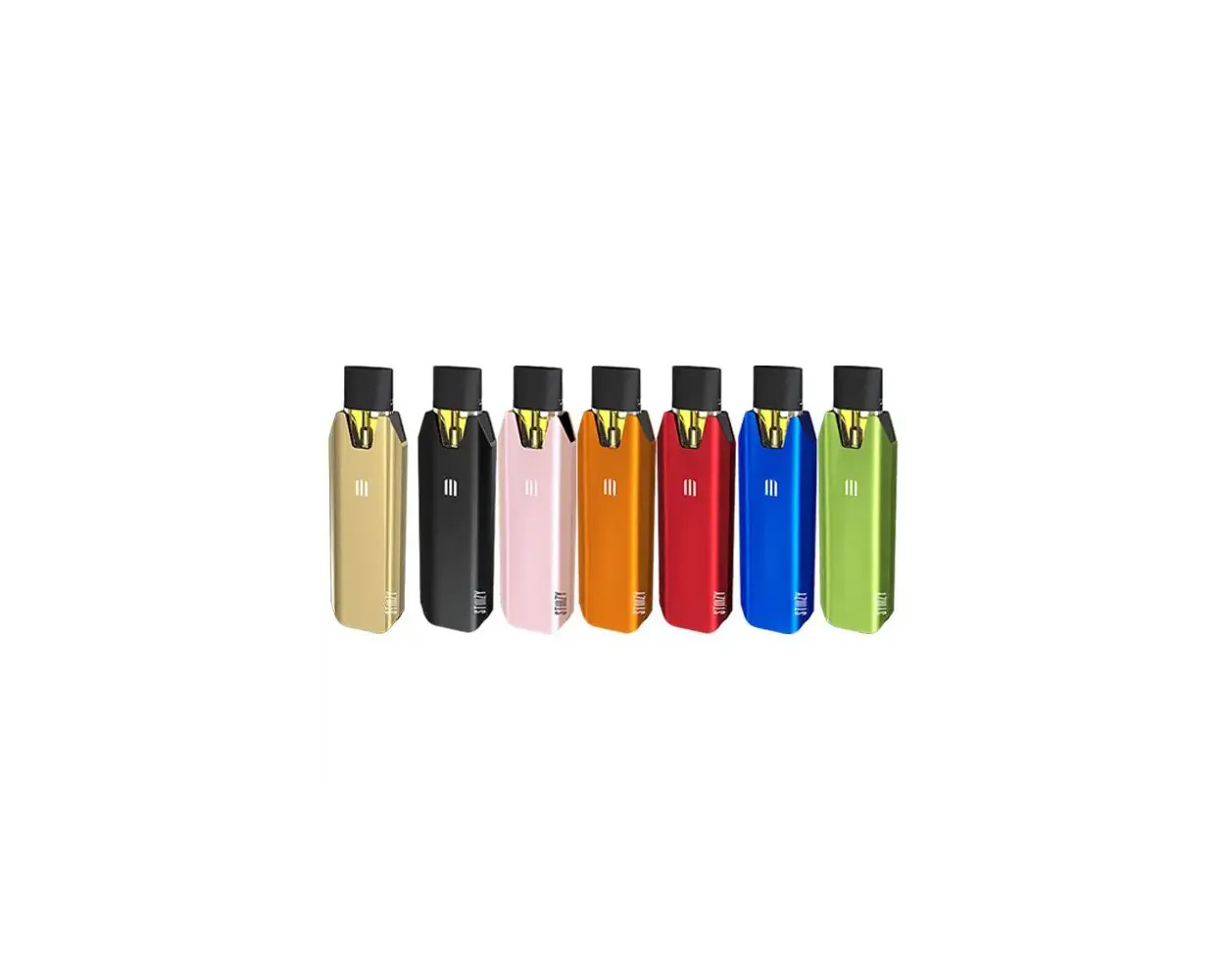
The articles here solve two main kinds of problems: getting devices to charge when the usual method isn’t working, and fixing or understanding charging hardware. For example, you can learn how to charge a phone in a car without a cigarette lighter, how to repair a USB charger, and even how long the Tesla Mobile Connector actually is. On the wearable side, the tag covers how to restart a Fitbit Luxe or Inspire 3, and where to find the reset button on a Fitbit Charge 5. There is also a guide on how to charge a Stiiizy battery, showing the range of devices this tag supports.
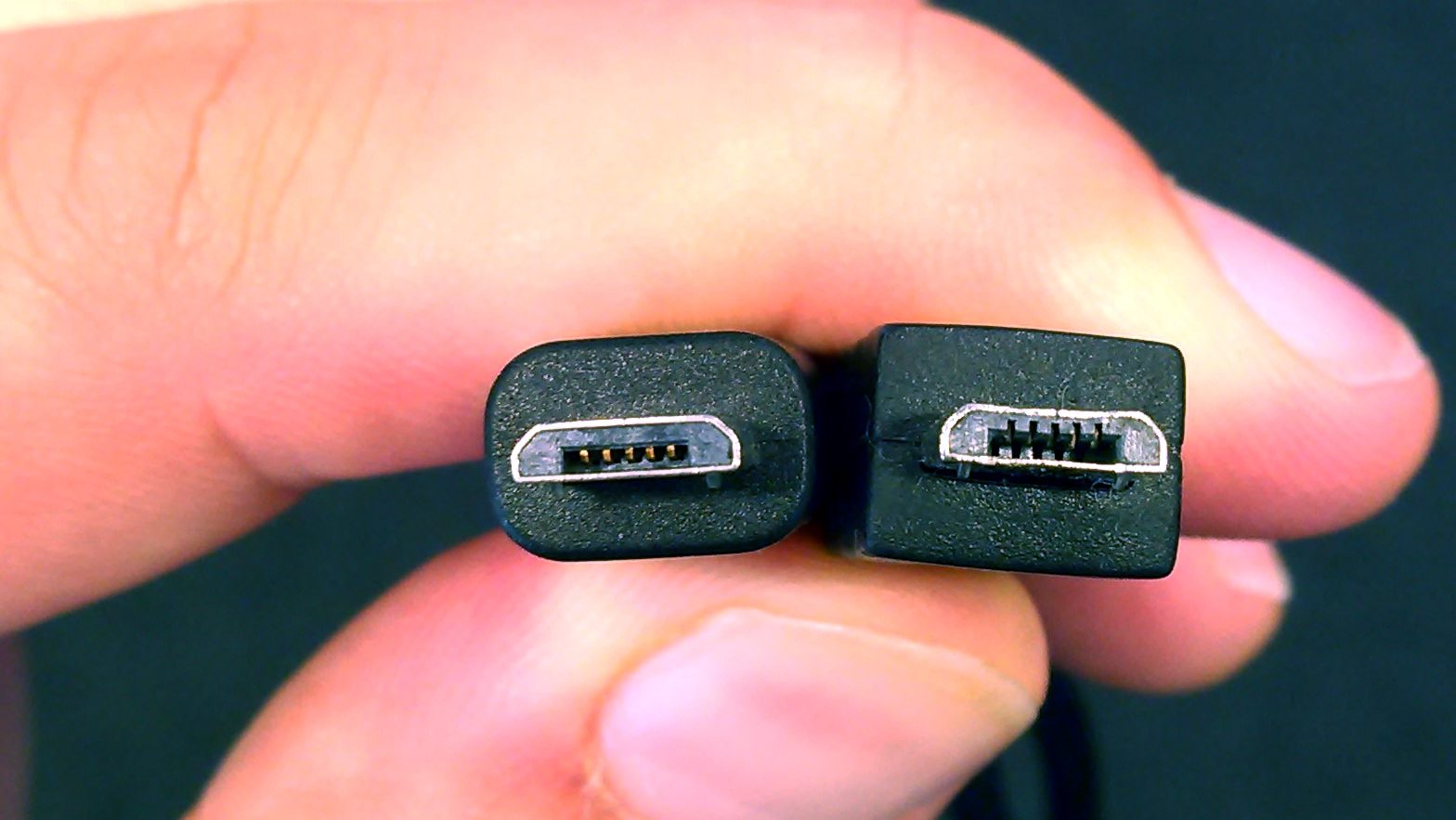
Ultimately, these articles help you do real things: identify a cable’s data-transfer capability, revive a non-responsive fitness tracker, and keep your essential gadgets powered up in less obvious situations. No fluff, just the fixes and settings you need.