This tag collects articles specifically for Cricket Wireless customers who need straightforward, practical help managing their service and devices. Whether you are a new subscriber, considering a change, or troubleshooting an existing phone, these guides are written for the everyday user who wants clear, step-by-step instructions without unnecessary complexity.

The articles address two main areas of need: account and plan management, and device setup or reset. For account changes, you can learn how to cancel your Cricket phone plan, change your phone number, or even buy a Cricket phone without committing to a plan. For device handling, the guides explain how to activate a new Cricket phone, reset a Cricket Android phone to factory settings, and add a hotspot to your Cricket line. Each piece focuses on a single, specific task so you can find the exact solution you need.

These articles help you take direct action: you can cancel a service you no longer want, switch to a new number, or set up a phone you bought elsewhere. They also walk you through resetting a device to fix performance issues or prepare it for a new user, and they show you how to enable mobile hotspot access. No fluff, no extra topics, just the essential steps for the most common Cricket tasks.
How To Reset A Cricket Android Phone

To reset a Cricket Android phone, you must first decide which type of reset solves your problem, as each option affects your data differently. A factory reset erases everything and...

How To Activate New Cricket Phone

To activate a new Cricket phone, visit cricketwireless.com/activate and follow the online steps. Whether you bought your phone from Cricket, a retailer, or are bringing your own device, the activation...

How To Change My Cricket Phone Number

To change my Cricket phone number, you must contact Cricket Customer Support directly, this is the single, verified method. Your account must be active to proceed, and the change takes...

How To Buy A Cricket Phone Without Plan

You can buy a Cricket phone without a plan, but only if the specific phone you choose is sold outright with no activation requirement. Cricket sells phones with no contract,...

How To Cancel Cricket Phone Plan

To cancel a Cricket phone plan, you have two options: stop paying and let the account expire after 60 days, or port your number to a new carrier for immediate...

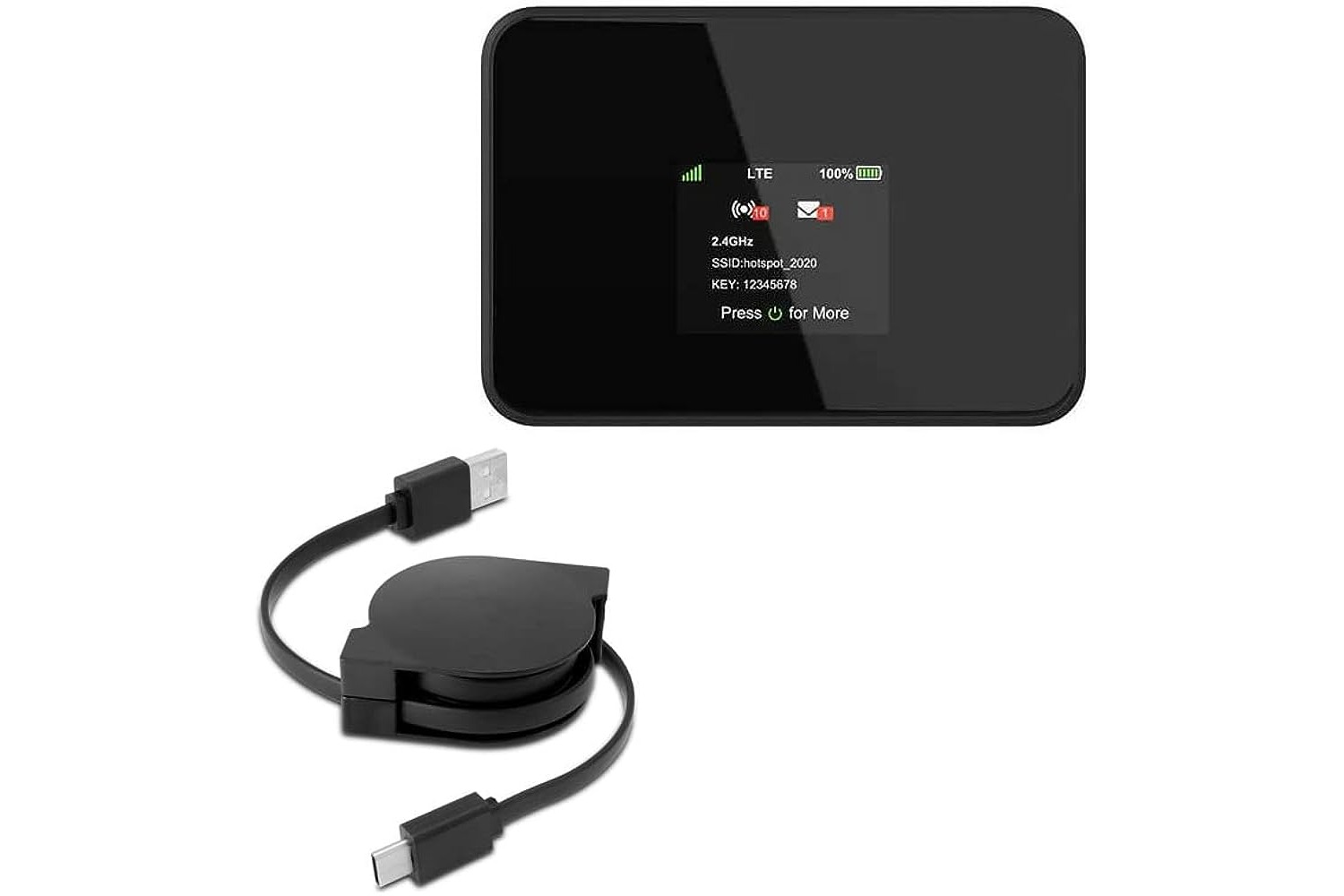
How To Add Hotspot On Cricket

To add hotspot on Cricket, open the myCricket app, tap Manage Your Lines, select Edit Features, add the $10/month Mobile Hotspot feature, and complete checkout. Once the feature is added...