Welcome to the Customization tag on CellularNews. This page is for anyone who wants to make their phone and its accessories feel truly their own, from tweaking the software interface to physically swapping out parts. The articles here focus on practical, hands-on changes you can make to your device, your apps, and the gear you use every day.
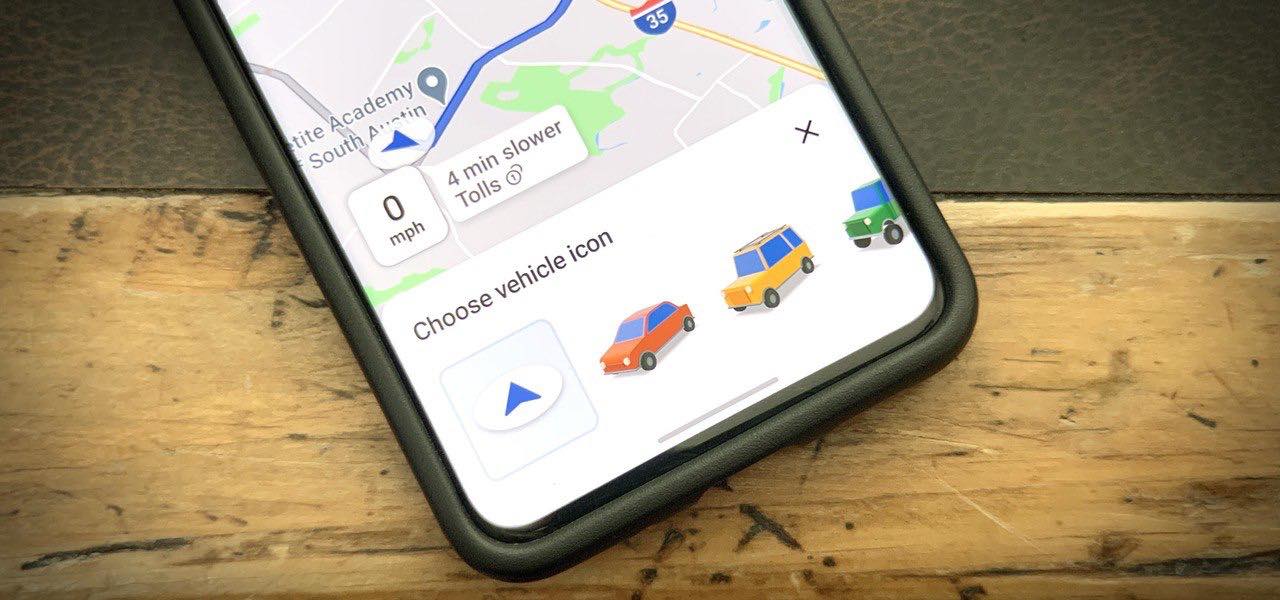
Beyond looks and hardware, a few articles solve niche but fun problems. You can discover how to change car in Google Maps with a secret driving tip for 2024, how to sing happy birthday on your phone, and how to get new uniforms in Madden Mobile. Whether you are customizing your navigation, your ringtone, or your game, this tag gives you the straightforward steps to make your phone work and look the way you want.
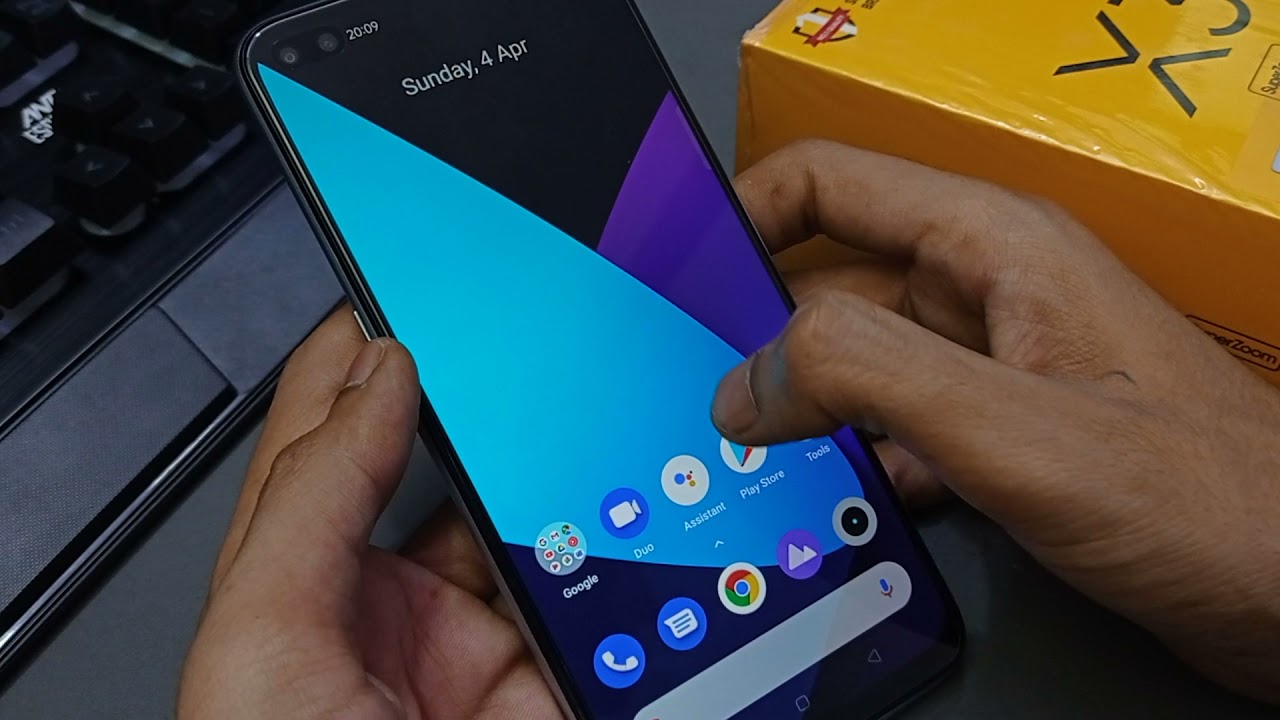
You cannot add custom text like your name or a personal message to the lock screen on a Realme phone using any built-in setting documented in Realme's current official support...
To change your Apple Watch band, you simply press a button and slide the band out, no tools required. This tool-free process lets you instantly customize your watch for any...
To change message color on Android, open the Google Messages app, enter a conversation, tap the three-dot menu or the contact or group name, then select "Change colors" and pick...
To make your phone play a Happy Birthday tune when a specific contact calls, you need to set a custom happy birthday ringtone phone alert for that person. There is...
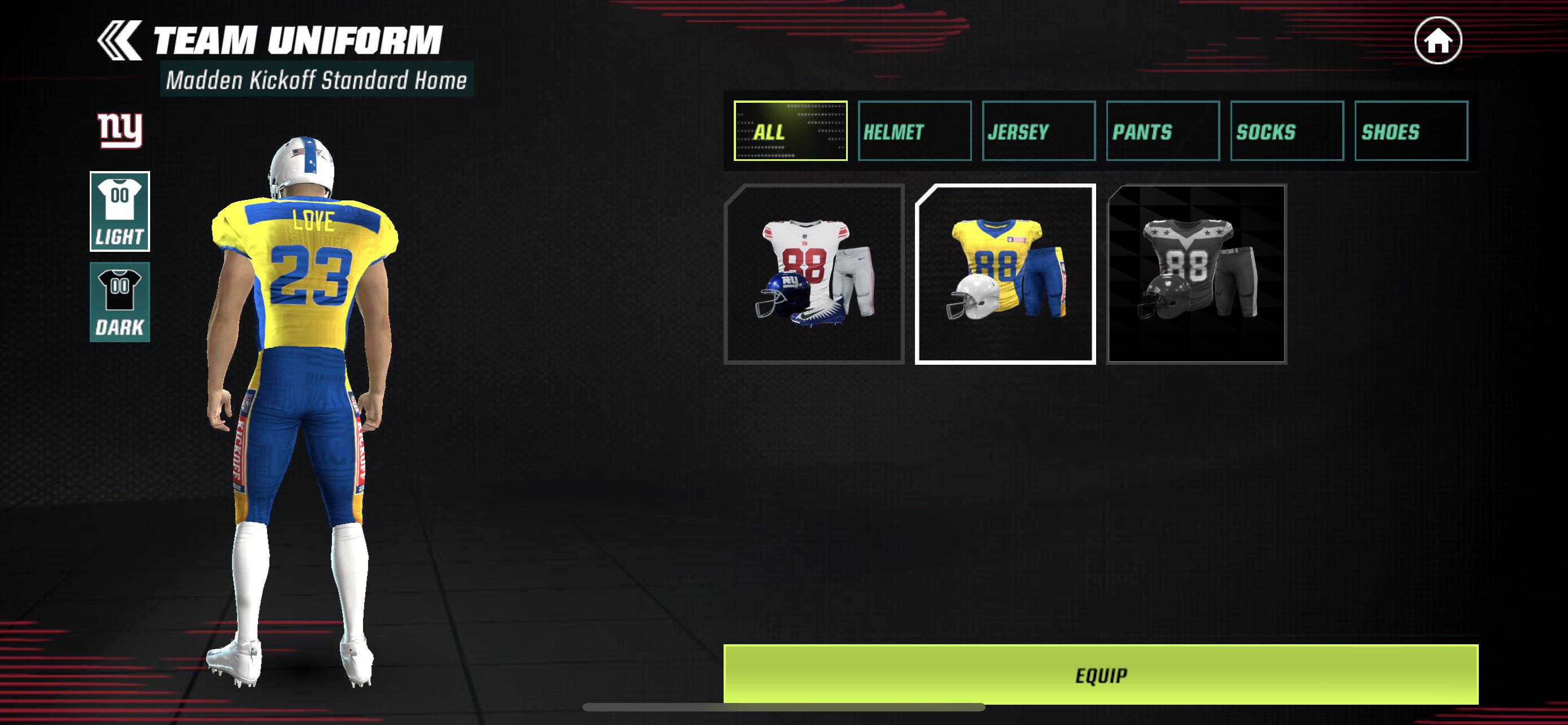
Getting new uniforms in Madden Mobile is the primary way to customize your team's appearance in Madden NFL 27 Mobile, and you can acquire them through five main methods: progressing...
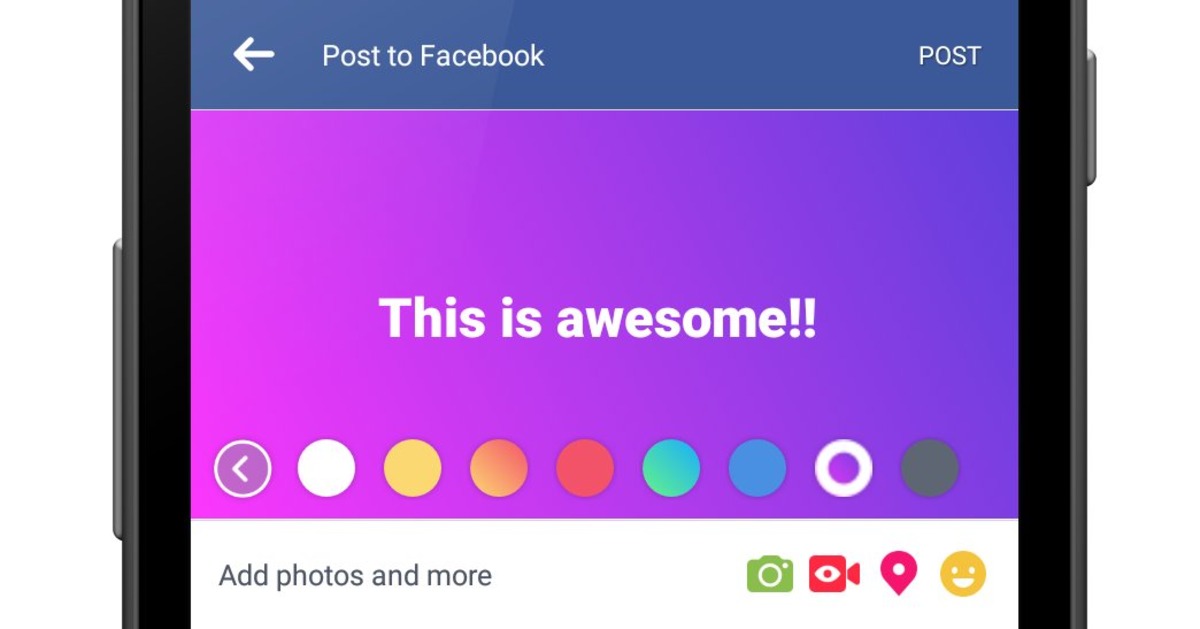
To add colored backgrounds to Facebook posts, tap "What's on your mind, [Name]?" then "Add background" and choose a colored square or "More backgrounds" before writing your post, selecting your...
To change the car icon in Google Maps, start navigation to any destination, then tap the blue arrow or current vehicle icon on the map. A pop-up menu will appear...
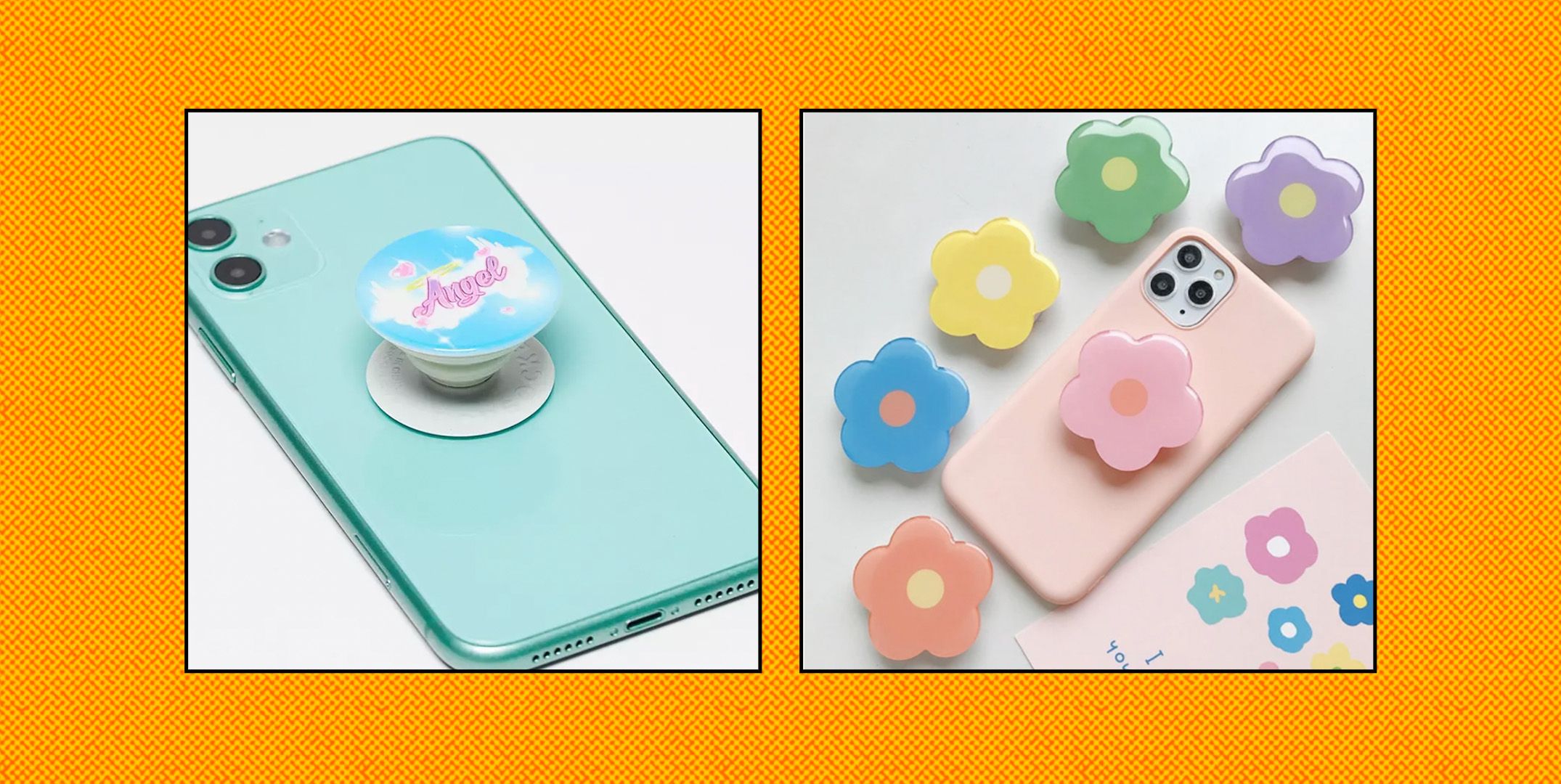
If you’re wondering where can you get a PopSocket, you can find one directly from the official PopSockets website, which offers the full product range and customization options, or from...
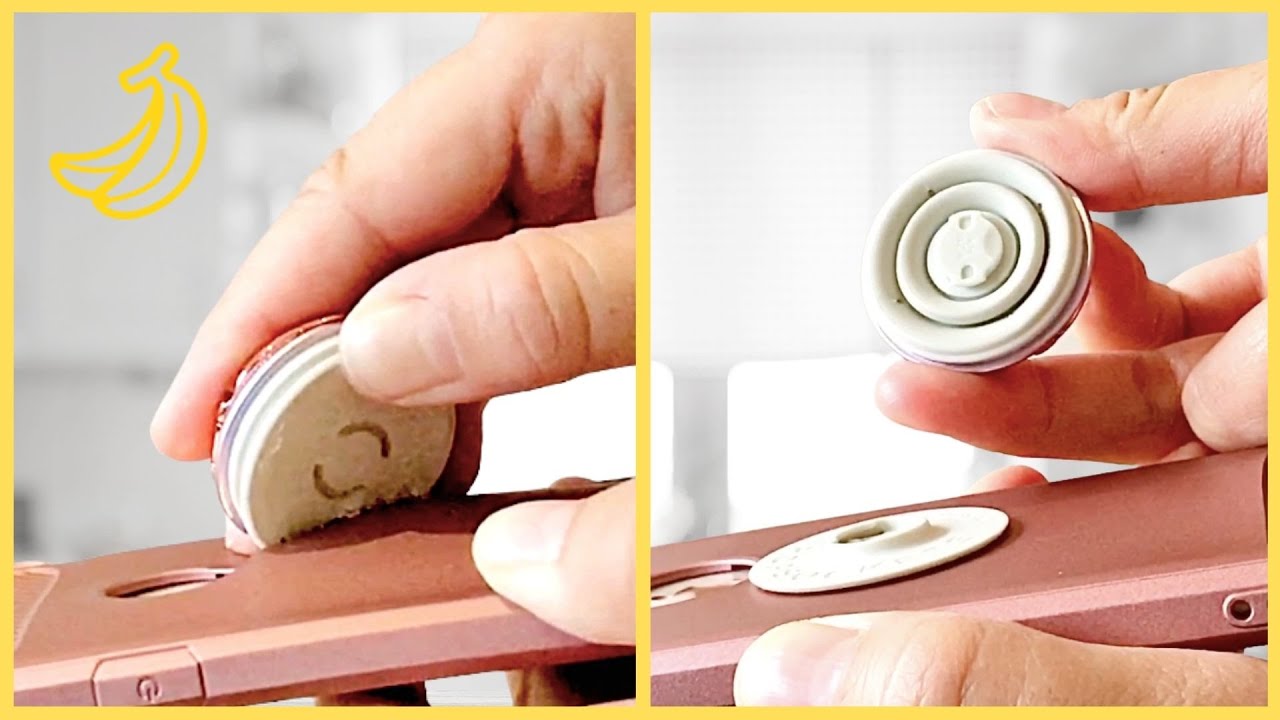
To take apart a PopSocket, the only manufacturer-documented method is to close the PopGrip flat, press down on the center, and twist the top 90 degrees to remove the PopTop....