Moving information between devices, memory cards, and online accounts. This page is for anyone who owns a smartphone, a gaming console, or a basic phone and needs practical steps to shift files, apps, or settings without losing anything important.
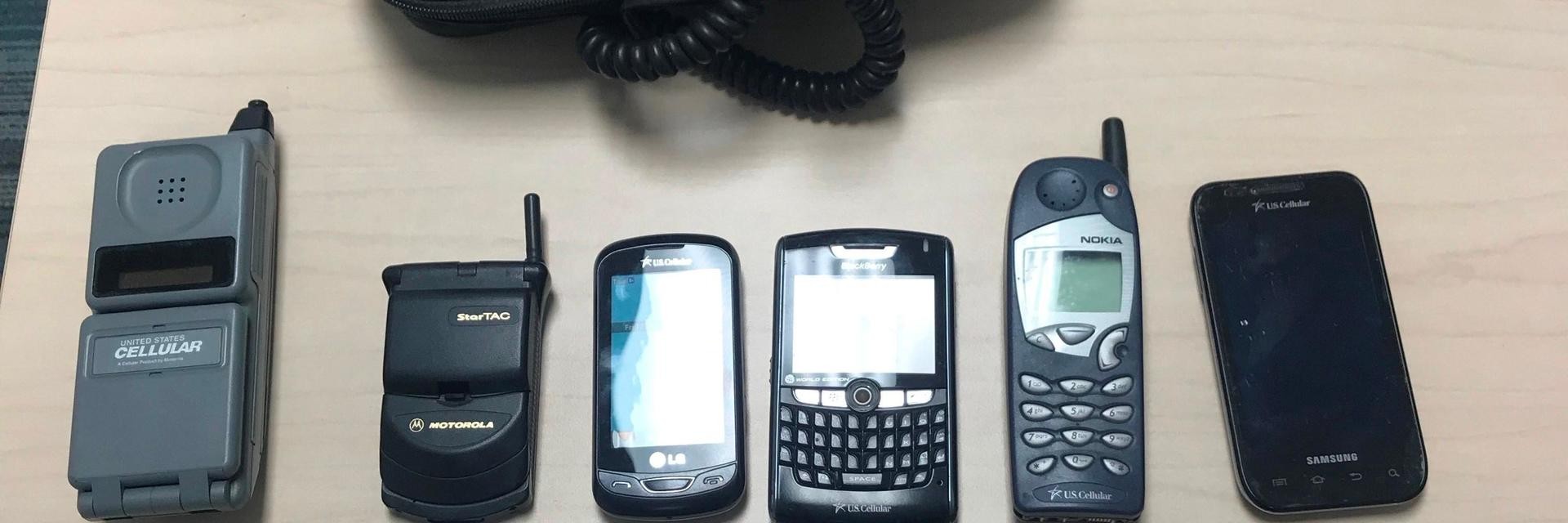
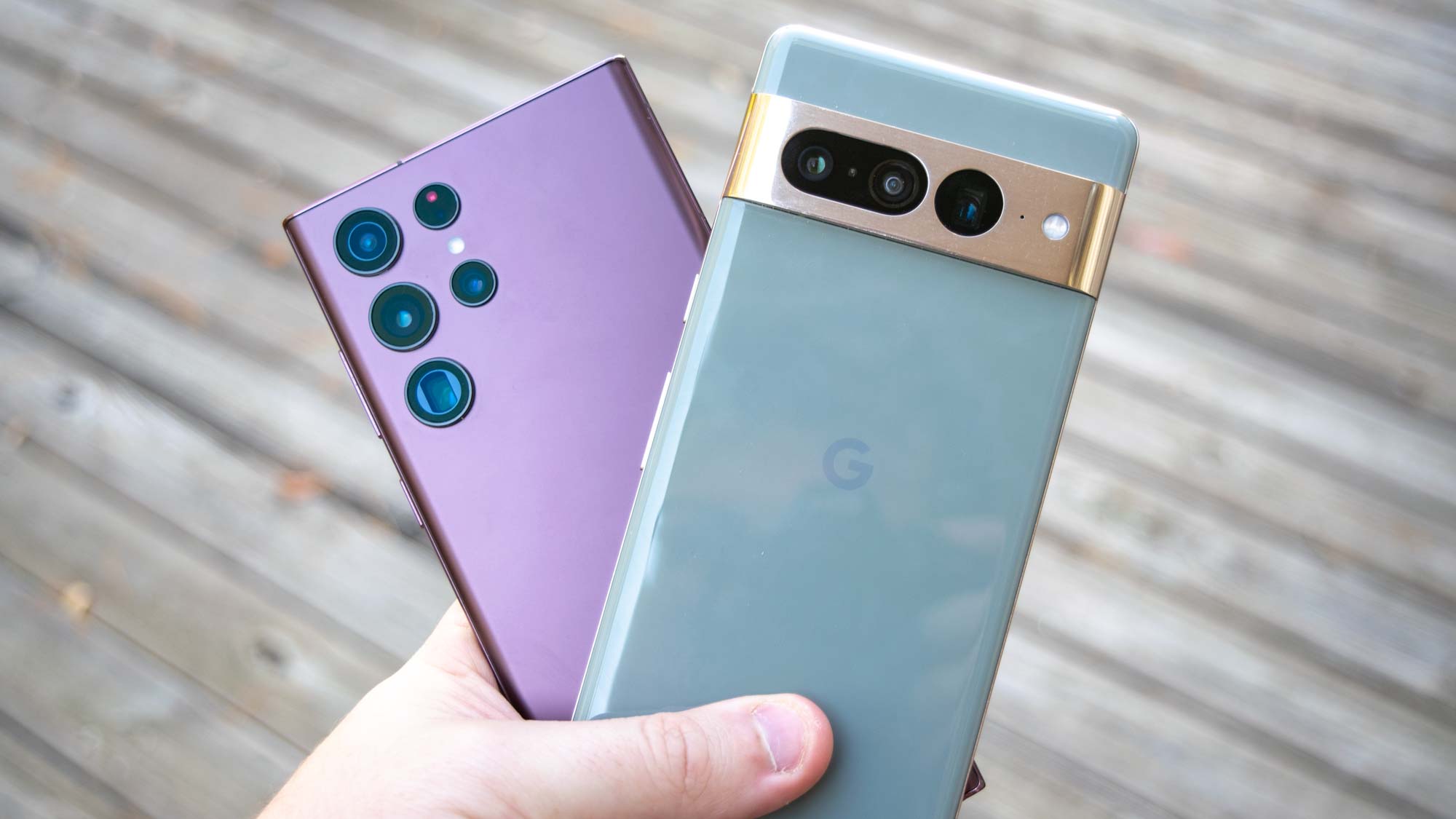
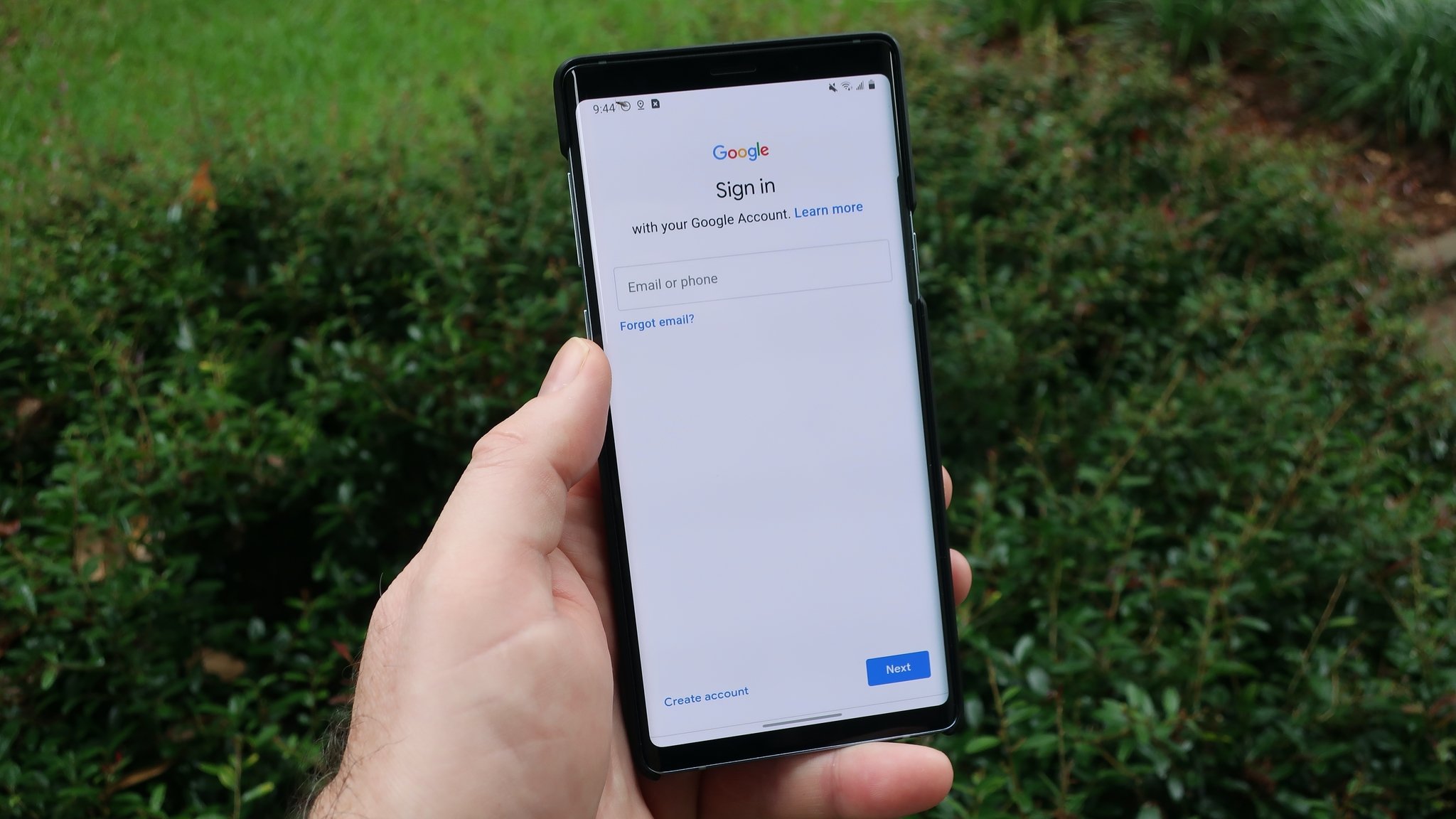
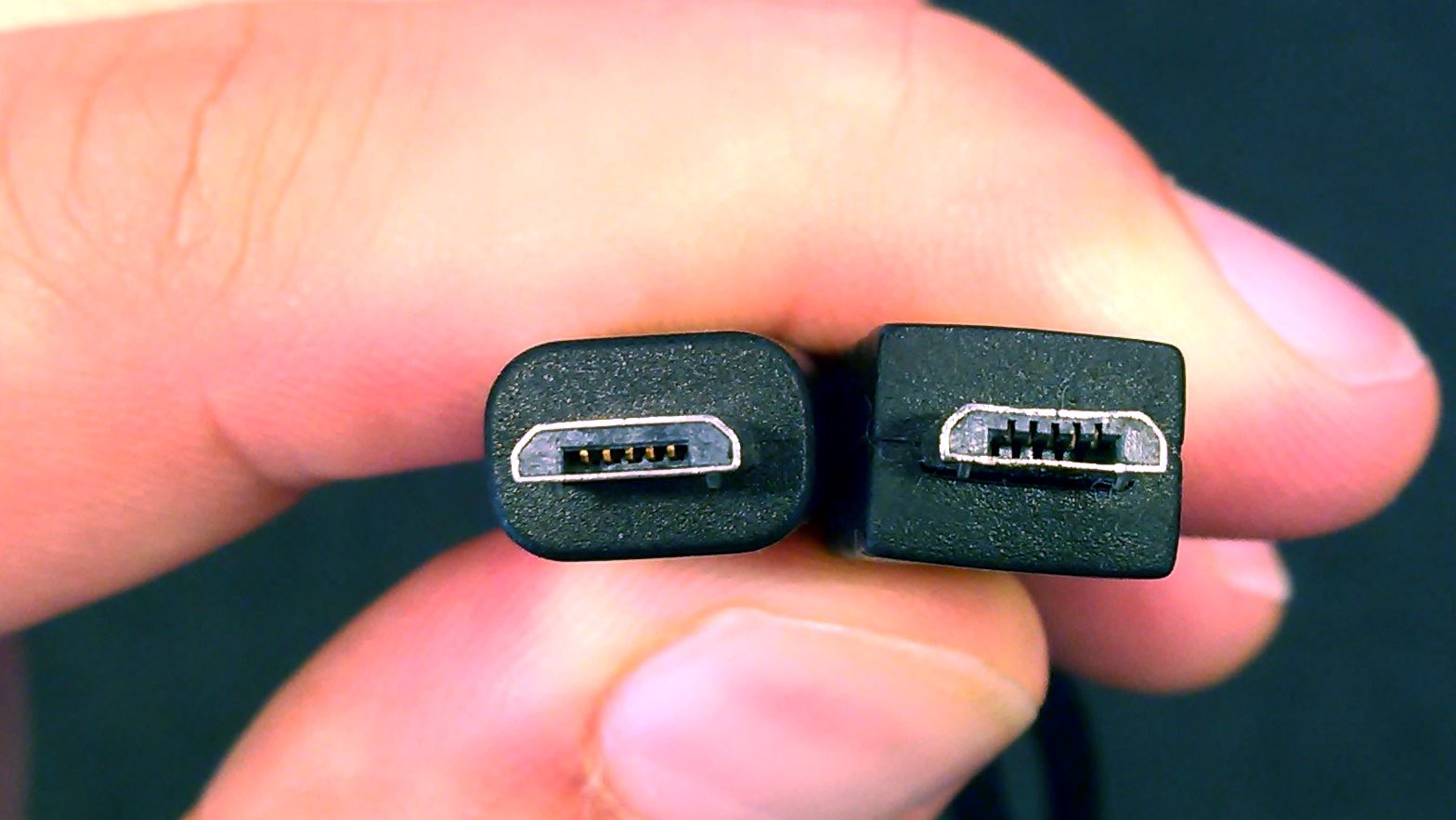
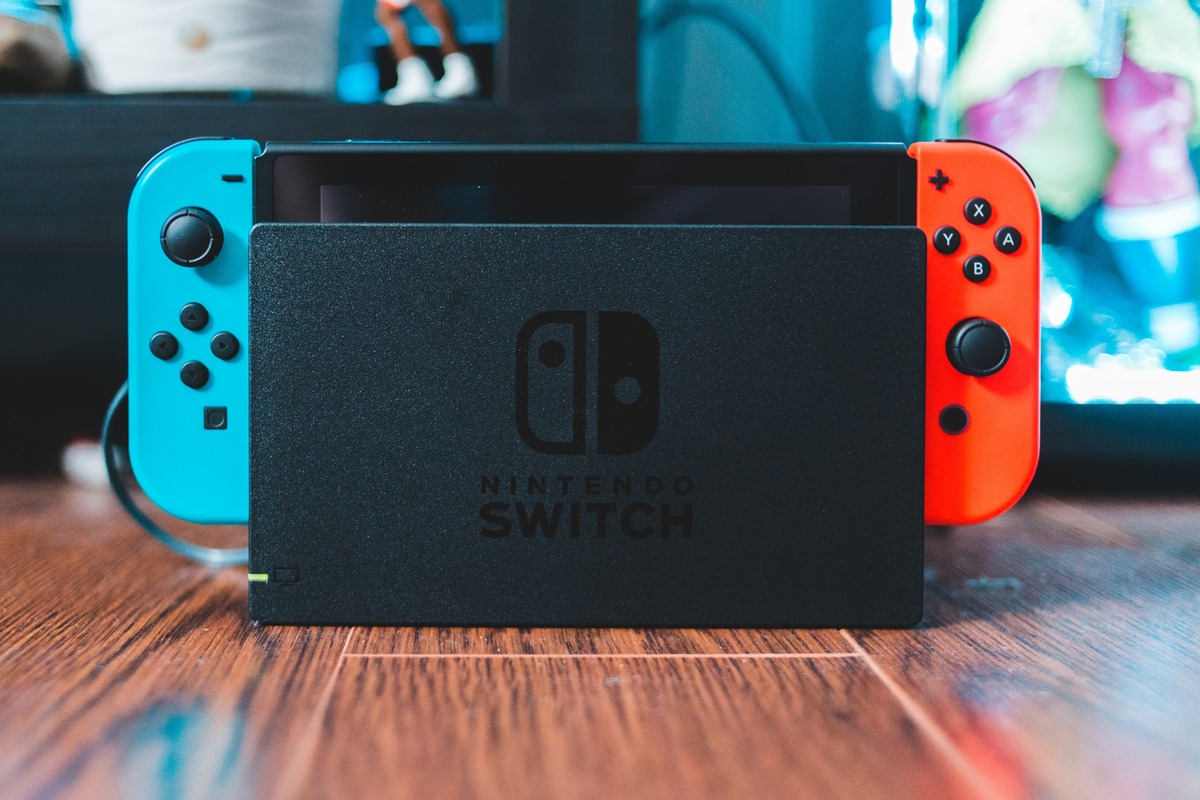
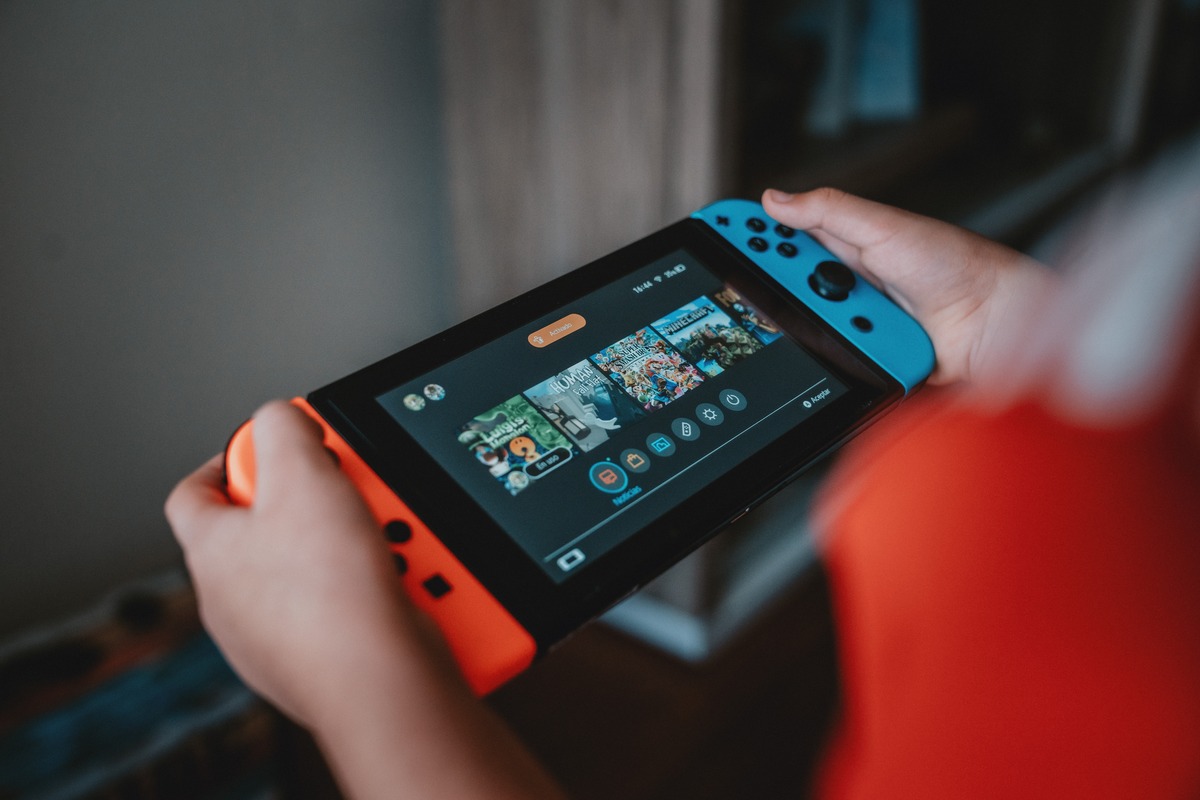
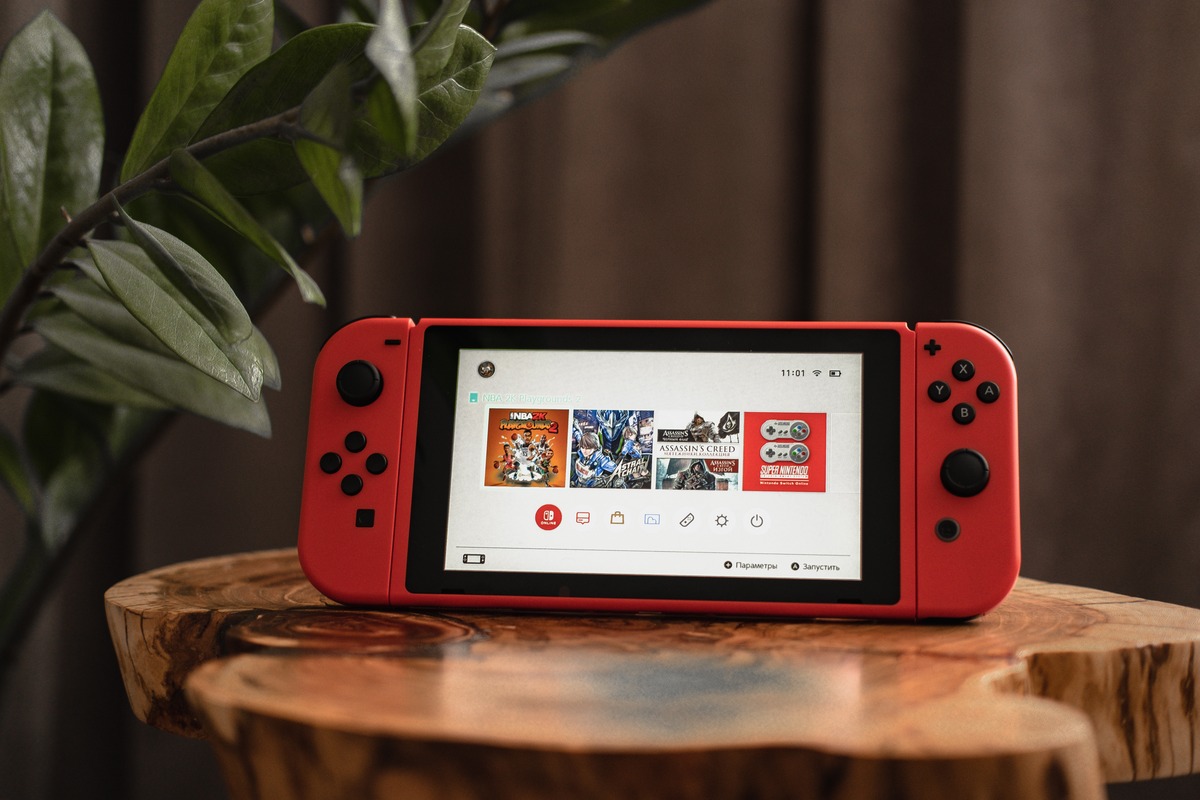
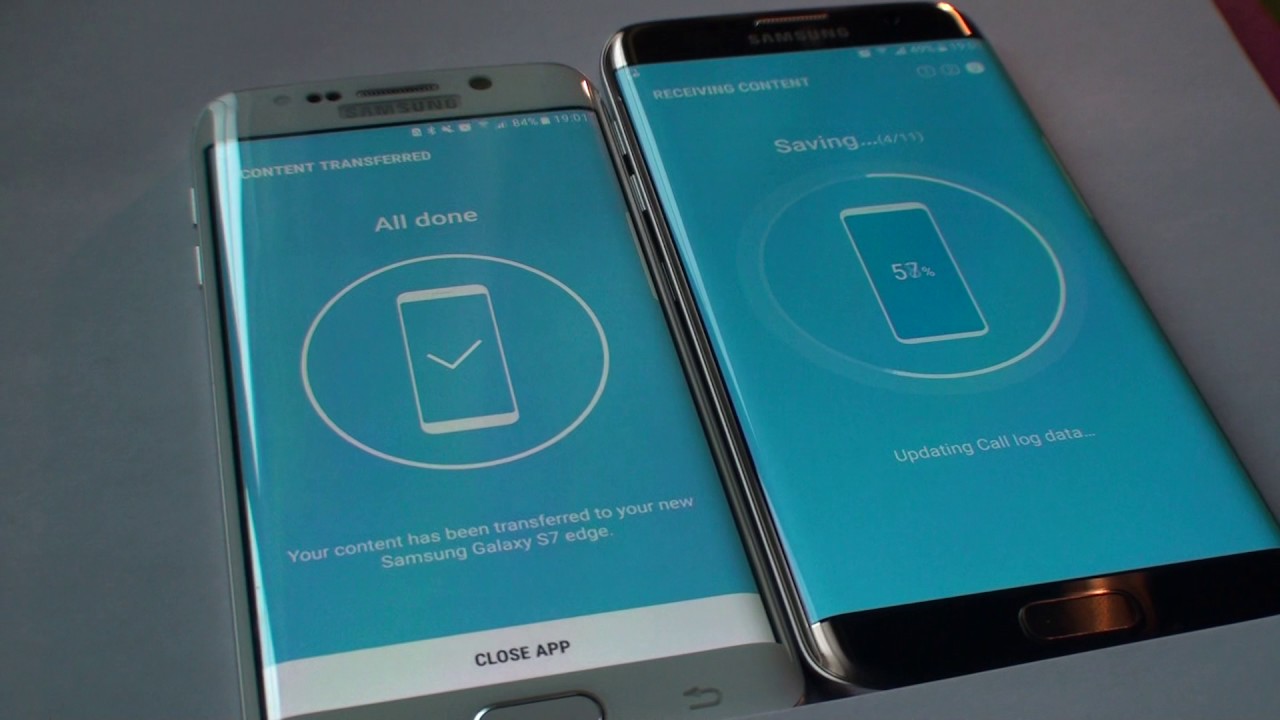
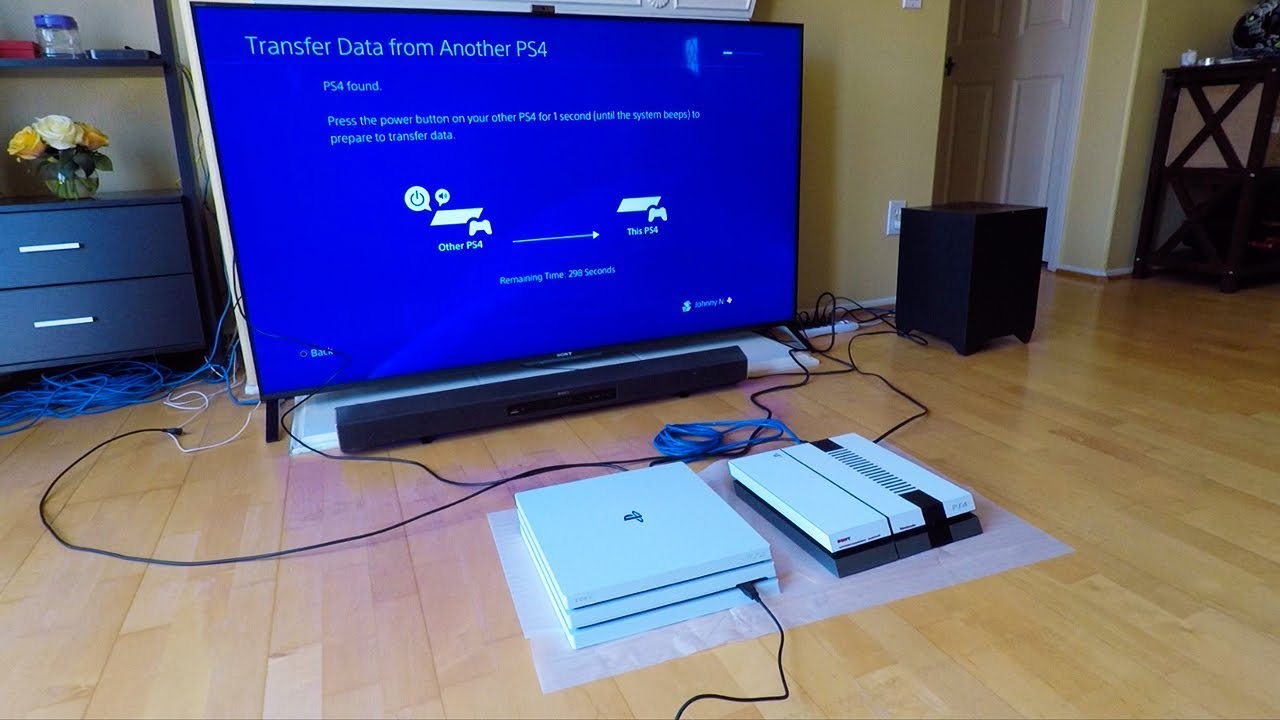
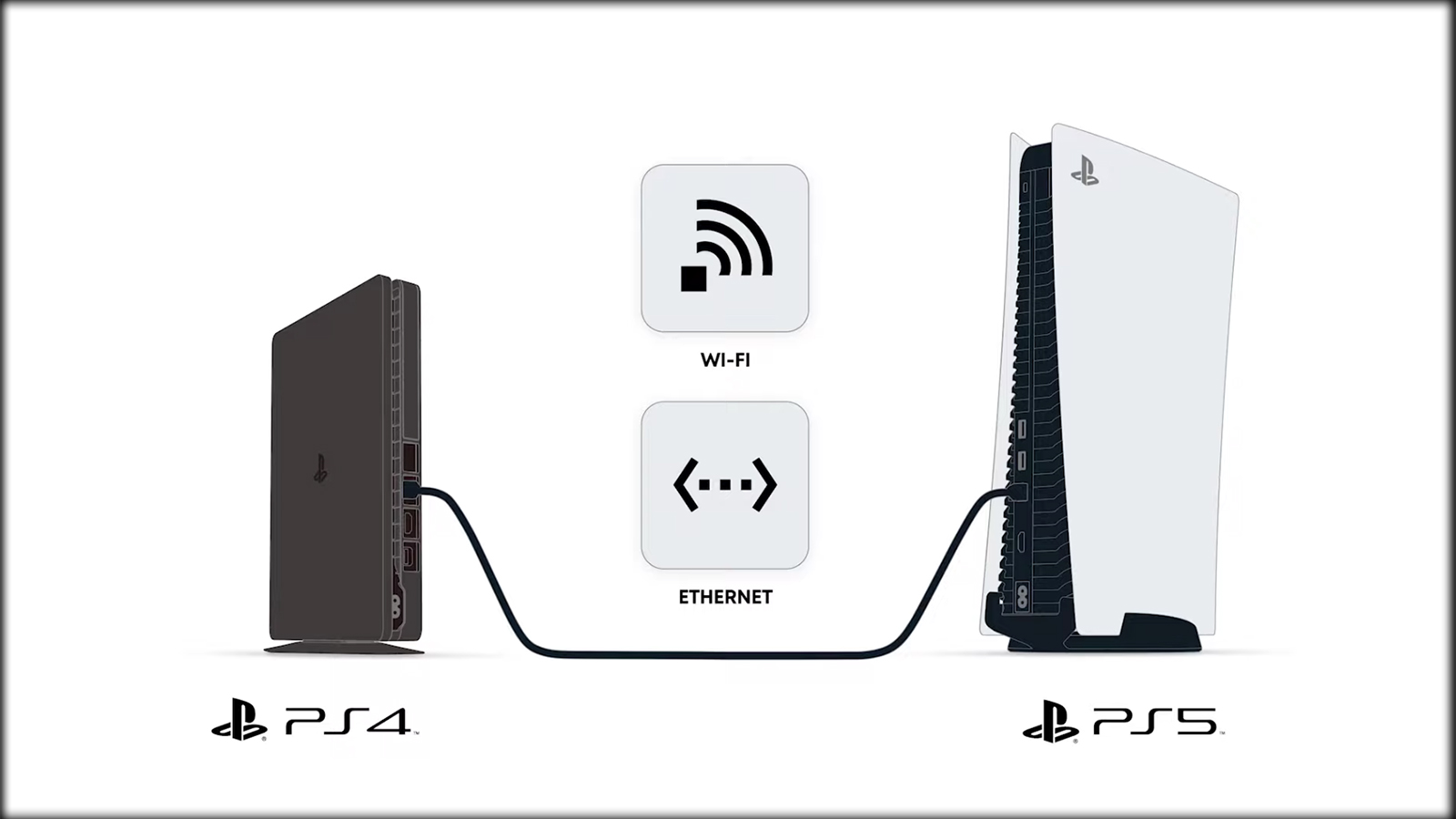
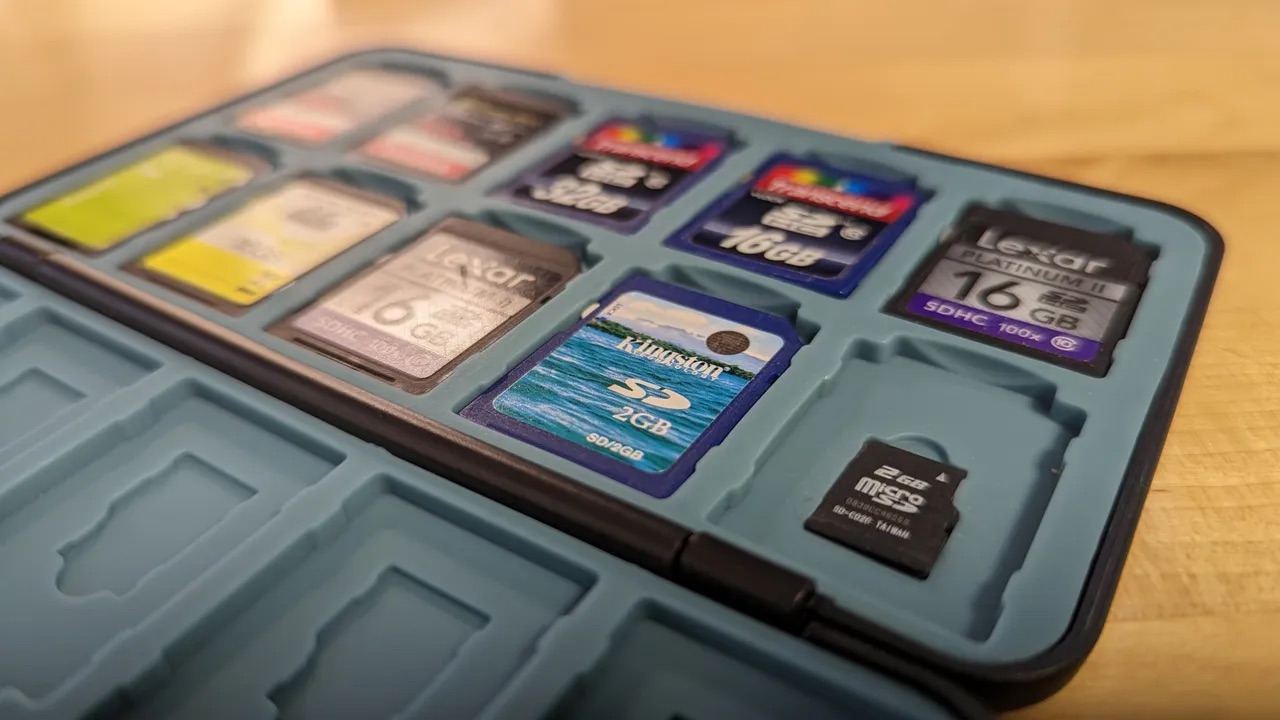
The articles solve two main kinds of problems. The first is moving data between phones, whether you are switching from Android to Android, from a Galaxy to a Google phone, or even stepping back to a flip phone. These guides cover app transfers, photo retrieval from an old Samsung, and setting up a new phone as your main Google device. The second group tackles memory cards and cables: you can learn how to transfer SD card data for a Nintendo Switch or a 3DS, how to tell if a USB-C cable can transfer data, and what a USB dongle actually does. A few articles also address moving game saves between consoles, such as transferring Animal Crossing data to a new Switch or moving PS4 data to another PS4, and one guide explains how to cancel a PS5 data transfer in progress.
These articles help the reader complete specific tasks: retrieve forgotten photos, recover TikTok drafts on a new phone, move Gmail data to another account, or switch phones on T-Mobile. Each guide assumes you have the hardware in hand and need a clear, no-frills walkthrough.