Articles for anyone who uses a computer or laptop to manage their phone-related tasks, settings, and online accounts. While our site focuses on mobile devices, many essential actions, like editing Spotify playlists, managing Facebook events, or troubleshooting hardware, are often easier or only possible from a desktop. This tag is for readers who want clear, step-by-step guidance for those moments when your phone alone won't cut it.
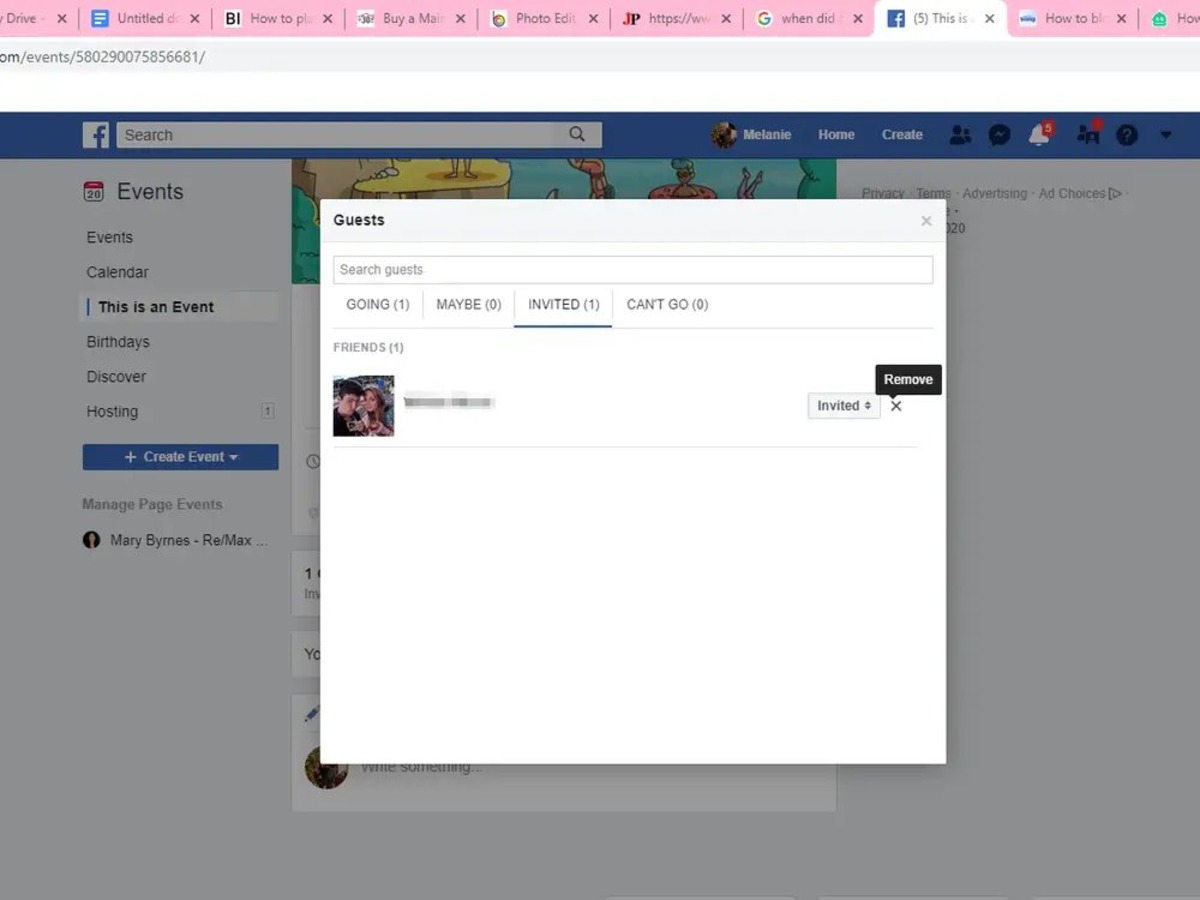
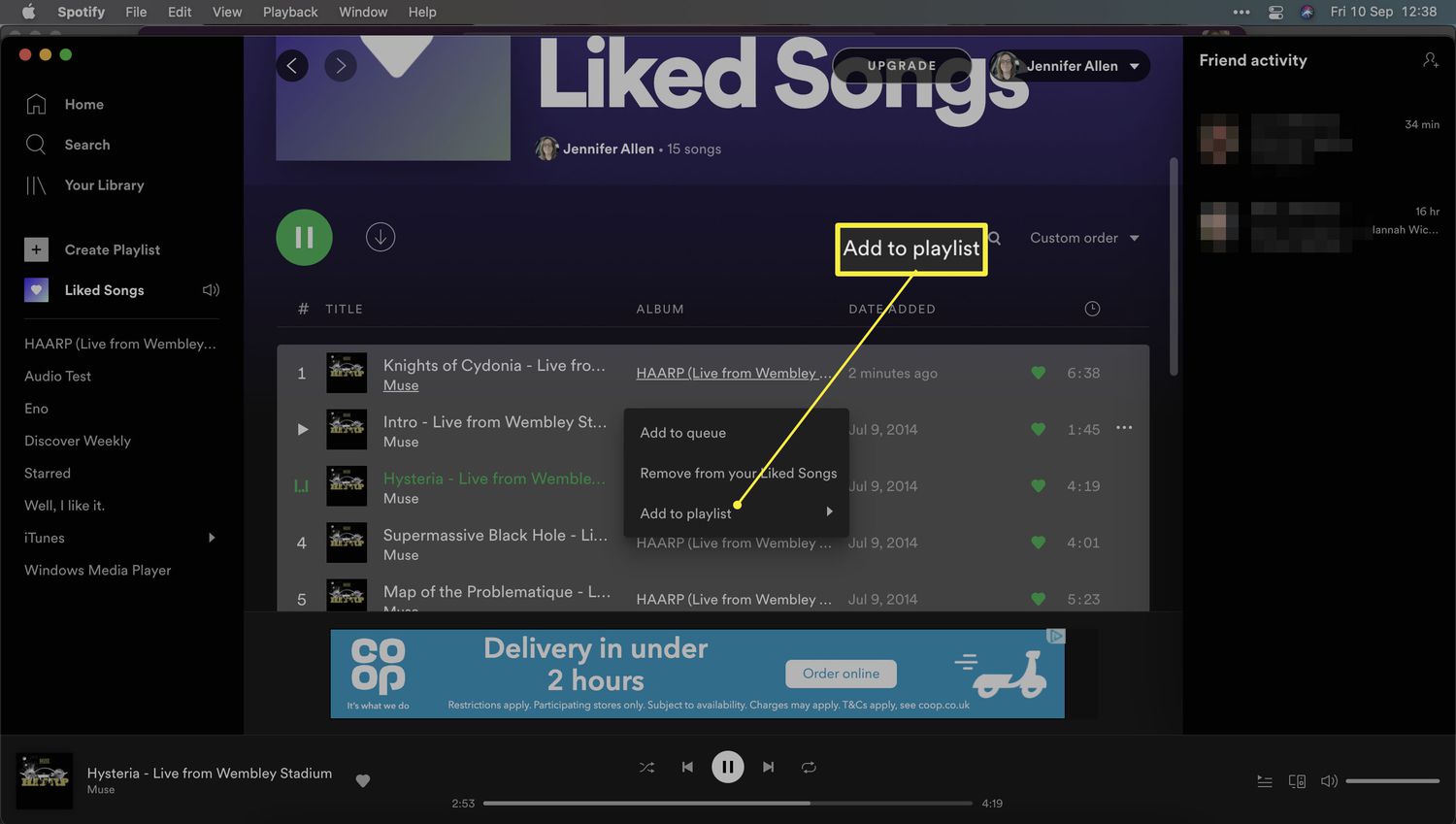
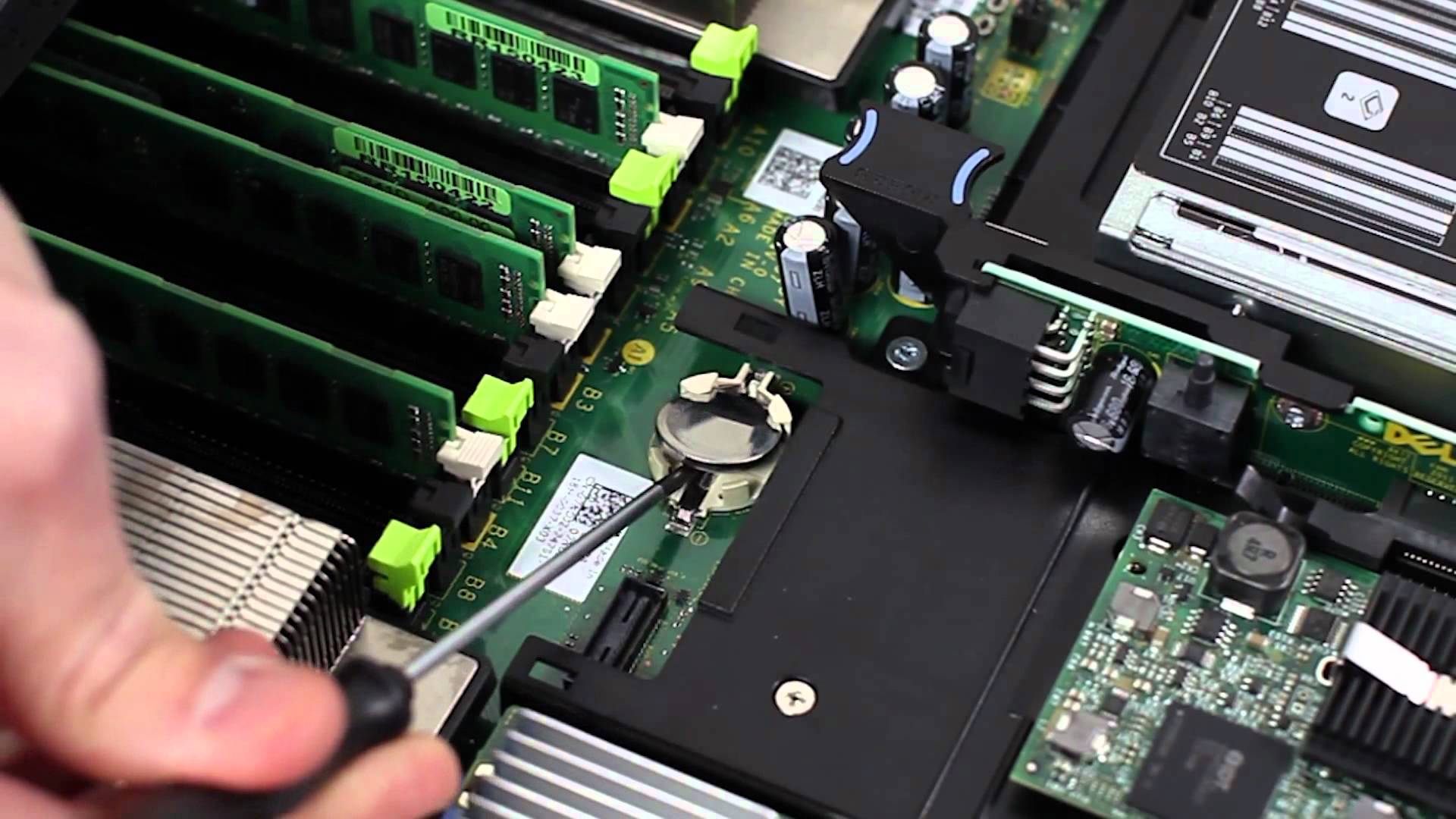
The articles here solve two main kinds of problems. First, there are hardware and system-level fixes, such as learning how to take out a CMOS battery to reset your computer’s BIOS settings. Second, there are account and app management tasks that bridge desktop and mobile use. For example, you’ll find effective ways to move liked songs to a playlist on Spotify and instructions on how to un-invite someone from your Facebook event. These guides help you organize your digital life from a larger screen.
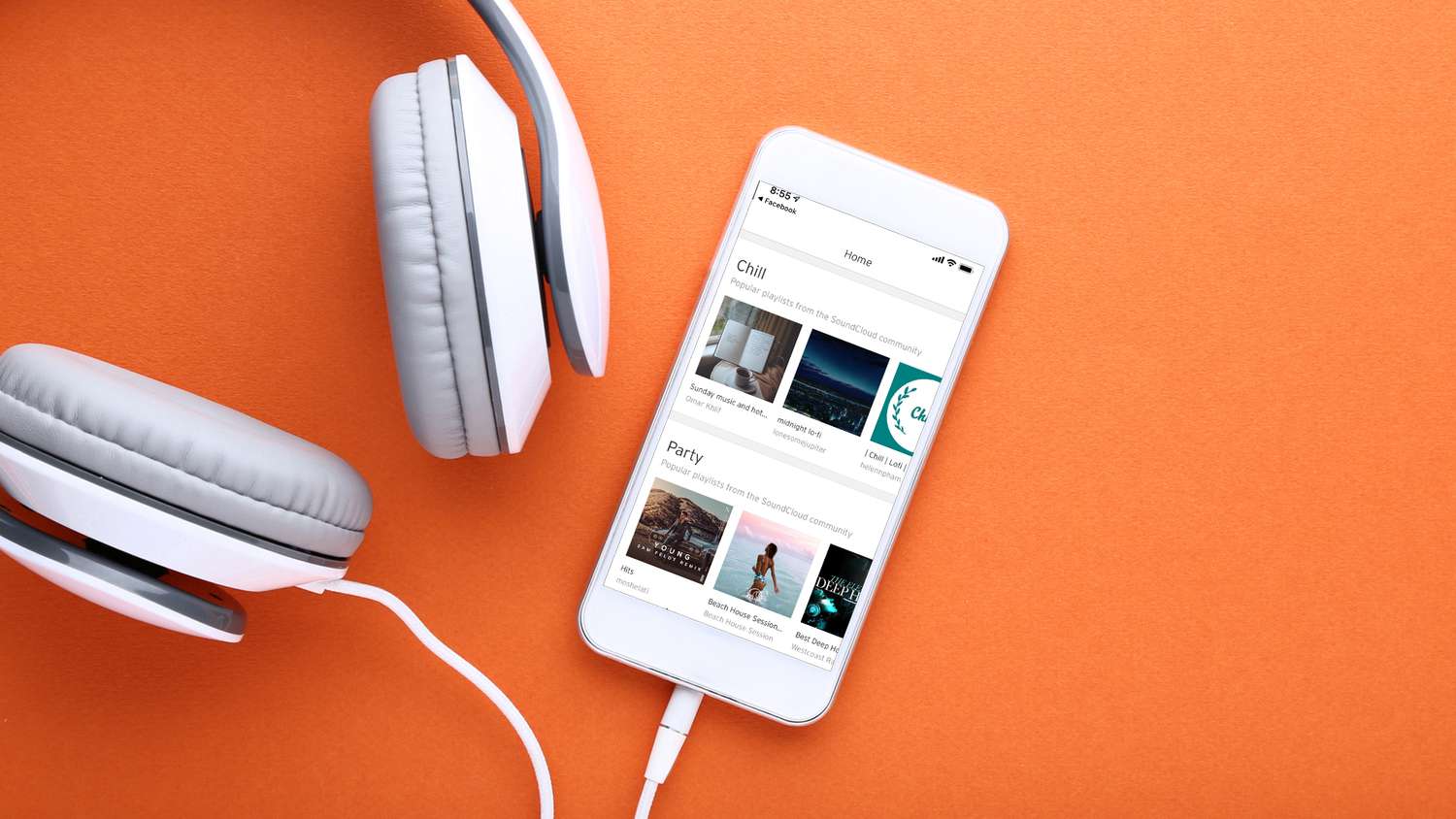
Other topics cover creative and platform-specific needs. You can learn how to get Roblox Studio on mobile, which actually requires a desktop to set up properly, or how to make an album on SoundCloud mobile by first arranging tracks on your computer. Each article helps you complete a specific, practical action, whether that’s fixing hardware, cleaning up a guest list, or building a music collection, without assuming you already know the steps.