This tag collects step-by-step guides for physically opening and disassembling common consumer electronics, specifically those that often require careful technique to avoid damage. It is for anyone who owns a Bluetooth speaker, a wireless charger, a computer mouse, or a gaming or VR headset, and who needs to access the internal components for repair, cleaning, battery replacement, or simple curiosity.
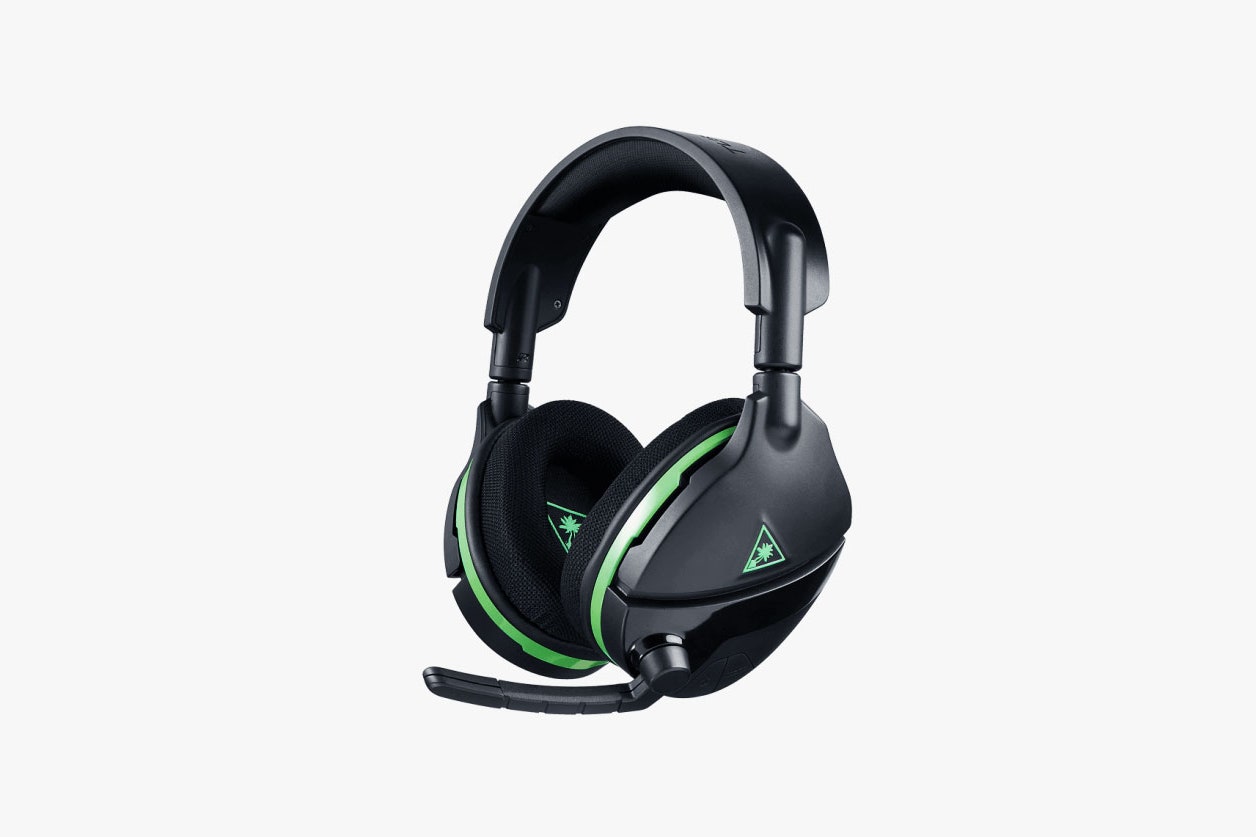
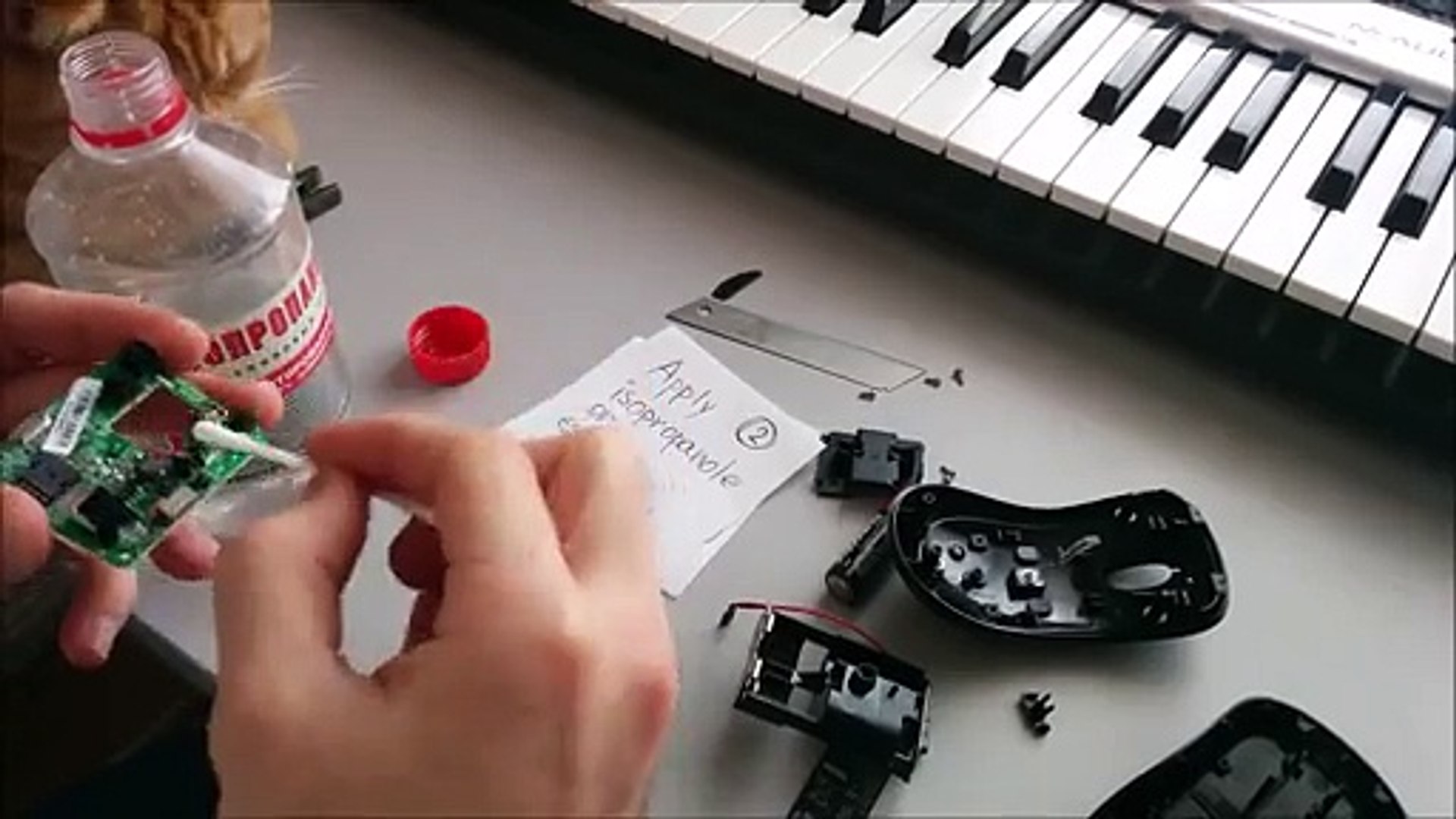
The articles here solve two main kinds of problems. First, they address the challenge of opening devices that have no obvious screws or fasteners, like the Bluetooth speakers held together by clips and adhesive. Second, they cover the safe disassembly of compact, glued-together gadgets such as the Samsung Wireless Charger and the Microsoft Wireless Mouse, where prying open the casing without cracking the plastic or damaging the internal coil is the primary difficulty. A third theme involves navigating the complex, layered construction of wearable headsets, as seen in the guides for the Oculus Quest 2 and the Turtle Beach headset, where you must carefully separate padding, circuit boards, and ribbon cables.
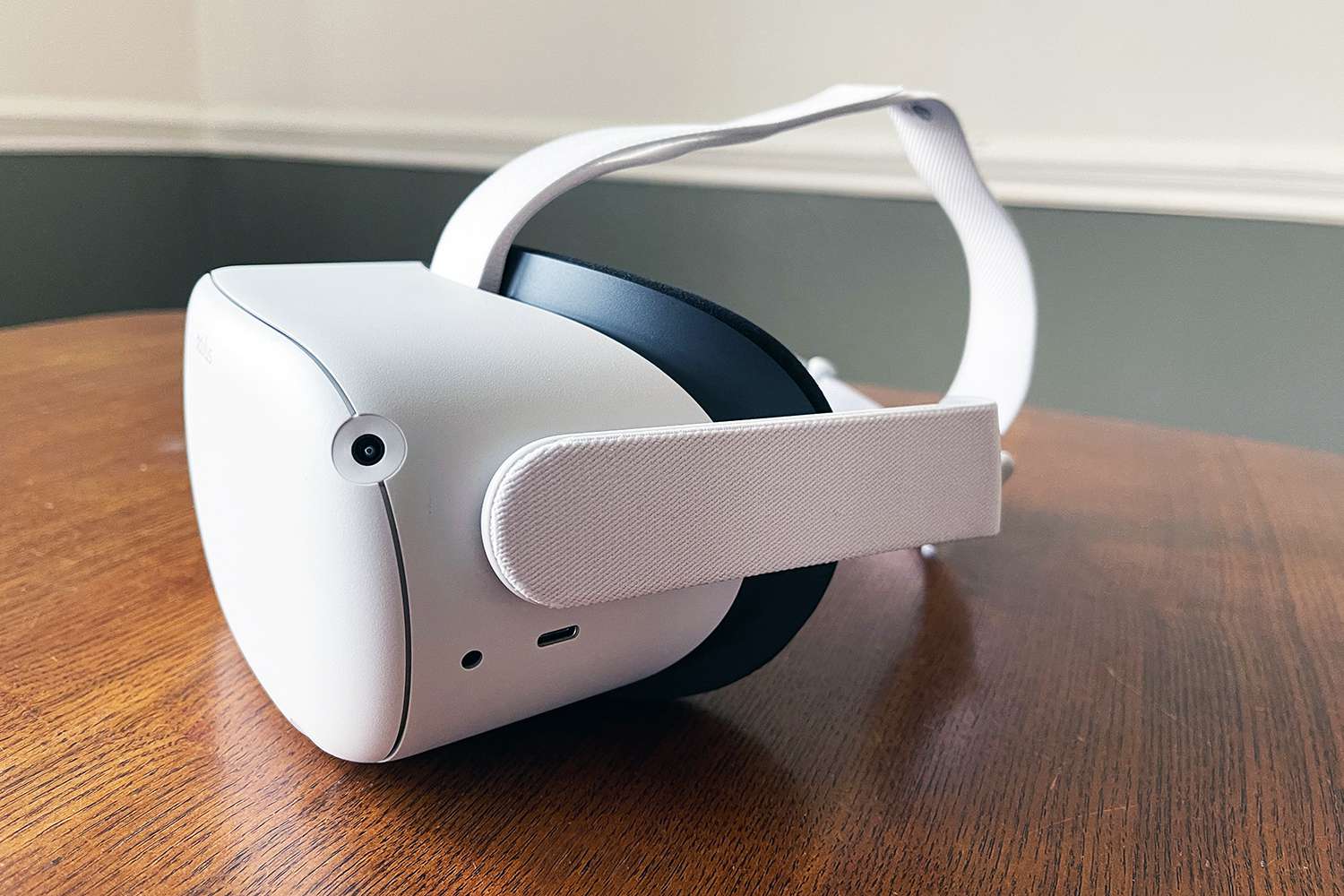
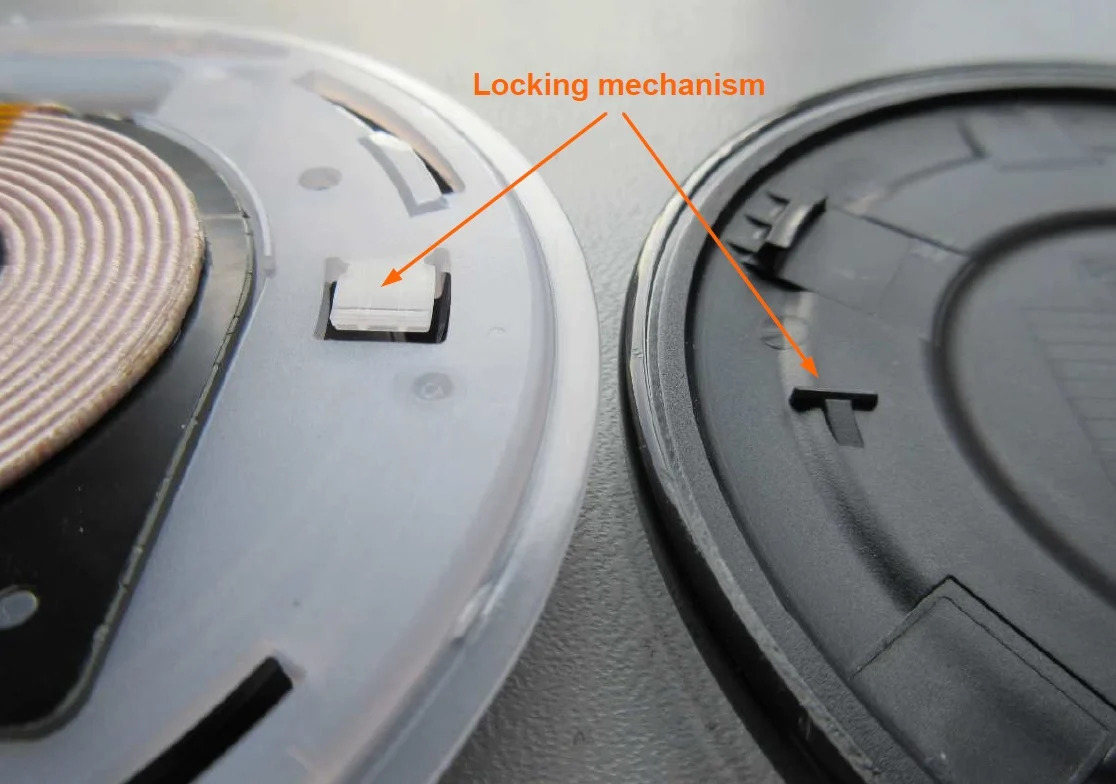
These articles help the reader physically take apart their specific device. For example, the guide on the Samsung Wireless Charger shows how to separate the rubber ring and pry the case open to reach the charging coil and battery. Similarly, the instructions for the Oculus Quest 2 detail how to remove the facial interface and front cover to access the internal hardware for a repair or modification. Each guide focuses on the exact tools and prying points needed to open the device without breaking it.