This tag collects our coverage of Amazon’s Kindle e-readers, aimed at anyone who uses a Kindle alongside their phone or wants to get the most out of the device. The articles here are practical, focusing on the everyday choices and small frustrations that come with owning a Kindle. They help you decide between models, keep your device running smoothly, and manage your digital library without hassle.
Several articles tackle setup and maintenance, such as how to update your Kindle or Kindle Fire HD to ensure you have the latest features and security patches. Others address common usage questions, like how long a Kindle battery actually lasts and where you should put a Popsocket for the best grip. A third group focuses on navigation and content management, including how to delete books from your Kindle app or device and how Amazon’s Page Flip feature makes it easier to peruse your library. You can also learn the real difference between an ad-supported Kindle and the no ads version, or pick up handy Kindle Paperwhite tips and tricks to improve your reading experience.
Amazon Page Flip is a reading-navigation feature that lets Kindle readers preview other pages without losing their place. It provides a bird's-eye view of the book so you can move...
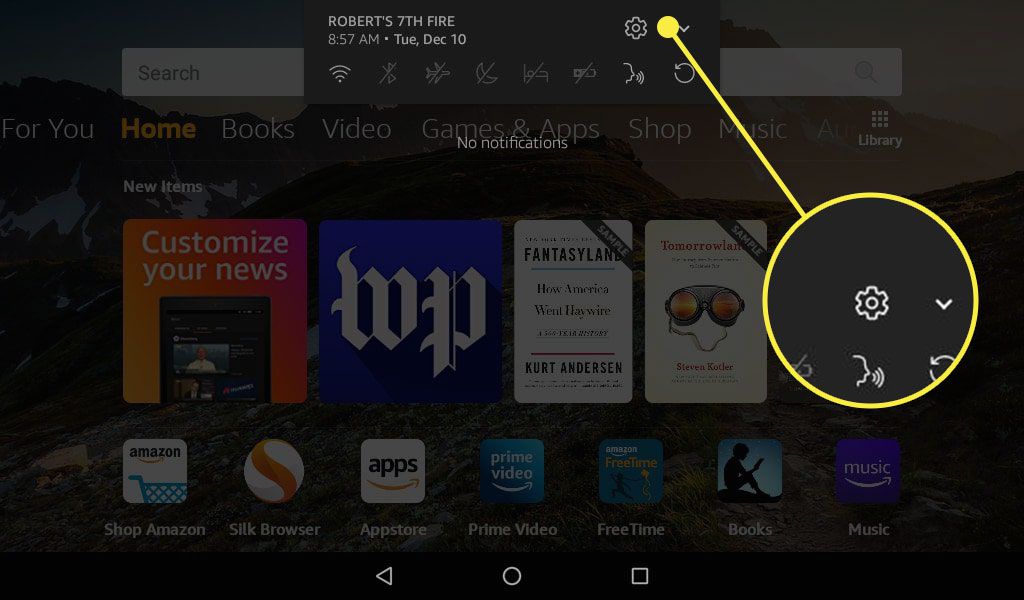
To update your Kindle and Kindle Fire devices, you need to know that you are dealing with two completely separate device families, each with its own update procedures. For Kindle...
Essential Kindle Paperwhite tips and tricks for every reader One of the most surprising kindle paperwhite tips and tricks is that your device hides a fully functional web browser, accessible...
To delete books from Kindle, you remove the downloaded file from your device or app while keeping the title in your Amazon cloud library. This frees up storage space without...
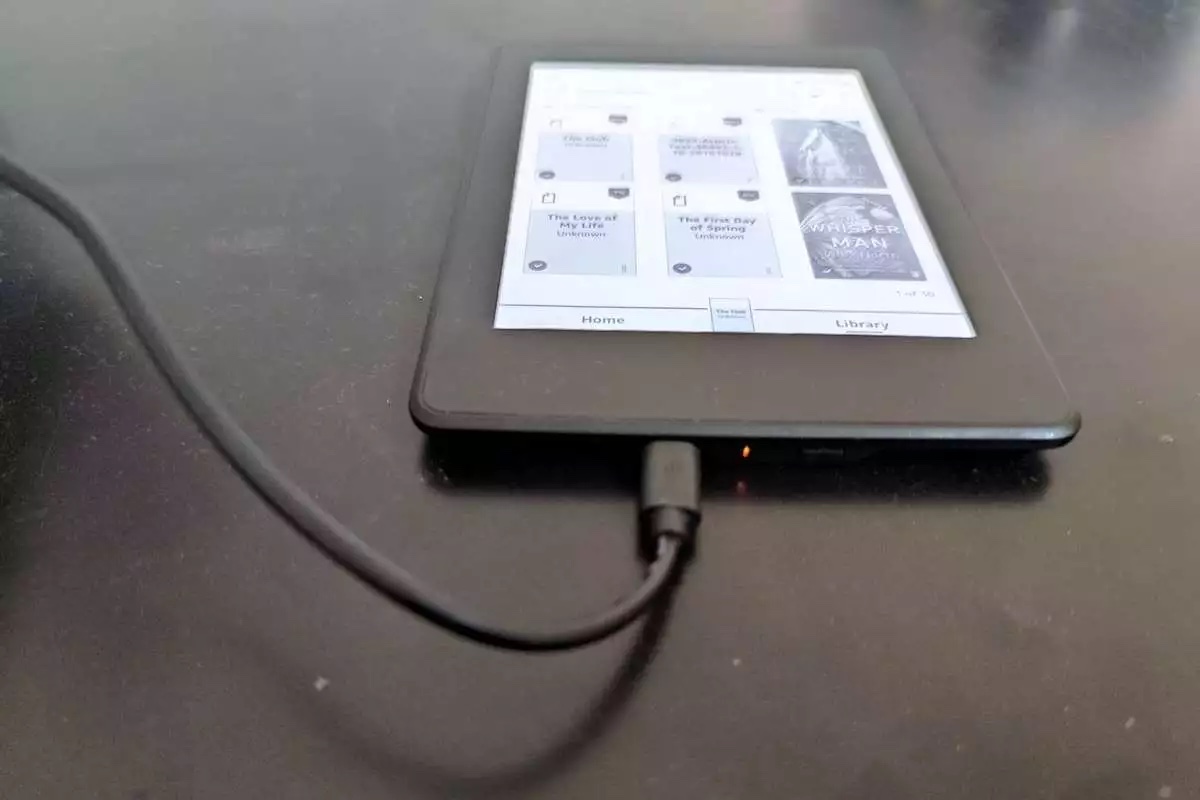
How long does a Kindle battery last? For most current Kindle e-readers, a single charge lasts several weeks, not hours. Under Amazon's test conditions of 30 minutes of reading per...
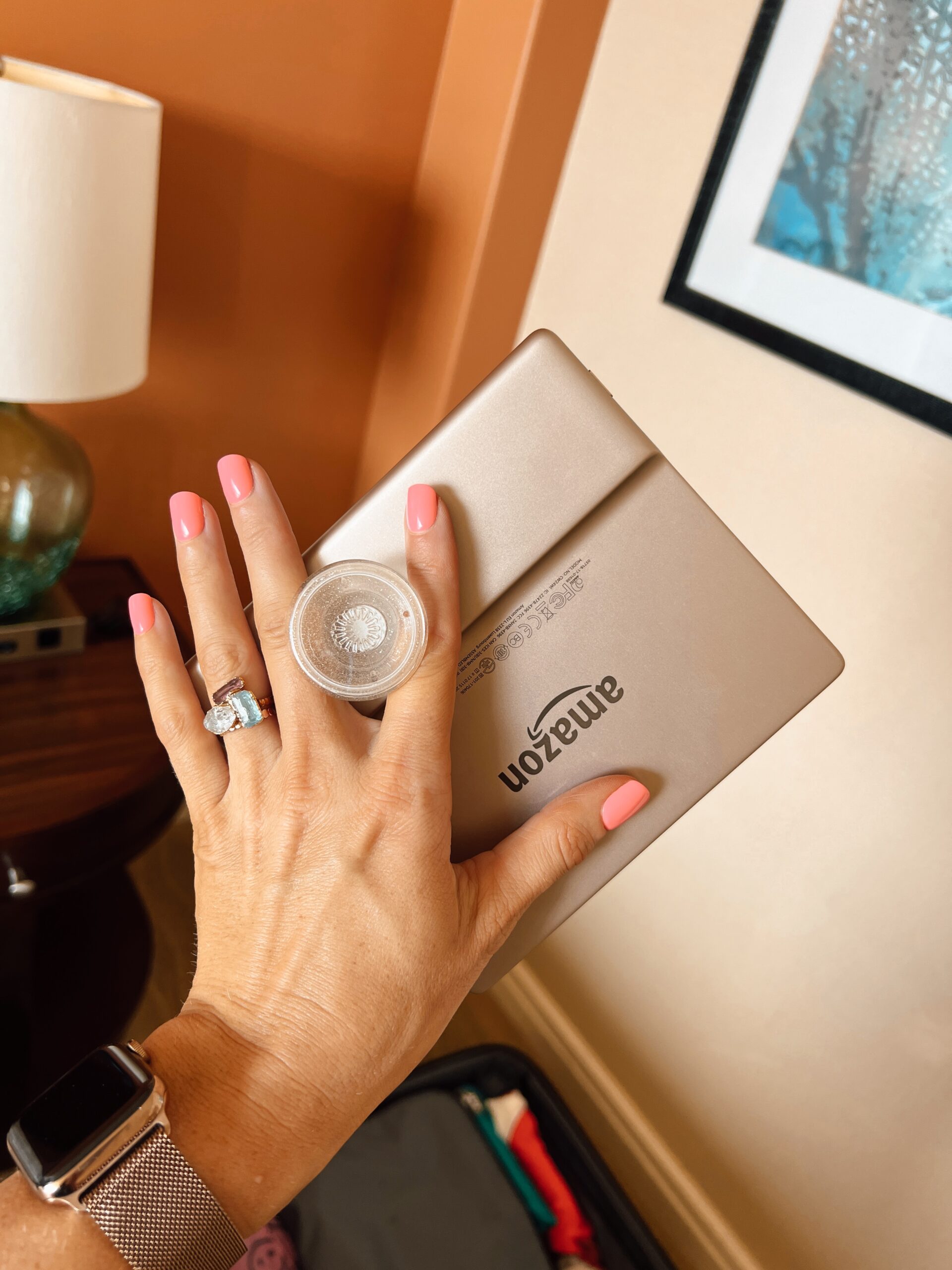
The best spot to put a PopSocket on your Kindle is centered on the lower third of the back for bare devices, and for 12th-generation Paperwhite and Colorsoft models, you...
The practical difference between an ad-supported Kindle vs no ads Kindle is that the ad-free version displays the cover of the book you are currently reading on the lock screen,...