This tag collects articles focused on making and managing FaceTime calls, along with closely related iOS and macOS features that affect how you connect with others. It is designed for iPhone, iPad, and Mac users who want to solve specific call-related problems, customize their calling experience, or learn about Apple’s communication tools beyond the basic app.
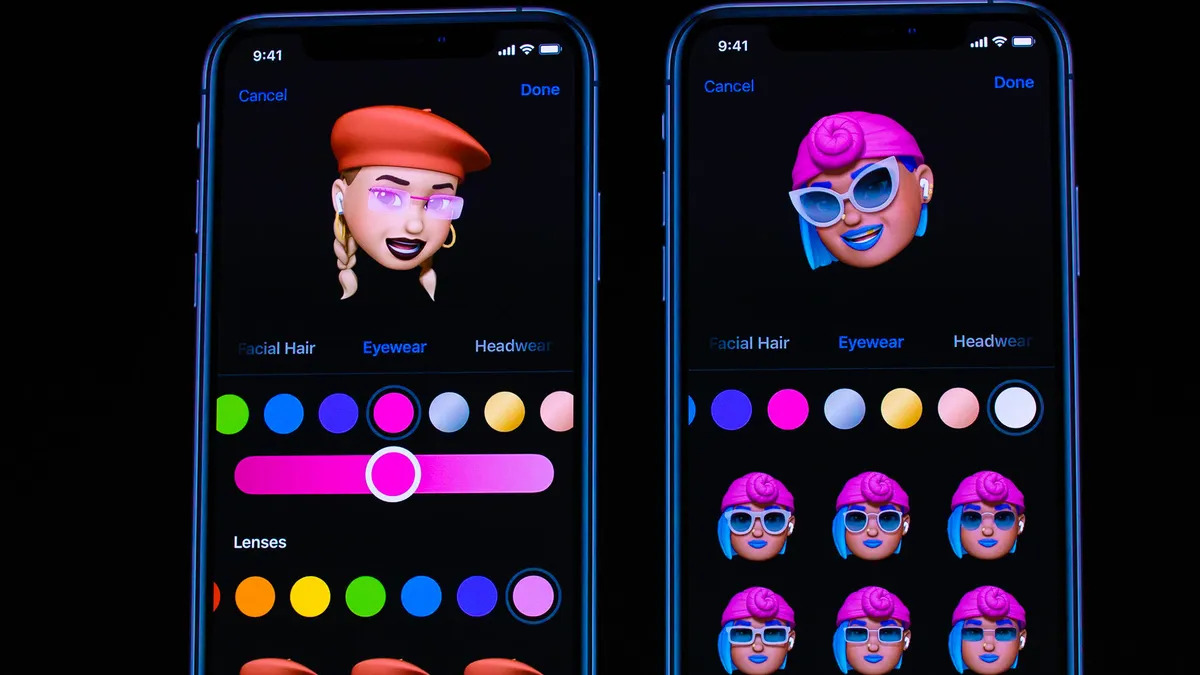
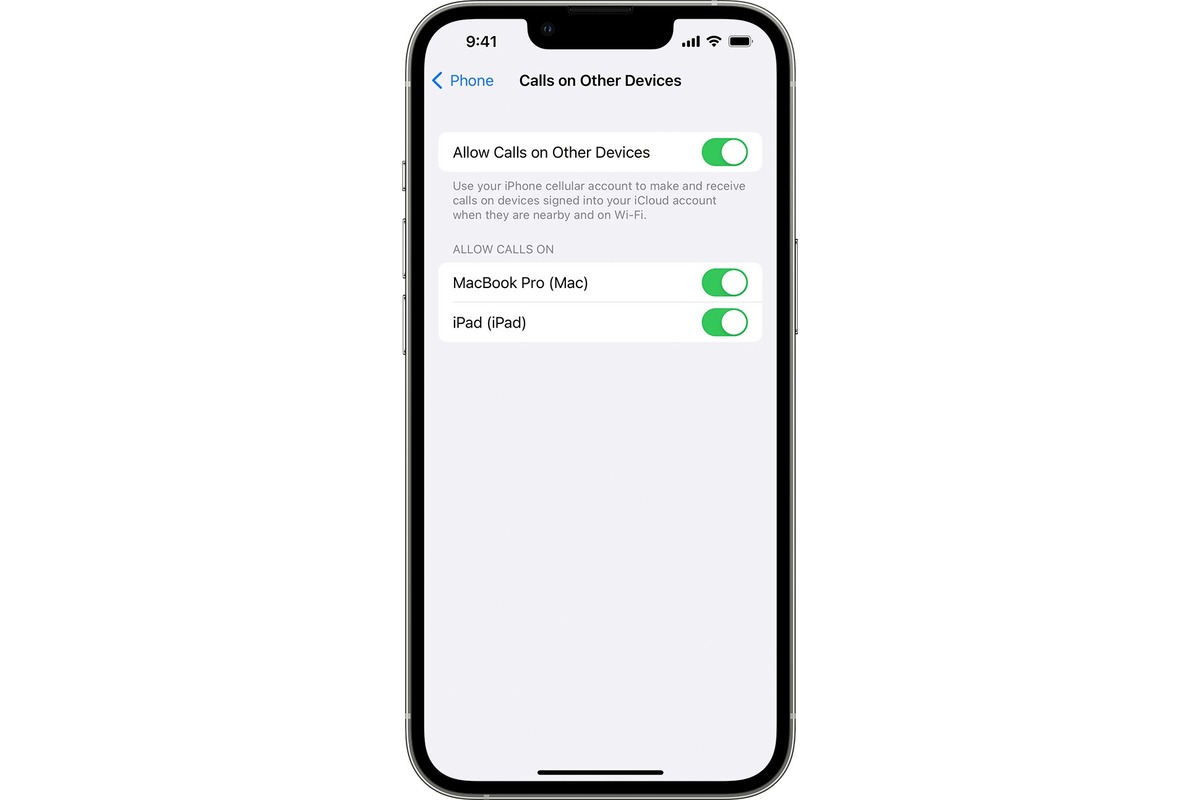
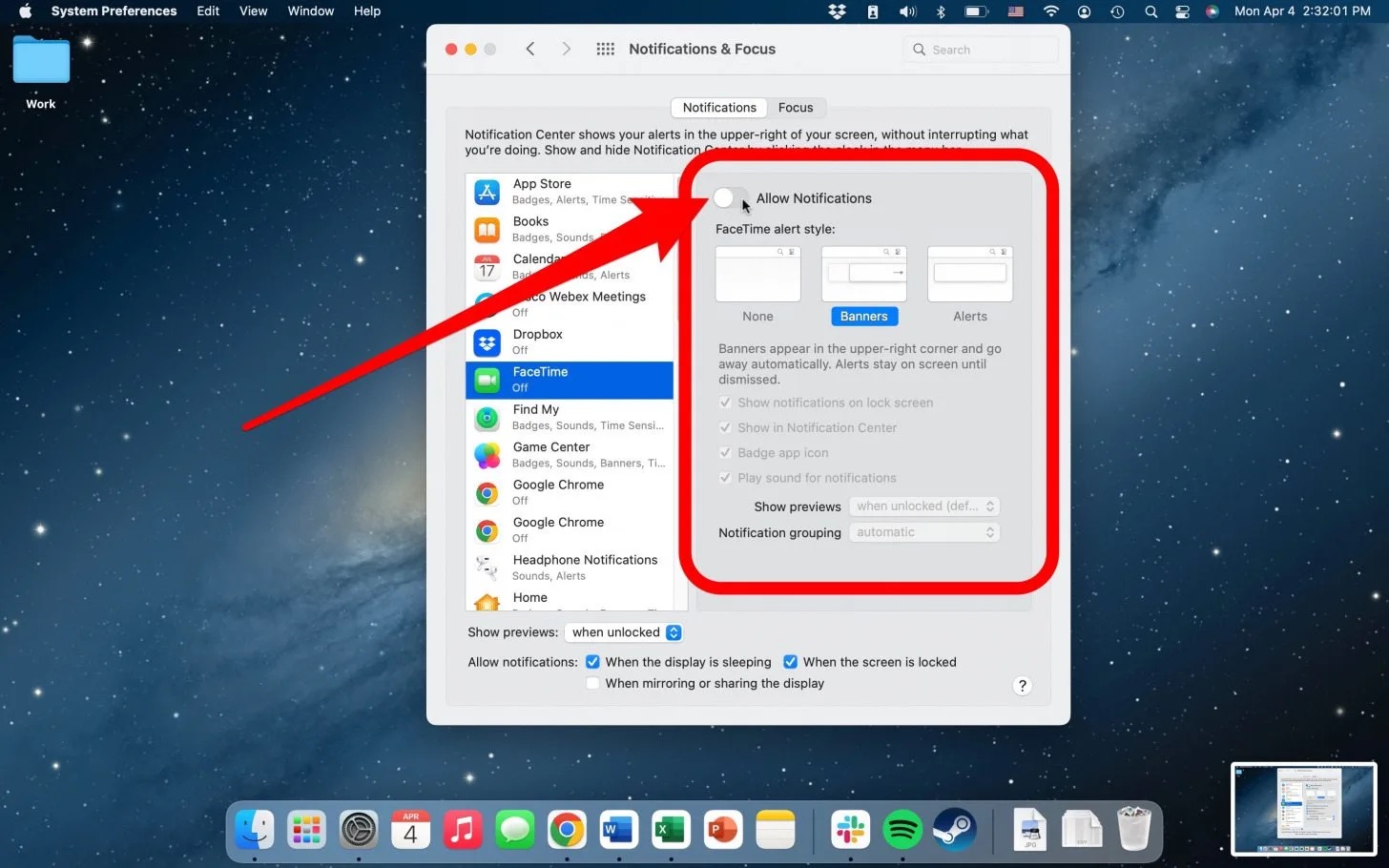
The articles here solve practical issues in three main areas. First, they help you control when and how calls come through, for example, by explaining how to turn off phone ringing on your Mac, how to allow all calls on iPhone, and what the auto-answer feature does. Second, they assist with connecting to people in different locations or on different devices, such as calling Japan from a US cell phone or unlinking your phone number from another phone. Third, they improve the quality and fun of your video calls, covering how to use Center Stage on iPad during FaceTime and Zoom, and how to create, customize, and use Memoji in iOS.
By reading these guides, you can stop your Mac from ringing during FaceTime, set your iPhone to accept every incoming call, and understand auto-answer for hands-free use. You can also learn to make international calls to Japan, remove your number from a secondary device, and make your video chats more engaging with Center Stage and personalized Memoji. These are straightforward, task-focused instructions for common FaceTime and iOS settings.