The Files app tag on CellularNews collects practical guides for anyone who manages documents, media, and system data on their phone. Whether you own an iPhone or an Android device like a Motorola, these articles are written for users who need straightforward help locating, organizing, and renaming their files without sifting through confusing menus or technical jargon.

The problems addressed here fall into two clear themes. First, several articles tackle the common frustration of finding downloaded content. Titles such as "Where Are Downloads On iPhone 14," "Where Are My Downloads On iPhone 11," and "Where To Find Downloads On iPhone 12" directly help you locate saved files on specific iPhone models, while "How To Find Downloads On Motorola Phone" does the same for Android users. Second, a set of guides focuses on file management actions, including "How To Rename A Video On iPhone 11" and "How To Organize Brushes In Procreate," which help you keep your creative projects tidy. A more technical piece, "How To Access Var/Mobile/Library On iPhone," assists advanced users who need to navigate hidden system folders.

These articles help you do specific things: find your downloads on various iPhones and Motorola phones, rename a video clip, organize digital art brushes, and access the private library folder on an iPhone. Each guide is built around a single, clear task so you can solve the problem quickly without extra steps.
How To Access Var/Mobile/Library On IPhone

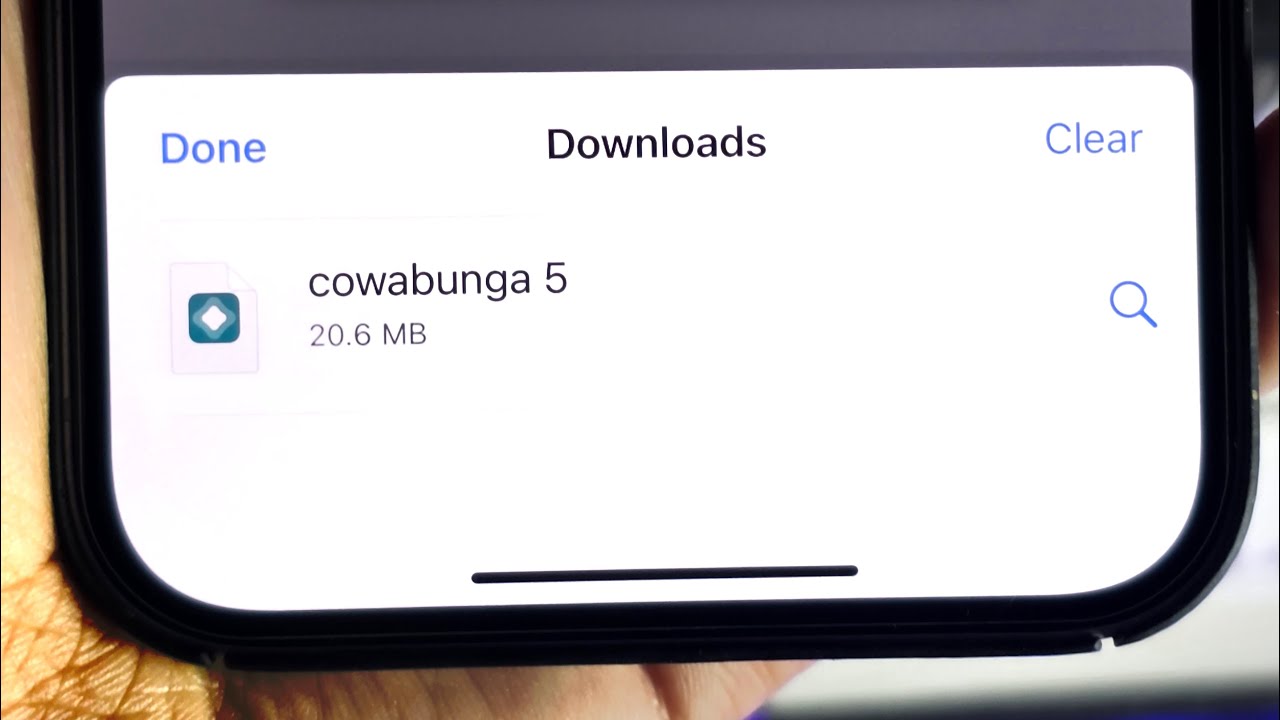
You cannot access /var/mobile/Library on an iPhone using any documented or supported method provided by Apple. The Files app does not expose this system directory, and Apple does not provide...

Where To Find Downloads On IPhone 12

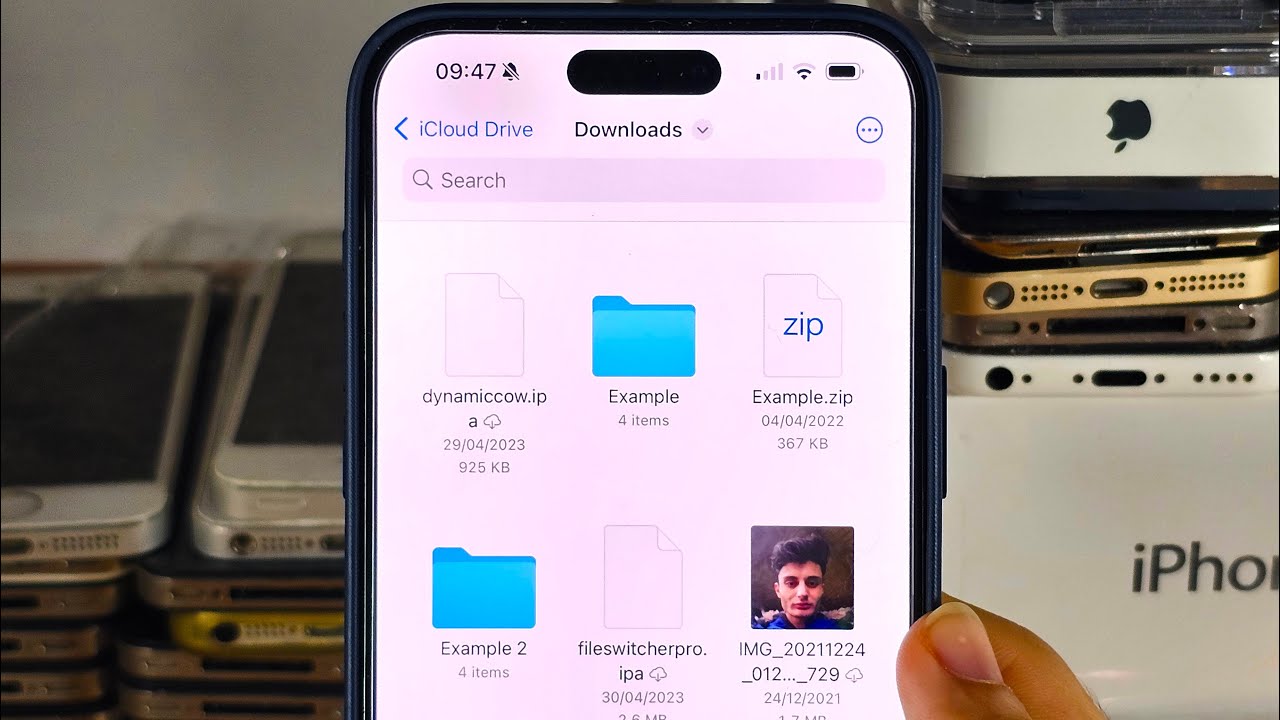
To find downloads on iPhone 12, open the Files app and tap Browse, then tap iCloud Drive, and finally tap the Downloads folder. This is the primary location where all...

How To Rename A Video On IPhone 11

To rename a video on iPhone 11, you must use the Files app because the Photos app does not offer a built-in rename feature. The only way to give a...

Where Are My Downloads On IPhone 11

Where are my downloads on iPhone 11? Downloaded files are stored in the Files app, typically in the Downloads folder. To find them immediately, open the Files app, tap Browse,...

Where Are Downloads On IPhone 14

If you’re wondering where are downloads on iPhone 14, most downloaded files are saved in the Files app at Browse > iCloud Drive > Downloads. For files downloaded from Safari,...

Where Are Downloads On My IPhone 13

Where are downloads on my iPhone 13? Downloaded files are stored in the Files app, specifically under Browse > iCloud Drive > Downloads. For files you just downloaded in Safari,...

How To Find Downloads On Motorola Phone

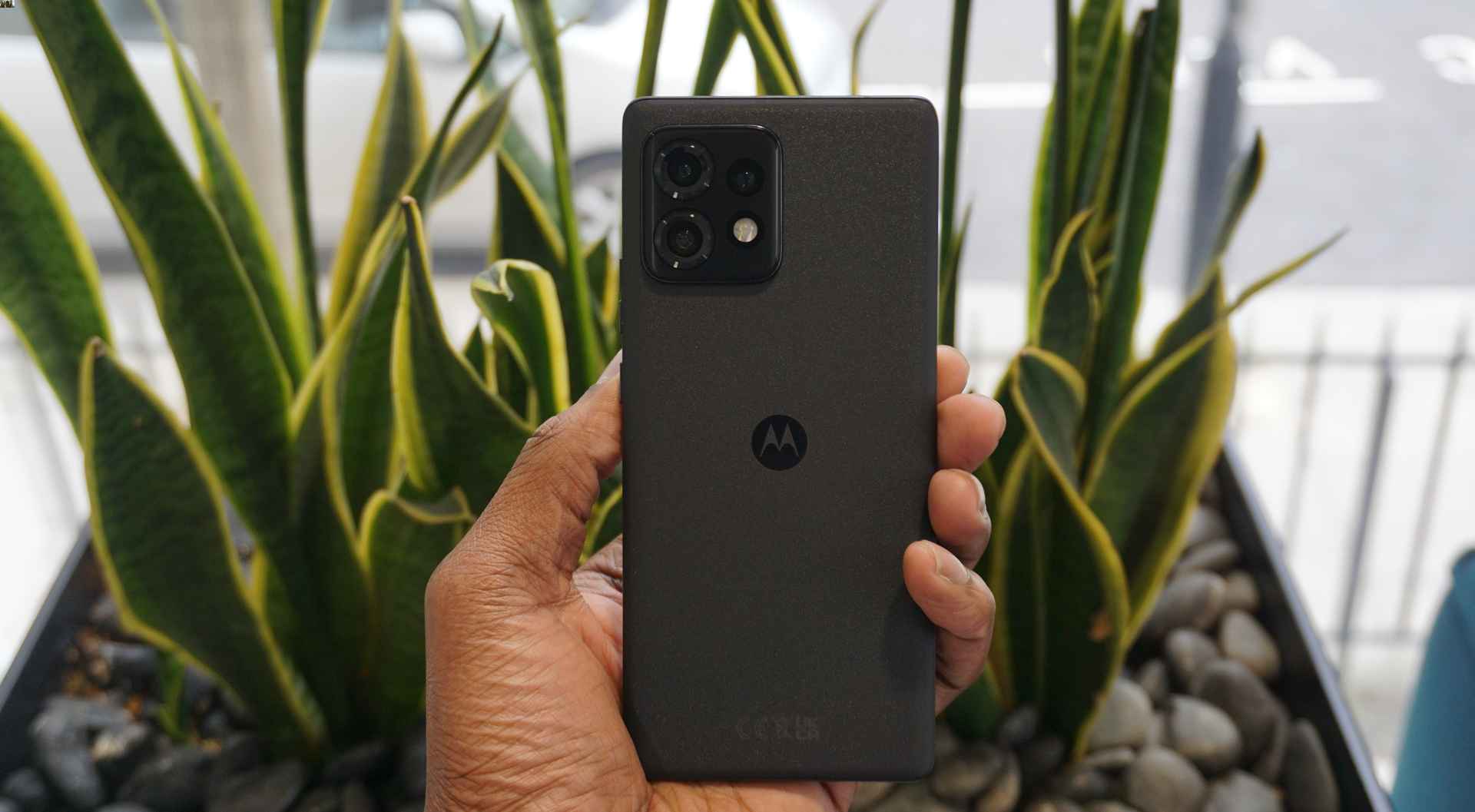
To find downloads on your Motorola phone, open the Files app and tap Downloads. This direct path works across recent Motorola models, letting you quickly locate any file you have...

How To Organize Brushes In Procreate

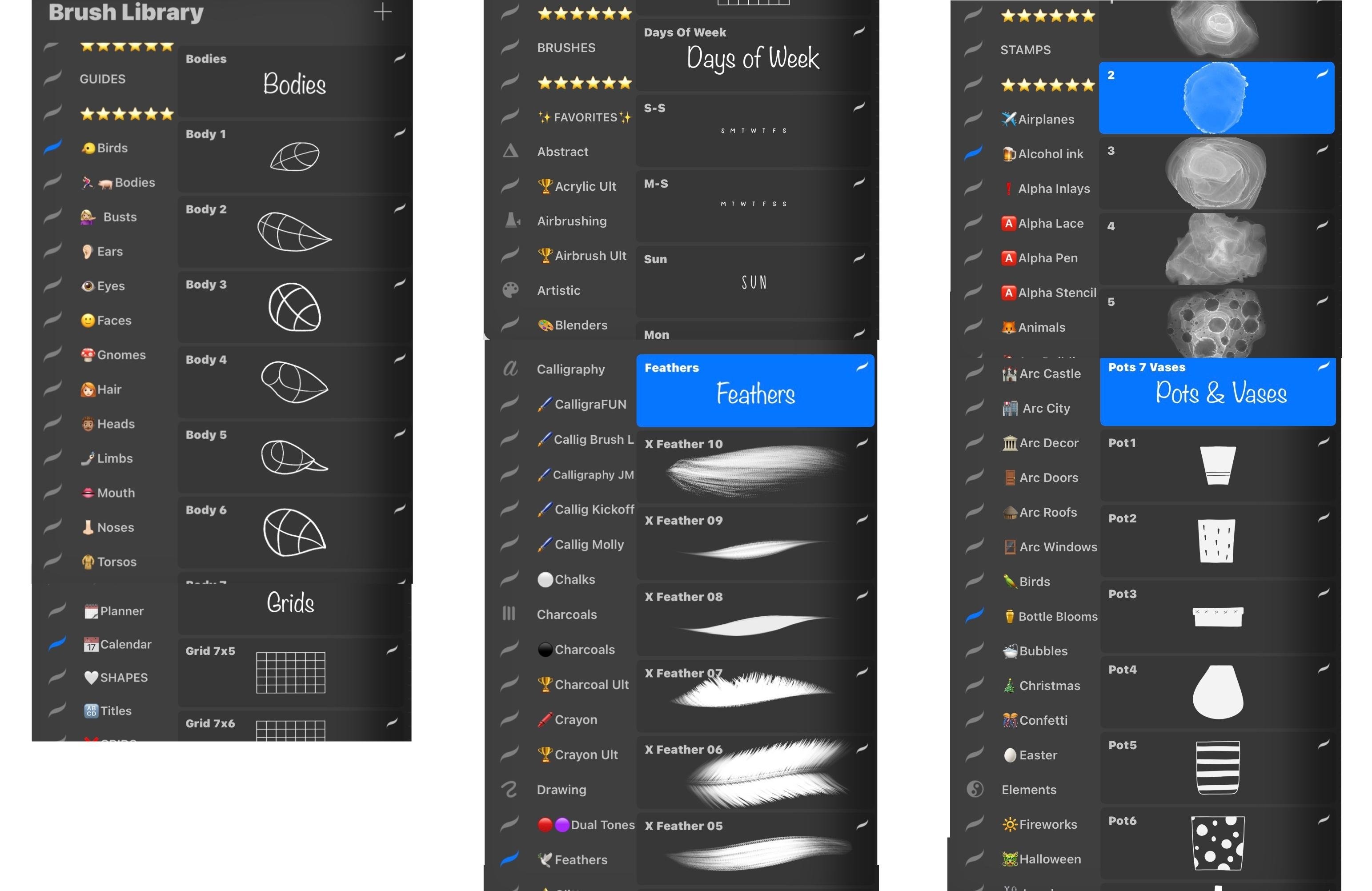
To organize brushes in Procreate on iPad, use the official drag-and-drop method inside the Brush Library or create custom brush sets by managing folders in the Files app. These are...