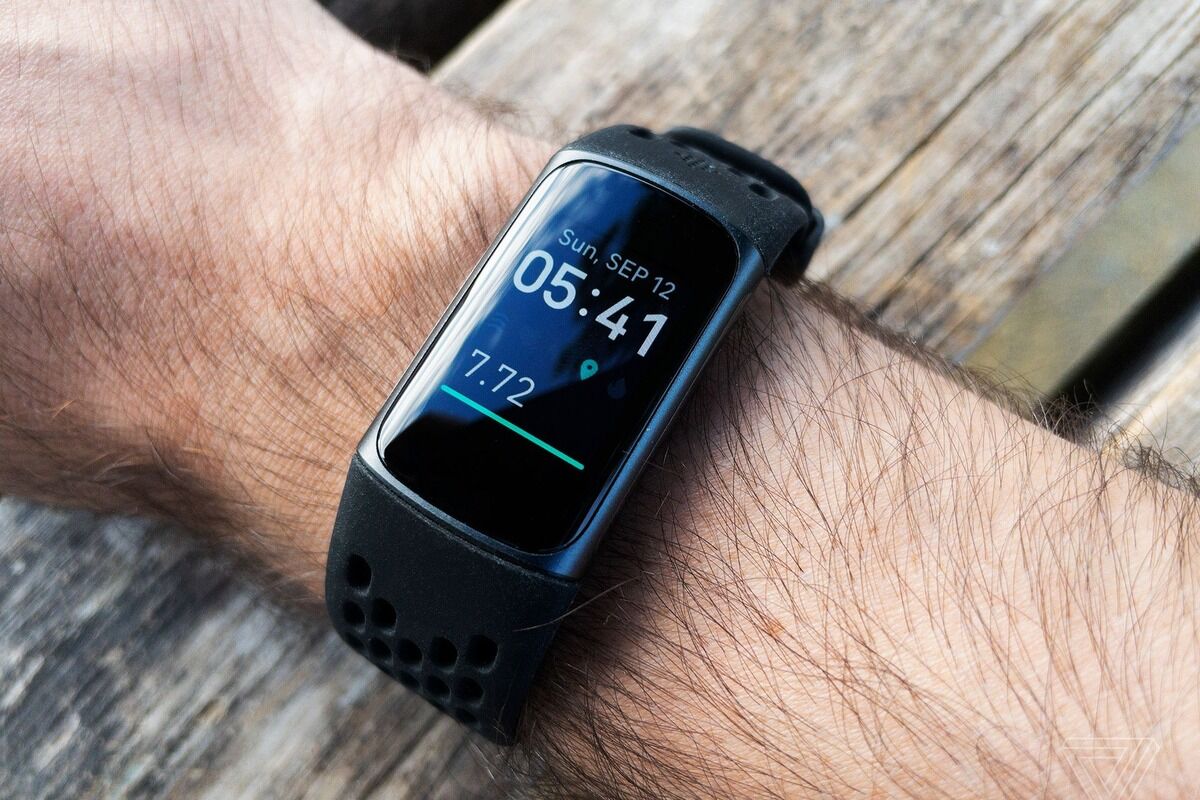
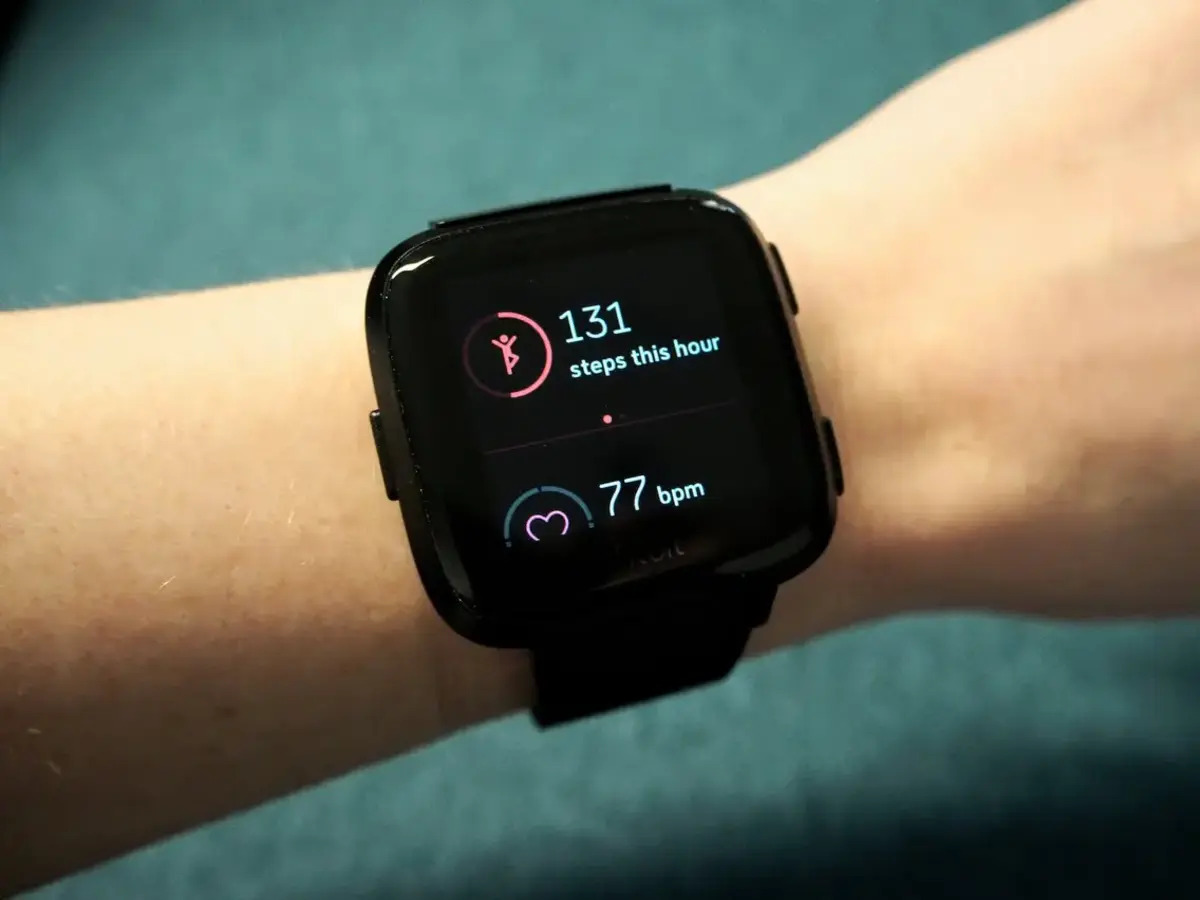
Welcome to the Fitbit tag page on CellularNews. This collection is for anyone who owns or is considering a Fitbit wearable and wants to get the most out of it, especially when paired with a smartphone. Whether you are a new user setting up your device or an experienced owner troubleshooting a glitch, the articles here focus on the practical, day-to-day management of your tracker.

The articles solve three main types of problems. First, they cover essential setup and connectivity tasks, such as syncing your Versa 2 to an iPhone, reconnecting a Fitbit Versa 2 to your phone, and unlocking a Versa 2 using your phone. Second, they address common device settings and customizations, including how to turn GPS on, change the clock face on a Fitbit Charge 4 or Versa 3, set up Google Assistant, and even turn off the green light on your tracker. Third, they help you interpret your data and fix specific issues, from understanding what BPM means and how reliable Fitbit calories are, to troubleshooting why your Fitbit keeps buzzing or shutting off.

These guides help you accomplish real tasks: you can learn how to reset a Fitbit Charge 3 when the screen is black, add activities to your log, sync your Peloton rides, or transfer a Fitbit Charge to another person. They also clarify features like the ECG app on the Sense 2 and what the Fitbit Ace 3 does, ensuring you can use your device with confidence.
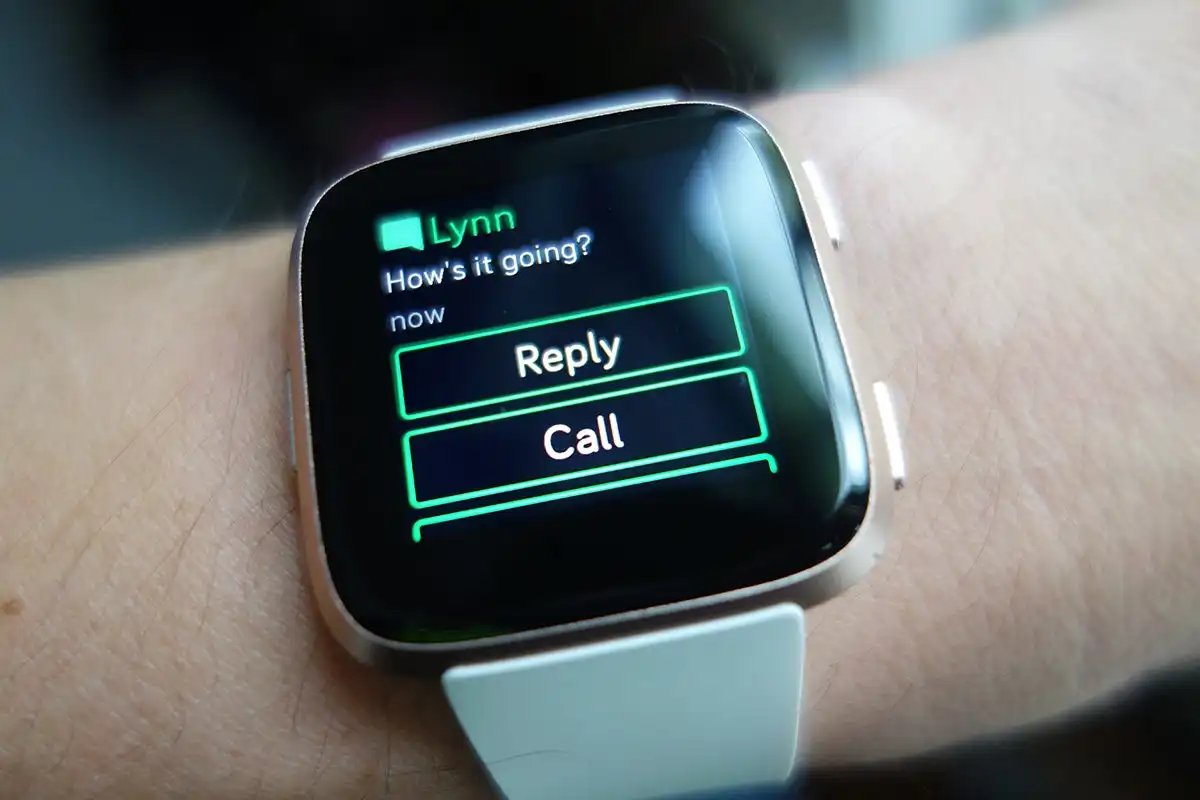
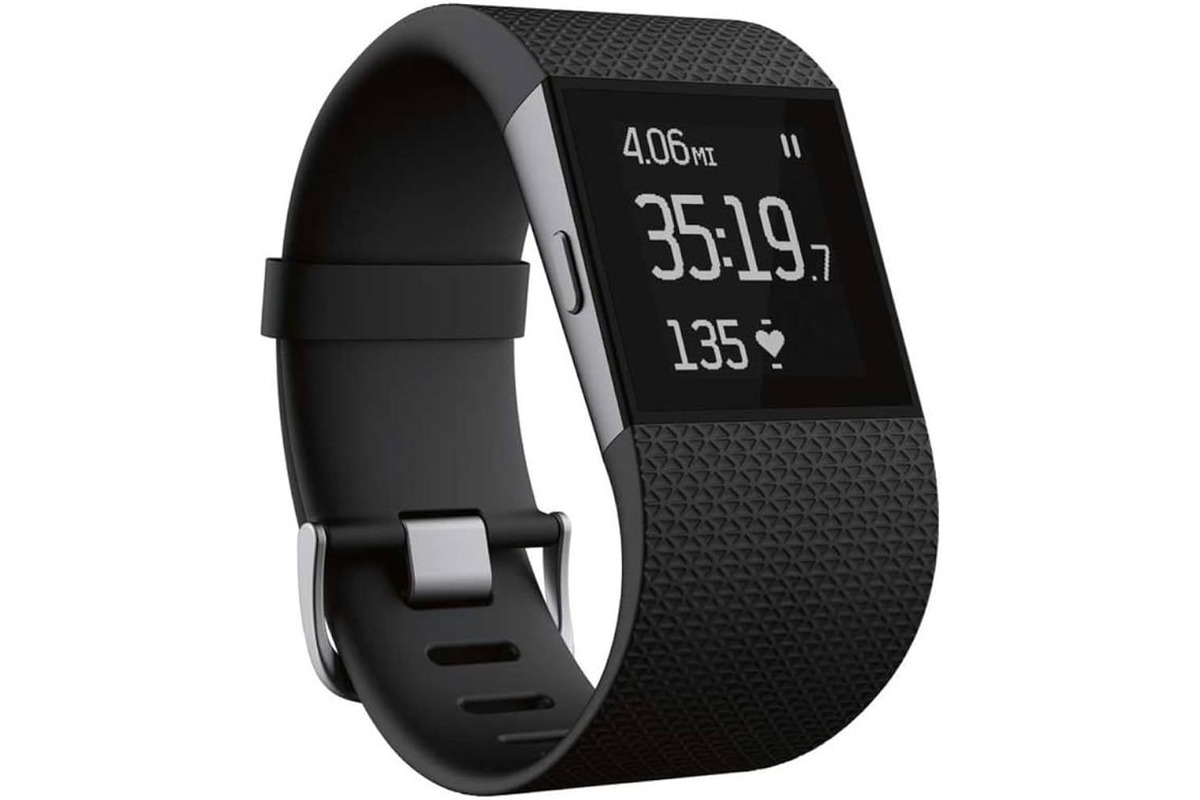
How To Shut Off Fitbit Surge

To shut off your Fitbit Surge, open the device’s Settings screen, then swipe up until you find Shutdown and tap it. This is the only method to completely power down...

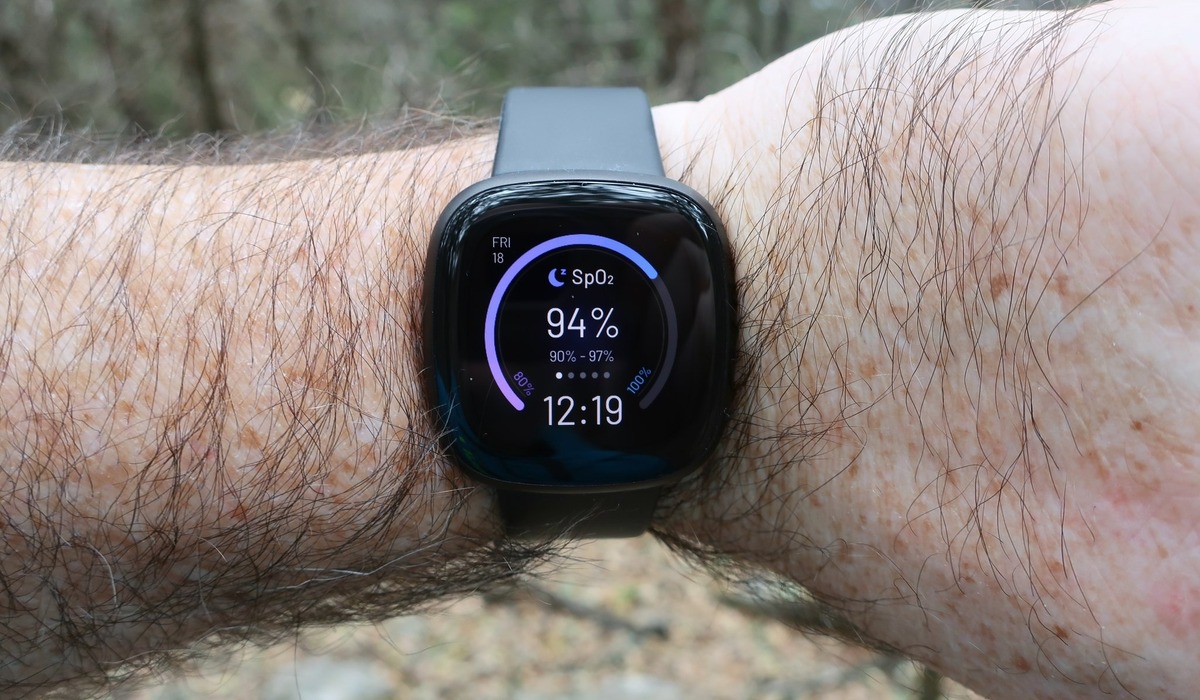
What Does Sp02 Mean On Fitbit

What does SpO2 mean on Fitbit? It stands for peripheral capillary oxygen saturation, and it estimates your average blood oxygen level during your most recent sleep period. This reading is...

How To Change Language On Fitbit

To change language on Fitbit, you must change your device's country or location setting in the Fitbit mobile app or on the Fitbit website, as Fitbit ties the display language...

How To Uninstall Fitbit App

To uninstall the Fitbit app, the steps depend on whether you are using an Android, iPhone, iPad, or Windows computer. Removing the app from your device does not delete your...

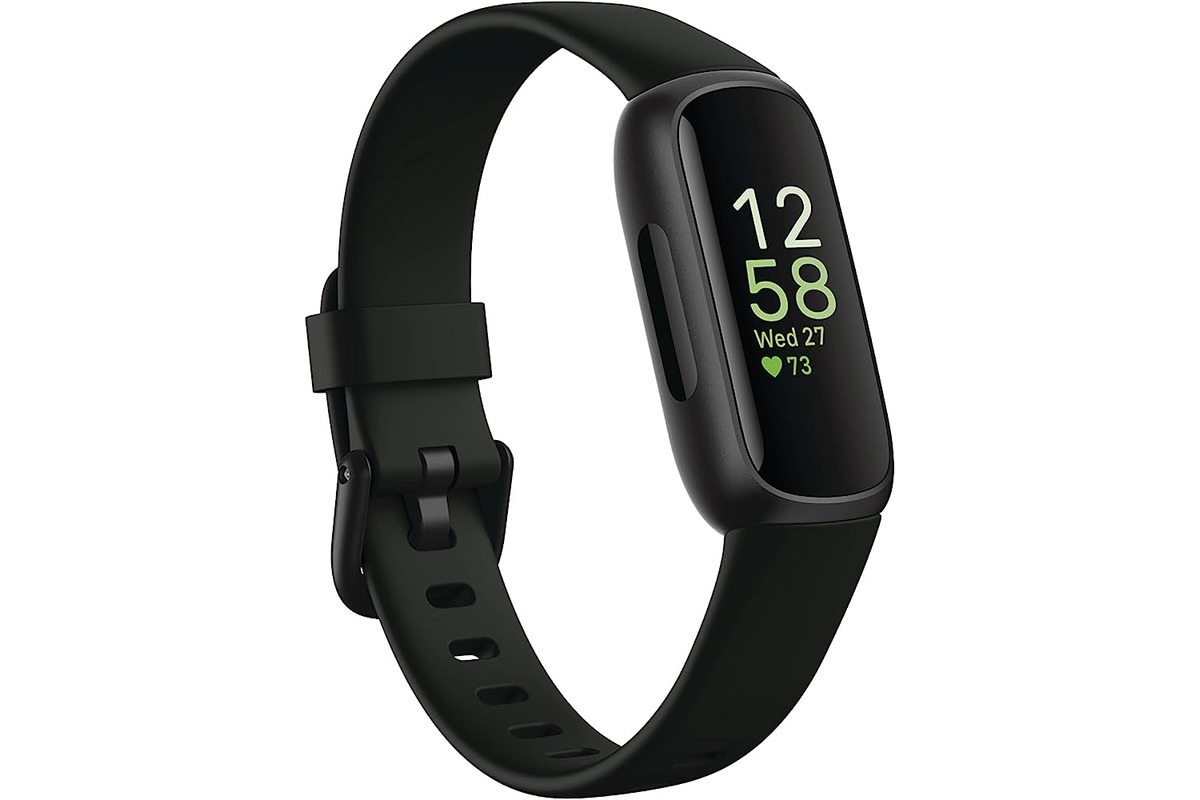
How To Turn On Fitbit Inspire 3

To turn on your Fitbit Inspire 3, the only documented step is to connect it to the charging cable. Once connected, the device powers on automatically, and you must continue...

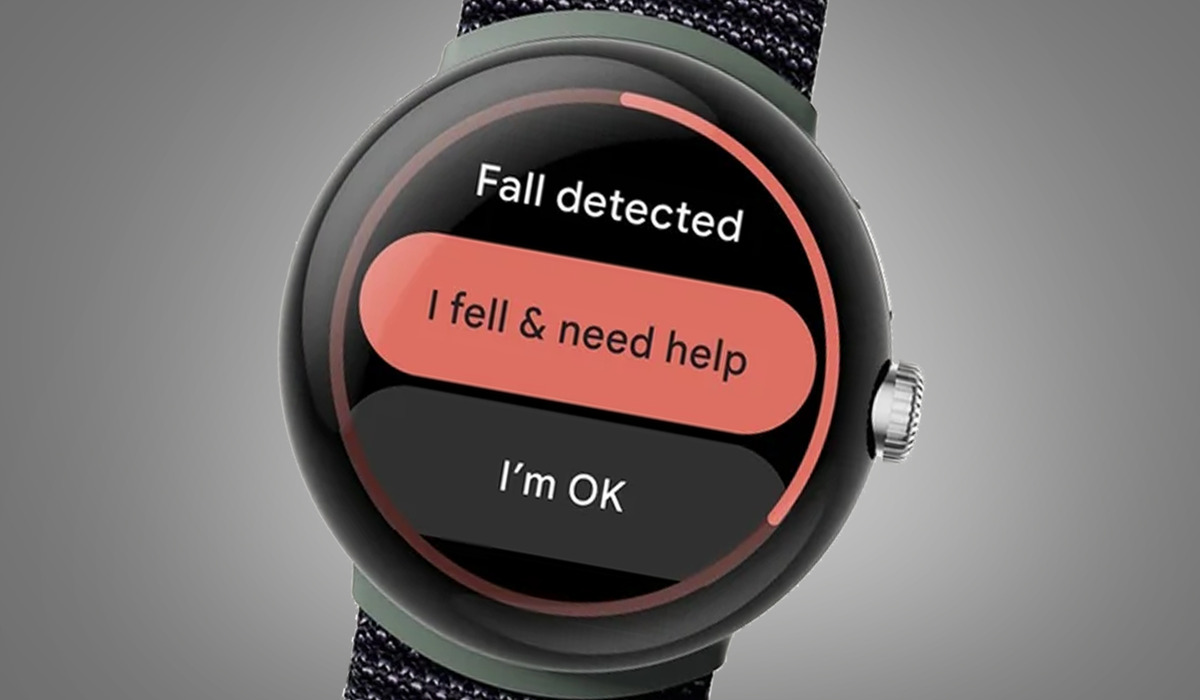
Which Fitbit Has Fall Detection

No current Fitbit model has documented fall detection in official support materials, meaning users searching for which Fitbit has fall detection will find no device with this feature confirmed by...

What Does Pace Mean On Fitbit

On a Fitbit, pace is a speed metric that shows how fast you are moving during a run or walk, typically measured as minutes per mile or minutes per kilometer....

How To Reset Fitbit Versa

To reset Fitbit Versa, open the Settings app on the watch, tap About, then tap Factory Reset. This is the primary method to erase all data and restore factory settings,...