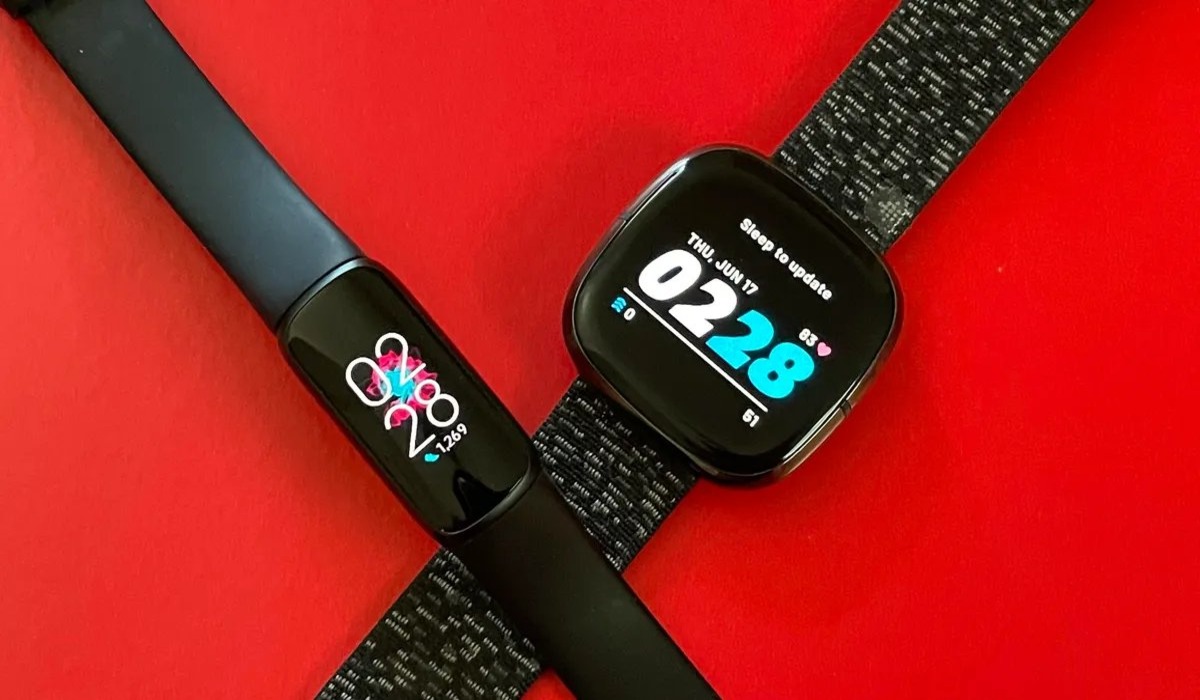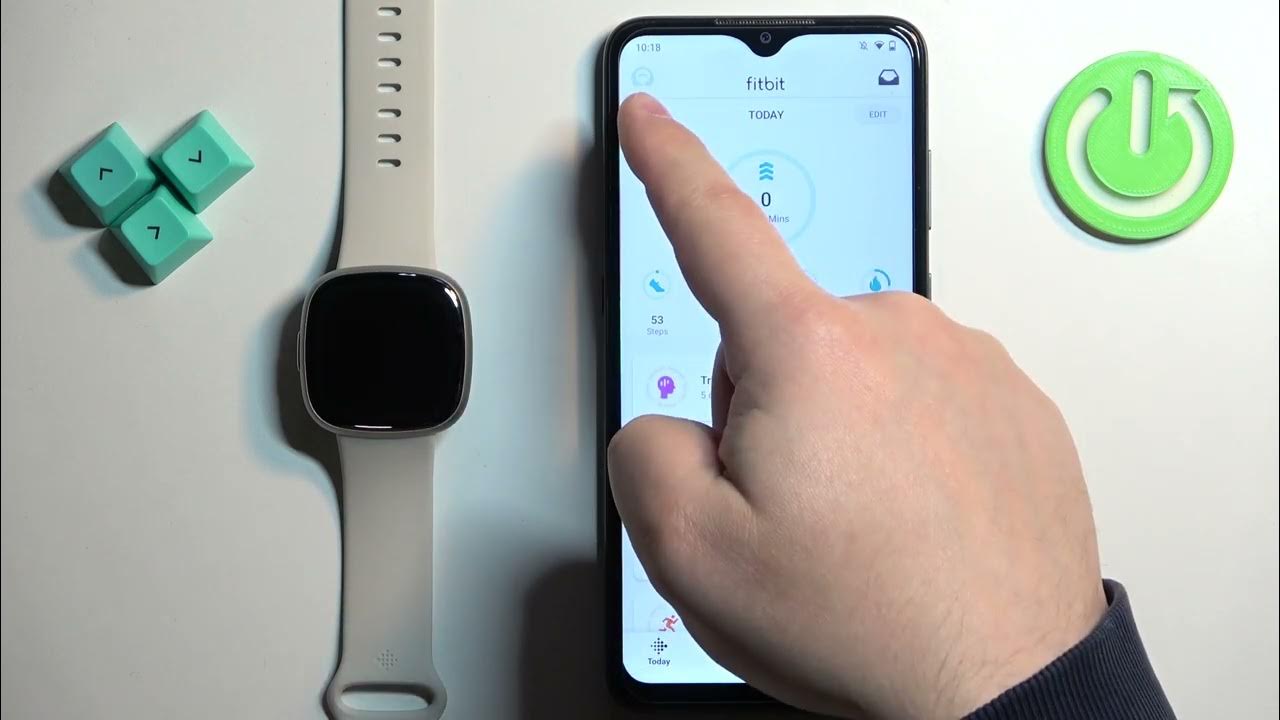
To change language on Fitbit, you must change your device's country or location setting in the Fitbit mobile app or on the Fitbit website, as Fitbit ties the display language to your selected region for most models. Direct language selection is only documented for the Aria 2 smart scale and one button-based device workflow, so setting accurate expectations is key before you begin.
How to change language on Fitbit: what the documented options are
Fitbit’s official help documentation confirms three ways to change the language: through the Fitbit app’s location or country settings, through device-specific settings for the Aria 2, and through the Fitbit settings page on the web. For all other models, the language follows the country or location you choose, there is no free-text language selector.
Change language through the Fitbit mobile app (most devices)
Two documented app paths exist, depending on how your account is set up. Both require a sync afterward to apply the change to your device. The original mentions a 'Language' option directly in the Account tab of the mobile app, which is not a documented path.
Google Account path
- Open the Fitbit app and go to the Today tab.
- Tap your profile picture, then tap Fitbit settings.
- Tap Date, time & units, then tap Location.
- Turn off Set location automatically, tap Location, and choose another location.
- Sync your Fitbit device.
Older app settings path
- Tap Settings, then tap App Settings.
- Turn off automatically detect your country, then choose your country.
- Sync your device and follow the on-device instructions to update the language.
Change language directly on Aria 2 and button-based devices
Only two devices have documented direct language controls outside the app or website. The original claims you can change the language directly on the device itself through a 'Language' option in the device's Settings menu for unspecified models.
Aria 2
- In the Fitbit app, go to the Today tab and tap the devices icon.
- Tap Aria 2, then tap Language.
- Select the language you want.
Button-based device (model not named in documentation)
- Press Power and Select together.
- Press both buttons again to cycle to the next language until you hear the desired one.
Other Fitbit models lack this option, so the app or web country/location change remains the only documented method for them.
Change language through the Fitbit website
- Go to the Fitbit settings page on the web and log in.
- Click Language by region/country.
- Select a different country, then click Submit.
This is also a country-based change, not a direct language selector.
What to do if your Fitbit model is not listed
If your device is not the Aria 2 or the unnamed button-based model, the app or web country/location change is the documented method for all other Fitbit devices. For further help with device setup, refer to the Fitbit Setup & Pairing section of the support site, this is the place to go if you need assistance with Fitbit setup and pairing after changing your language.
Frequently Asked Questions
The original FAQ states 'Changing the language on your Fitbit device requires the use of the Fitbit smartphone app' and you cannot do it without a smartphone.
Does Fitbit document a different process for iPhone and Android?
No.
Can language be changed on the Fitbit website?
Yes. The web page uses Language by region/country and Submit to apply the change.
Which device is explicitly supported in the device settings instructions?
Aria 2 is the only model explicitly named in the device-language instructions.
What if my Fitbit model is not listed?
Use the app or web country/location path instead.
Will changing the country affect anything besides language?
Yes. Changing your country or location may also update units of measurement (e.g., miles to kilometers), date format, and time zone on your device.
Related reading: How To Change The Language On My Samsung Phone and How To Change The Language On My Phone Back To English.