On a Fitbit, pace is a speed metric that shows how fast you are moving during a run or walk, typically measured as minutes per mile or minutes per kilometer. A lower pace number means you are running faster, making it a key indicator of your workout intensity and performance.
What pace on Fitbit means
Pace on Fitbit refers to the speed you maintain over a workout segment, displayed as minutes per mile or minutes per kilometer. Fitbit’s help describes pace as the speed maintained over a workout segment. Fitbit distinguishes between Split Pace, which is your pace for a single segment, and Split Average Pace, which is the average pace across multiple segments. In your running summaries, pace appears alongside distance, duration, heart rate, and splits as one of the key run metrics.
How Fitbit measures your pace
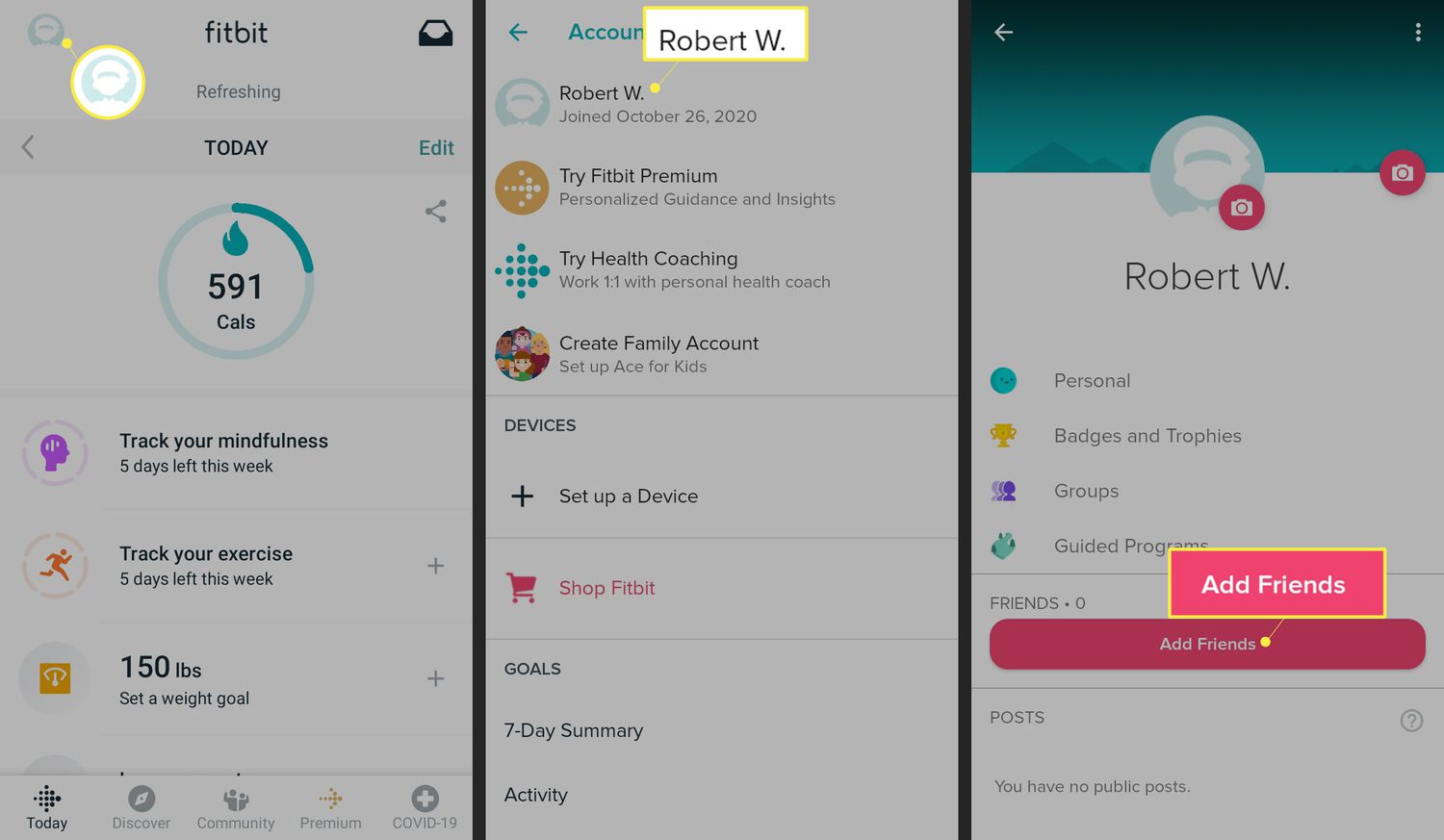
Fitbit tracks your pace during a run workout using the sensors in your device. To see your pace data after a run, open the Fitbit app and go to the Today tab. Tap the Running distance tile, then under the graph tap Form Metrics, and select the metric you want to view. You can also use the filters above the graph to change the time scale or view historical data. Pace is shown in running and form-metrics views tied directly to a run workout, making it easy to check your speed for any completed session.
How to find your pace data in the Fitbit app
- Open the Fitbit app and go to the Today tab.
- Tap the Running distance tile to open your run history.
- Under the graph, tap Form Metrics.
- Select the metric you want to view, pace will be listed among the options.
- Use the filters above the graph to adjust the time scale or browse historical data.
This path gives you access to your pace data for any recorded run, along with other form metrics available on supported devices.
How to interpret your pace numbers
A lower pace number means you are running faster, for example, a pace of 7:00 per mile is faster than 9:00 per mile. Fitbit says lower pace indicates faster running. Pace is meant to be read as one part of your overall workout performance. Fitbit’s running summaries include pace alongside average heart rate and splits, so you can see how your speed relates to your effort and consistency across different segments of a run. Fitbit’s running summaries include pace, average heart rate, and splits, so pace is meant to be read as one part of overall workout performance.
Frequently Asked Questions
What is the difference between split pace and split average pace on Fitbit?
Split pace shows your speed for a single segment of a workout, such as one mile. Split average pace is the average of your pace across multiple segments, giving you a broader view of your overall speed during that part of the run.
Can I see my pace in real time during a run?
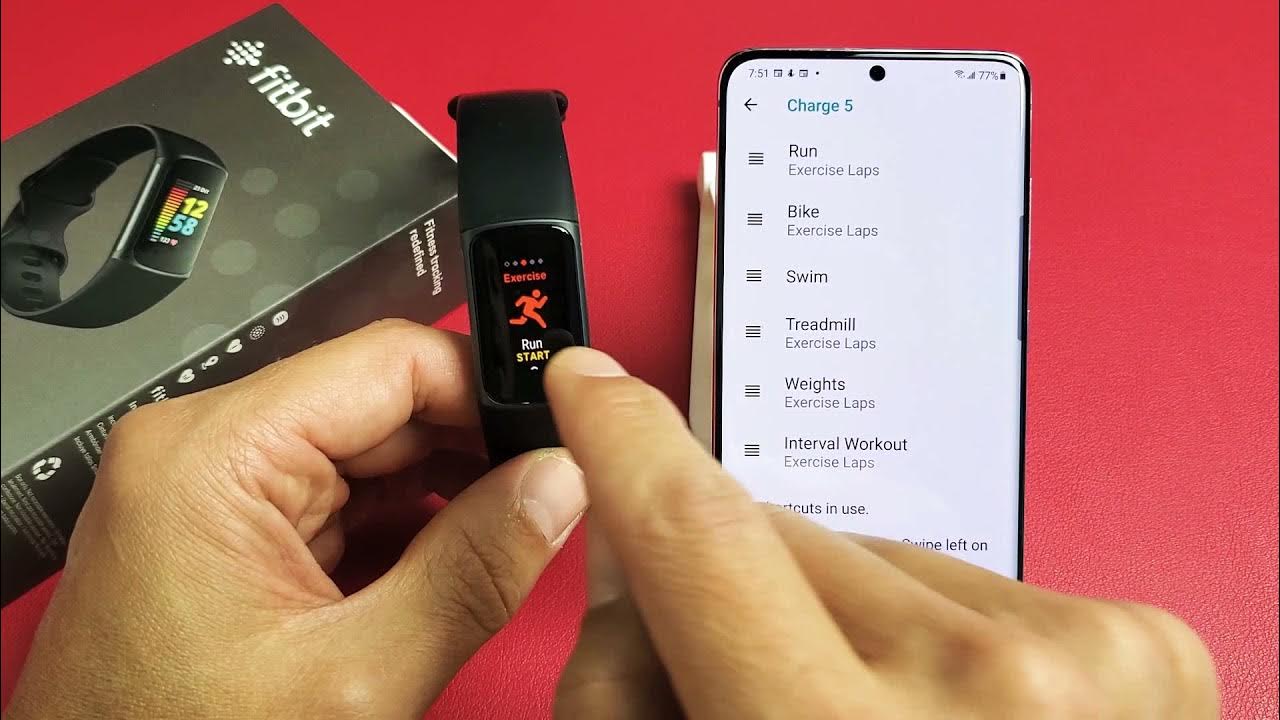
Yes, Fitbit displays your current pace on screen during a run workout if your device supports real-time stats. The exact display depends on your device model and the workout screen you have selected.
Does Fitbit pace require GPS?
How can I use pace to improve my running?
By tracking your pace over time, you can set targets for faster splits and monitor your progress through historical graphs in the Fitbit app. Comparing your pace with heart rate and splits helps you understand how changes in speed affect your effort and endurance.
Is pace available on all Fitbit devices?
The available help materials do not list a full set of supported devices for pace. Form metrics, which include cadence, stride length, ground contact time, vertical oscillation, and vertical ratio, are documented for Google Pixel Watch 3, 4, and 5, but pace itself is not listed with the same device restrictions. It does say form metrics are available with Google Pixel Watch 3, 4, and 5 for cadence, stride length, ground contact time, vertical oscillation, and vertical ratio, but that note is for form metrics, not pace itself.
What does a higher pace number mean?
A higher pace number means you are moving slower. For example, a pace of 12:00 per mile is slower than 8:00 per mile. Pace is measured in time per distance, so the smaller the number, the faster your speed.
For the wider topic, see Fitbit features and metrics.
Related reading: What Does Fitbit Versa Do and What Is Pai On Fitbit.